

needs dependencies. In this example, we insert it after the code coverage job.
Workflow Configuration
First, define any required environment variables at the top of your workflow:reports-s3 Job
Add the followingreports-s3 job to download artifacts, merge XML reports, and prepare for an S3 upload:
- The
needs: [code-coverage, unit-testing]directive ensures this job runs only after your unit tests and coverage jobs finish. continue-on-error: trueprevents build failures if uploads fail.- Use
actions/download-artifact@v3to fetch artifacts from previous jobs.
Step Summary
Example: Unit Testing Job
The following job runs unit tests and uploads the results as an artifact namedMocha-Test-Result.
Example: Code Coverage Job
This job executes your coverage script and archives thecoverage directory:
After you push these changes, the GitHub Actions graph will display the AWS S3 - Upload Reports job dependent on both unit testing and code coverage.
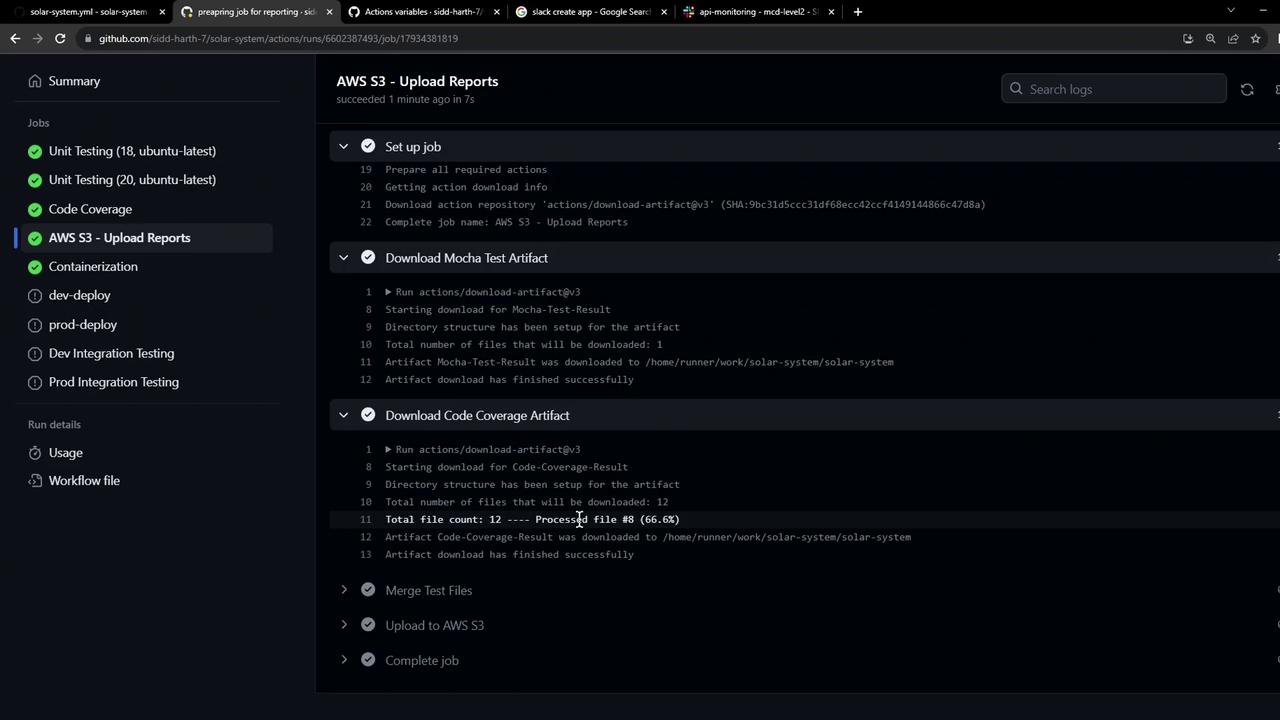
Sample Merge Output
When this job runs, you’ll see output similar to:reports-${{ github.sha }}.