1. Current Workflow and Dockerfile
1.1. GitHub Actions Workflow
The following workflow runs on pushes tomain or feature/* branches, and can be triggered manually via workflow_dispatch:
1.2. Dockerfile
Keep thisDockerfile at the repository root to build your Node.js image:
2. Add the Containerization Job
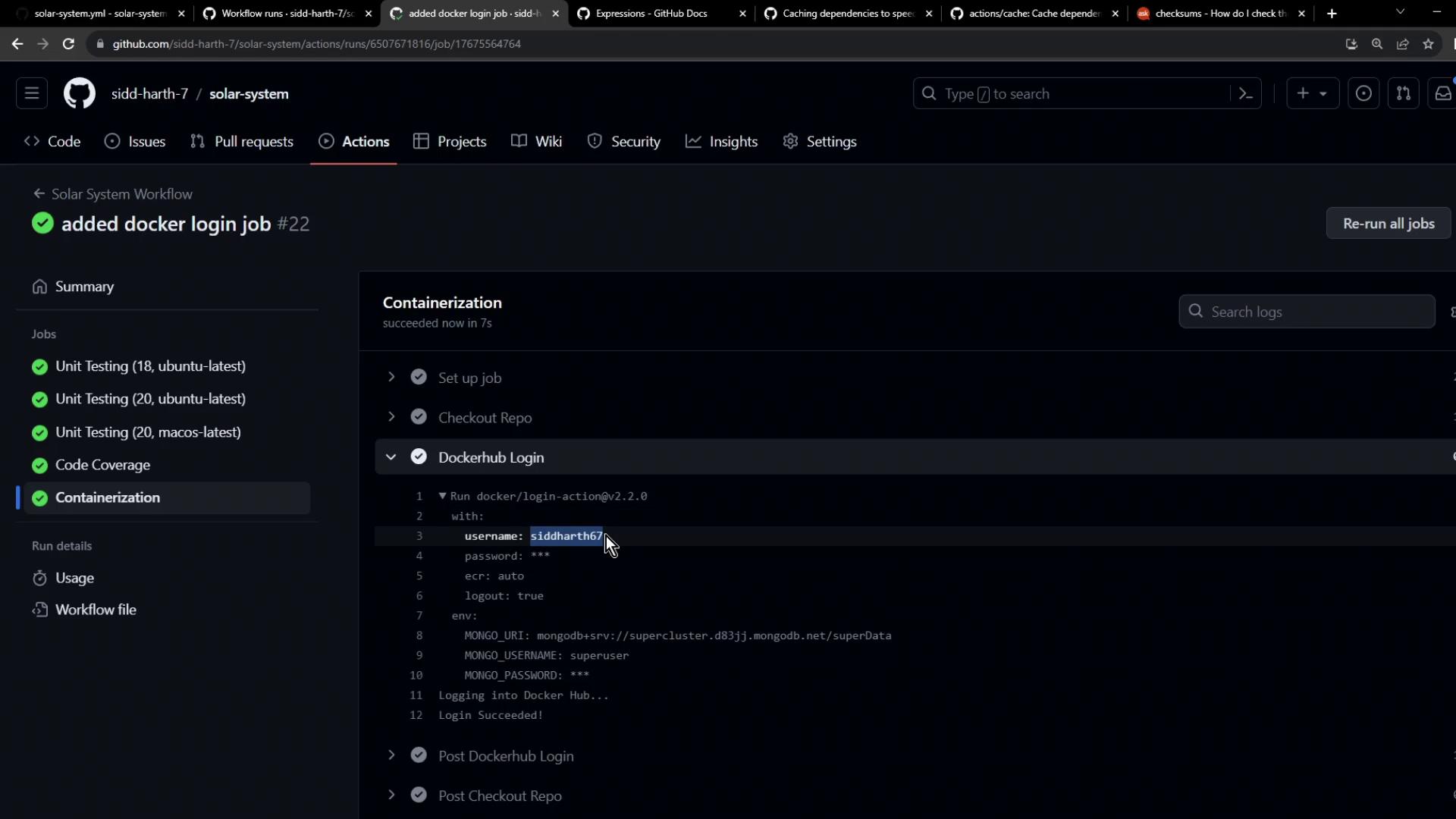
Insert a new job namedcontainerization after your existing steps. It will:
- Checkout the repository
- Authenticate with Docker Hub (or any registry)
The
docker/login-action supports Docker Hub, GitHub Container Registry, AWS ECR, Google GCR, Azure ACR, and more. It performs docker login in the workflow and handles logout post-job.3. Configure Secrets and Variables
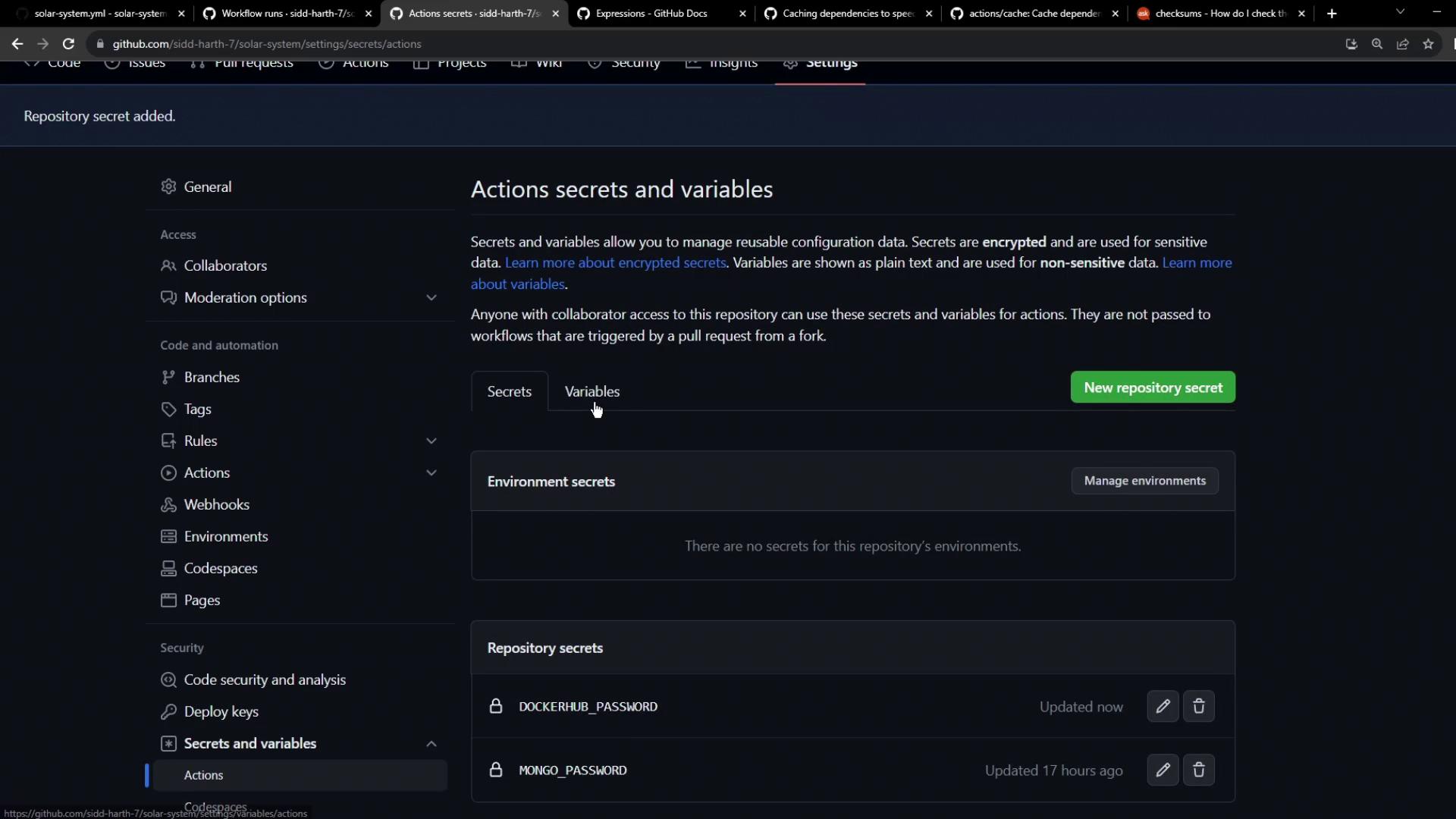
You’ll need:- Secrets for sensitive data:
DOCKERHUB_PASSWORD,MONGO_PASSWORD - Variables for non-sensitive values:
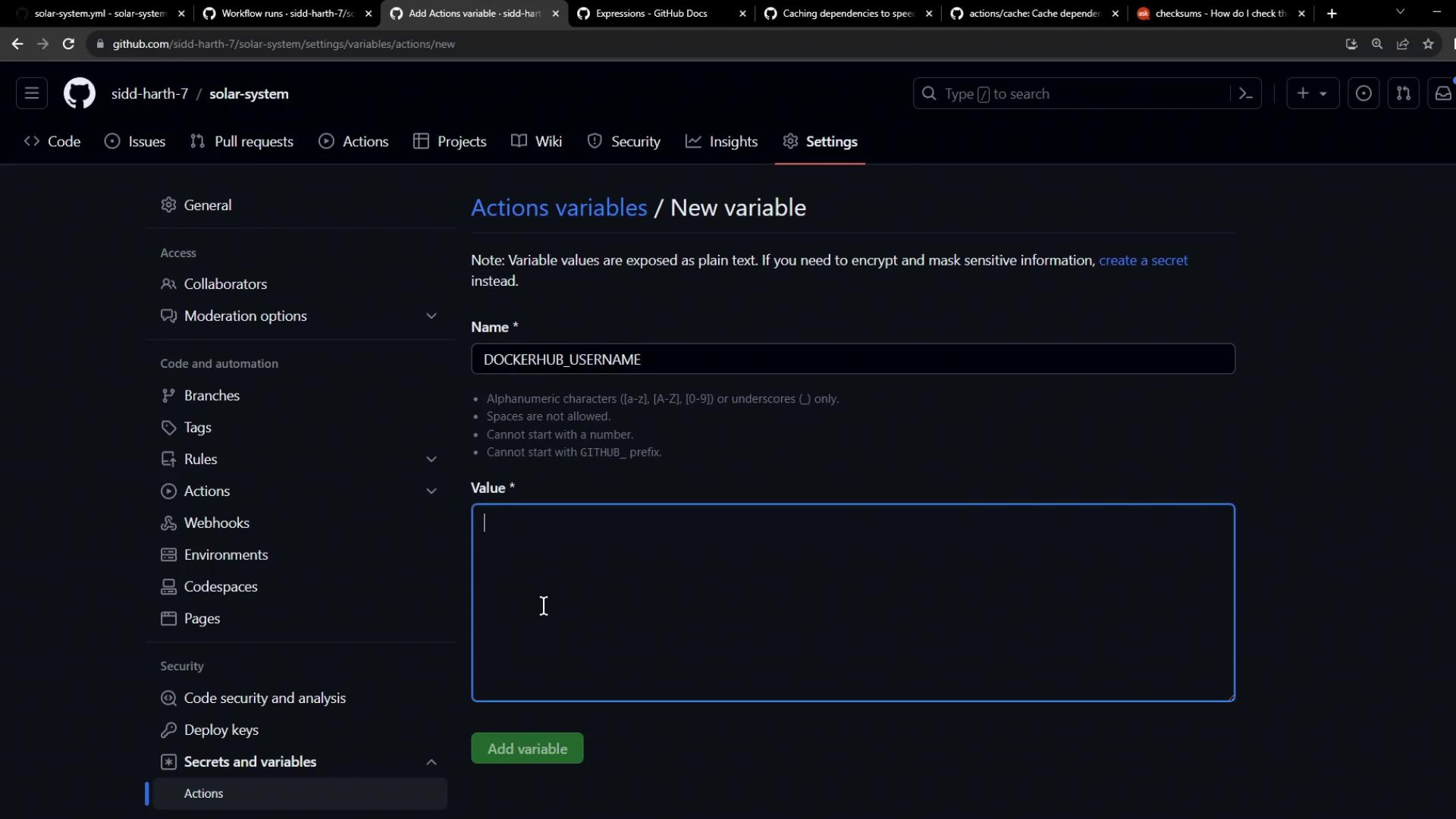
DOCKERHUB_USERNAME,MONGO_USERNAME
- In your repo, go to Settings → Secrets and variables.
- Under Actions secrets, add
DOCKERHUB_PASSWORD. - Under Actions variables, add
DOCKERHUB_USERNAME.
4. Observe Your Workflow Run
After committing and pushing these changes:- Open the Actions tab in GitHub.
- Select your workflow; you’ll see builds triggered by your push.
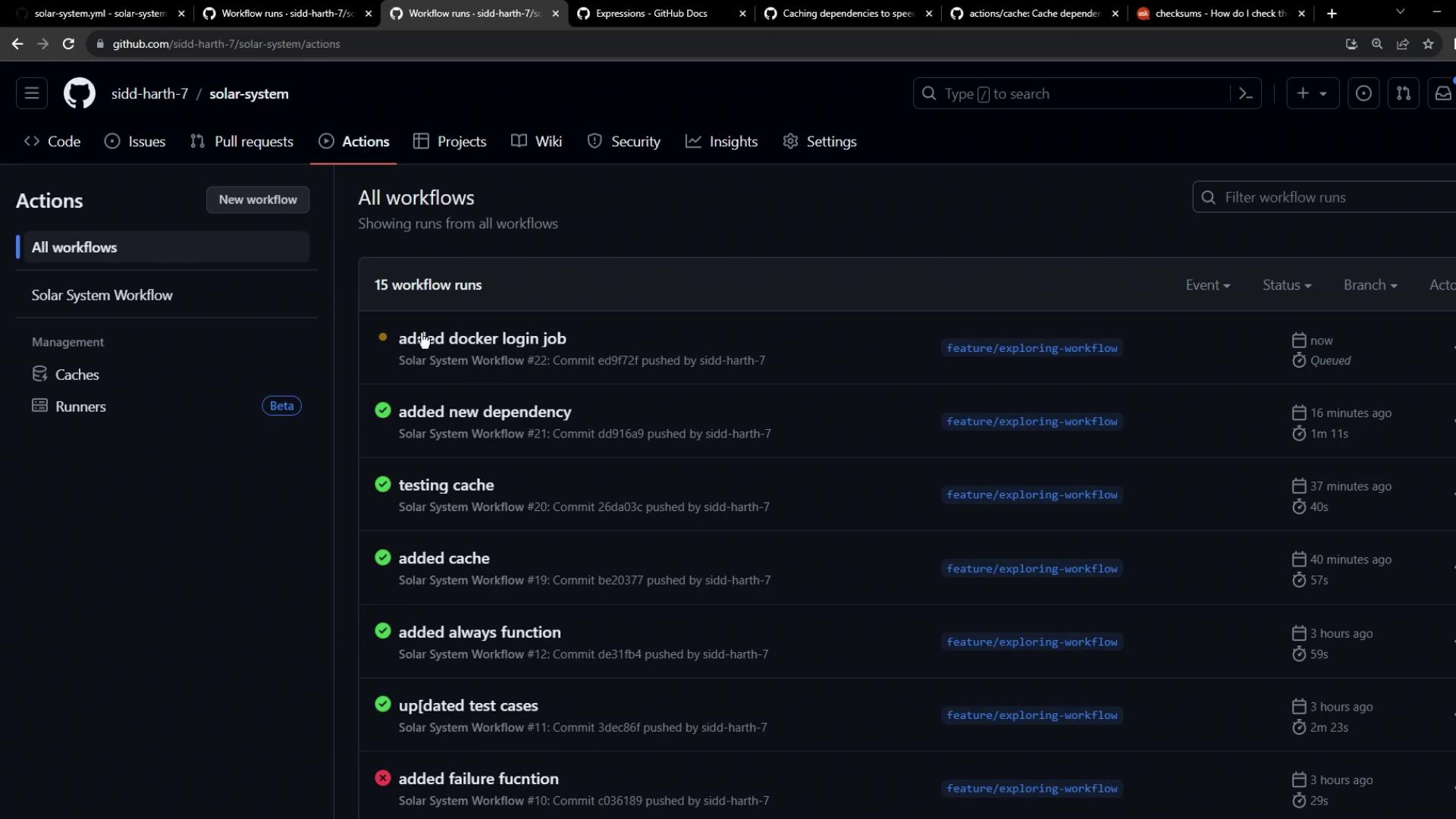
- Click on a run to view job dependencies. Notice Containerization waits for unit-testing and code-coverage:
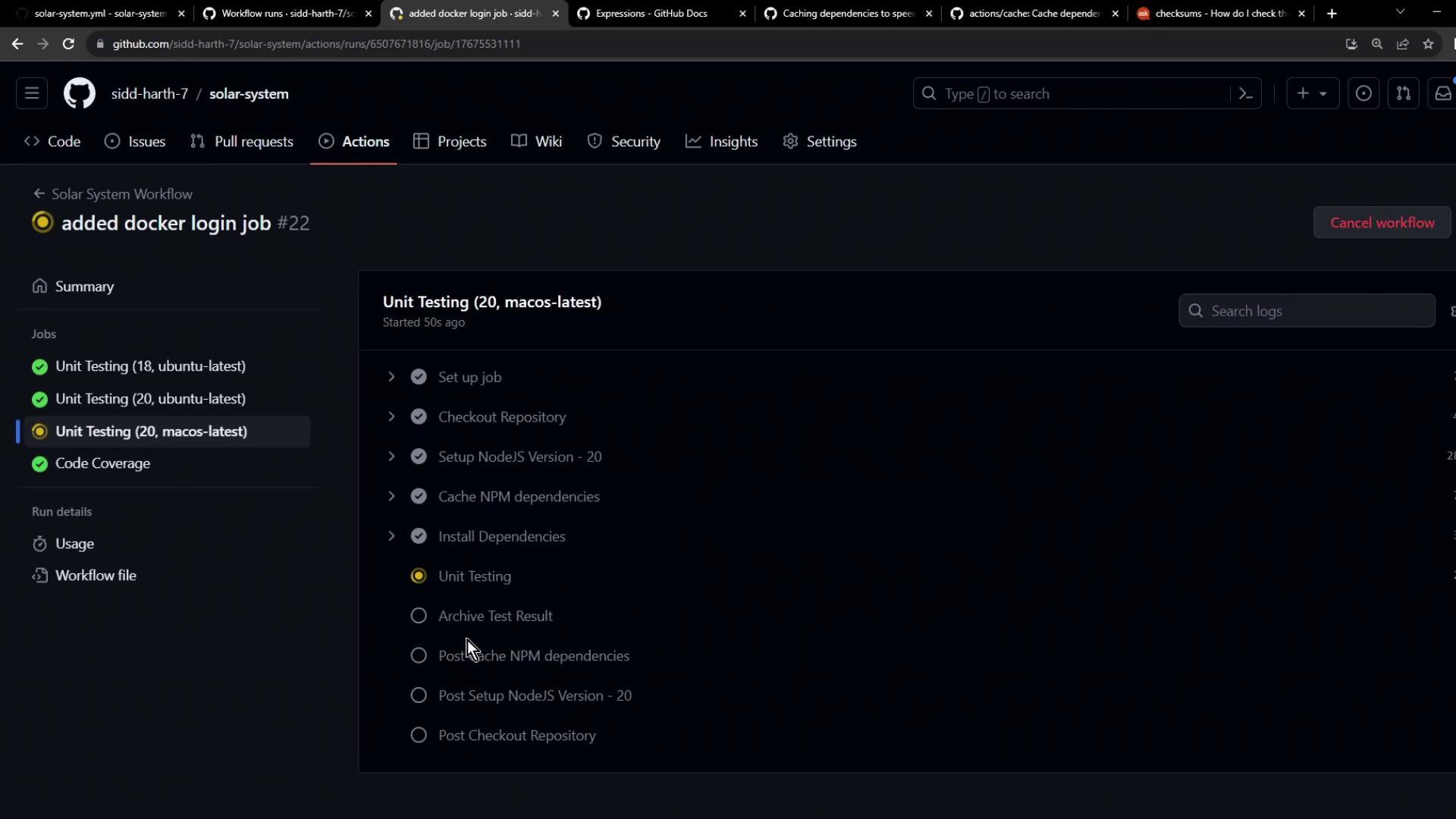
- Once earlier jobs pass, the Docker login step executes: