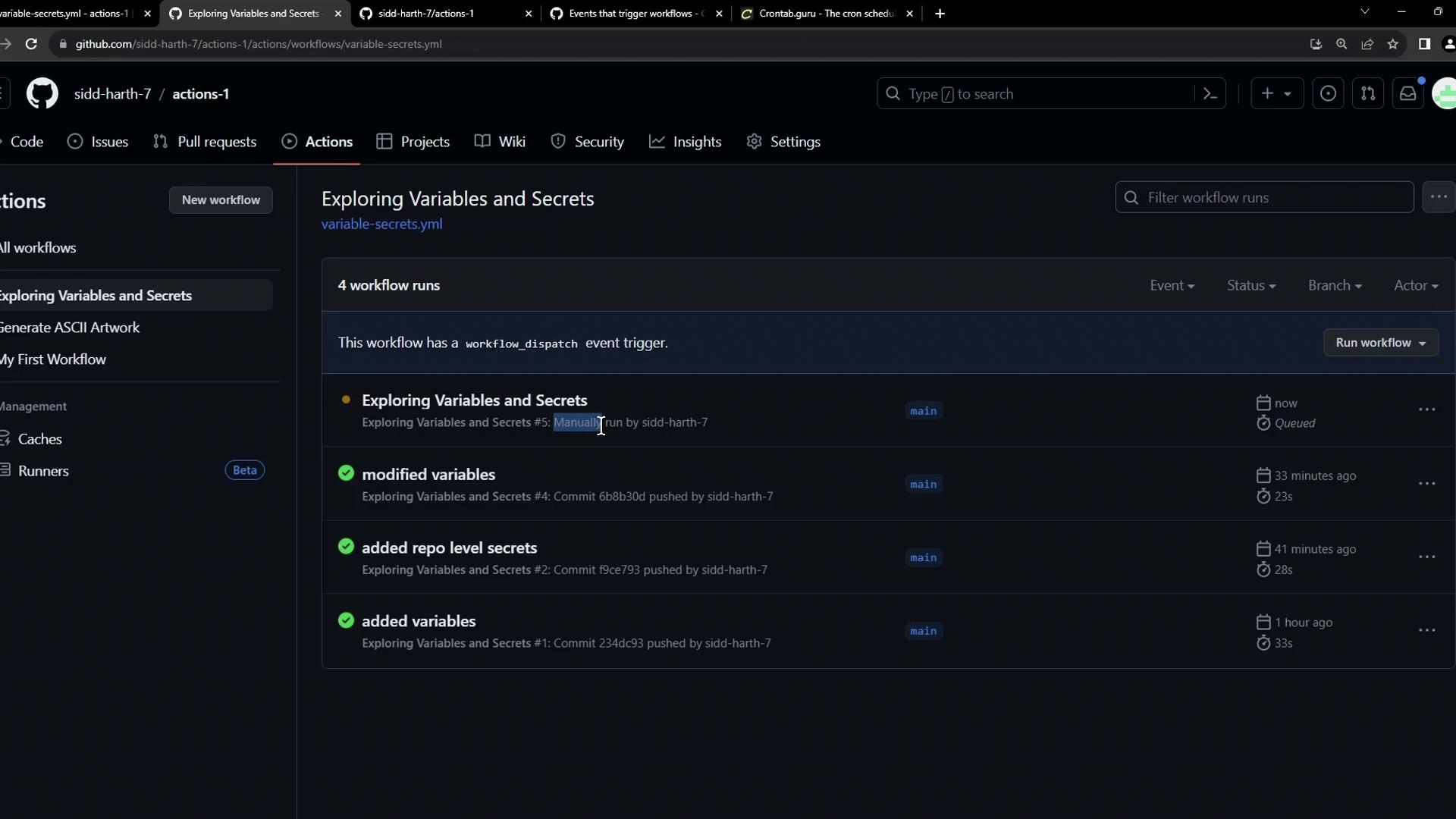
Common Repository Events
You can launch workflows in response to repository activity. Below is a quick reference:1. Push
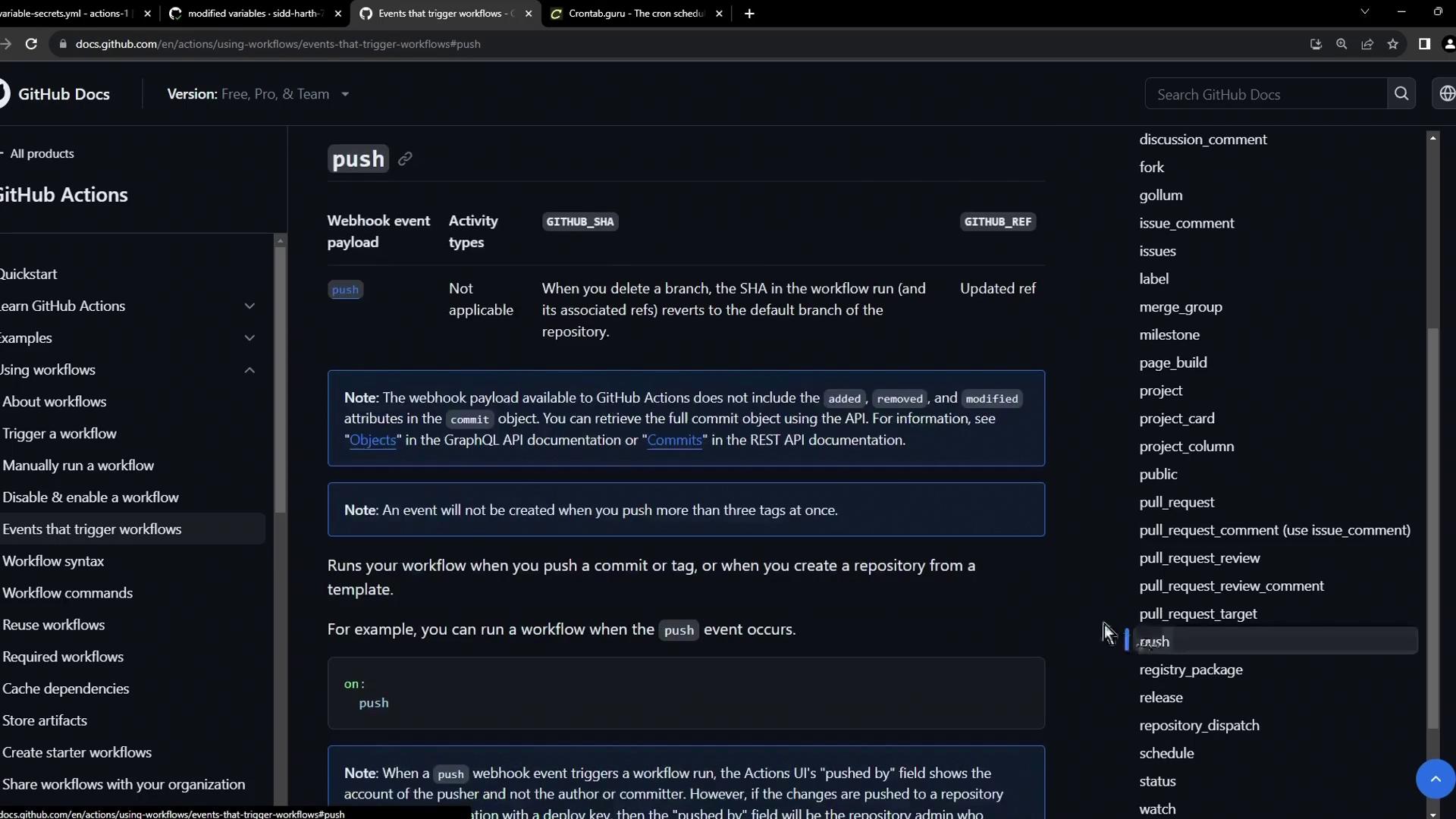
The simplest trigger ispush. It fires whenever you push commits:
2. Pull Request
Trigger workflows when pull requests change state—opened, edited, assigned, or closed: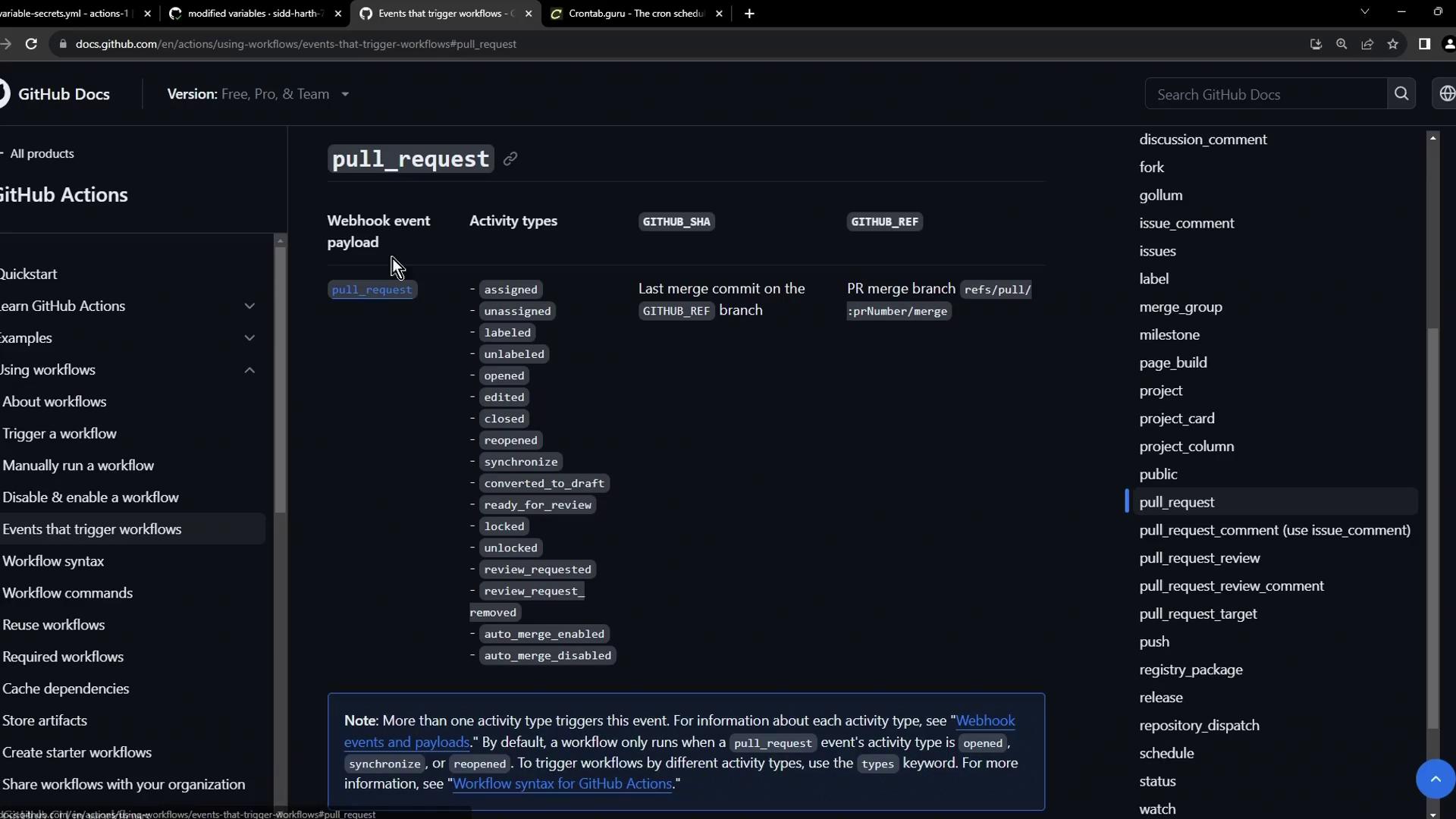
You can filter by branches or tags under each event to narrow down when the workflow runs. See GitHub Actions filters for details.
Scheduled Workflows
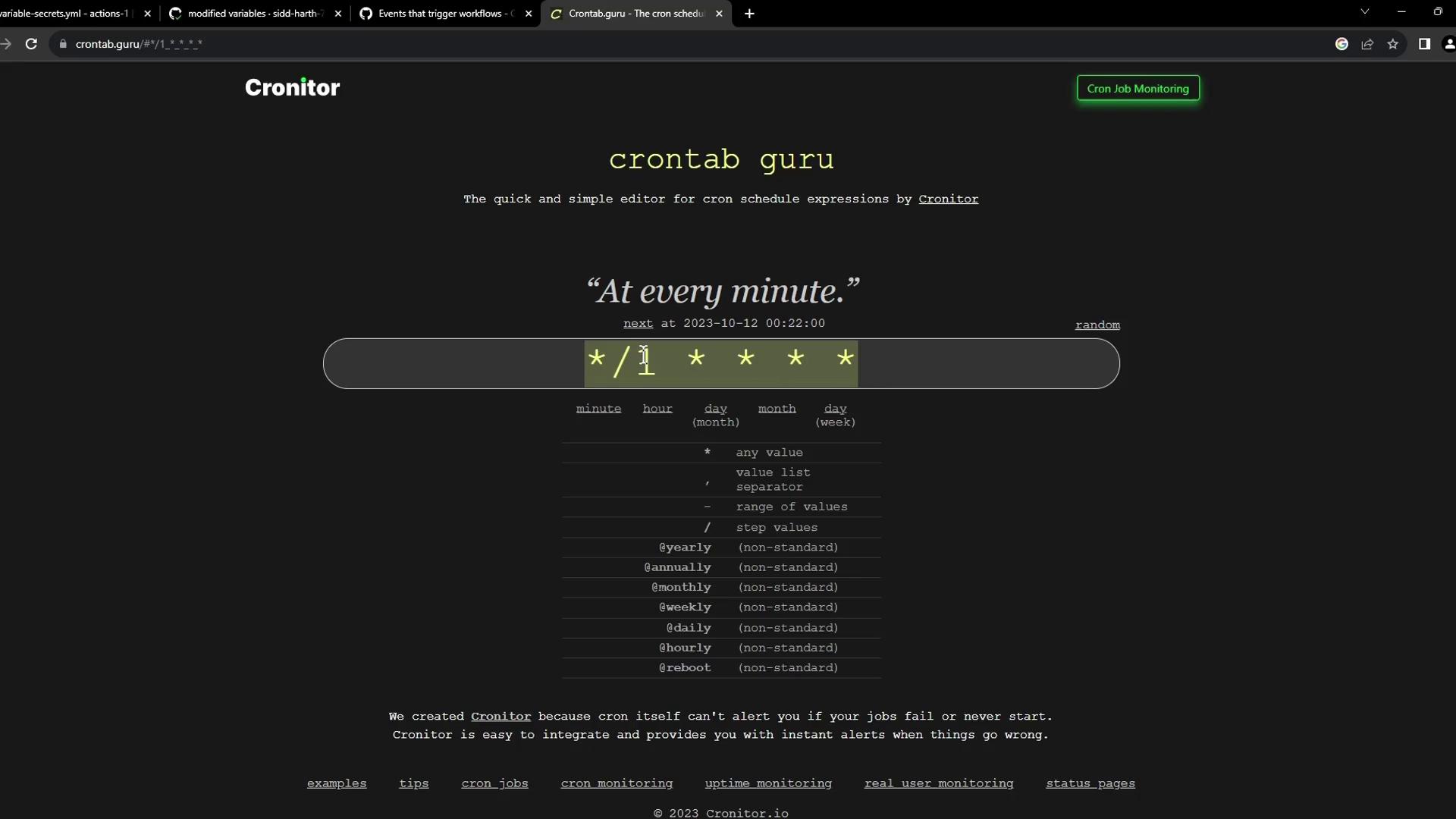
Useschedule with cron syntax to run jobs at regular intervals.
Running jobs too frequently can exhaust your GitHub Actions minutes. Always double-check your cron schedules.
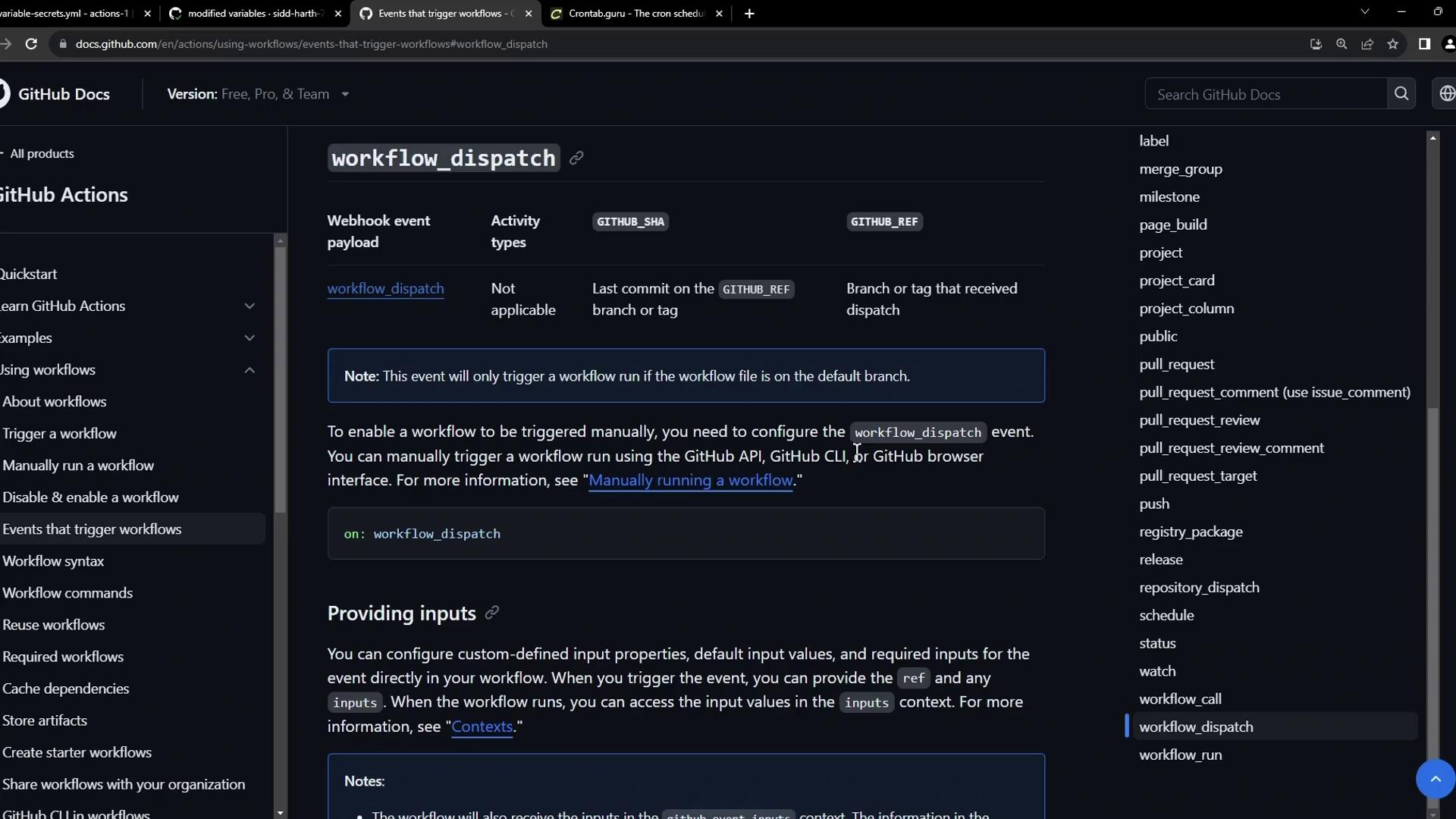
Manual Triggers with workflow_dispatch
Addworkflow_dispatch to let users kick off a workflow by pushing a button. You can even define input parameters:
Combining Schedule and Manual Dispatch
You can merge multiple triggers into one workflow. Here’s an example that builds, logs in, and pushes a Docker image on both a schedule and via manual dispatch.