

1. Authenticate with Docker Hub
Before building your container, log in to Docker Hub securely using the officialdocker/login-action.
Store your Docker Hub credentials as GitHub Secrets or repository variables to avoid exposing sensitive data in your workflow YAML.
2. Build the Image for Testing
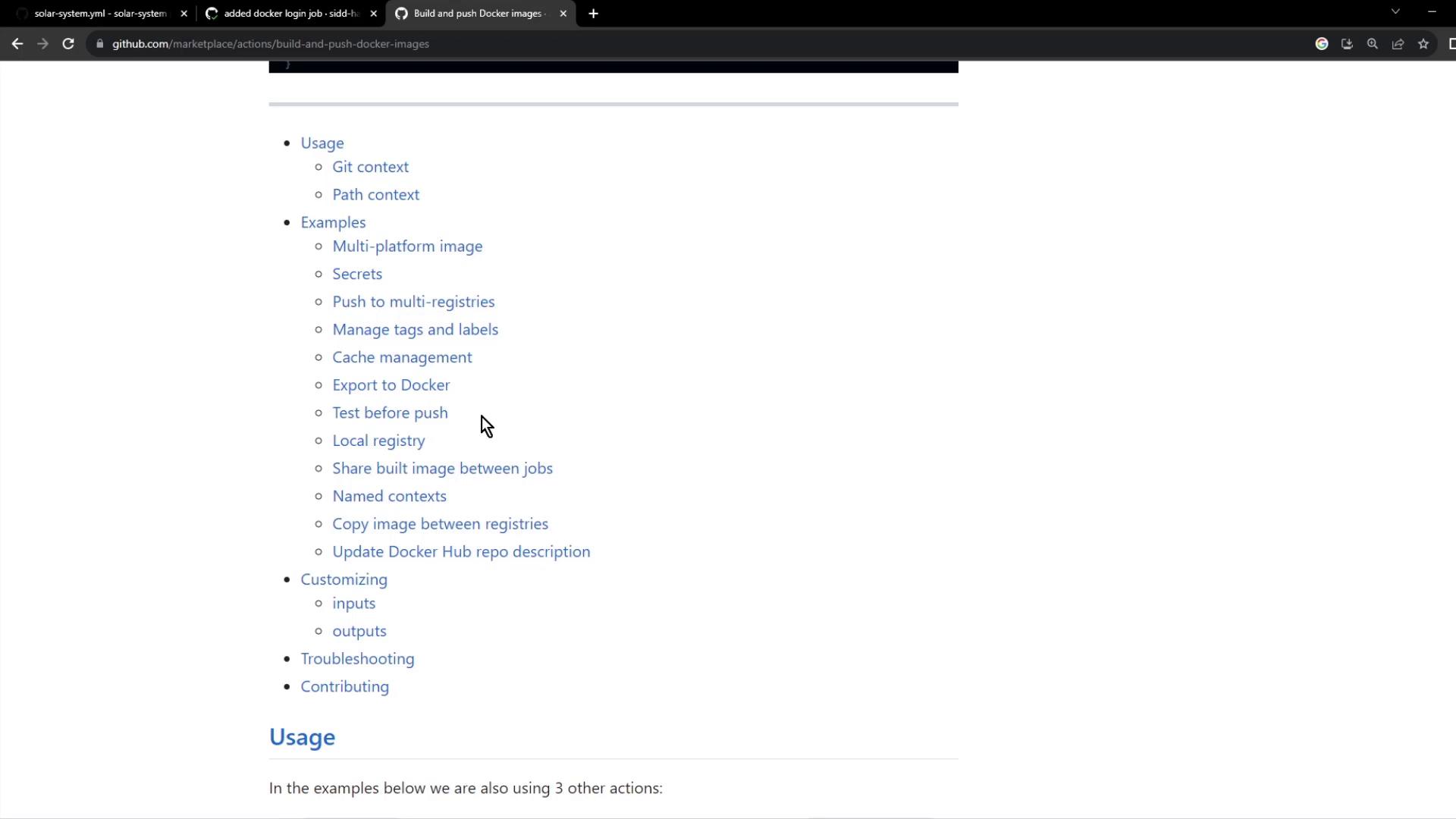
Use thedocker/build-push-action to build your image locally without pushing it immediately. This allows you to run integration or health checks before publishing.
3. Define Your Dockerfile
Place aDockerfile at the root of your repository to specify the container environment:
- Start from an official Node.js Alpine base image.
- Install dependencies before copying the rest of the source code.
- Expose port 3000 and set
npm startas the default command.
4. Run Container Tests
After building the image, verify that the application starts and responds to its health endpoint. Replace placeholders with your actual GitHub Secrets or repository variables.Ensure that your application exposes health endpoints like
/live or /ready to prevent false positives during automated testing.5. Implement Health Endpoints in Your App
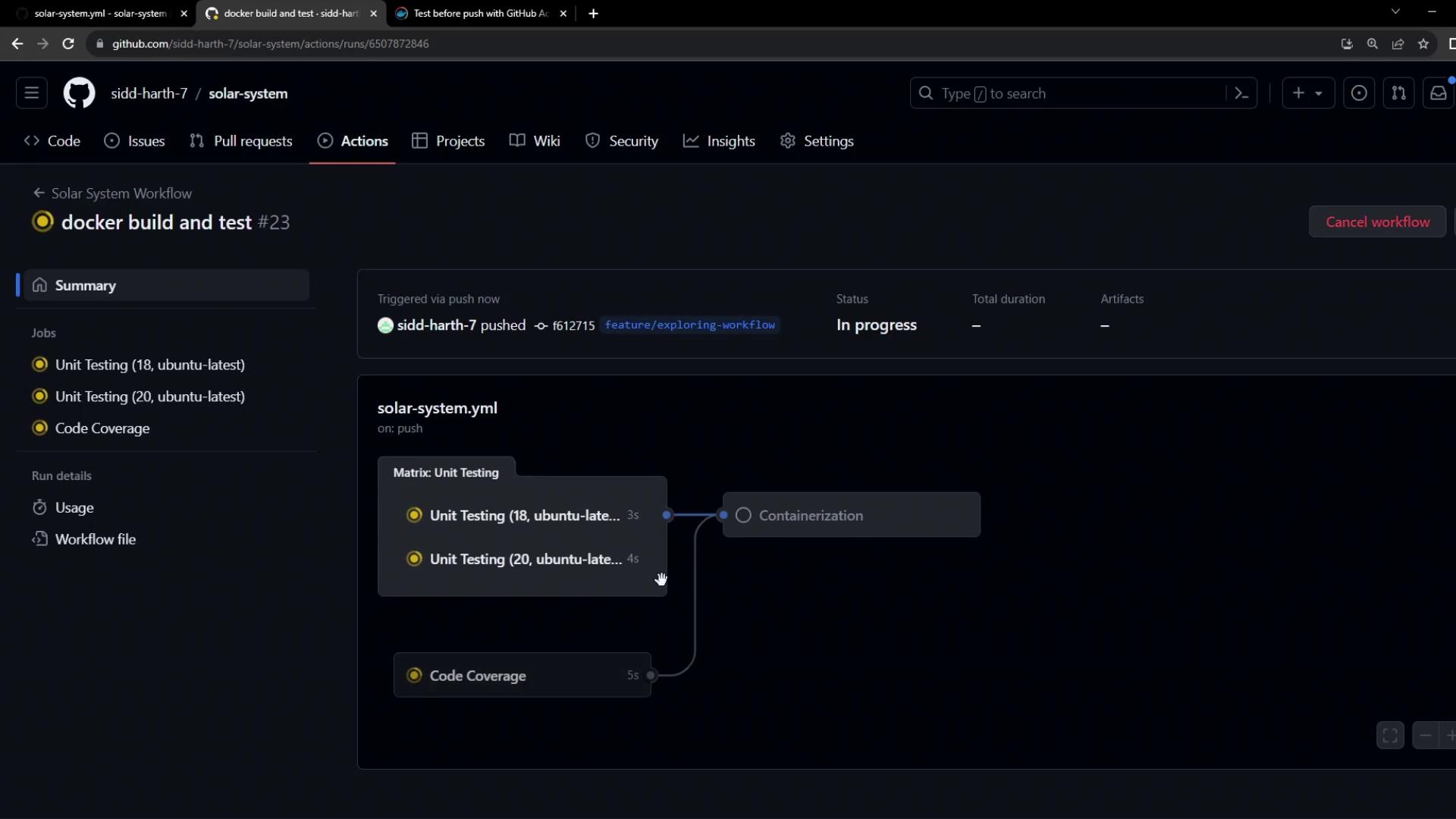
Add health-check routes in your Express application so the workflow can validate container readiness:6. Monitor the Workflow in GitHub Actions
Once you push your changes, go to the Actions tab in your repository to review the workflow run.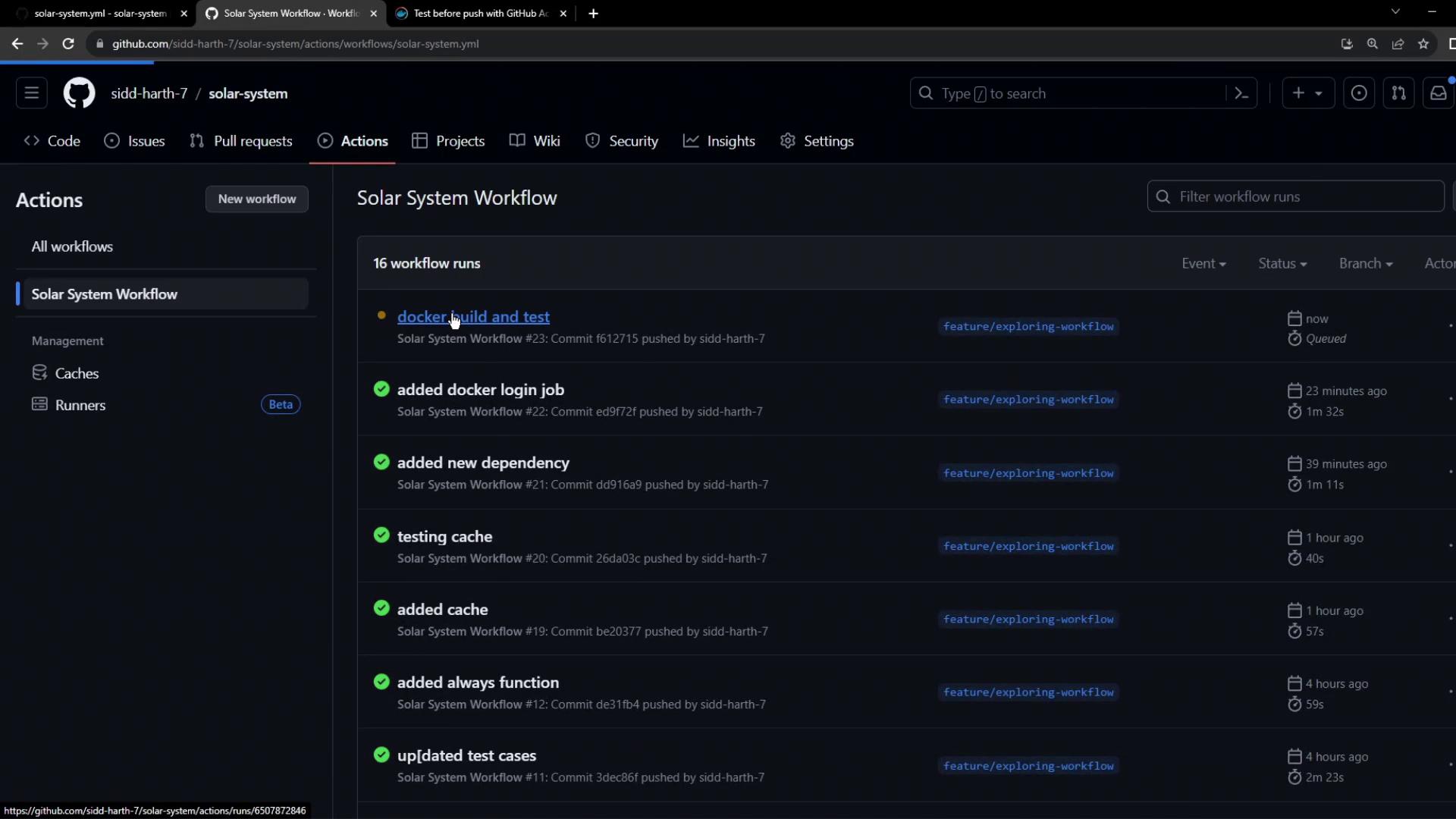
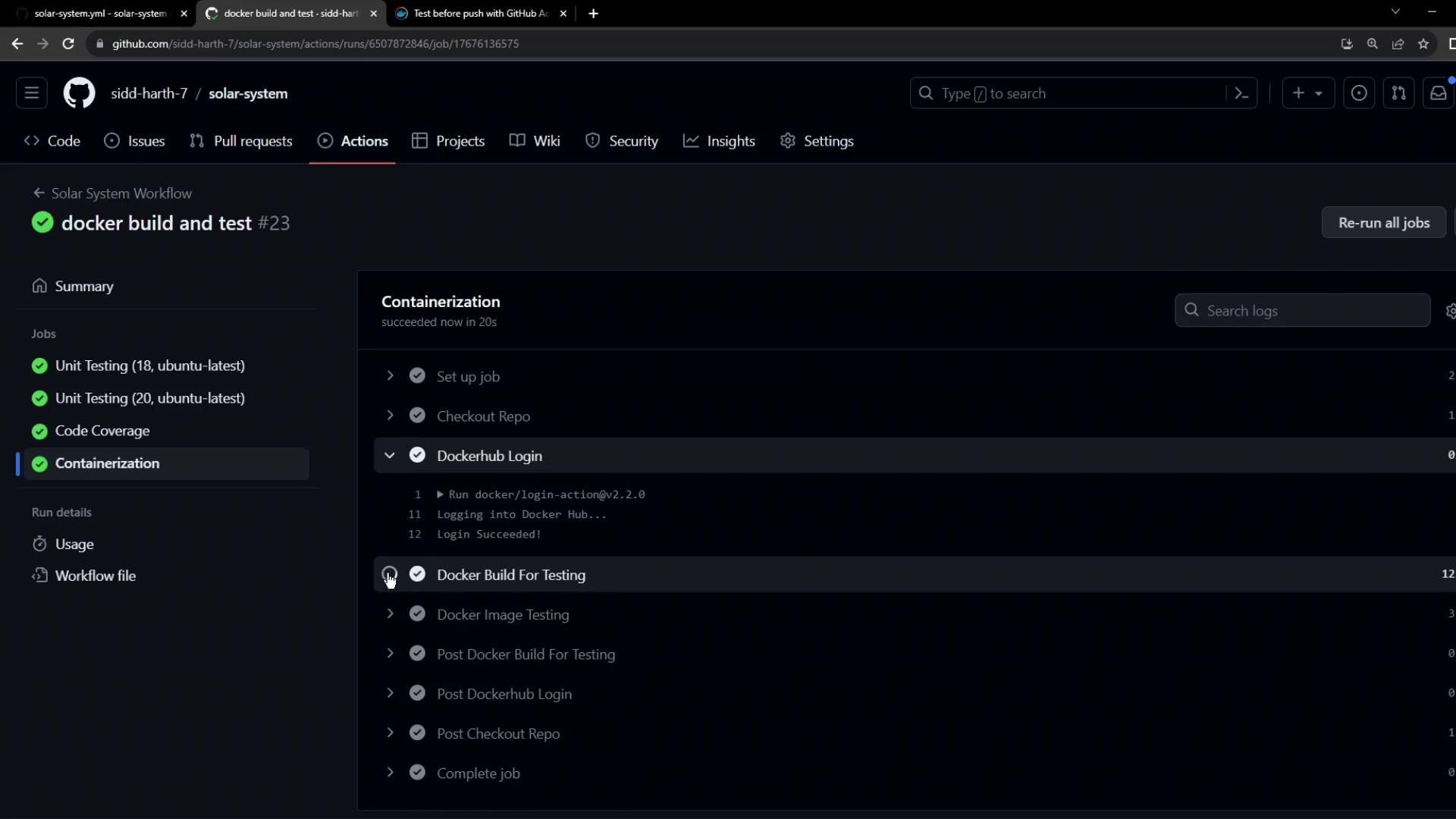
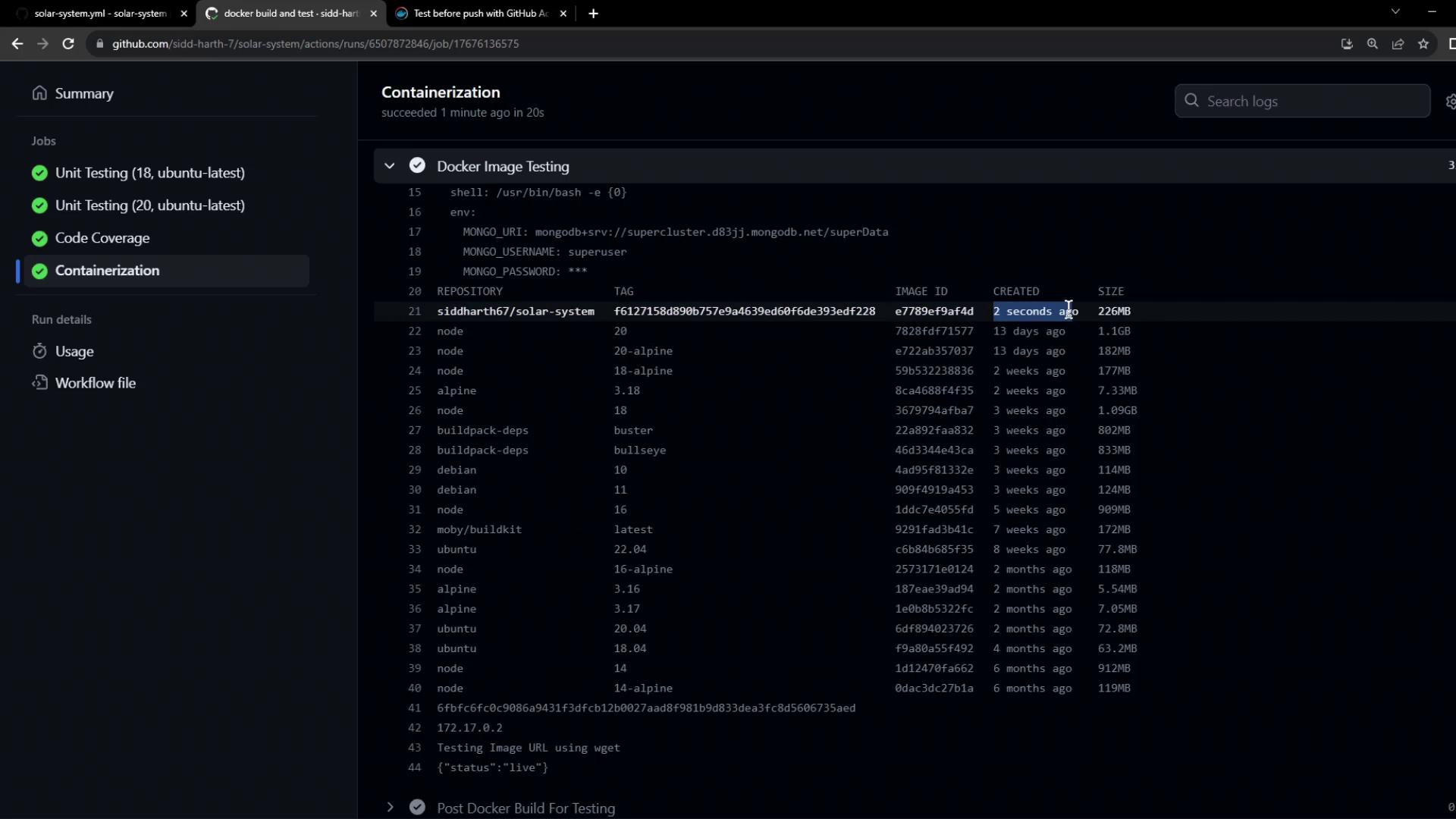
With your image successfully built and validated, you’re now ready to push it to Docker Hub. Continue to the next article to configure the push step in your workflow.
Links and References
- GitHub Actions: docker/login-action
- GitHub Actions: docker/build-push-action
- GitHub Secrets Documentation
- Express.js Health Checks