

Jenkinsfile, run by the same Jenkins Pipeline subsystem, use Apache Groovy, and can share logic through shared libraries. Choosing the right style depends on team skills, maintainability goals, and the complexity of pipeline logic.
Scripted Pipeline (Groovy-centric)
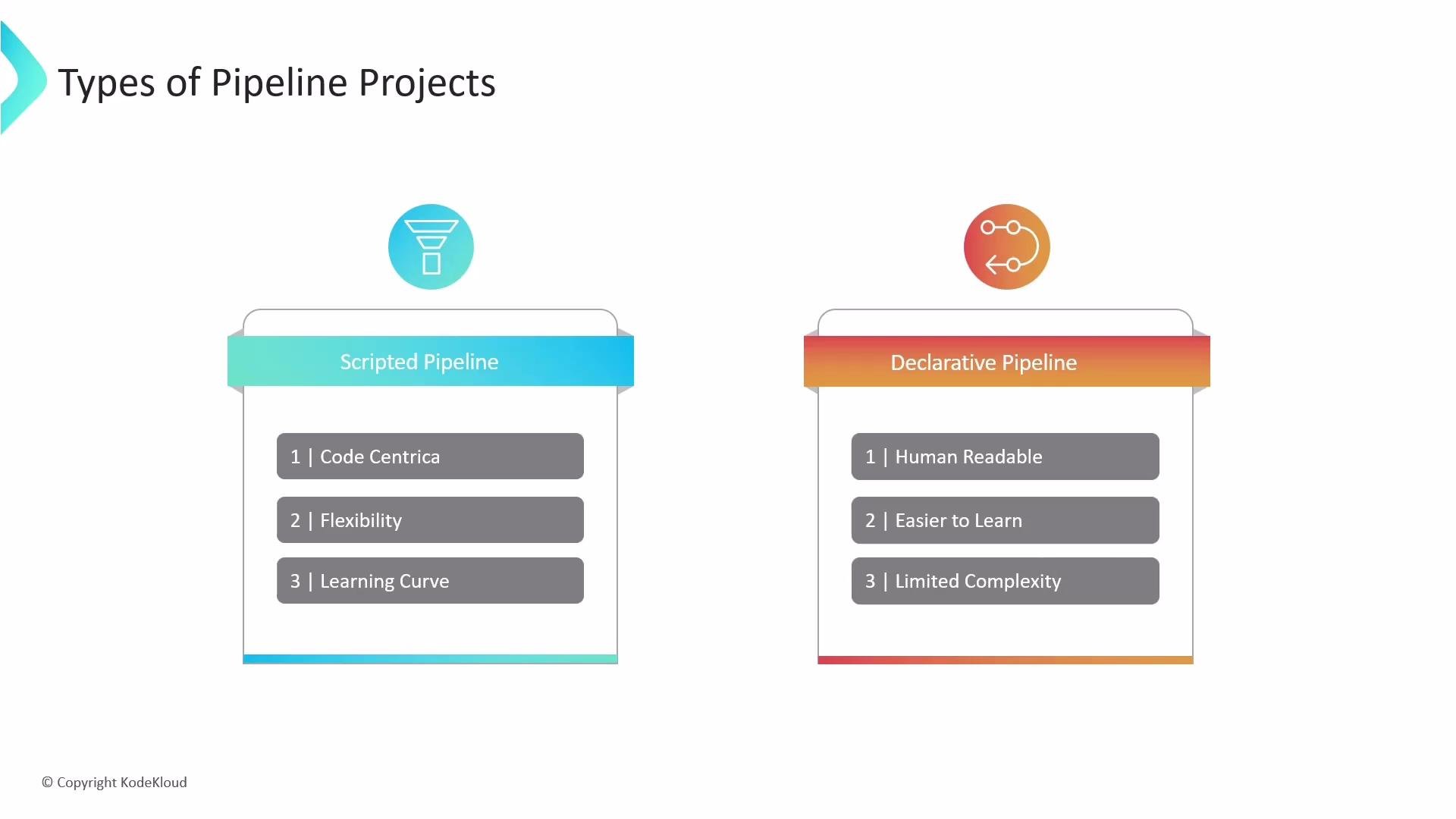
Scripted pipelines are written as full Groovy programs. They provide the maximum flexibility and control because you can use native Groovy constructs for complex logic, dynamic stage creation, loops, and advanced error handling. Key points:- Full access to Groovy language features.
- Best for highly customized automation and advanced logic.
- Requires Groovy knowledge and tends to have a steeper learning curve.
Jenkinsfile:
- Pros: total control, dynamic behavior, complex branching logic.
- Cons: harder to read for non-developers, more prone to inconsistent formatting and patterns across teams.
Declarative Pipeline (Structured and opinionated)
Declarative pipelines provide a structured, human-readable syntax with clearly defined top-level sections (for example:pipeline, agent, stages, steps, and post). This structure enforces best practices and consistency across teams.
Key points:
- Easier to learn and maintain—recommended as a default for most CI/CD workflows.
- Built-in validation and more predictable behavior.
- Intentionally limits arbitrary scripting to keep pipelines readable and standardized.
Jenkinsfile:
script block for localized scripting:
Quick comparison
Choosing between Declarative and Scripted
-
Use Declarative pipelines when you want:
- A consistent, easy-to-read pipeline format.
- Quick onboarding for new team members.
- Predictable CI/CD flows that follow conventions.
-
Use Scripted pipelines when you need:
- Fine-grained control, dynamic stage generation, or advanced Groovy logic.
- Custom behaviors that are impractical to express in Declarative form.
-
Hybrid approach:
- Start with Declarative for most work and use
scriptblocks only where necessary. - Reserve pure Scripted pipelines for workflows that truly require full Groovy flexibility.
- Start with Declarative for most work and use
If you’re starting or want standardized, maintainable CI/CD, begin with Declarative pipelines. Move to Scripted pipelines only when your workflows require patterns or dynamic behavior that Declarative syntax cannot express.
Links and references
- Jenkinsfile and Pipeline Syntax
- Jenkins Pipeline Documentation
- Apache Groovy — official site
- Shared Libraries — Jenkins