What is the GitHub Actions Importer? The GitHub Actions Importer is a migration utility that simplifies moving CI/CD pipelines into GitHub Actions. It automates much of the conversion work so teams can consolidate builds, tests, and deployments inside the GitHub ecosystem while reducing manual effort and human error. Supported source platforms
Source platformTypical use case
Azure DevOpsEnterprise pipelines with Azure integrations
BambooAtlassian-hosted build plans and deployments
Bitbucket PipelinesBitbucket-native CI/CD workflows
CircleCICloud-first pipelines with Docker-centric jobs
GitLabFull-featured pipelines and self-hosted runners
JenkinsHighly customizable, plugin-driven builds
Travis CILegacy hosted CI pipelines
Key features and how they help
  • GitHub CLI extension: works as an extension to the GitHub CLI, enabling a scriptable, familiar command-line experience for creating and managing migrations.
  • Docker-based execution: runs the migration tooling inside Docker containers to ensure consistent, isolated, and secure execution across environments.
  • Pipeline analysis and conversion: analyzes existing CI/CD configuration files to generate a migration plan and scaffold GitHub Actions workflows.
  • Audit and forecasting: evaluates pipeline complexity and estimates future GitHub Actions runtime and concurrency so you can project capacity and cost before completing migration.
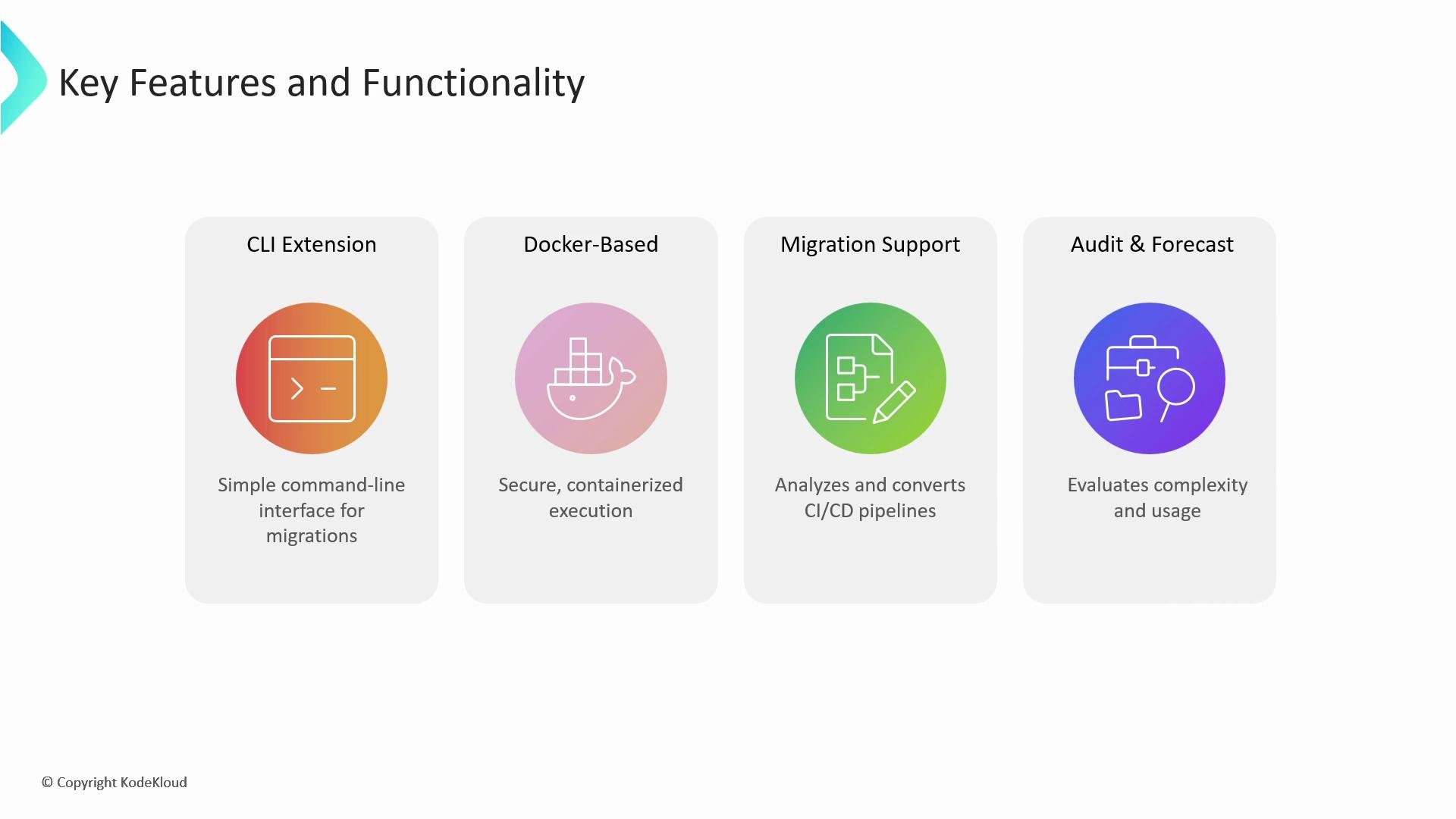
A presentation slide titled "Key Features and Functionality" showing four feature cards: CLI Extension, Docker-Based, Migration Support, and Audit & Forecast, each with a colorful icon and a short description. The cards highlight a command-line interface, containerized execution, CI/CD migration support, and complexity/usage evaluation.
Audit and forecasting The importer’s audit tools estimate projected GitHub Actions runtime and concurrency consumption. Use these forecasts to plan runner capacity, concurrency limits, and cost implications before you finalize a migration strategy. Conversion accuracy and next steps The importer often converts approximately 80% of a typical pipeline automatically. Actual conversion rates depend on pipeline complexity, custom integrations, and platform-specific features (for example, proprietary plugins, in-house scripts, or specialized deployment targets). Any generated workflow should be reviewed, tested, and adjusted before being used in production.
Always inspect and test generated workflows. Automated conversions frequently require manual changes for secrets handling, environment setup, or custom steps. Refer to the GitHub Actions security and secrets docs when migrating sensitive data.
Links and references

Watch Video