Demo Convert Jenkins Job to GitHub Actions Workflow
Migrating a Jenkins freestyle job to a manually triggered GitHub Actions workflow that reproduces shell steps and installs required packages.
In this lesson we’ll migrate a simple Jenkins freestyle job into a GitHub Actions workflow. The goal is to replicate the Jenkins job behavior (a sequence of shell steps run on a single node) by creating a single-job workflow that can be manually triggered from the Actions UI.Below are the original Jenkins job and its build steps, followed by a concise GitHub Actions workflow that reproduces the same execution flow on ubuntu-latest.
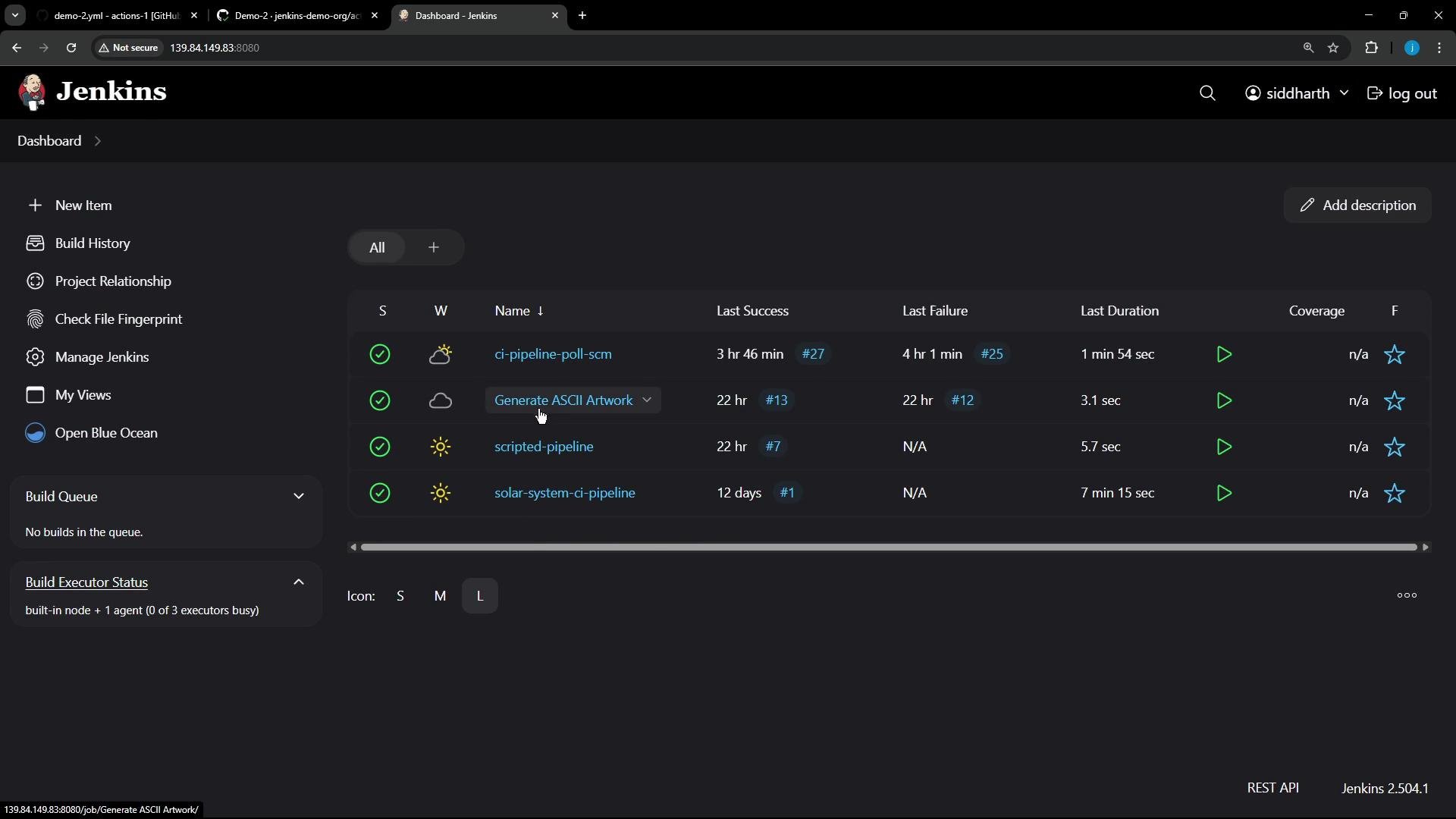
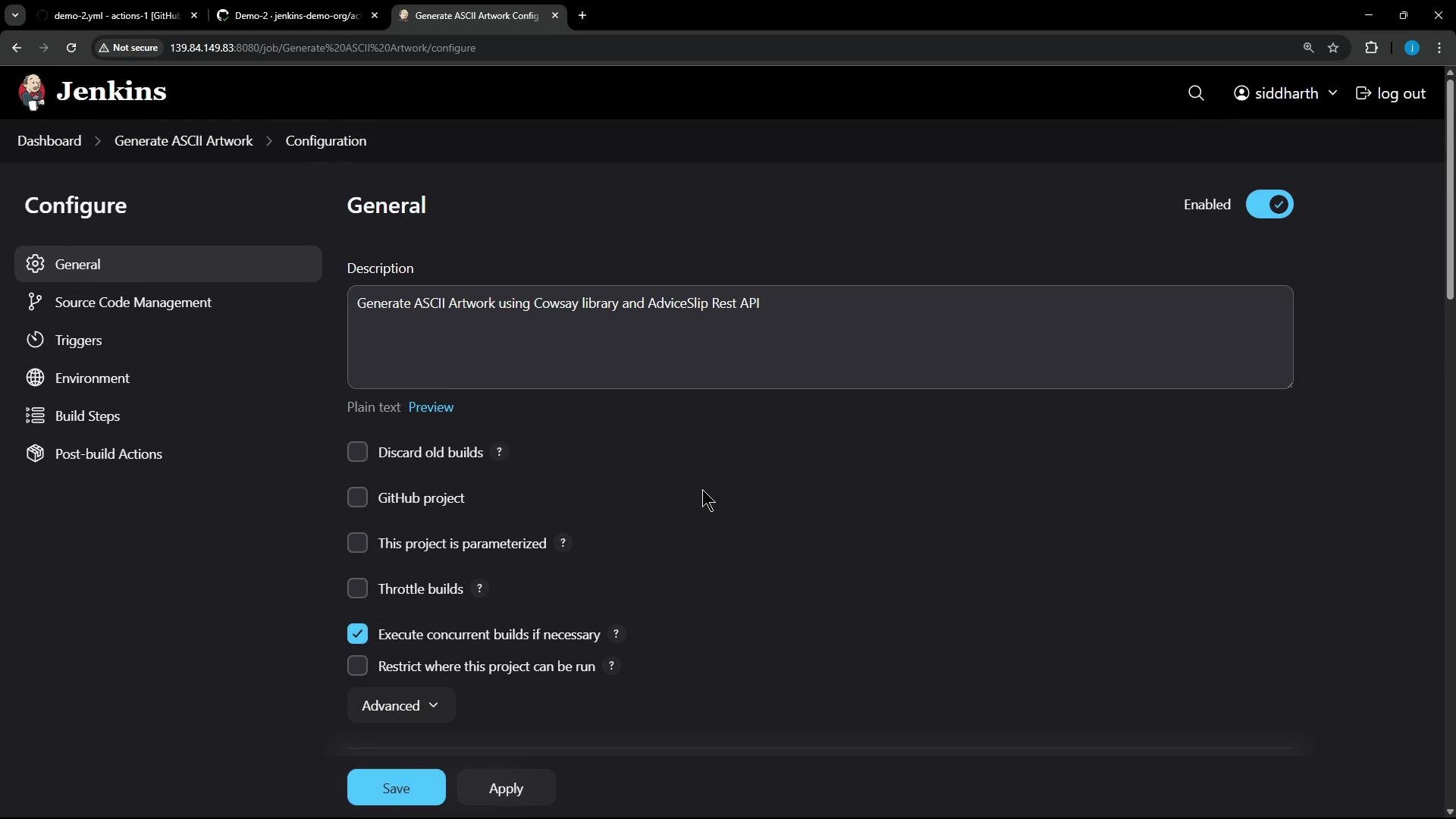
This migration focuses on the “Generate ASCII Artwork” freestyle job. Open its configuration to inspect the build steps and options.
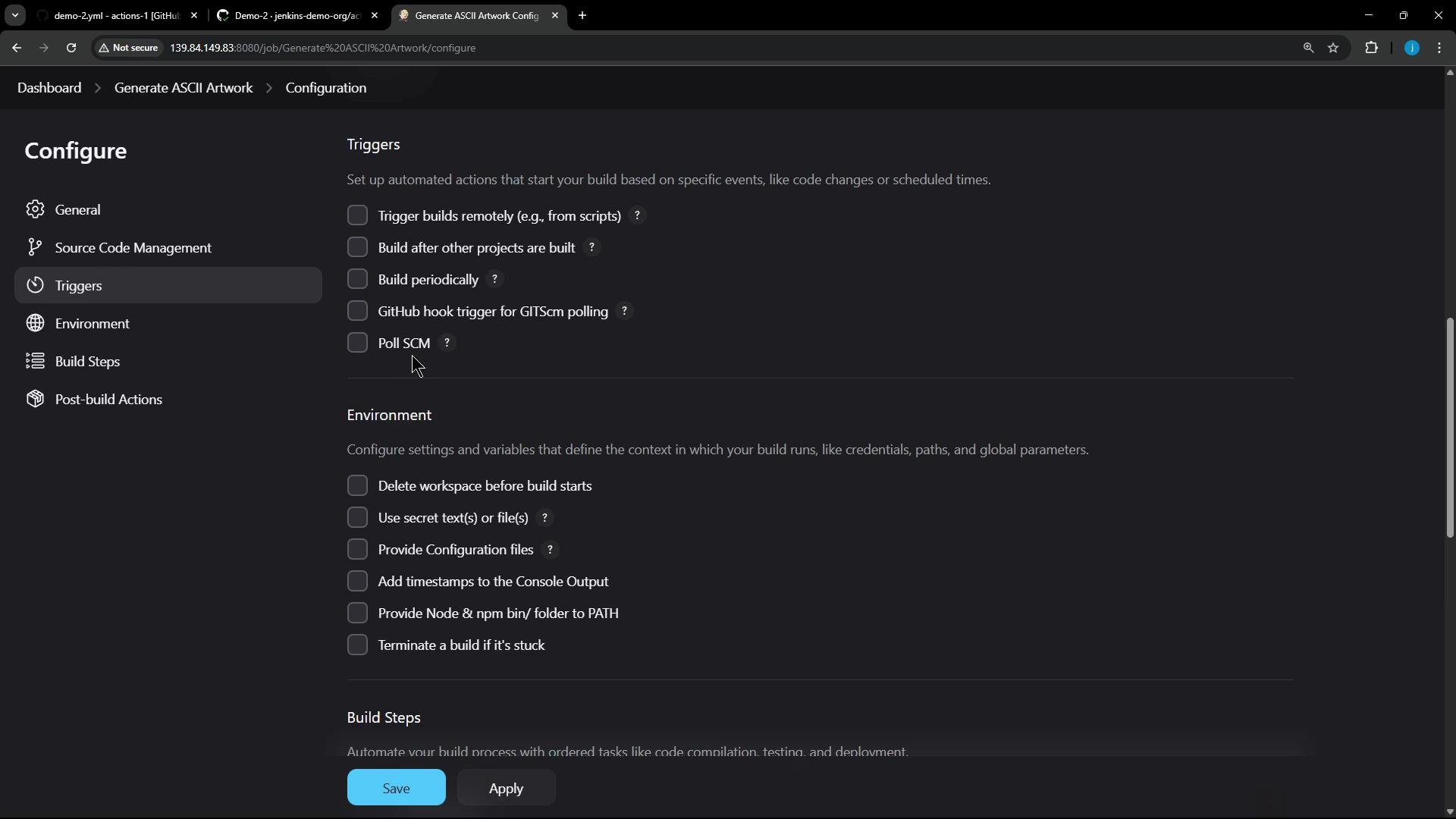
Key characteristics of this Jenkins job:
No source control is configured (it was run manually in Jenkins).
No automated triggers (built manually).
No environment variables defined.
Several shell build steps that run sequentially on one build node.
Below is the core shell script the Jenkins job ran. It:
Calls the adviceslip API to fetch a piece of advice.
Validates the advice contains more than five words.
Installs cowsay and prints the advice as ASCII art.
# Build a message by invoking the adviceslip APIcurl -s https://api.adviceslip.com/advice > advice.jsoncat advice.json# Extract the advice text and validate it has more than 5 wordsjq -r .slip.advice < advice.json > advice.messageif [ "$(wc -w < advice.message)" -gt 5 ]; then echo "Advice has more than 5 words"else echo "Advice - $(cat advice.message) has 5 words or less" exit 1fi# Install cowsay and display the advice as ASCII artworksudo apt-get updatesudo apt-get install -y cowsay jqecho "$PATH"export PATH="$PATH:/usr/games:/usr/local/games"cat advice.message | cowsay -f "$(ls /usr/share/cowsay/cows | shuf -n 1)"
Migration approach summary:
Jenkins freestyle -> GitHub Actions single job.
Keep the same shell flow, but place it in one multi-line run step.
Use workflow_dispatch to allow manual triggering from the Actions UI.
Install required packages (jq, cowsay) on the runner before use.
Below is an example multi-job workflow (for reference) illustrating jobs, dependencies, environment variables, and artifacts in GitHub Actions:
For our single-job migration, create a file at .github/workflows/generate-ascii.yaml with workflow_dispatch so it can be triggered manually. Here is a concise, robust workflow that reproduces the Jenkins behavior:
name: Generate ASCII Artworkon: workflow_dispatch:jobs: build-ascii: runs-on: ubuntu-latest steps: - name: Generate advice and show ASCII art run: |- # Install jq (used below) and cowsay so the runner has required tools sudo apt-get update sudo apt-get install -y jq cowsay # Build a message by invoking the adviceslip API curl -s https://api.adviceslip.com/advice > advice.json cat advice.json # Extract the advice text and validate it has more than 5 words jq -r .slip.advice < advice.json > advice.message if [ "$(wc -w < advice.message)" -gt 5 ]; then echo "Advice has more than 5 words" else echo "Advice - $(cat advice.message) has 5 words or less" exit 1 fi # Display the advice as ASCII artwork echo "$PATH" export PATH="$PATH:/usr/games:/usr/local/games" cat advice.message | cowsay -f "$(ls /usr/share/cowsay/cows | shuf -n 1)"
Best practice: Put package installation at the top of your step so required tools are available before they are referenced. If you need persistent environment variables or secrets, declare them at the workflow or job level using env: or GitHub Secrets.
Quick mapping: Jenkins freestyle fields to GitHub Actions equivalents
Open the Actions tab in your repository and trigger the workflow manually. The job log will show output for each command just like Jenkins.
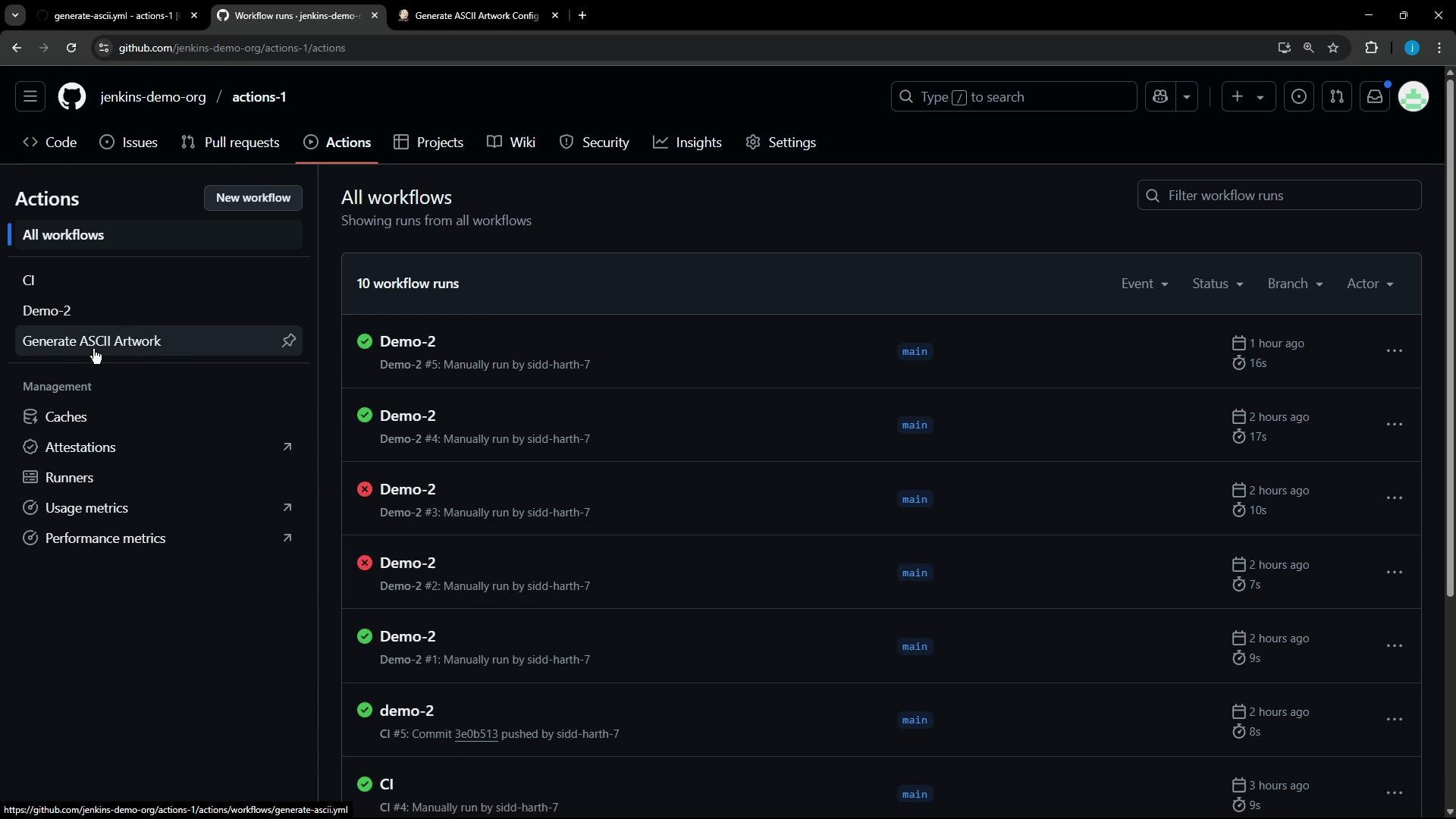
Example log snippets you’ll see:
The adviceslip JSON and the validation success message:
{"slip":{"id":162,"advice":"Stop using the term \"busy\" as an excuse."}}Advice has more than 5 words
Installation output and the generated ASCII artwork:
Reading package lists...Building dependency tree...Reading state information...The following NEW packages will be installed: cowsay0 upgraded, 1 newly installed, 0 to remove and 13 not upgraded.Fetched 18.6 kB in 0s (156 kB/s)Selecting previously unselected package cowsay.(Reading database ...)Unpacking cowsay (3.03+dfsg2-8) ...Setting up cowsay (3.03+dfsg2-8) .../ Stop using the term "busy" as an \\ excuse. /-------------------------------\ \/@ ~-./\ _-- | // // @
If the advice has five words or fewer, the step prints the advice and exits with code 1, causing the job to fail. Example failure output:
{"slip":{"id":6,"advice":"Never cut your own fringe."}}Advice - Never cut your own fringe. has 5 words or lessError: Process completed with exit code 1.
Note: When a script exits with a non-zero status, GitHub Actions marks the step and job as failed. Design your exit codes intentionally if you rely on failure vs. success conditions for downstream steps or notifications.