

Core concepts
GitHub Actions consists of three primary building blocks:- Workflows — define when and how automation runs.
- Jobs — independent units of work within a workflow that execute on a runner.
- Steps — sequential tasks inside a job that call actions or run commands.
Workflow
A workflow is an automated process defined in a YAML file stored in your repository under.github/workflows. A repository may contain multiple workflows. Each workflow runs in response to one or more events (triggers) and can include an optional name that appears in the Actions tab.
Workflow definition files live in the
.github/workflows directory of your repository.Jobs
Jobs are the units inside a workflow. A workflow can contain one or more jobs. Each job runs on a runner (GitHub-hosted or self-hosted). Specify the runner using theruns-on attribute (for example, runs-on: ubuntu-latest).
Steps
Steps are the atomic operations within a job. Steps execute sequentially on the job’s runner. A step can:- Use an action via
uses:(reusable component). - Run shell commands with
run:.
Example workflow
This example illustrates a workflow with a job that runs unit tests on push events.on: push— triggers the workflow forpushevents.unit-testing— job identifier;name: Unit Testingis the display name.runs-on: ubuntu-latest— uses a GitHub-hosted Ubuntu runner.- Steps (executed in order):
- Checkout:
actions/checkout@v3fetches the repository. - Install NodeJS:
actions/setup-node@v3configures Node.js (node-version: 20). - Install Dependencies: runs
npm install. - Run Unit Tests: runs
npm test.
- Checkout:
Quick reference table
Actions (reusable components)
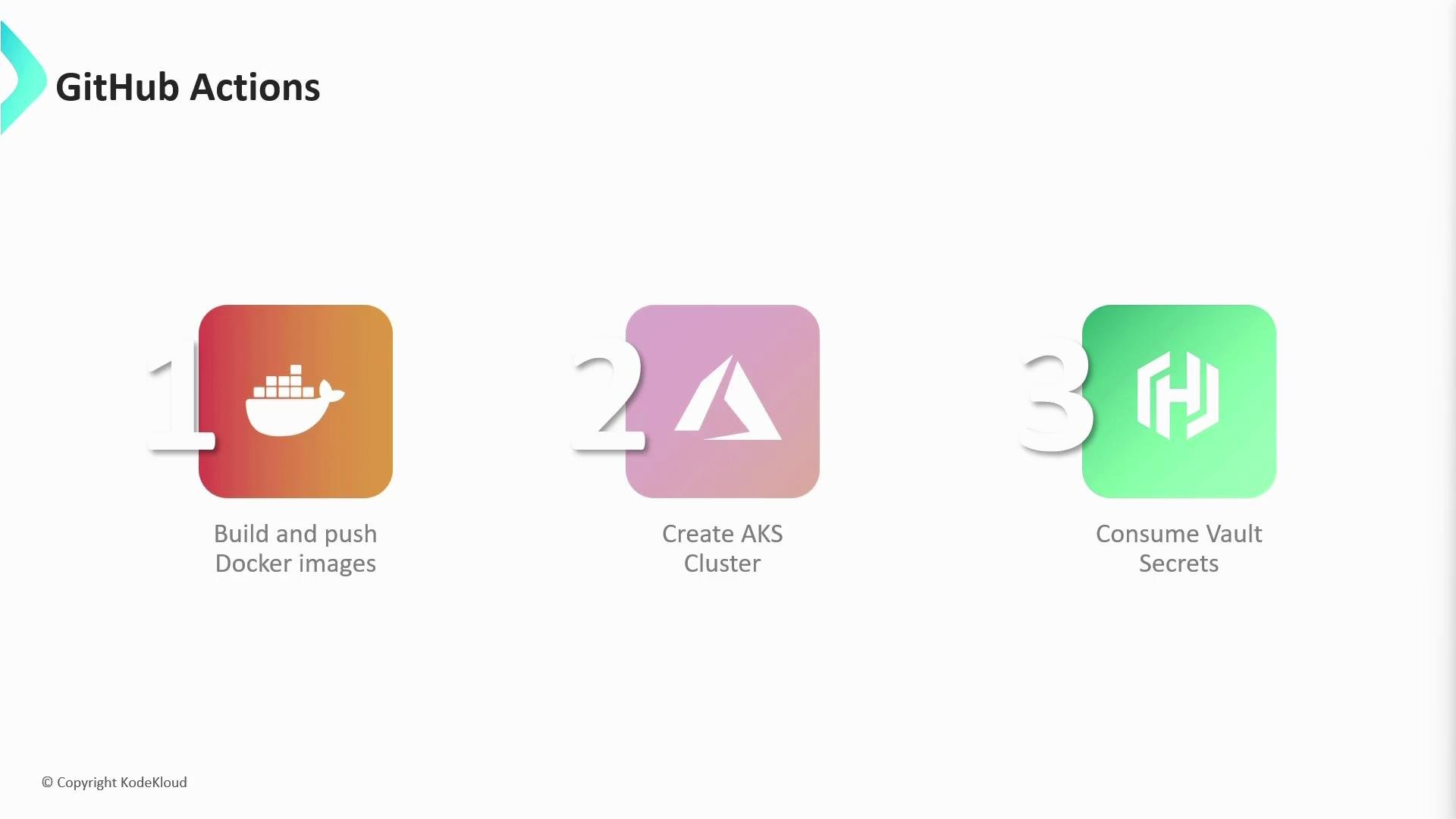
Actions are modular, reusable components that simplify automation tasks. You can author your own actions or consume community and official ones from GitHub Marketplace. Common use cases for actions:- Building and pushing Docker images to registries.
- Provisioning or managing cloud resources (e.g., Azure AKS).
- Fetching secrets from HashiCorp Vault using
hashicorp/vault-action.
- Build and push Docker images: action that builds an image and pushes to Docker Hub or a container registry.
- Azure integrations: actions for creating and managing Azure Kubernetes Service resources.
- Secrets management:
hashicorp/vault-actionfor injecting secrets as environment variables.
Links and references
- GitHub Actions documentation
- GitHub Marketplace - Actions
- hashicorp/vault-action
- Azure Kubernetes Service (AKS) course