

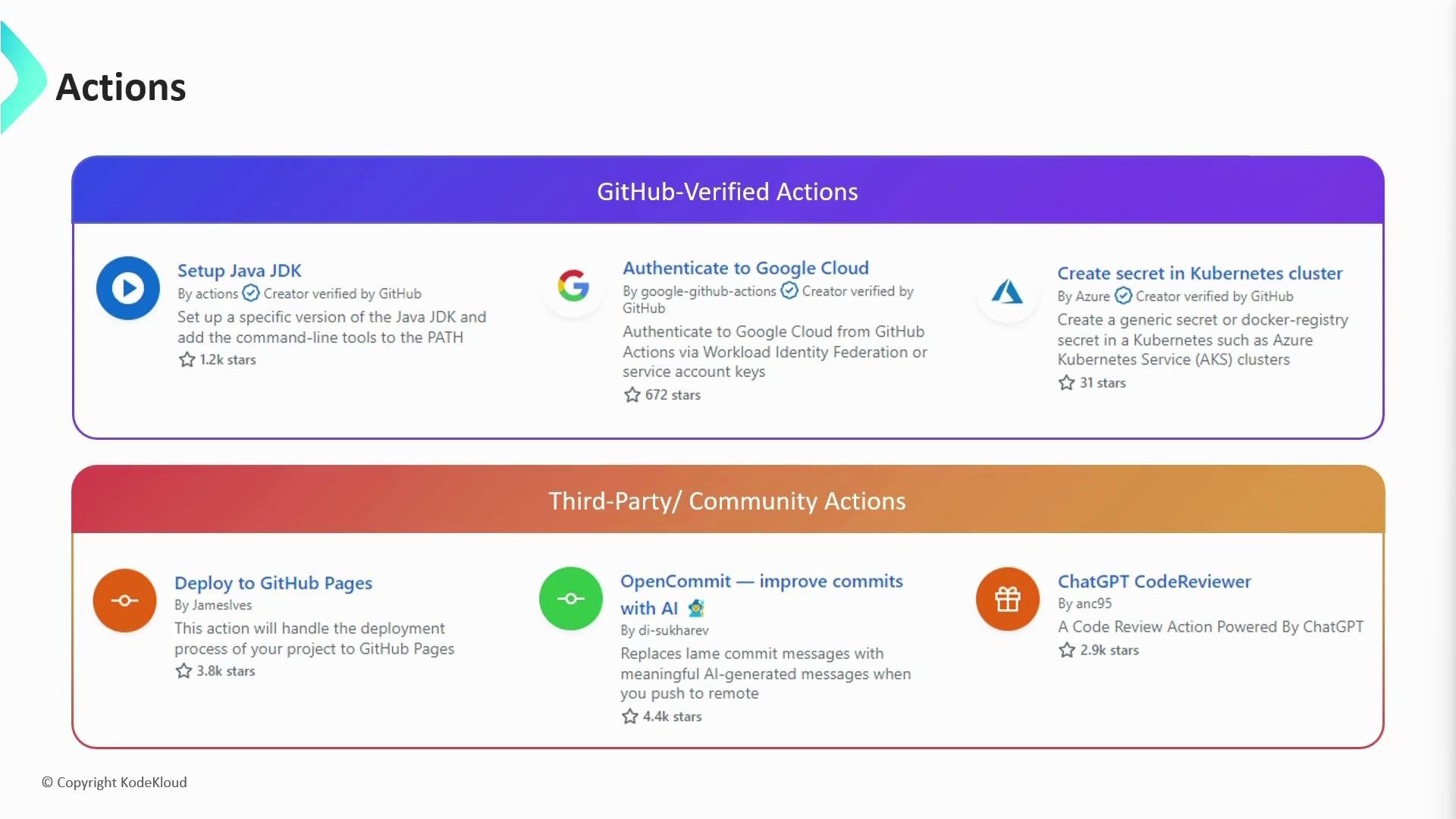
- GitHub-verified actions: maintained or verified by GitHub; carry a verified badge.
- Community (third-party) actions: created and maintained by individuals or organizations.
Before adding an action, verify its source and the permissions it requires. This minimizes risk of secret exposure and unexpected side effects in your workflows.
How to reference an action in your workflow
Every action published in the Marketplace exposes auses reference that you include in a job step. You can pin an action to a specific:
- Tag (recommended for controlled versioning)
- Branch (tracks latest on that branch)
- Commit SHA (immutable and most reproducible)
Referencing a branch (for example,
@main) means the action may change without any changes to your workflow. This can introduce breaking behavior if the upstream branch receives incompatible updates.@v3) or a specific release tag (for example @v3.6.0) and then periodically update to a new tag or SHA after validating the action in a test environment.
Best practices
- Pin actions to a tag or SHA to avoid unexpected changes in CI.
- Prefer actions from verified authors or well-known maintainers.
- Review action source code (or vendor internal copies) for how secrets and repository data are handled.
- Use least-privilege permissions for workflow tokens and secrets; avoid granting excessive access to third-party actions.