Guide to migrating a Jenkins job into a GitHub Actions workflow using the GitHub Actions Importer CLI to generate workflows, create branches, and open pull requests.
This guide shows how to migrate a Jenkins job into a GitHub Actions workflow, create a branch in the target repository, and open a pull request with the generated workflow using the GitHub Actions Importer CLI.What you’ll do:
Fetch a Jenkins job config (config.xml).
Run the importer transformers to generate a workflow.
Push the workflow into a new branch on the target repo.
Open a pull request so you can review and merge the changes.
Prerequisites:
GitHub CLI with the Actions Importer extension installed (gh actions-importer).
Access to the Jenkins job URL and any Jenkins credentials required to fetch the job.
Write access to the target GitHub repository (or a fork).
You can view the full help output from the CLI to see all available flags and advanced options.
If the Jenkins job references credentials or secrets, the importer cannot create GitHub repository secrets for you. Add the required secrets to the target repository before merging the PR.
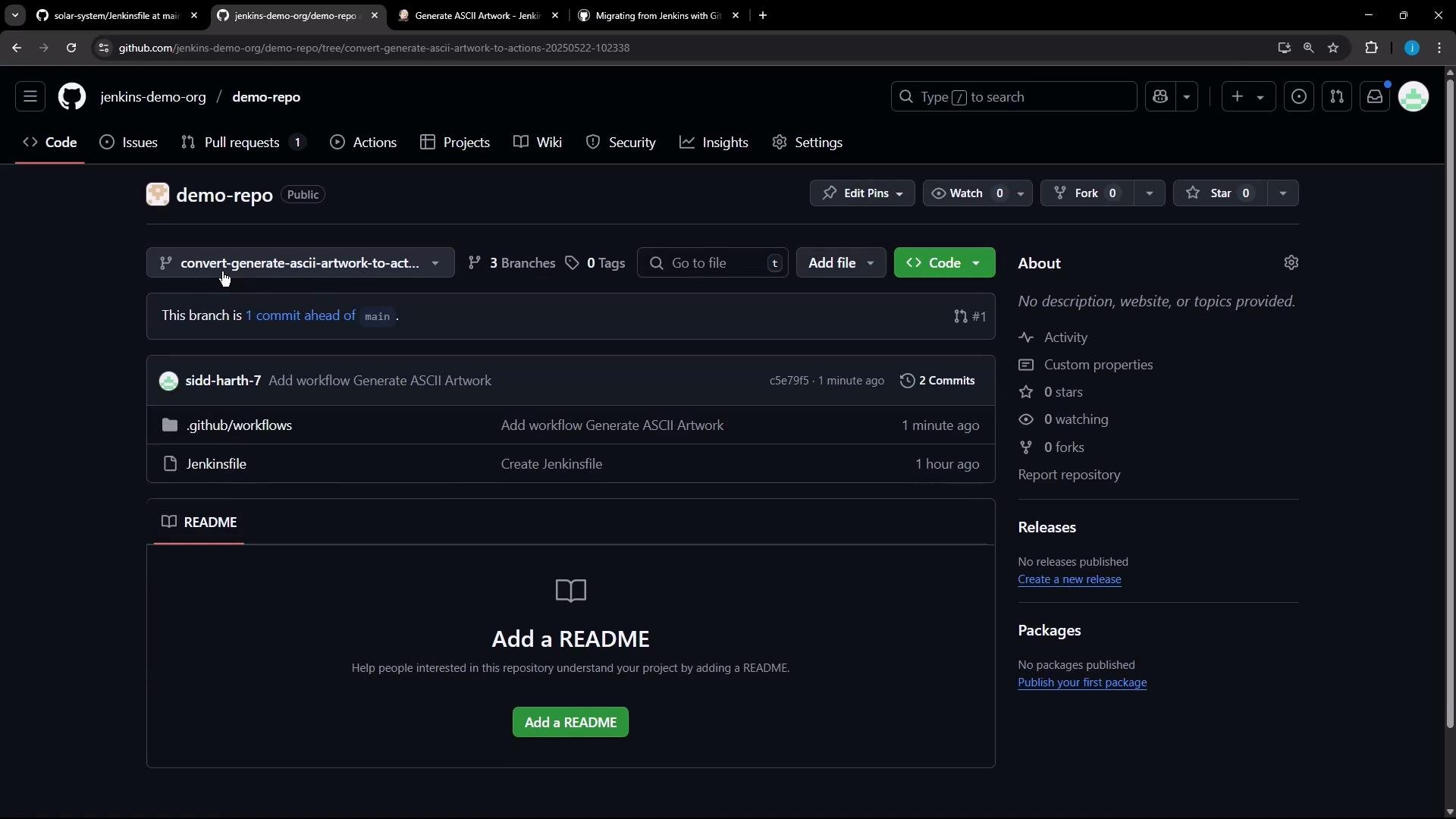
You should now see the newly created branch and the workflow changes in the repo.
Review the pull request
Open the PR created by the importer.
The PR body will include migration notes and may list required manual actions, such as adding secrets.
Inspect the generated workflow file and the transformed steps to confirm they match expected behavior.
Secrets in the generated workflowThe importer maps Jenkins job secrets into GitHub Actions secret references in the workflow. You must add those secrets manually to the repository (or organization) before merging.Example secret reference in the workflow:
Secrets referenced in the generated workflow must be added manually to the target repository (Settings → Secrets and variables → Actions). GitHub Actions masks secrets in logs, so secret values appear as asterisks if printed during a run.
Generated workflow example (from this demo)
name: Generate_ASCII_Artworkon: workflow_dispatch:env: m_username: "${{ secrets.MONGO_DB_PASSWORD_M_USERNAME }}"jobs: build: runs-on: - ubuntu-latest steps: - name: checkout uses: actions/checkout@v4.1.0 - name: run command shell: bash run: |- # Build a message by invoking ADVICESLIP API curl -s https://api.adviceslip.com/advice > advice.json cat advice.json # Test to make sure the advice message has more than 5 words. cat advice.json | jq -r .slip.advice > advice.message [ $(wc -w < advice.message) -gt 5 ] && echo "Advice has more than 5 words" || (echo "Advice - $(cat advice.message) has 5 words or less" && exit 1) # Deploy echo "$m_username" sudo apt-get install cowsay -y echo "$PATH" export PATH="$PATH:/usr/games:/usr/local/games" cat advice.message | cowsay -f "$(ls /usr/share/cowsay/cows | shuf -n 1)"
Merge and run the workflow
After adding the required repository secrets, the PR should have no conflicts and can be merged.
Merged workflows that use workflow_dispatch appear in the repository Actions tab and can be triggered manually.
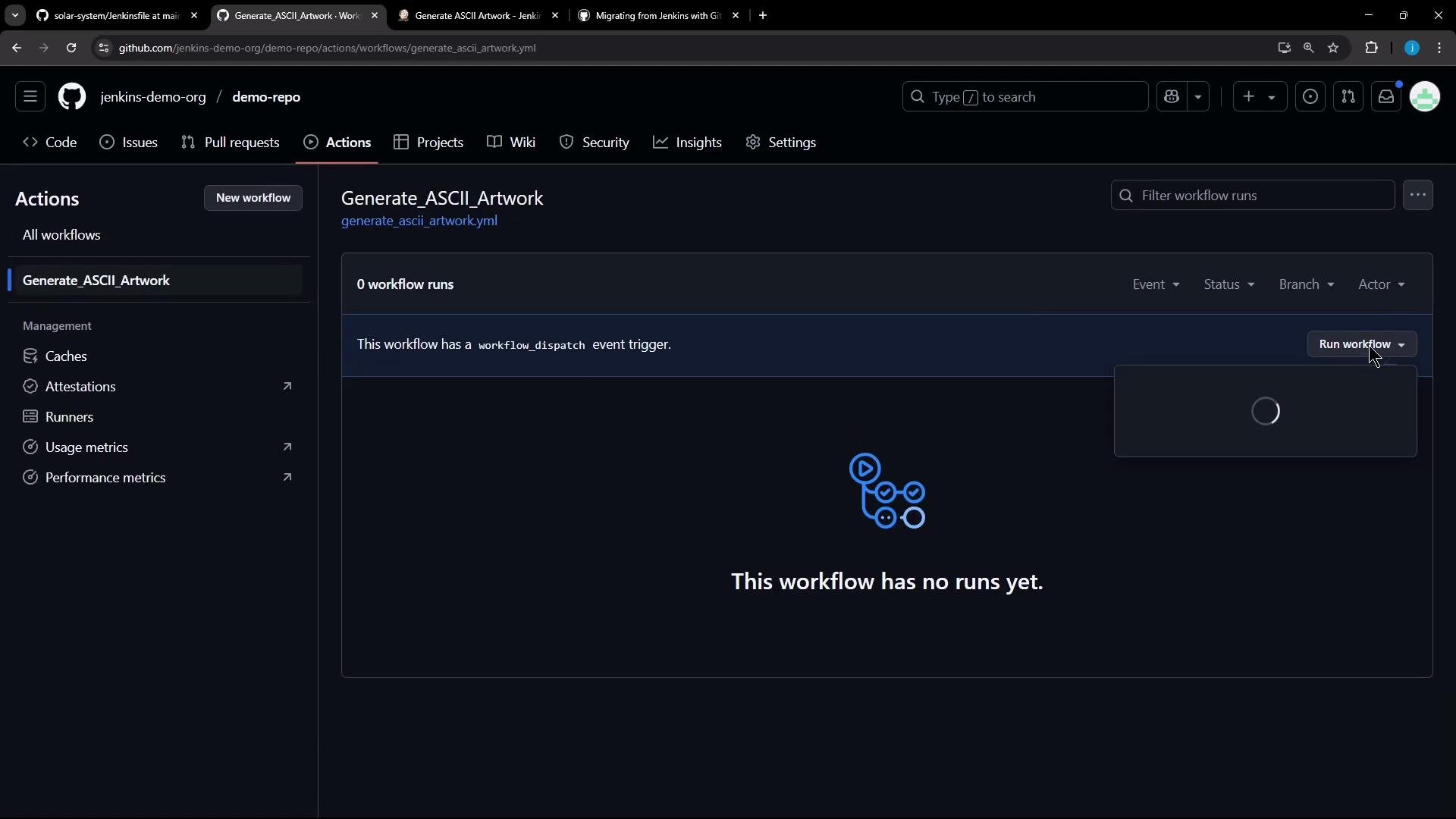
Example run output highlightsThe run shows standard checkout steps and the commands that were translated from the Jenkins job:
Run actions/checkout@v4.1.0Syncing repository: jenkins-demo-org/demo-repoGetting Git version infoTemporarily overriding HOME='/home/runner/.../ _temp/...' before making global git config changesAdding repository directory to the temporary git global config as a safe directory/usr/bin/git config --global --add safe.directory /home/runner/work/demo-repo/demo-repoDeleting the contents of '/home/runner/work/demo-repo/demo-repo'Initializing the repository...`aae9bb4c3f81abbde20c406ecd9dfa19cdf06231`run commandPost checkout
The run executes the advice API call, validates the advice length, installs the cowsay package, and prints ASCII art produced from the advice text:
"slip": { "id": 95, "advice": "Good advice is something a man gives when he is too old to set a bad example."}Advice has more than 5 wordsUnpacking cowsay (3.03+dfsg2-8) ...Setting up cowsay (3.03+dfsg2-8) ....../ Good advice is something a man gives \| when he is too old to set a bad |\ example. / ------------------------------------- \ ^__^ \ (oo)\_______ (__)\ )\/\ ||----w | || ||
Note on secret masking
If a workflow prints a secret, GitHub Actions masks its value in the logs (you’ll see ***), so secrets remain hidden even if echo is used in a step.
Preview a migration (dry run / forecast)
If you want to preview how a Jenkins job would be converted without opening a PR, run a forecast (dry-run):