- Native GitHub integration removes manual webhook and plugin configuration.
- Declarative YAML workflows are easier to review and version.
- Hosted runners scale without managing build servers or agents.
- A large Actions Marketplace reduces custom scripting.
- Managed service means less infrastructure maintenance.
1) Native GitHub integration
GitHub Actions is built into GitHub and triggers workflows directly from repository events (push, pull_request, release, etc.). You don’t need to configure external webhooks or expose a Jenkins server for GitHub to contact—this removes an operational step and potential security surface. Example trigger configuration in a GitHub Actions workflow:2) Simplified YAML-based workflows
Workflows are stored with your code under.github/workflows, making them easy to review, track in pull requests, and version alongside application changes. Compared to Groovy-based Jenkinsfiles or GUI configuration, YAML workflows are typically more accessible to developers and reviewers.
A simple CI workflow example:
3) Cloud-native scalability
GitHub-hosted runners provide automatic scaling for CI workloads. You can run matrix builds and parallel jobs without provisioning or maintaining dedicated build servers or Jenkins agents. This eliminates the operational burden of capacity planning and agent lifecycle management.4) Extensive Marketplace of pre-built Actions
The GitHub Actions Marketplace offers many community and vendor-maintained actions for tasks such as:- Building and pushing container images
- Deploying to cloud providers (AWS, Azure, GCP)
- Notifying chat systems (Slack, Teams)
- Managing artifact storage and caching
5) Lower maintenance overhead
Jenkins requires ongoing server maintenance, plugin updates, and security patching—typically handled by platform or DevOps teams. GitHub Actions, as a managed service, shifts most of this operational work to GitHub and reduces platform overhead for teams.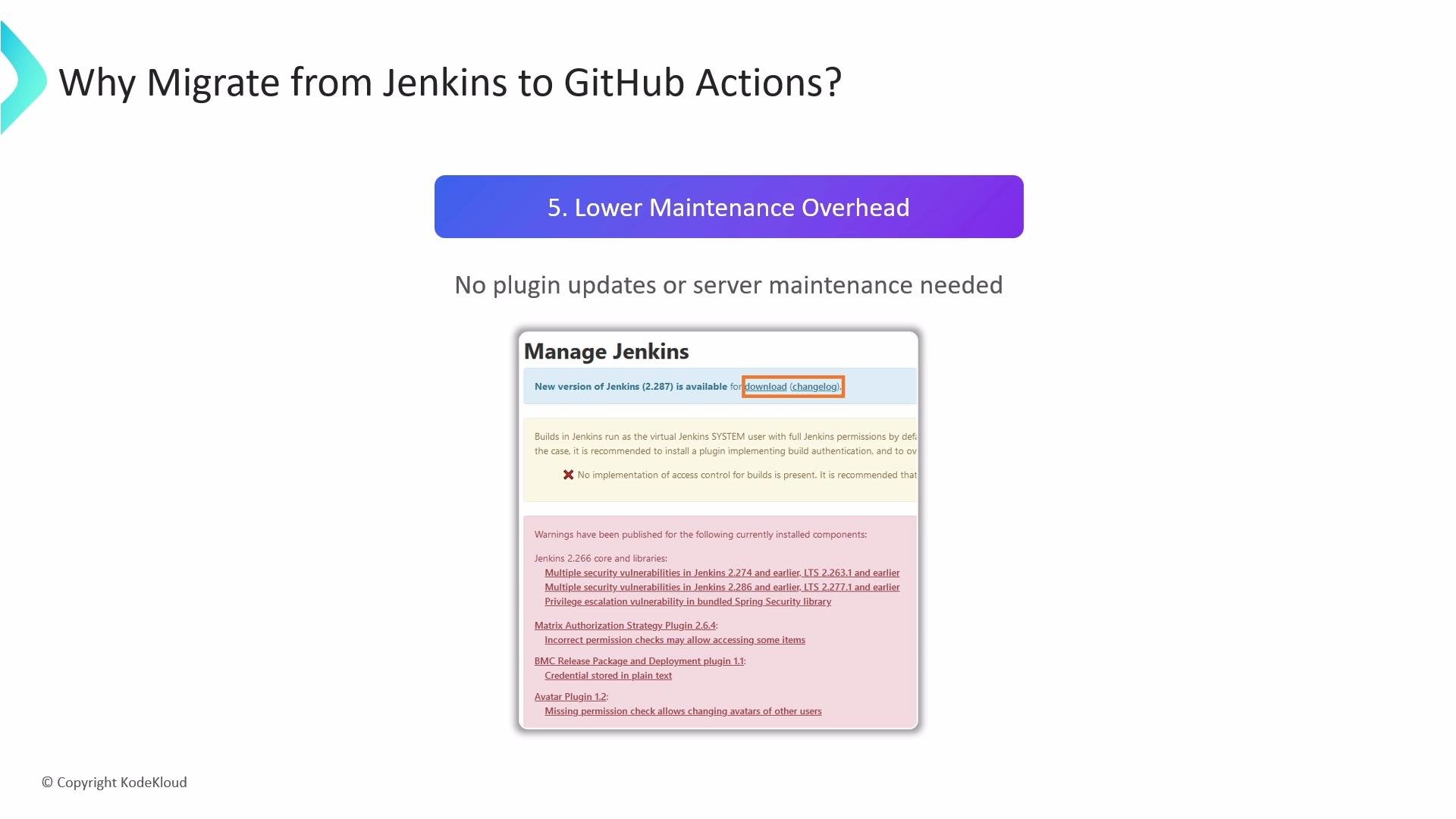
Jenkins remains a powerful choice for advanced on‑premises use cases that require heavy customization, unique plugin ecosystems, or strict network isolation. Evaluate migration based on your specific requirements, compliance constraints, and plugin dependencies.
- You depend on proprietary or niche plugins only available for Jenkins.
- Your build infrastructure must run in a strictly isolated network with no outbound access.
- You have complex, long-running pipeline orchestration tightly coupled to existing Jenkins jobs and components.
- Repositories are hosted on GitHub and you want event-driven workflows.
- You prefer configuration-as-code stored alongside the application.
- You want a managed CI solution with minimal server maintenance and easy scaling.