

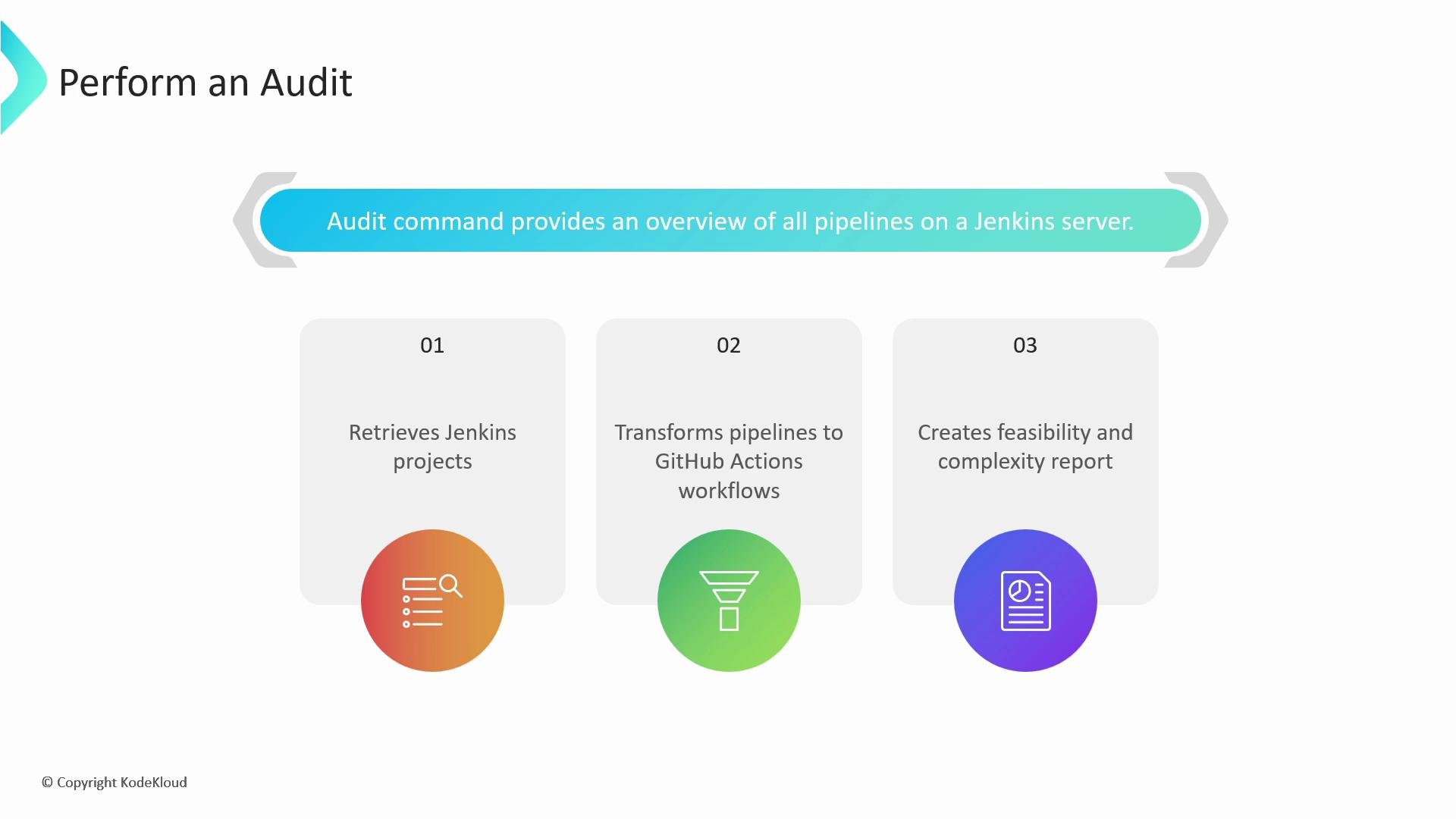
audit command gives a complete overview of pipelines on a Jenkins server and produces artifacts you can use to plan and execute a migration to GitHub Actions. It performs three primary tasks:
- Enumerates all projects configured on the Jenkins instance.
- Attempts to transform each Jenkins pipeline into an equivalent GitHub Actions workflow.
- Generates a summary report describing feasibility, complexity, and any manual tasks required for migration.
Running an audit
By default the audit inspects the entire Jenkins instance. To limit the audit to a single folder, use the-f flag and specify the folder path. You must also set the output directory with --output-dir (or -o); the path must be located beneath the directory from which you run the GitHub Actions Importer commands.
When you provide
--output-dir, the tool writes all artifacts (converted workflows, logs, and metadata) into that directory. Ensure you have write permissions and sufficient disk space before starting the audit.--output-dir you specified.
Example audit output tree
Below is a representativetree of the audit output showing the types and structure of files the audit produces:
What the audit output contains
The audit directory will contain a mix of human-readable reports, original Jenkins content, converted workflows, metadata files, and logs:
Open
audit_summary.md first to get a quick overview of conversion success rates and items requiring manual attention.
Pipeline Summary (example)
The Pipeline Summary inaudit_summary.md reports high-level conversion statistics:
- Successful: converted automatically to equivalent GitHub Actions constructs.
- Partially successful: converted but requires manual adjustments for one or more items.
- Unsupported: pipeline types the importer cannot convert automatically (for example, some scripted pipelines).
- Failed: conversions that error out due to invalid Jenkins configurations, internal conversion errors, or inaccessible resources.
Build steps summary (example)
The audit aggregates build steps across pipelines to show how Jenkins steps map to GitHub Actions and which steps need manual attention:- Known: automatically mapped to an equivalent Action or
runstep. - Unknown: no direct mapping; requires manual replacement or a custom action.
- Unsupported: fundamentally incompatible with GitHub Actions as detected by the importer.
Manual tasks summary (example)
Items the importer could not configure automatically are shown under Manual Tasks. These require repository or organization-level configuration:- Secrets: repository/organization secrets referenced by converted workflows. Create these manually in GitHub so workflows run correctly.
- Self-hosted runners: runner labels referenced by workflows. Provision and register these runners in GitHub if required.
Workflows that reference secrets or self-hosted runners will not run until those resources are created and configured. Plan to create required secrets and register self-hosted runners before enabling converted workflows in production.
Manifest of conversion artifacts (example)
The final section of the audit report lists all files written to disk, grouped by Successful, Partially successful, and Failed conversions. These links and files help you inspect original and converted artifacts side-by-side.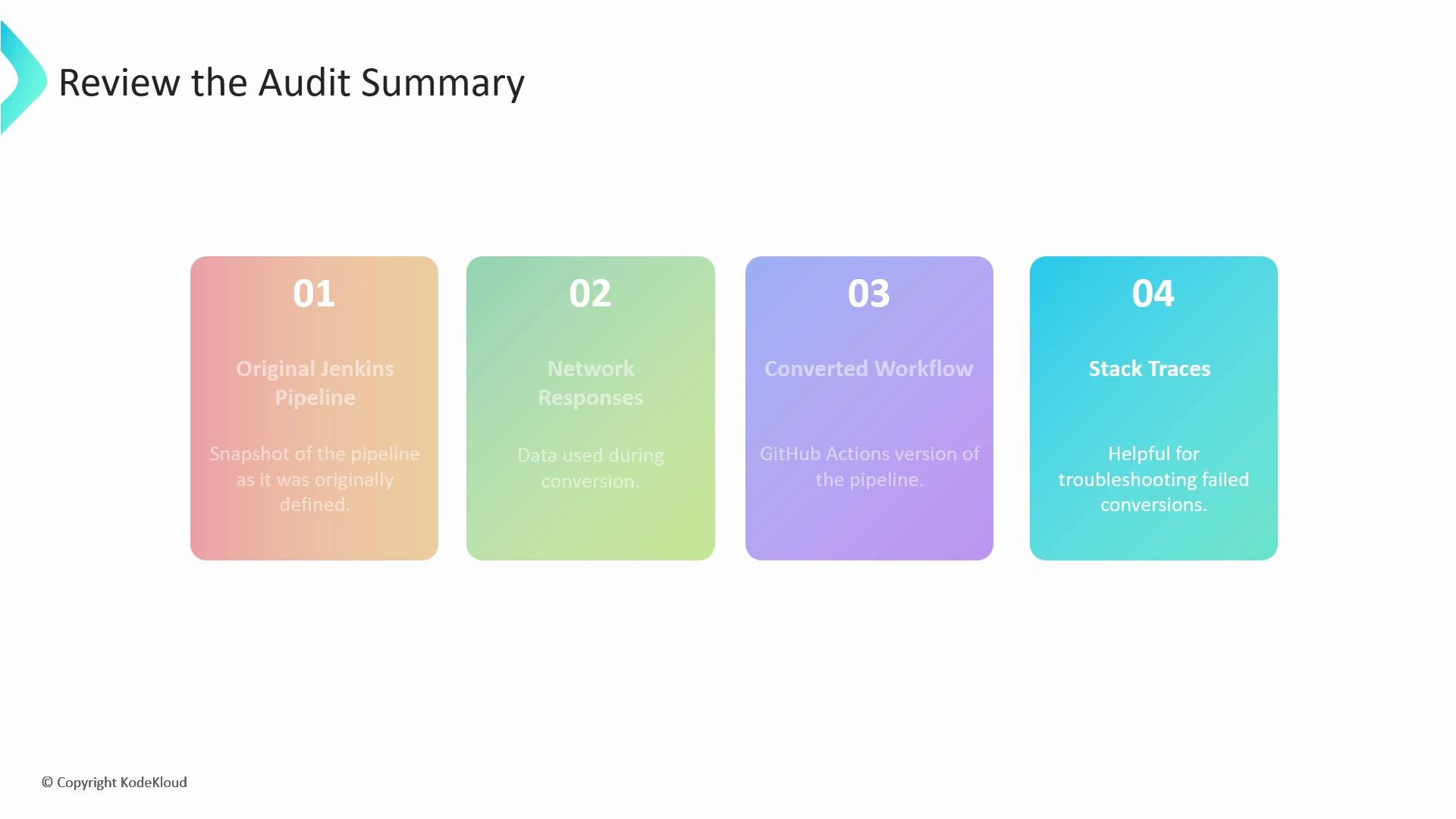
workflow_usage.csv
The audit producesworkflow_usage.csv, which maps pipelines to Actions, Secrets, and Runner labels. This is especially valuable for:
- Security reviews (which actions must be allowed or mirrored to an enterprise appliance).
- Creating repository/organization secrets required by converted workflows.
- Identifying self-hosted runners you must provision.
Recommended next steps
- Review
audit_summary.mdto identify:- Pipelines that converted successfully and can be enabled quickly.
- Partially converted pipelines that need manual edits.
- Unsupported or failed conversions requiring investigation.
- Use
workflow_usage.csvto:- Create or approve external Actions.
- Add required secrets in GitHub (repository or organization level).
- Provision and register any self-hosted runners referenced by workflows.
- Validate converted workflows by running them in a staging repository before enabling in production.
- Use logs and
error.txtstack traces to troubleshoot failed conversions.