This lesson outlines the DevOps prerequisites and migration plan for modernizing CI/CD pipelines—specifically migrating Jenkins pipelines to GitHub Actions. We’ll focus on a Node.js application as the initial migration target and show how to preserve Docker, Kubernetes, and serverless deployment workflows during the transition. Dasher Technologies is a software provider that helps businesses integrate data, applications, and devices across hybrid cloud and on-premises environments. Their platform enables enterprises to streamline operations, improve scalability, and accelerate digital transformation. To modernize, Dasher’s R&D team began migrating services to the cloud and adopting containerized deployments; the Node.js app is the first candidate, with Java and Python projects planned next. The DevOps team led by Jordan Carter currently uses a Jenkins-based pipeline that integrates Docker for container builds, Kubernetes for orchestration, and AWS Lambda for serverless components. The team’s objectives for this migration are:
  • Reduce maintenance overhead and simplify CI/CD configuration.
  • Improve automation with Git-centric workflows.
  • Maintain or improve existing test, scan, and deployment guarantees.
  • Preserve Docker and Kubernetes deployment patterns and serverless deployment steps.
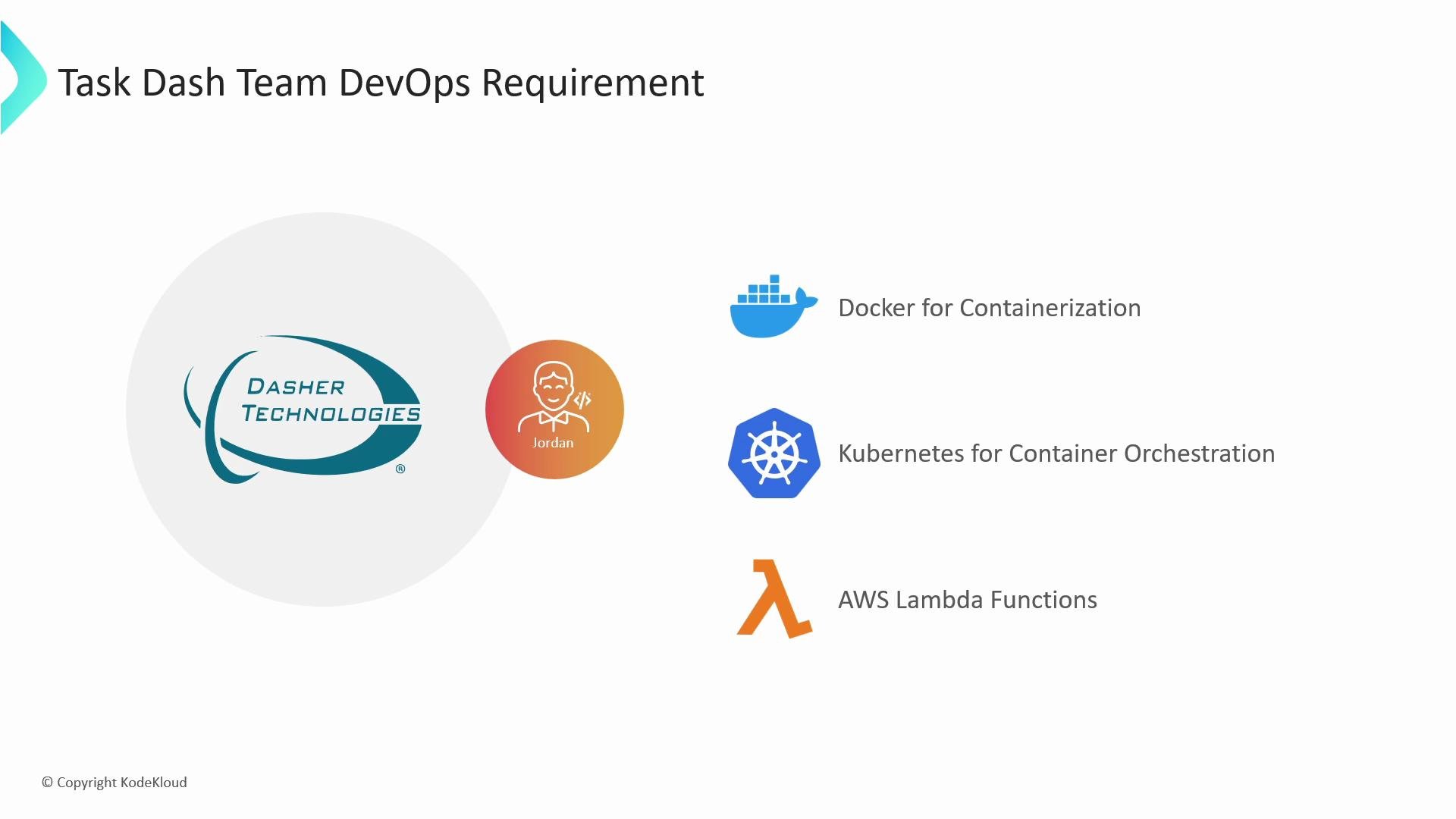
A presentation slide titled "Task Dash Team DevOps Requirement" showing the Dasher Technologies logo and a team avatar labeled "Jordan." On the right are icons and three listed tools: Docker for containerization, Kubernetes for orchestration, and AWS Lambda functions.
After using Jenkins for CI/CD, Jordan evaluated several modern CI/CD platforms to find a replacement that better aligns with a cloud-native, Git-first approach. The primary candidate options included GitHub Actions, GitLab CI/CD, Atlassian Bamboo, Travis CI, and CircleCI. Below is a concise comparison to help you evaluate migration targets for an organization with existing Docker, Kubernetes, and serverless workflows.
CI/CD ToolStrengthsConsiderationsMore Info
GitHub ActionsNative GitHub integration, YAML workflows, expansive Marketplace of actions, strong support for reusable workflows and self-hosted runnersRequires GitHub hosting (public or enterprise) and workflow/cost managementhttps://learn.kodekloud.com/user/courses/github-actions
GitLab CI/CDIntegrated with GitLab; built-in registry, Kubernetes integration, strong multi-project pipelinesBest with GitLab-hosted repos and GitLab Runner managementhttps://learn.kodekloud.com/user/courses/gitlab-ci-cd-architecting-deploying-and-optimizing-pipelines
Atlassian BambooDeep Jira/Bitbucket integration, powerful release managementLicensing costs and less community marketplace than GitHub Actionshttps://www.atlassian.com/software/bamboo
Travis CISimple configuration for open-source projects, long history in CILess extensible for complex cloud-native patterns todayhttps://travis-ci.com/
CircleCIFast, highly configurable, strong Docker supportPricing and configuration differences compared to GitHub Actionshttps://circleci.com/
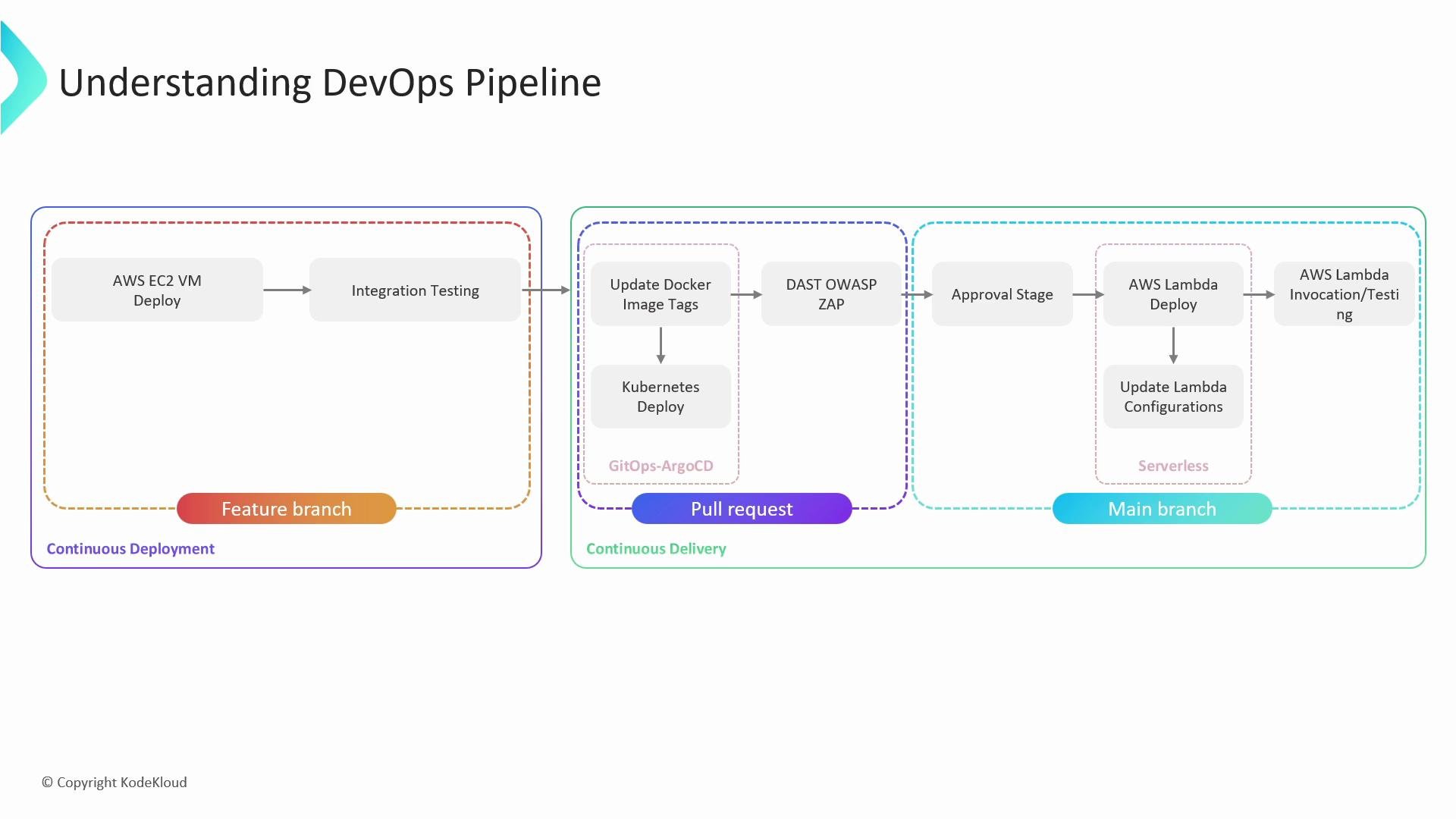
A DevOps pipeline diagram titled "Understanding DevOps Pipeline" showing stages from Feature branch to Pull request to Main branch. It outlines steps like AWS EC2 VM deploy and integration testing, updating Docker image tags and Kubernetes deploy, DAST (OWASP ZAP) scanning and approval, and AWS Lambda deployment/testing.
Why GitHub Actions was a strong candidate
  • Native repository integration simplifies triggers (push, pull_request, schedule).
  • YAML-based workflows are declarative and reusable via composite actions and reusable workflows.
  • Marketplace offers prebuilt actions for Docker build/push, Kubernetes kubectl/helm deployments, OWASP ZAP scanning, and AWS deployments.
  • Flexible runner options: GitHub-hosted or self-hosted runners for on-premises workloads.
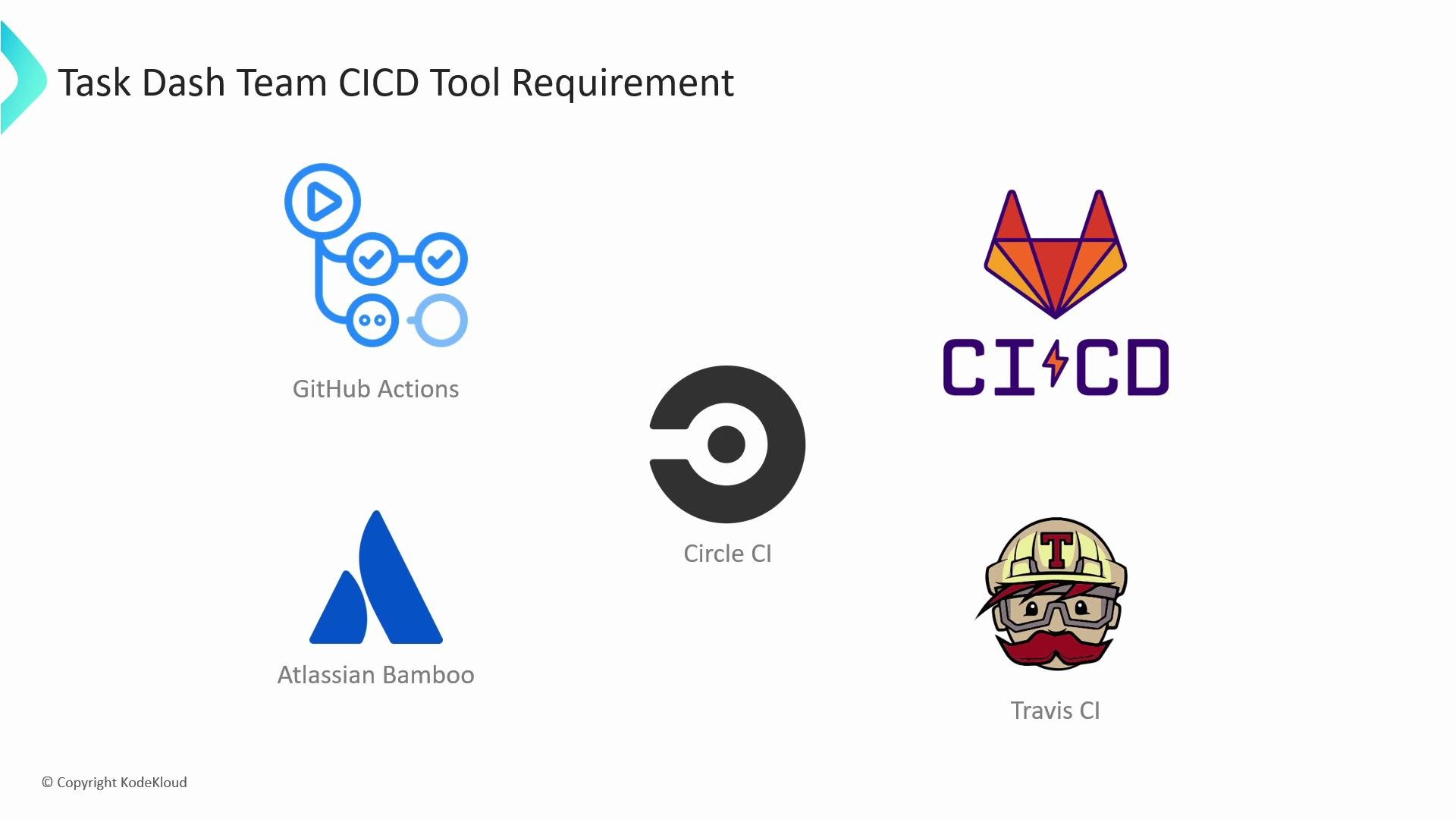
A presentation slide titled "Task Dash Team CICD Tool Requirement" showing logos and names of CI/CD tools, including GitHub Actions, CircleCI, GitLab CI/CD, Atlassian Bamboo, and Travis CI.
Migration approach — high level
  • Inventory current Jenkins pipeline stages and external integrations (artifact registries, container registries, Kubernetes clusters, AWS Lambda).
  • Map each Jenkins stage to an equivalent GitHub Actions job or reusable workflow.
  • Reuse existing Dockerfiles, helm charts, and tests; replace pipeline orchestration with YAML-based workflows and Actions from the Marketplace where appropriate.
  • Implement security scanning (DAST, SAST) as separate workflow steps or reusable workflows to enforce policy across repositories.
  • Validate deployments in a staging environment (Kubernetes or EC2) and then apply production promotion gates (manual approvals, required checks).
Recommended mapping of Jenkins concepts to GitHub Actions
Jenkins StageGitHub Actions ConceptTypical Implementation
Build (compile, npm install)Job + actions/setup-nodeUse a job that runs on ubuntu-latest with actions/setup-node and npm ci
Unit testsJob (matrix or separate)Run npm test, publish test results/artifacts using actions/upload-artifact
Docker image build & pushJob with docker/build-push-actionBuild images, tag with commit SHA, push to Docker Hub or GHCR
Integration tests / deploy to stagingJob with deployment stepUse kubectl or helm via actions to update staging cluster
Security scanning (DAST/SAST)Job or reusable workflowIntegrate OWASP ZAP for DAST or Snyk/Dependabot for dependency scanning
Approval gatesEnvironment protection rules / manual approvalsUse GitHub Environments with required reviewers or workflow_dispatch approval steps
Serverless (AWS Lambda) deployJob using aws-actionsUse aws-actions/configure-aws-credentials and aws lambda CLI or SAM/Serverless deploy
Sample (conceptual) GitHub Actions workflow snippet
name: CI

on:
  pull_request:
  push:
    branches: [ main ]

jobs:
  build:
    runs-on: ubuntu-latest
    steps:
      - uses: actions/checkout@v4
      - uses: actions/setup-node@v4
        with:
          node-version: '18'
      - run: npm ci
      - run: npm run build
      - uses: docker/build-push-action@v4
        with:
          push: true
          tags: ghcr.io/myorg/myapp:${{ github.sha }}
  test:
    needs: build
    runs-on: ubuntu-latest
    steps:
      - uses: actions/checkout@v4
      - run: npm test
  deploy-staging:
    needs: test
    runs-on: ubuntu-latest
    steps:
      - uses: actions/checkout@v4
      - uses: azure/setup-kubectl@v3 # or use a kubectl/helm action
      - run: kubectl set image deployment/myapp myapp=ghcr.io/myorg/myapp:${{ github.sha }}
Note: the snippet above is a conceptual starting point. During migration you’ll want to modularize common steps into reusable workflows or composite actions to reduce duplication across repositories. What we’ll cover in this lesson
  • How to translate typical Jenkins pipeline stages into GitHub Actions workflow files.
  • How to build, tag, and publish Docker images from Actions to a container registry (Docker Hub or GitHub Container Registry).
  • Strategies for Kubernetes deployments from Actions using kubectl or helm.
  • How to integrate security scanning (DAST/SAST) into workflows using OWASP ZAP and marketplace actions.
  • Using GitHub Environments and required reviewers to create production promotion gates.
  • Best practices for secrets management, self-hosted runners, and cost/scale considerations.
References and further reading
This lesson covers the migration plan and technical considerations for replacing Jenkins with GitHub Actions, including how to map existing Jenkins stages (build, test, security scans, image publishing, and deployments) into GitHub workflows while keeping Docker, Kubernetes, and serverless targets in mind.

Watch Video