You can configure GitHub Actions workflows to run whenever specific activities occur on GitHub (pushes, pull requests, issues, discussions, releases, etc.) or when events originate outside GitHub (for example, from an external application). This guide summarizes the most common trigger types, shows concise examples, and includes tips for correctly filtering and invoking workflows. Quick overview:
Event typeWhen to useExample filter
pushRun on commits or tags pushed to a repository (also when creating a repo from a template)branches: [main], tags: ['v*']
pull_requestRun when pull requests change state (opened, reopened, review requested, etc.)types: [opened, reopened, review_requested]
scheduleRun workflows on a cron schedulecron: '30 5 * * *'
issues / discussionTrigger on issue or discussion activityissues: types: [opened, labeled]
repository_dispatchTrigger workflows from external systems using the REST APItypes: [test_result]
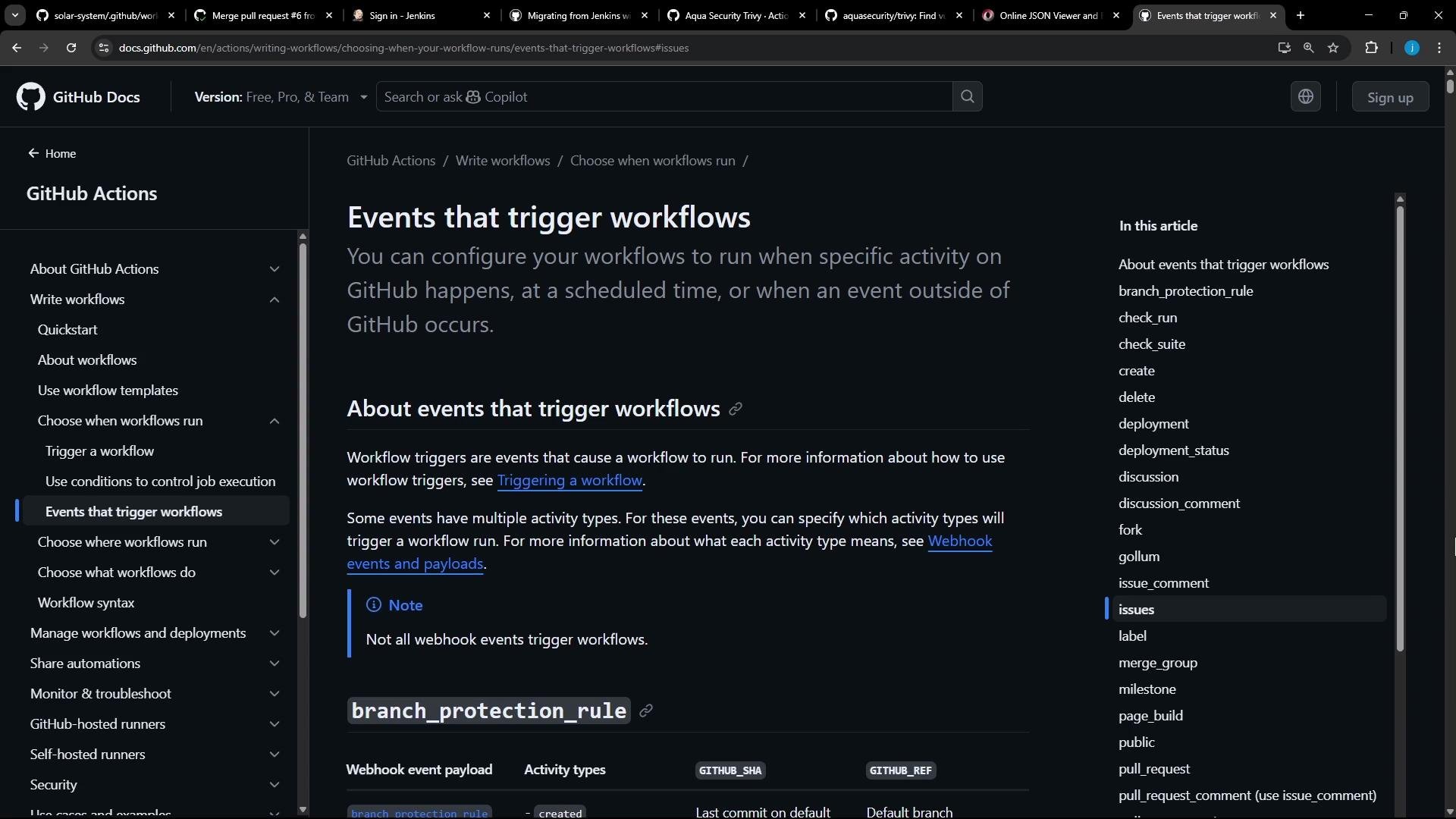
A dark‑theme screenshot of the GitHub Docs page titled "Events that trigger workflows," showing the left navigation menu, the main article content, and a right-hand table of contents inside a browser window with multiple tabs open.

Push events

Use the push event to run workflows when commits or tags are pushed to a repository. Common filters include branch names and tag patterns. This trigger is ideal for CI runs, deployments on main branches, and building versioned artifacts when tags are pushed. Example — trigger on pushes to main or on tags that start with v:
on:
  push:
    branches:
      - main
    tags:
      - 'v*'
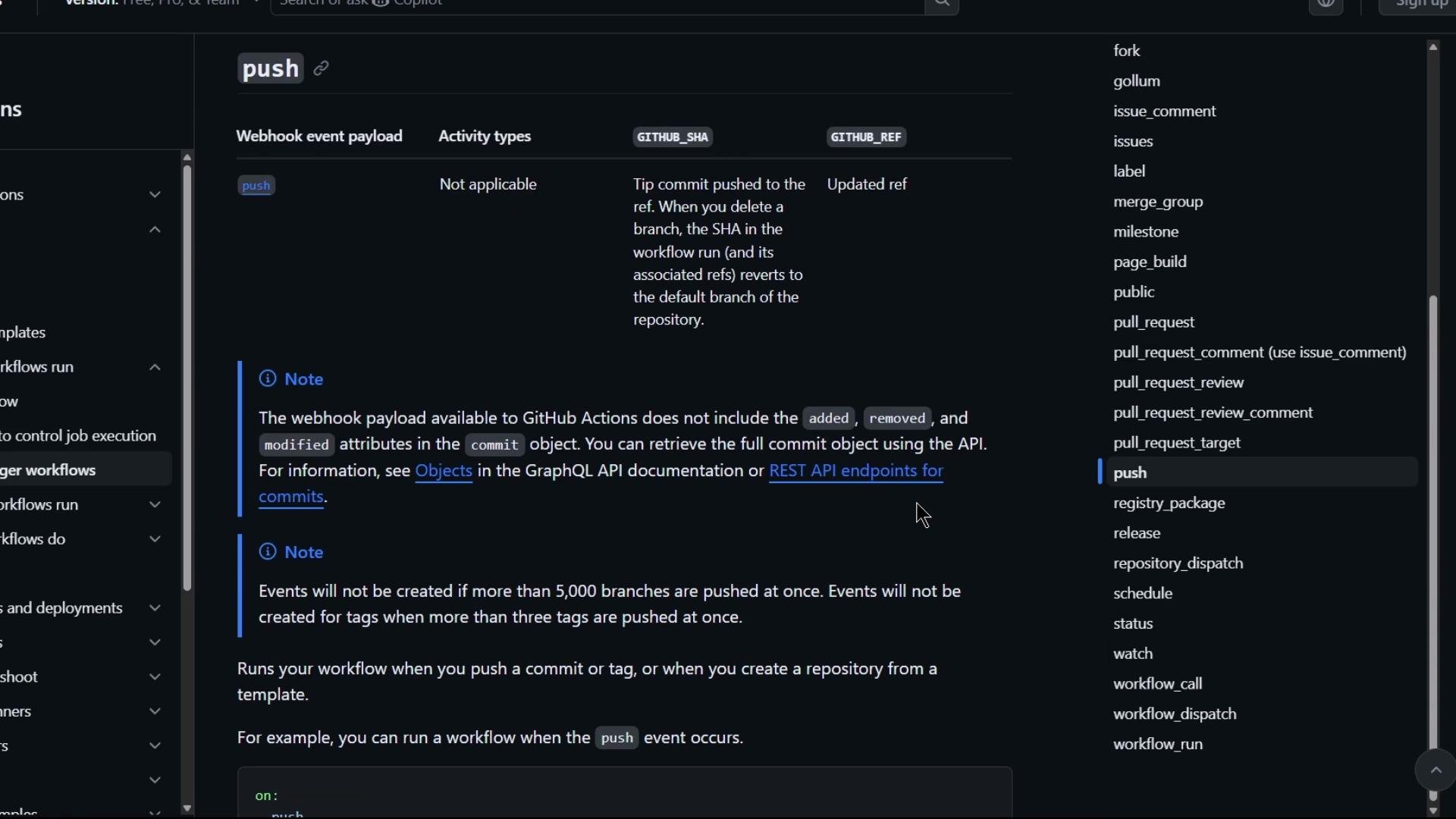
A dark-mode screenshot of GitHub documentation explaining the "push" webhook/event payload for GitHub Actions, including notes about commit attributes. The page shows a left navigation menu and a right-hand list of other GitHub event types.

Pull request events

The pull_request event runs workflows when pull requests change state — for example: opened, reopened, closed, labeled, assigned, or when a review is requested. You can filter by specific types and inspect the payload through the github context inside workflow jobs. Example — run on selected pull request activity and check whether a review from a specific team was requested:
on:
  pull_request:
    types: [opened, reopened, review_requested]

jobs:
  specific_review_requested:
    runs-on: ubuntu-latest
    steps:
      - uses: actions/github-script@v6
        with:
          script: |
            const teams = context.payload.requested_teams || [];
            if (teams.some(t => t.name === 'octo-team')) {
              console.log('A review from octo-team was requested');
            }
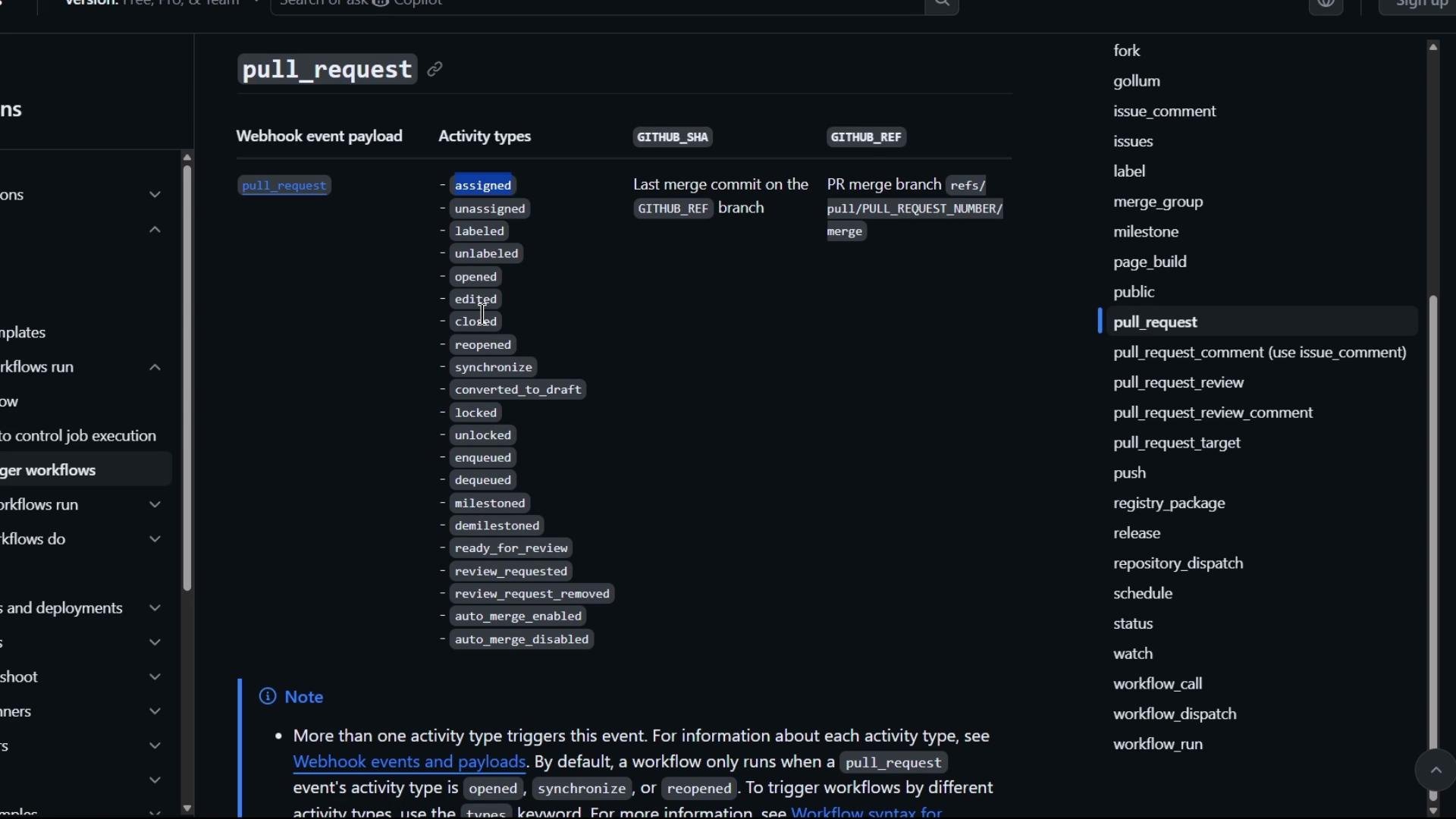
A dark-themed documentation/settings screen showing the GitHub "pull_request" webhook event with a column of activity types (assigned, unassigned, labeled, opened, closed, etc.) and a right-hand list of other event names. The page appears to describe webhook event payloads and merge branch references.

Scheduled events (cron)

Use the schedule trigger to run workflows at fixed times. Cron schedules must be quoted in YAML because the asterisk (*) is a special character in YAML.
When you use cron schedules in YAML, wrap the cron string in quotes so the YAML parser treats the asterisks (*) as part of the string.
Example — run a job daily at 05:30 UTC and at 04:15/05:15 UTC on particular days:
on:
  schedule:
    - cron: '30 5 * * *'      # runs daily at 05:30 UTC
    - cron: '15 4,5 * * *'    # runs at 04:15 and 05:15 UTC

Issues and discussions

Trigger workflows from activity on GitHub Issues and Discussions. Use these events to automate triage, label management, welcome messages, or run bots that respond to user input. Example — listen for a subset of issue and discussion activity:
on:
  issues:
    types: [opened, edited, labeled]
  discussion:
    types: [created, edited]
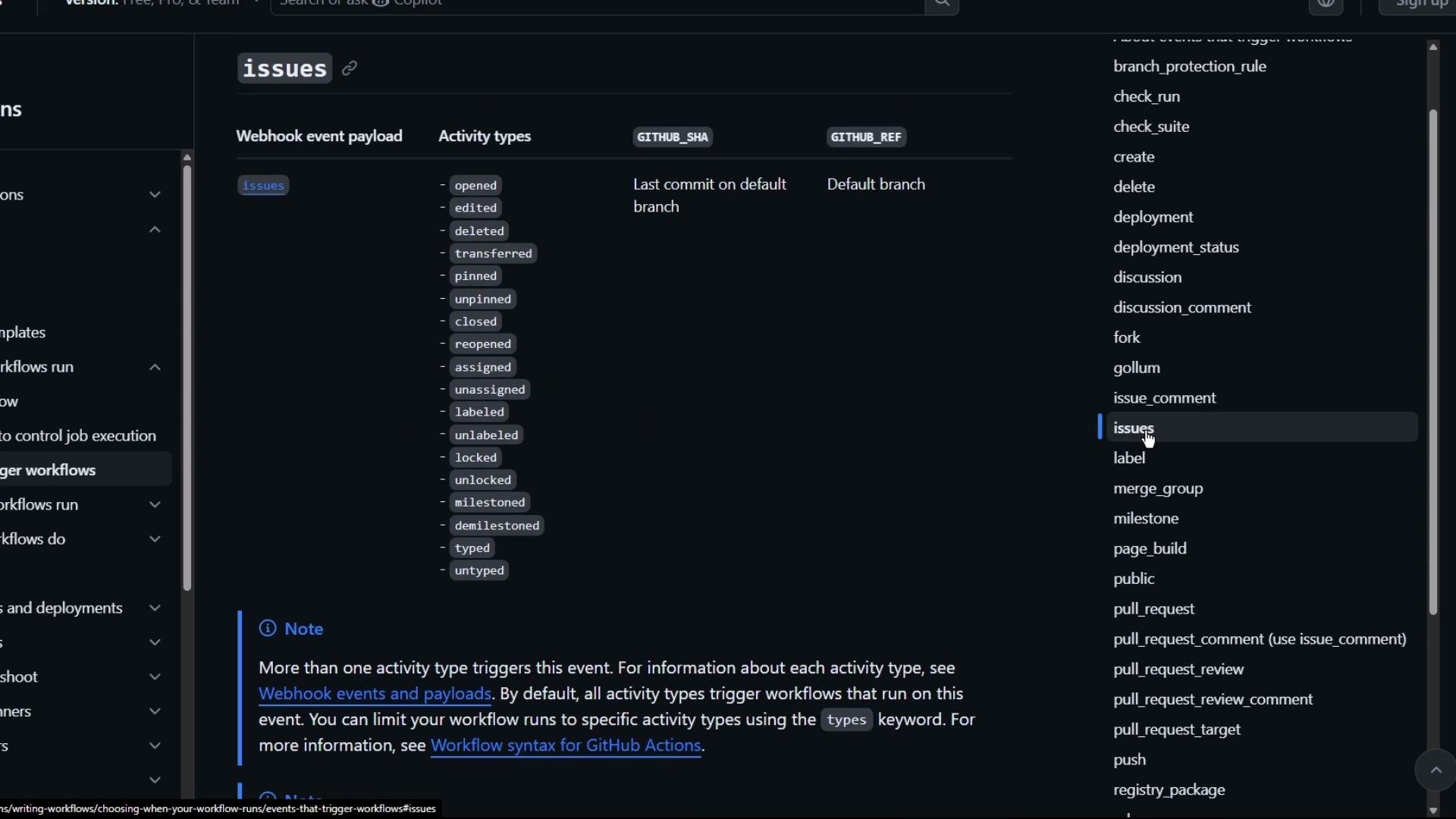
A dark-themed screenshot of GitHub's documentation showing the "issues" webhook event payload and a list of issue activity types (opened, edited, closed, labeled, etc.). The right column shows a vertical list of other GitHub event names like issue_comment, label, and pull_request.
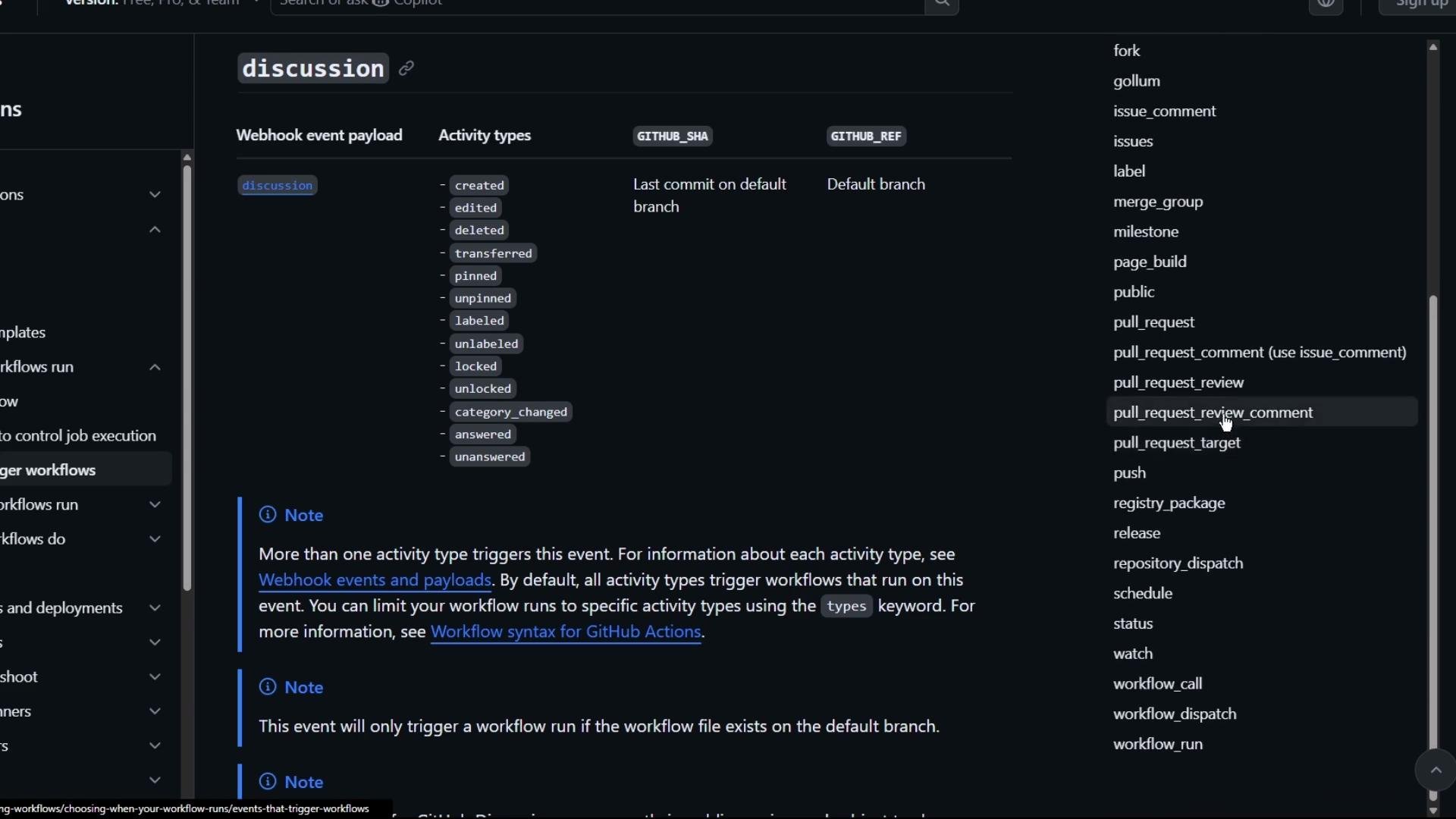
A dark‑theme screenshot of GitHub documentation showing the "discussion" webhook event payload and a list of activity types (created, edited, deleted, pinned, etc.). The right sidebar displays other GitHub event names such as pull_request_review_comment, push, and release.

External events: repository_dispatch

When an event originates outside GitHub (for example, a database update, an external CI system, or another application), use the repository_dispatch event. Your external system calls the GitHub REST API to send a dispatch with a custom event_type, and a workflow configured for that event_type runs in the repository. Example — trigger a workflow for an external event named test_result:
on:
  repository_dispatch:
    types: [test_result]
To send the dispatch from an external system, call the GitHub REST API endpoint POST /repos/OWNER/REPO/dispatches with an event_type. Example curl call:
curl -X POST \
  -H "Accept: application/vnd.github+json" \
  -H "Authorization: token YOUR_GITHUB_TOKEN" \
  https://api.github.com/repos/OWNER/REPO/dispatches \
  -d '{"event_type":"test_result","client_payload":{"status":"success"}}'
Make sure the token you use has the repo scope (or repository permissions appropriate for the target repository). Also verify repository settings and branch protection rules if your workflow needs write access to the repository.

Best practices and tips

  • Limit event types and apply filters (branches, tags, paths, types) to avoid running unnecessary workflow runs and reduce usage.
  • For pull_request, prefer pull_request_target carefully for actions that require repository write access; be mindful of security implications.
  • Use repository_dispatch only when external systems need to orchestrate GitHub-run workflows; secure tokens and limit event_type values.
  • Validate cron expressions and consider timezone implications — GitHub Actions uses UTC for scheduled events.
For a complete list of possible events and advanced filtering options, see the GitHub Actions documentation: This article covered core triggers — pushes, pull requests, schedules, issues/discussions, and repository dispatches — and gave short examples to help you pick and configure triggers for common CI/CD and automation scenarios.

Watch Video