Shows building a custom transformer that converts Jenkins OWASP Dependency Check stages into GitHub Actions steps, parsing additionalArguments to set format and failOnCVSS and upload reports
This lesson shows how to build a custom transformer that converts an OWASP Dependency-Check Jenkins stage into an equivalent GitHub Actions step. The transformer:
Parses the Jenkins plugin configuration to find additionalArguments.
Extracts key flags such as --format and --failOnCVSS.
Emits a GitHub Actions step that runs the dependency-check/Dependency-Check_Action and uploads generated reports.
Goal: produce a GitHub Actions job step that runs dependency-check, writes reports to reports/, and uploads those artifacts.Desired GitHub Actions step (excerpt)
What data do we get from Jenkins?The Dependency-Check plugin configuration appears as a structured hash. The important field is additionalArguments (a multi-line string). Example:
Which report format(s) to generate (e.g., HTML, ALL)
/--format\s+['"]?([^'"\s]+)['"]?/i
ALL
--failOnCVSS
CVSS threshold that makes dependency-check exit non-zero
/--failOnCVSS\s+(\d+(?:\.\d+)?)/i
9
Transformer scaffolding and environmentAdd or reuse your transformer (example filename: ci-pipeline-transformer.rb). You can set up a runner and environment variables for the transformer runtime. Example runner/env config:
Transformer implementationThe transformer locates the additionalArguments string, applies regular expressions to extract --format and --failOnCVSS, and builds the step hash for GitHub Actions. Defaults are applied if values are absent.
transform "dependencyCheck" do |item| # Extract additional arguments (string) additional_args = item["arguments"].find { |arg| arg["key"] == "additionalArguments" }["value"]["value"] # Parse key parameters from additional arguments # Accept quoted or unquoted format values format = additional_args.match(/--format\s+['"]?([^'"\s]+)['"]?/i)&.captures&.first || "ALL" # Accept integer or decimal CVSS thresholds fail_on_cvss = additional_args.match(/--failOnCVSS\s+(\d+(?:\.\d+)?)/i)&.captures&.first || "9" { "name" => "OWASP Dependency Check", # Ensure that, even if the check fails, we continue to the artifact upload step "continue-on-error" => true, "uses" => "dependency-check/Dependency-Check_Action@main", "with" => { "project" => "test", "path" => ".", "format" => format, "out" => "reports", "args" => "--failOnCVSS #{fail_on_cvss}" } }end
Skip the publisher stageJenkins’ dependencyCheckPublisher can be omitted for GitHub Actions because the dependency-check action writes the reports directly. Return nil in the transformer to skip that identifier:
transform "dependencyCheckPublisher" do |item| next nilend
Run a dry-run importValidate the transformation with a dry-run using the importer tool:
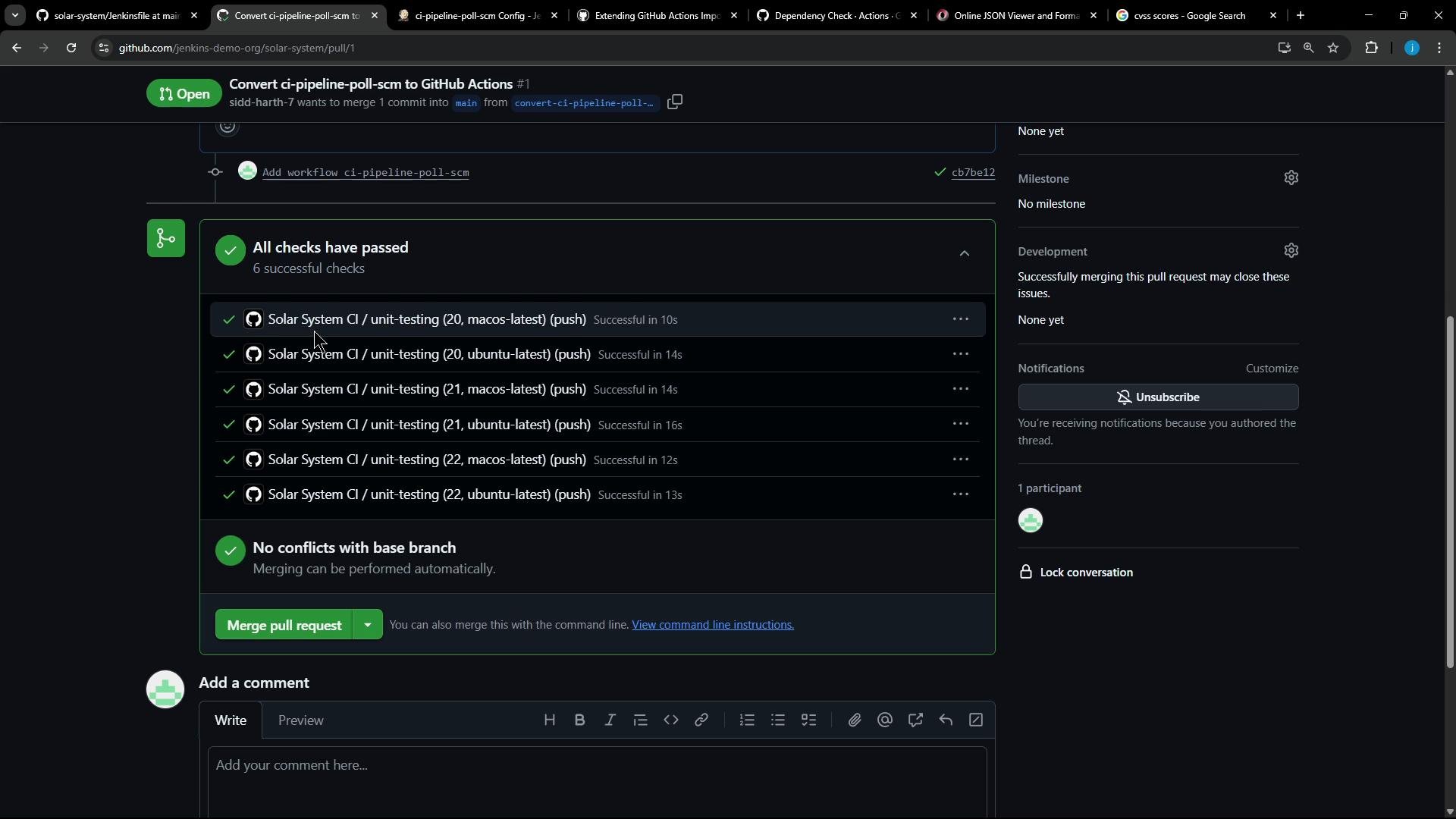
Pull request and converted workflowThe generated workflow keeps the original environment, runners, and converted jobs. The OWASP job contains the dependency-check action and a subsequent upload-artifact step to collect reports.
Excerpt of the generated workflow (converted OWASP job)
Execute the workflow and read logsWhen the action runs it triggers dependency-check, which generates multiple formats (XML, HTML, JSON, CSV, SARIF, JUnit). The action receives the --format, --out, and --failOnCVSS settings from the with.args we provided.Sample logs (trimmed):
[INFO] Analysis Complete (4 seconds)[INFO] Writing XML report to: /github/workspace/reports/dependency-check-report.xml[INFO] Writing HTML report to: /github/workspace/reports/dependency-check-report.html[INFO] Writing JSON report to: /github/workspace/reports/dependency-check-report.json[INFO] Writing CSV report to: /github/workspace/reports/dependency-check-report.csv[INFO] Writing SARIF report to: /github/workspace/reports/dependency-check-report.sarif[INFO] Writing JUNIT report to: /github/workspace/reports/dependency-check-report-junit.xml# Upload ArtifactsUploaded bytes 209207Finished uploading artifact content to blob storage!SHA256 hash of uploaded artifact .zip is a71f06a5ae4d09e7be41f18401a6a577ba0635a86cecfa2f13cad1376a0a1c5fFinished artifact upload
Handling failures and ensuring artifact uploadIf dependency-check finds vulnerabilities above the --failOnCVSS threshold the process exits non-zero and the step fails. By adding continue-on-error: true to the dependency-check step, the job will continue and the upload-artifact step will still run so you can download the reports for inspection.Example error when threshold is exceeded:
Error:One or more dependencies were identified with vulnerabilities that have a CVSS score greater than or equal to '2.0':package-lock.json?formidable (pkg:npm/formidable@2.1.2): GHSA-75v8-2h7p-7m2m (3.1), CVE-2025-46653 (6.9)See the dependency-check report for more details.
Because continue-on-error: true is set, the Upload Artifacts step still runs and uploads the reports for inspection.
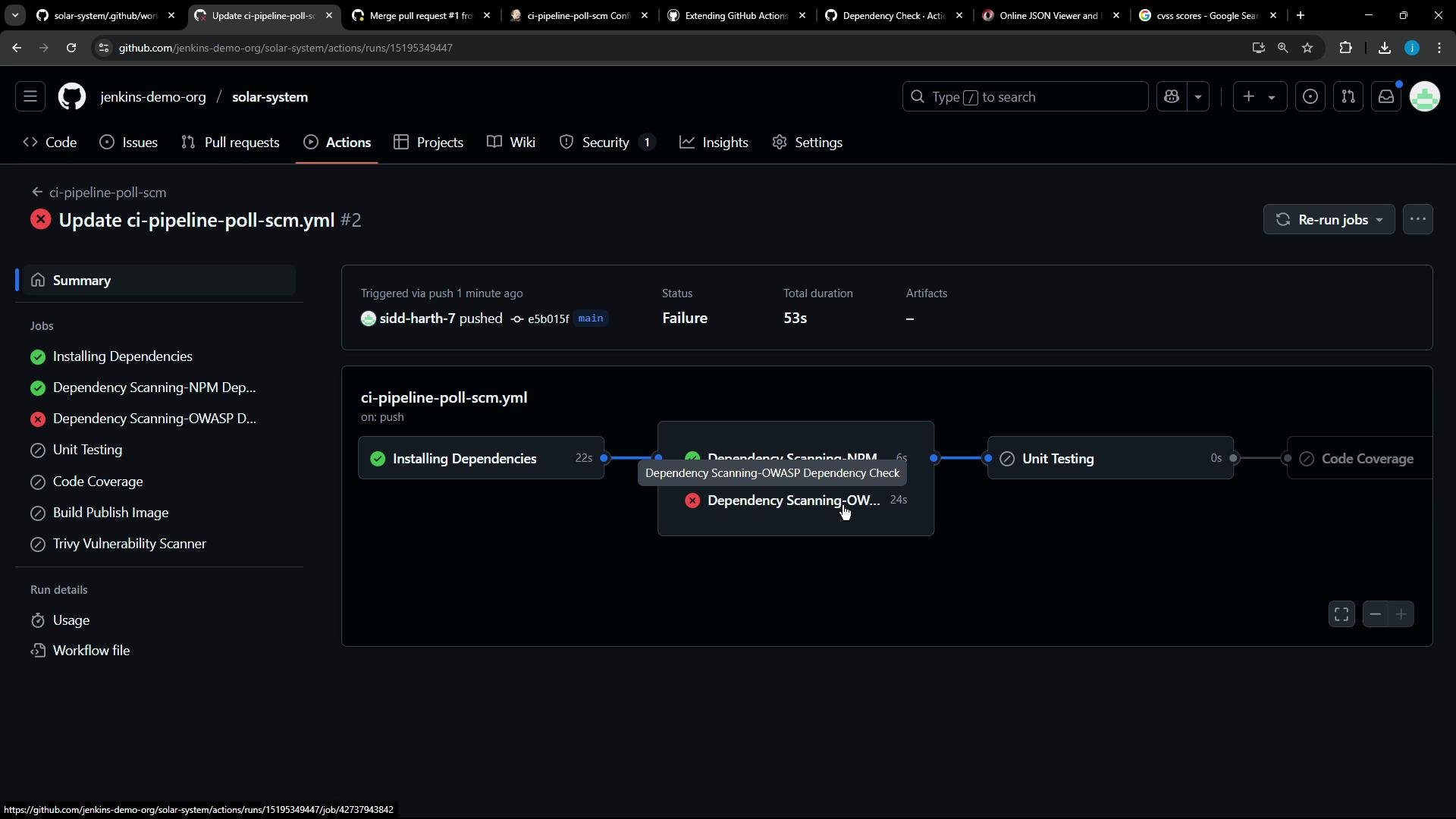
Using continue-on-error: true for the dependency-check step lets subsequent steps (for example, uploading artifacts) run even if dependency-check exits non-zero. If you prefer the job to fail on vulnerabilities, omit continue-on-error (or set it to false) and make the upload conditional (for example, if: failure() or use if: always() for unconditional uploads depending on your policy).
Final notes and verification
After merging the generated PR, your repository will contain the converted GitHub Actions workflow. The OWASP dependency check will run as a job, produce multiple report formats, and upload them as artifacts.
To have the job fail on vulnerability findings, keep the required --failOnCVSS value and remove continue-on-error.
To always collect reports regardless of findings, keep continue-on-error: true and upload artifacts afterward.
The example transformer is intentionally simple: it extracts --format and --failOnCVSS and hard-codes project, path, and out. Extend the transformer to pull additional parameters (project name, report directory, credentials, etc.) from other Jenkins arguments as needed.
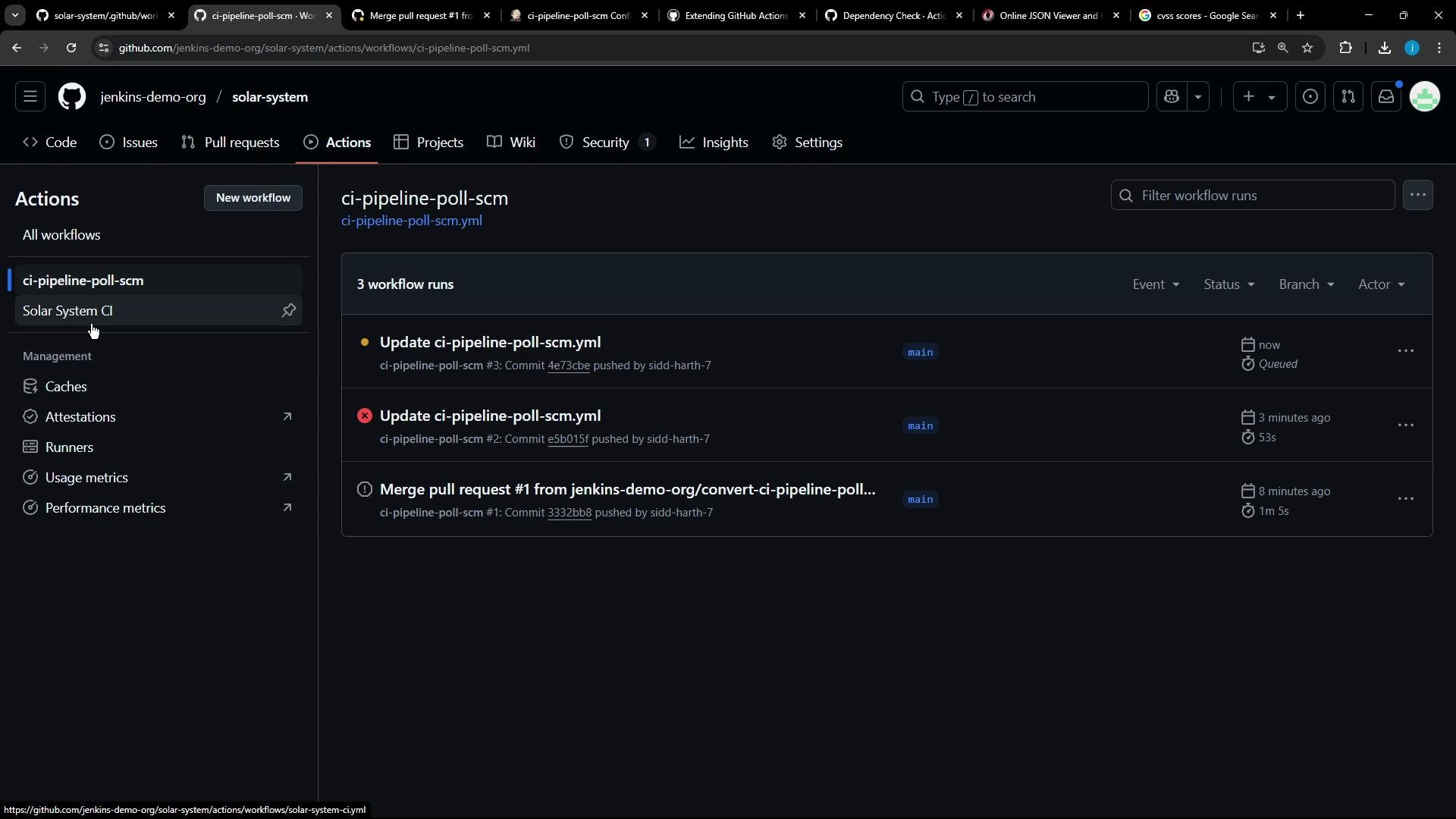
That’s the complete flow: parse Jenkins additionalArguments, implement a custom transformer that emits a GitHub Actions step using dependency-check/Dependency-Check_Action@main, ensure reports are written to a defined out directory, and upload those reports as artifacts even if the scanner step flags vulnerabilities.