

- Handle non-standard items: Pipelines often include proprietary extensions—such as shared libraries in Jenkins, Azure DevOps templates, or GitLab custom jobs—that standard migration tools may not convert correctly. Custom transformers allow you to define precise mappings from these platform-specific constructs to GitHub Actions steps or jobs.
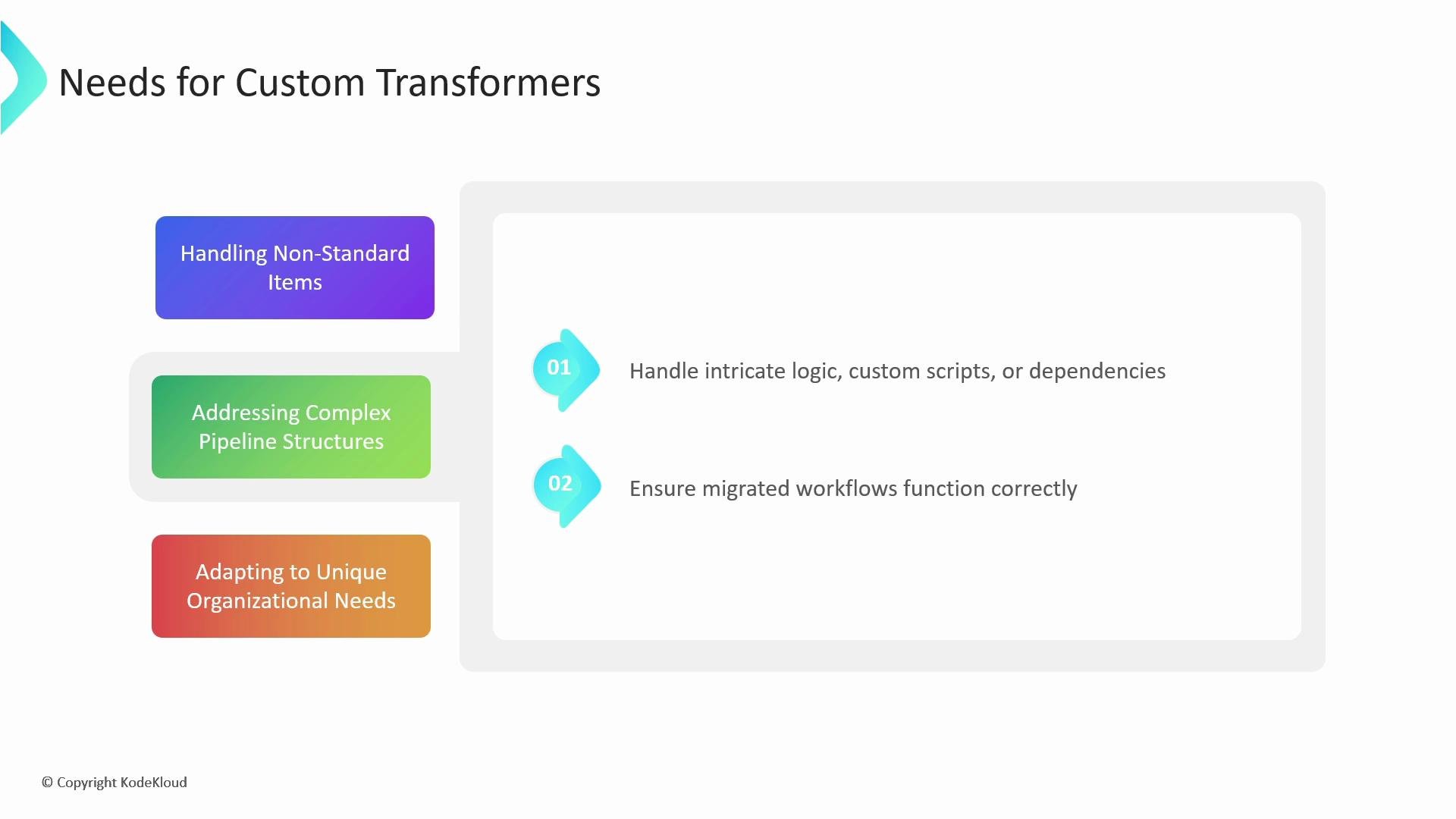
- Address complex pipeline logic: Some pipelines contain intricate control flow, custom scripts, or non-trivial dependency wiring. Instead of leaving these items unconverted, a transformer lets you programmatically interpret and emit equivalent GitHub Actions YAML so the migrated workflow behaves as expected.
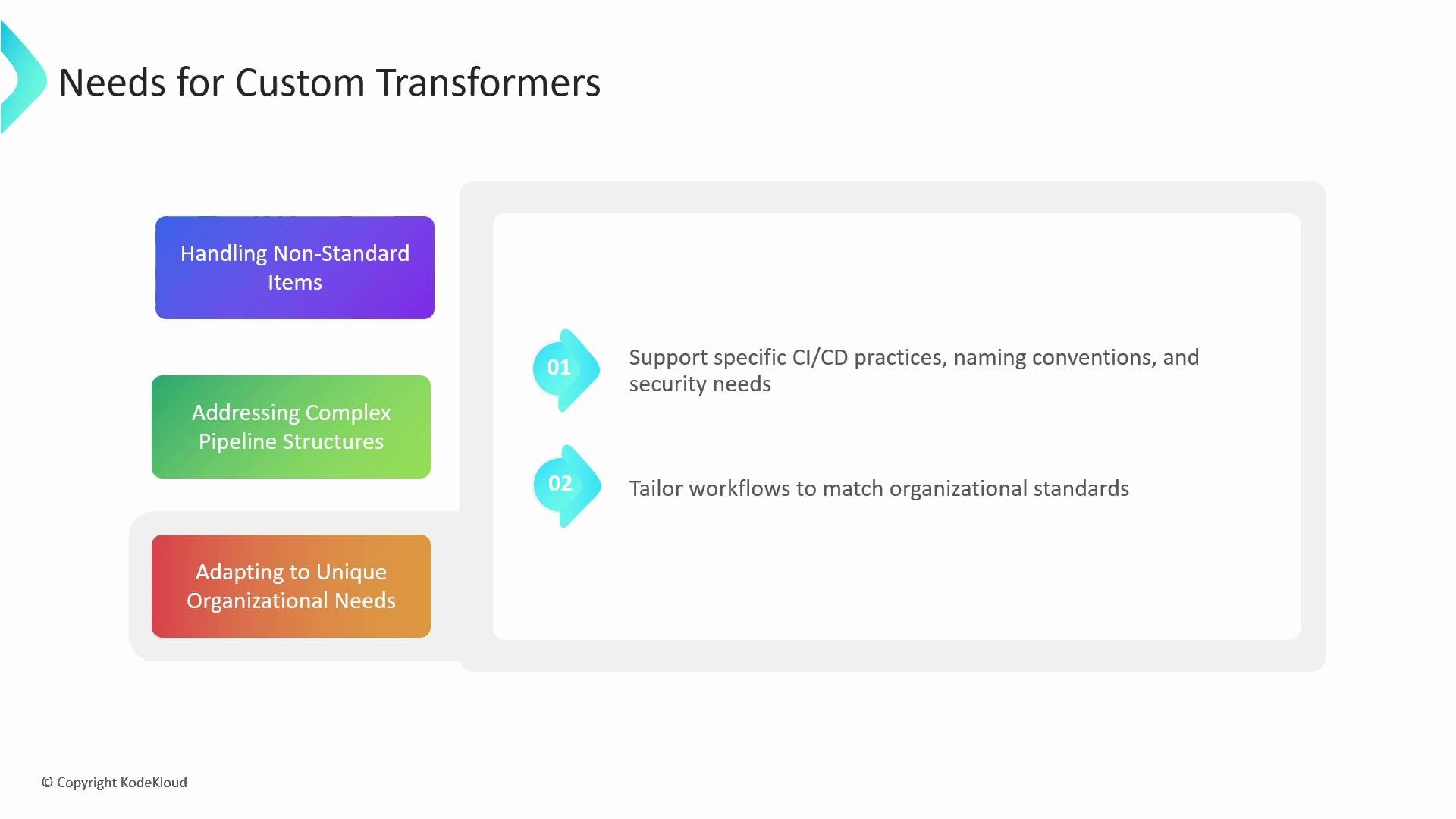
- Adapt to organizational standards: Naming conventions, security constraints, and CI/CD best practices differ across teams. With transformers you can enforce consistent job names, environment variable policies, or secrets handling during migration.
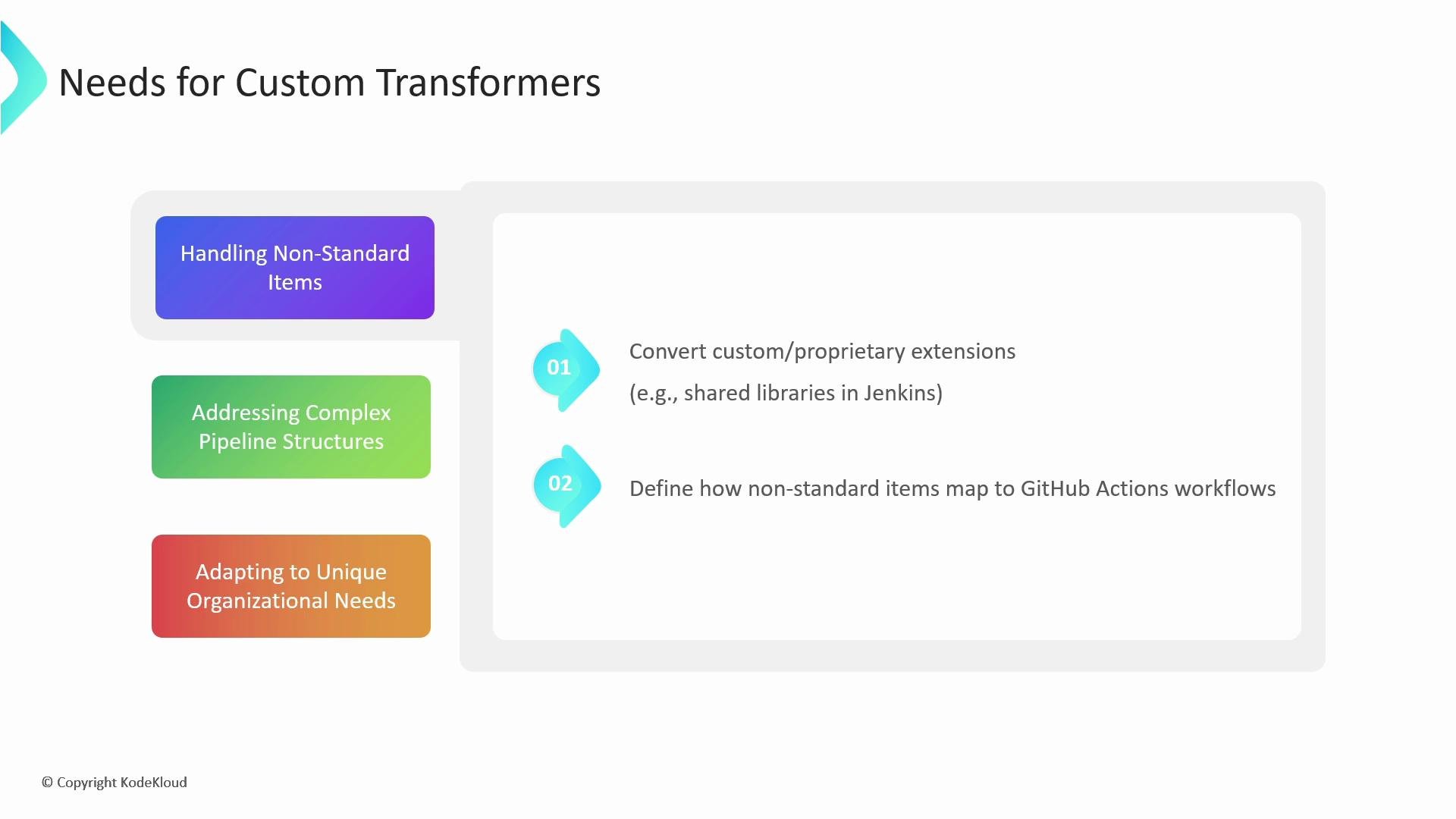
- Converting non-standard Jenkins steps or plugins that the importer cannot parse.
- Rewriting scripted pipeline logic (Groovy) to shell commands or composite actions.
- Mapping platform-specific job labels or runner identifiers to GitHub Actions runners and labels.
Example: Converting a Jenkins sleep Step
Below is a small end-to-end example that demonstrates identifying a Jenkins step the importer could not convert, writing a custom transformer, and running a dry run to see the converted GitHub Actions workflow.
Jenkinsfile (Groovy)
sleep step commented out with a note that there was no matching transformer. The next steps are: identify the Jenkins step and decide the equivalent GitHub Actions syntax.
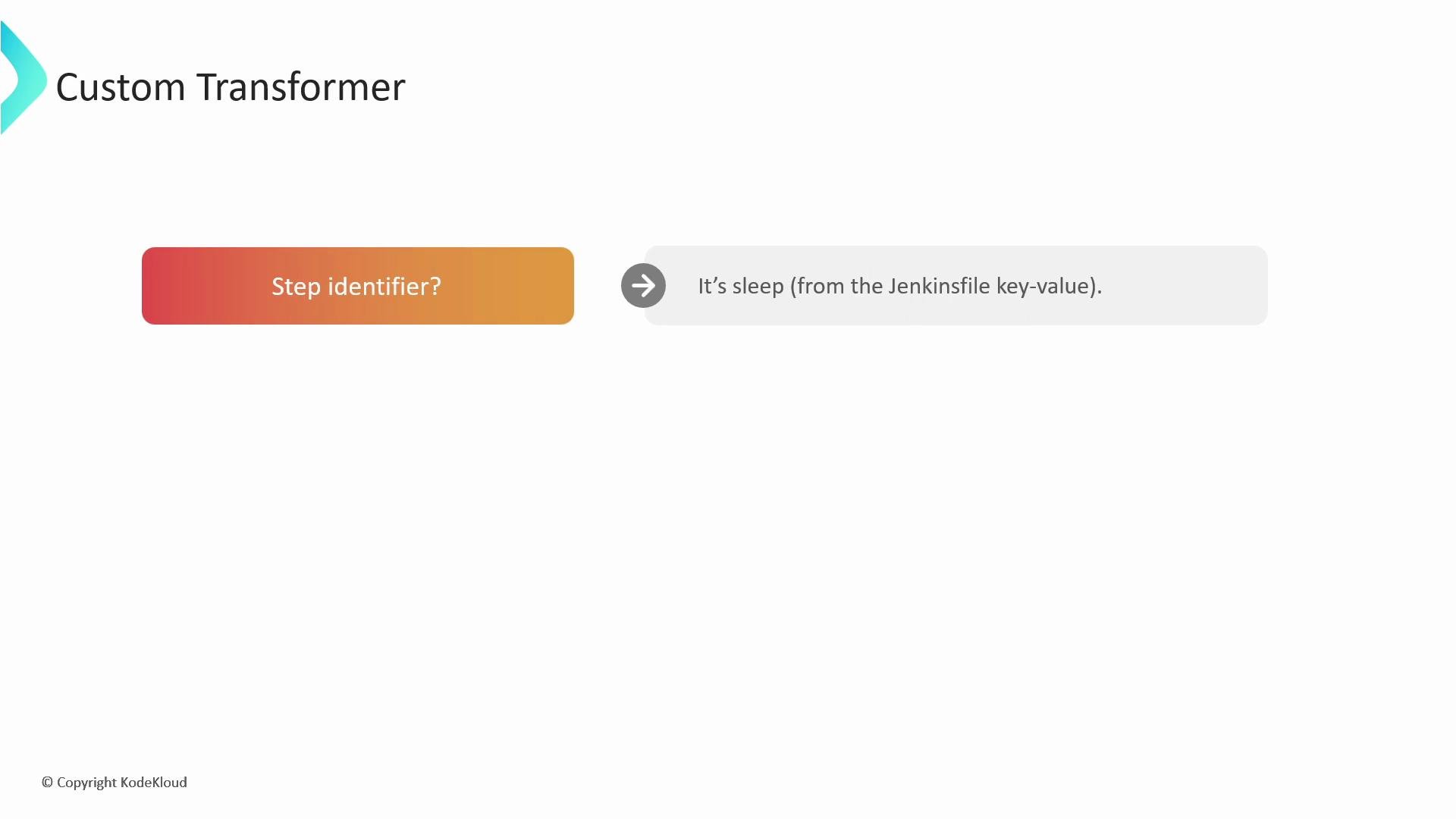
Identify the step
Recognize the Jenkins step identifier (sleep) and check its arguments in the importer-provided item structure.
sleep step, a shell command is the appropriate GitHub Actions representation:
GitHub Actions step (YAML)
.rb file. A transformer matches the Jenkins step identifier, extracts arguments from the importer item, and returns a Ruby hash that serializes to the desired GitHub Actions step.
Example transformer (transformers.rb)
Ensure the transformer returns a valid Ruby hash (string or symbol keys are acceptable) that the importer can serialize to YAML. Use the actual
item structure provided by the importer to access nested values correctly.transformers.rb) and run a dry run of the importer, passing the file with --custom-transformers. Inspect the output directory to verify the converted workflow.
Example dry-run command
Test transformers in a dry run before applying them broadly. Mis-parsed
item structures or incorrect Ruby hashes can produce invalid YAML or unwanted workflow behavior. Keep backups of original pipeline definitions.- GitHub Actions Importer documentation and options
- Jenkins pipeline syntax: https://www.jenkins.io/doc/book/pipeline/syntax/
- Ruby language reference: https://www.ruby-lang.org/en/
- GitHub Actions course on KodeKloud
- Jenkins course on KodeKloud