

Architecture & hosting
Jenkins is most commonly deployed as a self-hosted service that you provision and manage (on-premises or in cloud VMs/containers). That means you’re responsible for OS and Jenkins upgrades, security patches, backups, and scaling. GitHub Actions offers a hybrid model: GitHub-hosted runners provide a managed, auto-scaling option that reduces operational overhead, while also supporting self-hosted runners when you need custom hardware or network access.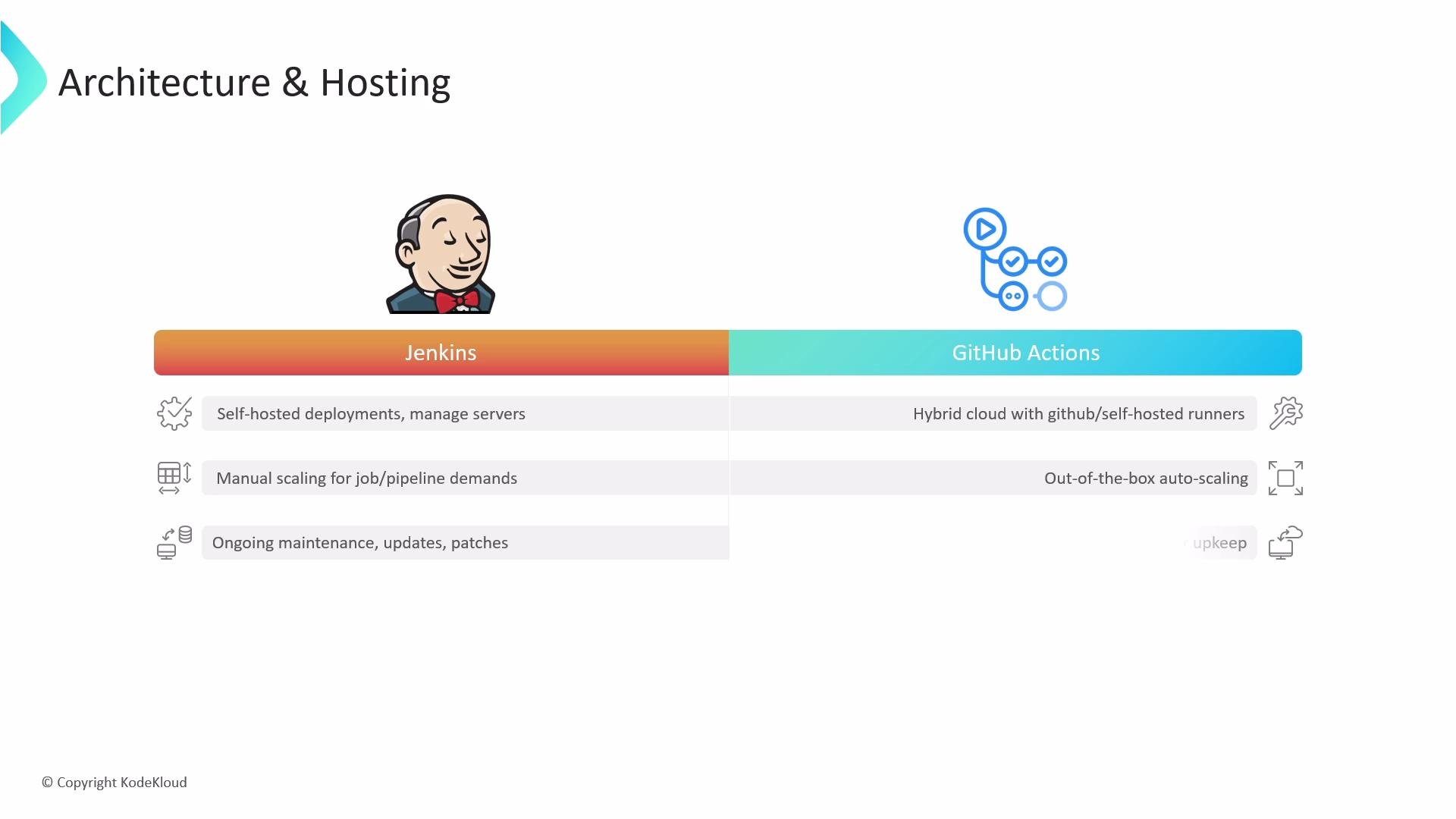
If you want minimal infrastructure maintenance, prefer GitHub-hosted runners. If your builds require specialized hardware, self-hosted runners (in either Jenkins or Actions) allow custom environments.
Pipeline format and where pipeline code lives
-
Jenkins:
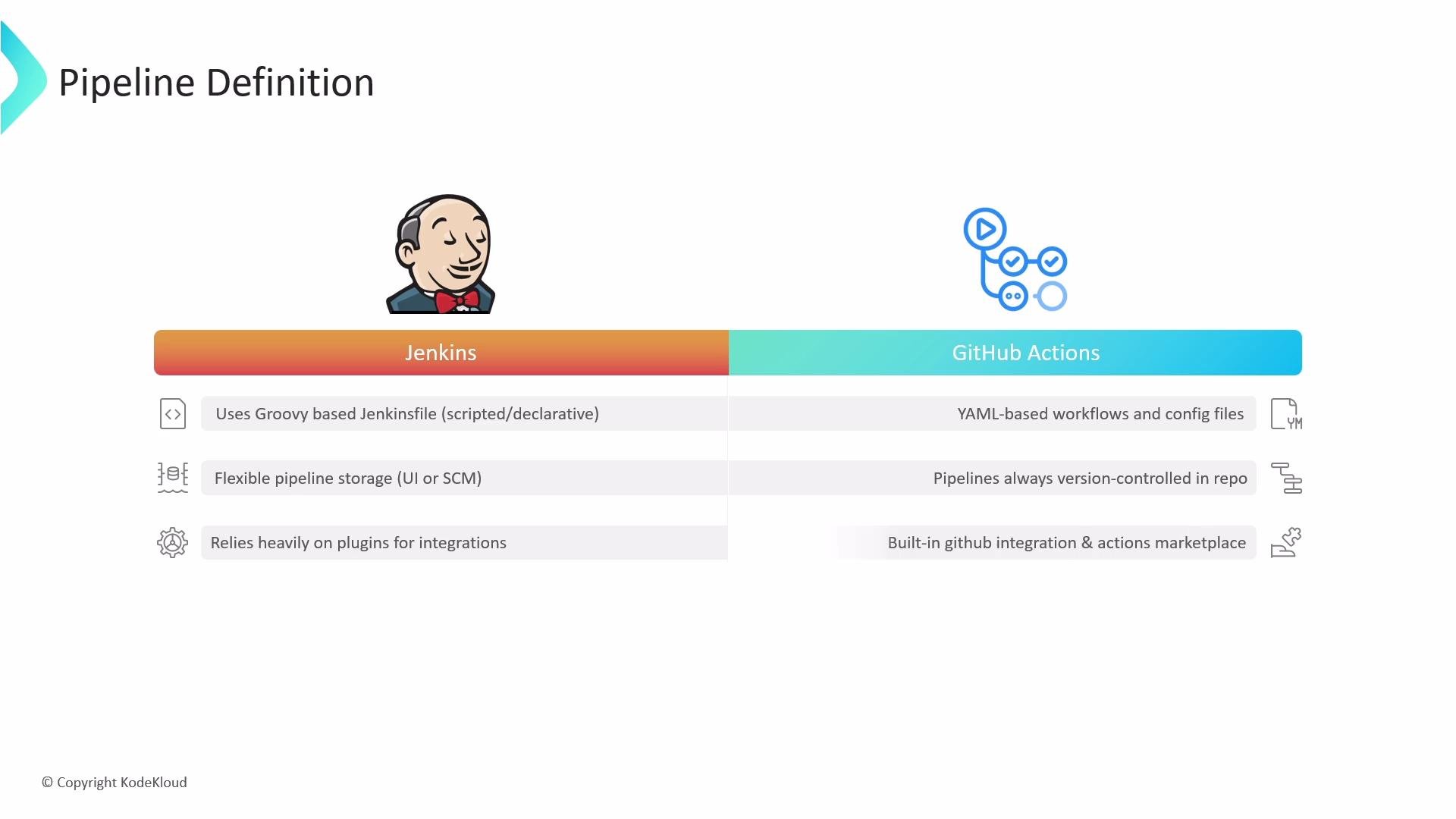
- Two pipeline syntaxes: Declarative and Scripted (both use Groovy).
- Pipelines may be stored in the Jenkins UI (job configuration) or as a
Jenkinsfilein your repository (pipeline-as-code). - Extensive plugin ecosystem to extend pipeline capabilities.
-
GitHub Actions:
- Workflow files are YAML and must live in the repository under
.github/workflows. - Workflows are version-controlled with your code by default.
- Integrations are referenced via the Marketplace using the
useskeyword.
- Workflow files are YAML and must live in the repository under
Jenkinsfile):
.github/workflows/ci.yml):
Triggers and event models
-
Jenkins:
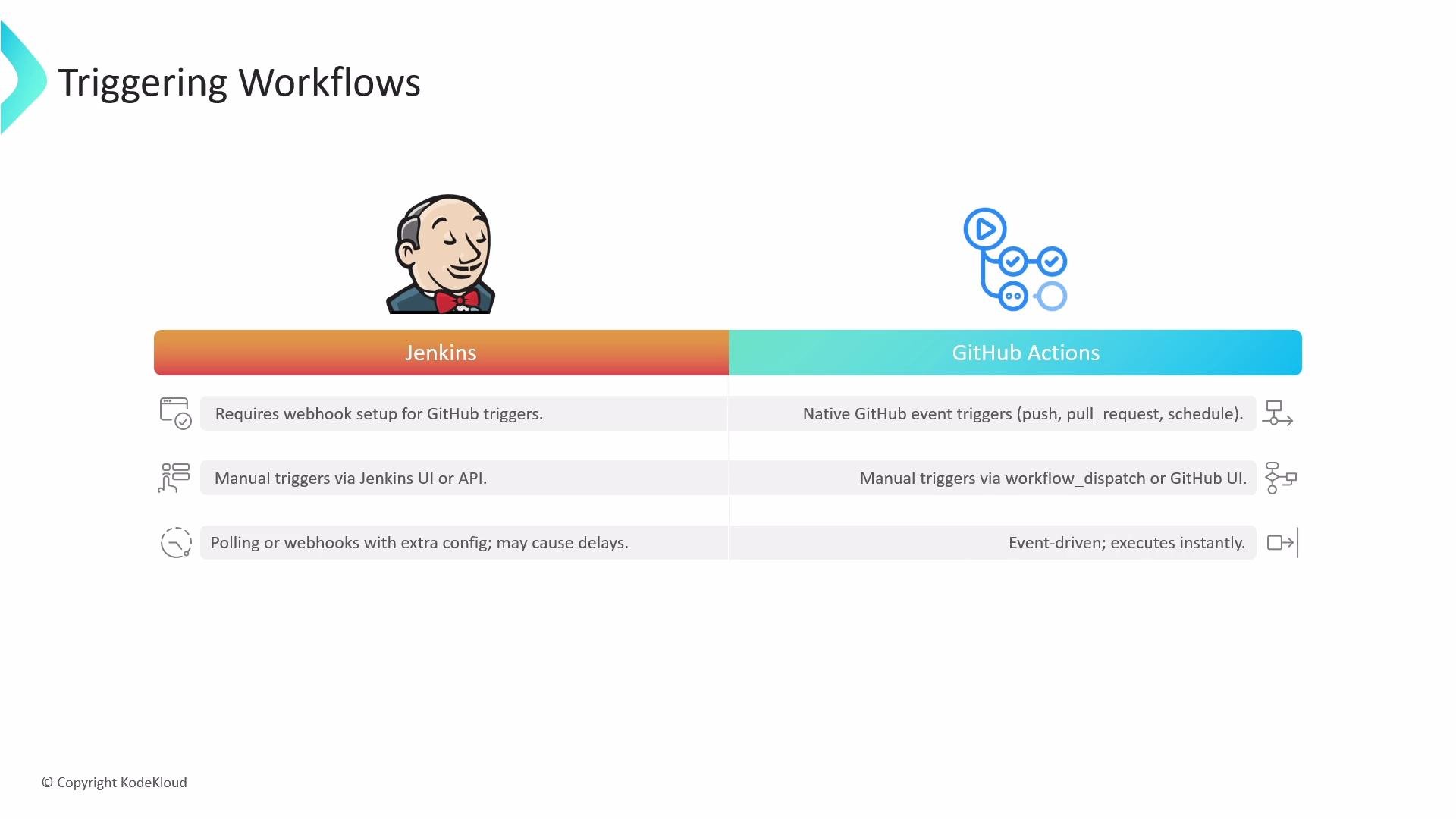
- Traditionally relies on SCM polling or configured webhooks. Polling introduces delay and load on the SCM.
- Webhook configuration typically requires changes in both the Git provider and Jenkins (server accessible from the internet or via proxy).
- Supports manual and API-triggered jobs via the Jenkins UI and REST API.
-
GitHub Actions:
- Natively event-driven and deeply integrated with GitHub events (
push,pull_request,schedule,release, etc.). - Declare triggers in the workflow YAML (for example
on: push) and workflows run automatically when events occur. - Supports manual triggers via
workflow_dispatch.
- Natively event-driven and deeply integrated with GitHub events (
Integrations and extensibility
-
Jenkins:
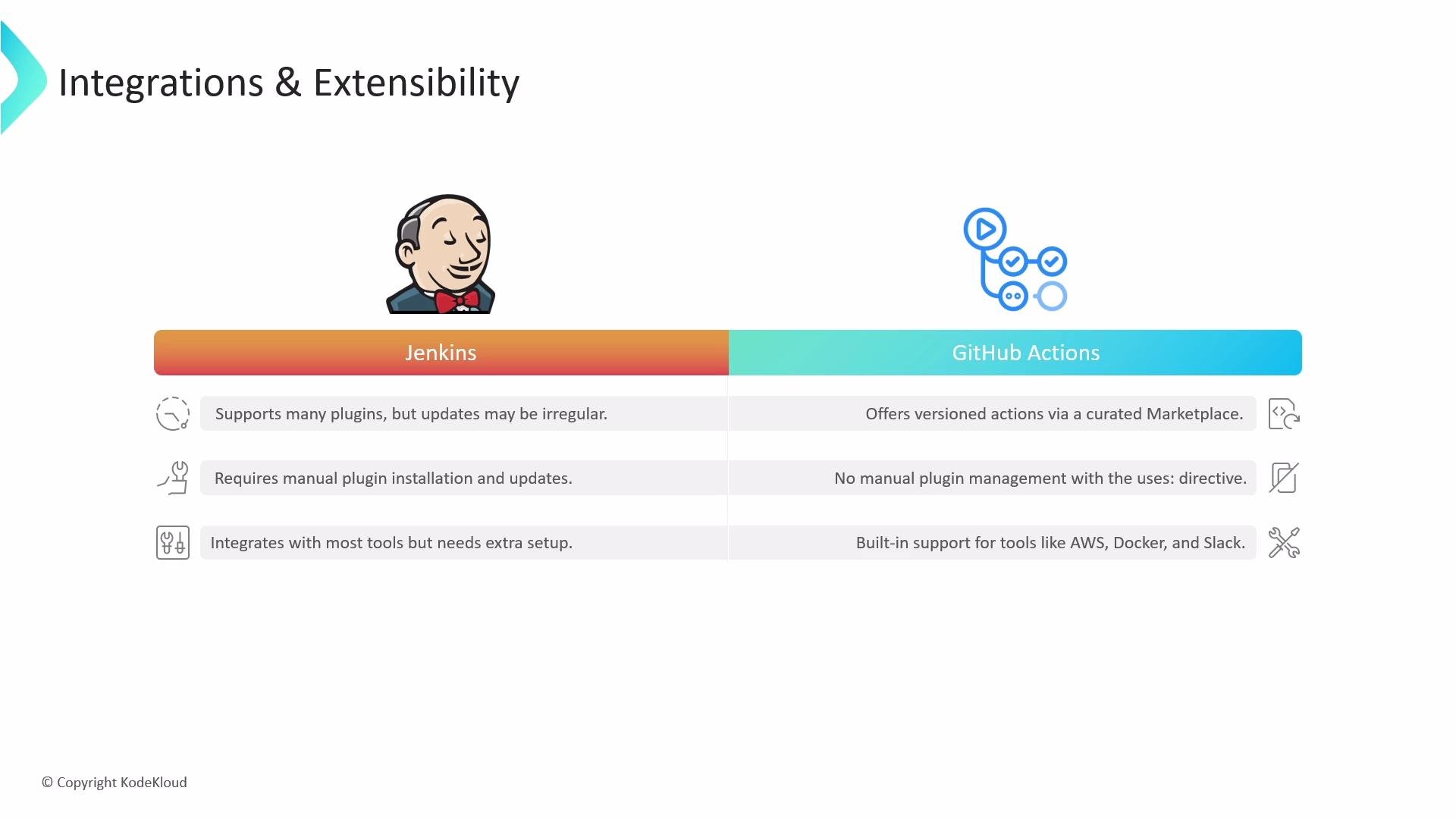
- Massive plugin ecosystem (thousands of plugins) enabling integrations with almost any tool.
- Plugins must be installed and maintained on the Jenkins server; plugin conflicts and compatibility issues can arise.
-
GitHub Actions:
- Actions Marketplace provides reusable actions that you reference in workflow YAML using
uses:. - Marketplace actions are versioned and easier to adopt without installing server-side plugins.
- Actions Marketplace provides reusable actions that you reference in workflow YAML using
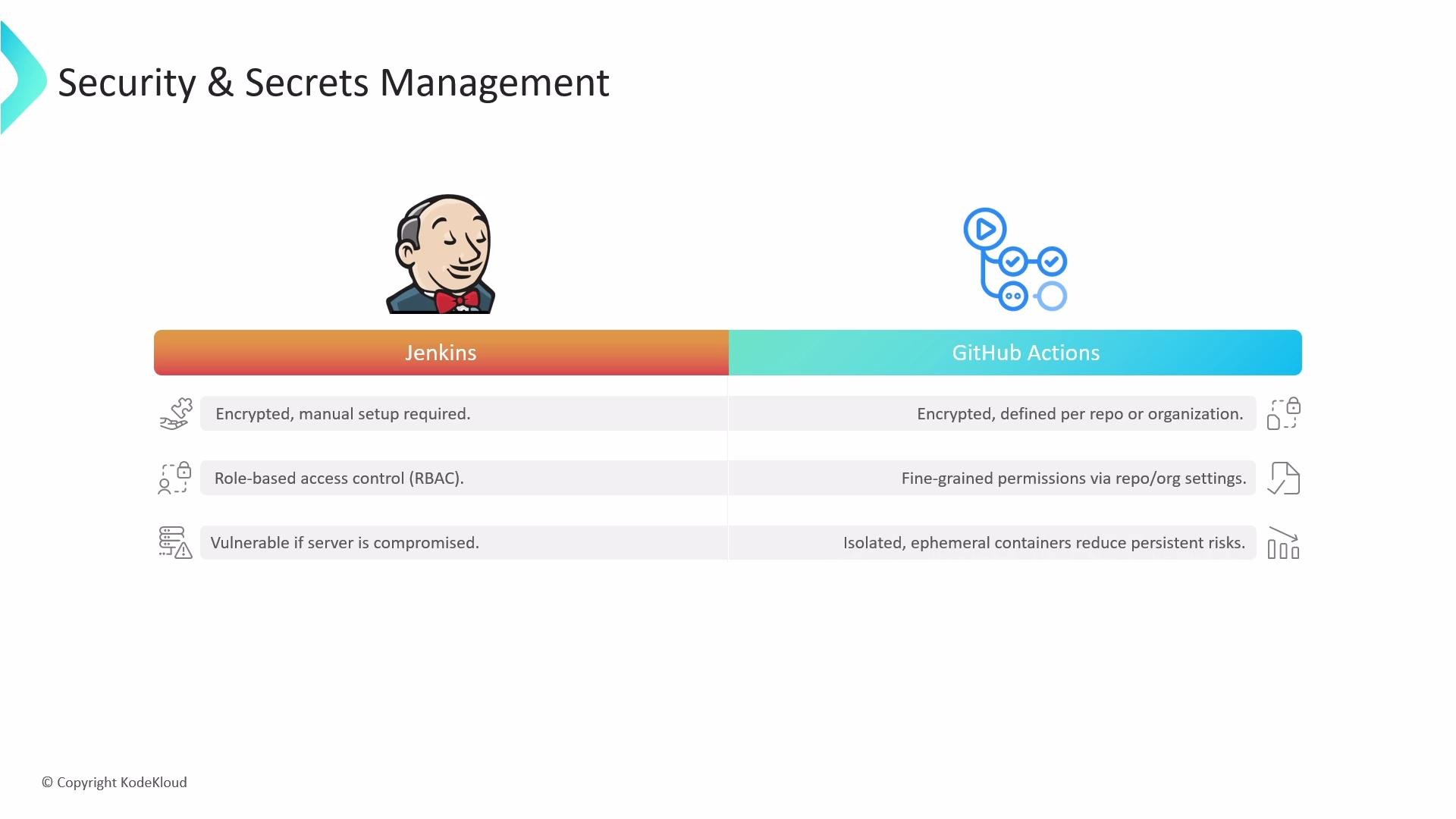
Security and secrets management
-
Jenkins:
- Credentials are stored in an encrypted form in Jenkins, but securing credential storage, agents, nodes, and permission models is your responsibility.
- Long-lived agents or misconfigured nodes can increase the attack surface.
-
GitHub Actions:
- Built-in encrypted secrets at repository and organization levels.
- Fine-grained workflow permissions and ephemeral environments: GitHub-hosted runners are isolated and discarded after each job, reducing persistence risk.
- You can still use self-hosted runners when you need custom networking or hardware; these require the same diligence as Jenkins agents.
When migrating, do not blindly copy secrets or credentials into workflow files. Use encrypted repository/org secrets and avoid exposing sensitive data in logs or outputs.
Quick comparison table
Summary
- Architecture: Jenkins is typically self-hosted and requires operational maintenance; GitHub Actions offers managed runners with auto-scaling plus optional self-hosted runners.
- Pipeline format & storage: Jenkins uses Groovy (declarative/scripted) and can store definitions in multiple places; GitHub Actions uses YAML and requires workflows inside the repository.
- Triggers: Jenkins often needs webhooks or polling; GitHub Actions is event-driven with native GitHub triggers.
- Extensibility: Jenkins has a vast plugin ecosystem that requires manual management; GitHub Actions uses a curated Marketplace and
uses-based references in YAML. - Security: Jenkins requires self-managed credential storage and server hardening; GitHub Actions provides built-in encrypted secrets and ephemeral runner isolation.
Further reading and references
- Jenkins documentation: https://www.jenkins.io/doc/
- GitHub Actions docs: https://docs.github.com/en/actions
- GitHub Actions Marketplace: https://github.com/marketplace?type=actions