

sleep step into an equivalent GitHub Actions step. Instead of leaving the sleep step commented out in the generated workflow, the transformer will produce a step like:
gh actions-importer with your custom transformer for dry-run and migrate.
Problem overview
When the importer doesn’t have a built-in transformer for an identifier likesleep, it reports:
- “failed to locate transformer” for
sleep - the step is left commented out in the generated workflow
sleep was previously commented out:
time argument from the Jenkins representation and dynamically generates the proper run: sleep <Ns> step.
How the Jenkins step appears in the importer JSON
The importer receives each pipeline step as a JSON item. Forsleep, the JSON looks like:
arguments[0].value.value (for example, 5 or 20). Extract that value in your transformer and use it to build the GitHub Actions step.
Transformer basics
- Transformers are Ruby
.rbfiles that define one or moretransformblocks (DSL entries). - Each
transformblock should return a RubyHashthat maps to the GitHub Actions YAML for a step. - Provide transformer files to the CLI with
--custom-transformersforaudit,dry-run, ormigrate.
Use
dry-run to validate your transformer output before running a full migration. This prevents creating PRs with incorrect workflows.Step 1 — Helper transformer to inspect sleep items
Start by creating a small helper transformer that prints each sleep item so you can confirm the JSON structure and the path to the time value.
Save as helper-transformer.rb:
time value is located in each sleep item.
Step 2 — Final sleep transformer
Now implement the transformer that extracts the time value and returns a hash representing the corresponding GitHub Actions step. Save it as sleep-transformer.rb:
- Access the time via
item["arguments"][0]["value"]["value"]. - Return a Ruby
Hashwith string keys; the importer converts it into YAML for the workflow.
dry-run using this transformer:
sleep steps.
Example generated YAML after transformation
Migrating with the transformer
You can supply the transformer to themigrate command. Example:
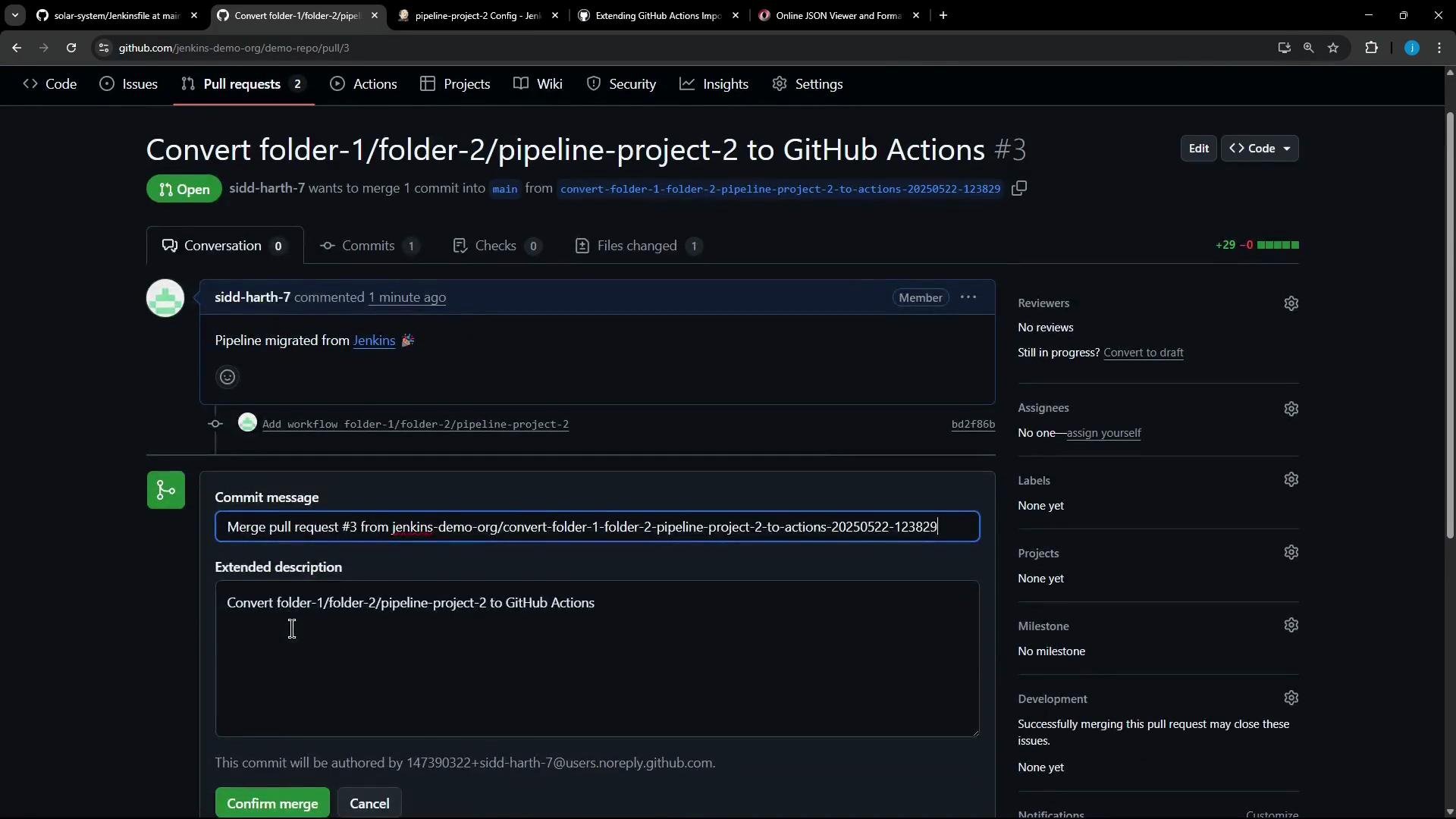
https://github.com/jenkins-demo-org/demo-repo/pull/3) that contains the converted workflow including the dynamically generated sleep steps. You can review and merge that PR on GitHub.
Summary checklist
Ensure you access literal values correctly (e.g.,
item["arguments"][0]["value"]["value"]). Returning an incorrect structure can cause the importer to leave the item untransformed.Final example transformer (recap)
node, environment variables, or custom build steps) that the importer does not convert automatically.
Links and references
- GitHub Actions importer docs
- Jenkins Pipeline Syntax
- gh CLI:
gh actions-importercommands (use--helpfor details)