

Overview
-
Amazon Aurora (provisioned)
- You provision DB instances (instance classes) and can scale compute by resizing instances or adding read replicas.
- Storage autosizes automatically, but compute scaling is typically manual or scheduled unless you automate it.
- Provides predictable capacity and control—preferred when you need deterministic performance and instance-level configuration.
-
Aurora Serverless v2
- Offers fine-grained, on-demand compute scaling that automatically matches capacity to workload demand.
- Billing is based on actual consumed capacity (measured in fractional capacity units such as Aurora Capacity Units or equivalent).
- Ideal for variable, spiky, or unpredictable workloads and teams that prefer reduced operational overhead.
Feature Comparison
Autoscaling and Capacity Management
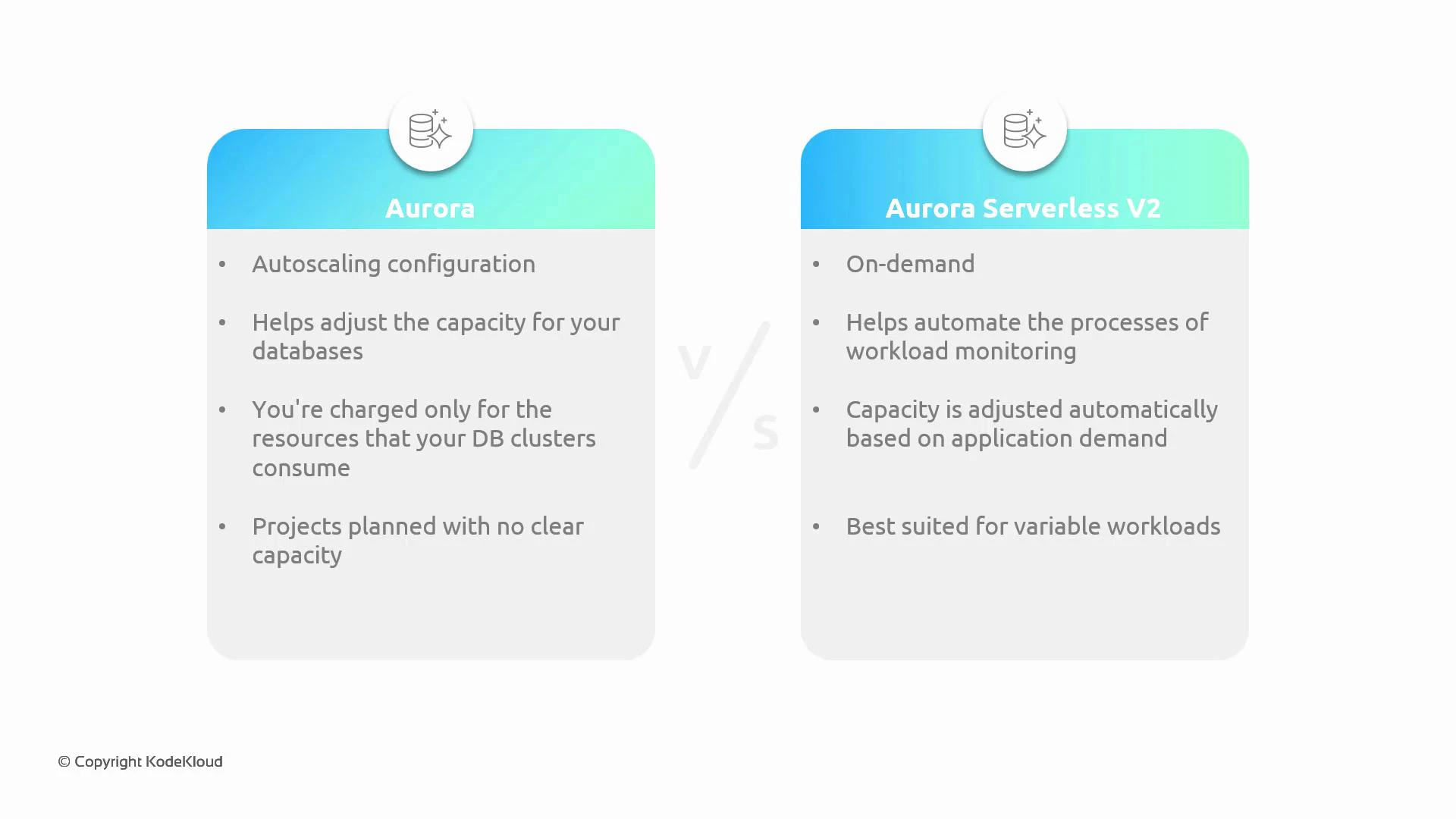
Autoscaling is a core differentiator between provisioned Aurora and Serverless v2.-
Provisioned Aurora
- Compute capacity is tied to DB instance classes and replicas.
- You control scaling through instance resizing, adding replicas, or automation like Amazon Aurora Auto Scaling for read replicas.
- Best when you require predictable throughput, reserved capacity, or fine control over instance configurations.
-
Aurora Serverless v2
- Automatically adjusts compute in fine-grained increments to match workload demand, reducing latency from capacity changes.
- Removes much of the guesswork in capacity planning and lowers operational overhead.
- Cost-effective for intermittent or spiky workloads because you pay only for actual usage.
Pricing and Cost Considerations
-
Provisioned Aurora
- Billed by instance class (vCPU and memory) plus storage and I/O; you pay for the full provisioned compute even when idle.
- Often more cost-efficient for consistently heavy workloads or when using reserved instances.
-
Aurora Serverless v2
- Billed on actual compute capacity used (fractional units) along with storage and I/O charges.
- Can reduce costs for workloads with variable or low utilization by avoiding payment for idle provisioned instances.
- For provisioned Aurora, use reserved instances or Savings Plans for predictable workloads.
- For Serverless v2, monitor usage patterns and set appropriate min/max capacity to avoid unexpected spikes.
When to Choose Which
Choose provisioned Aurora when:- Your workload is steady and predictable.
- You need strict control over instance types, network setup, or specialized configurations.
- You prefer reserved capacity or can optimize costs with long-term commitments.
- Workloads are variable, spiky, or hard to predict.
- You want automated, fine-grained scaling and lower operational overhead.
- You’re building prototypes, dev/test environments, or early-stage products where simplicity matters.
Aurora Serverless v2 provides near-instant, fine-grained scaling with usage-based billing—great for intermittent or unpredictable workloads. Provisioned Aurora offers more predictable, instance-level control for steady production traffic.
Other Considerations
- Feature parity: Aurora Serverless v2 has broad feature support, but always validate specific extensions, tools, or networking requirements before migrating.
- Operational model: Serverless v2 reduces capacity-management tasks, allowing teams to focus on application development.
- Migration path: Many organizations move from legacy RDS engines → provisioned Aurora → (evaluate) Serverless v2 once usage patterns and cost/benefit align.
Quick Decision Guide
Links and References
- Amazon Aurora (provisioned)
- Aurora Serverless v2 documentation
- Aurora Auto Scaling (read replicas)
- AWS RDS Documentation