

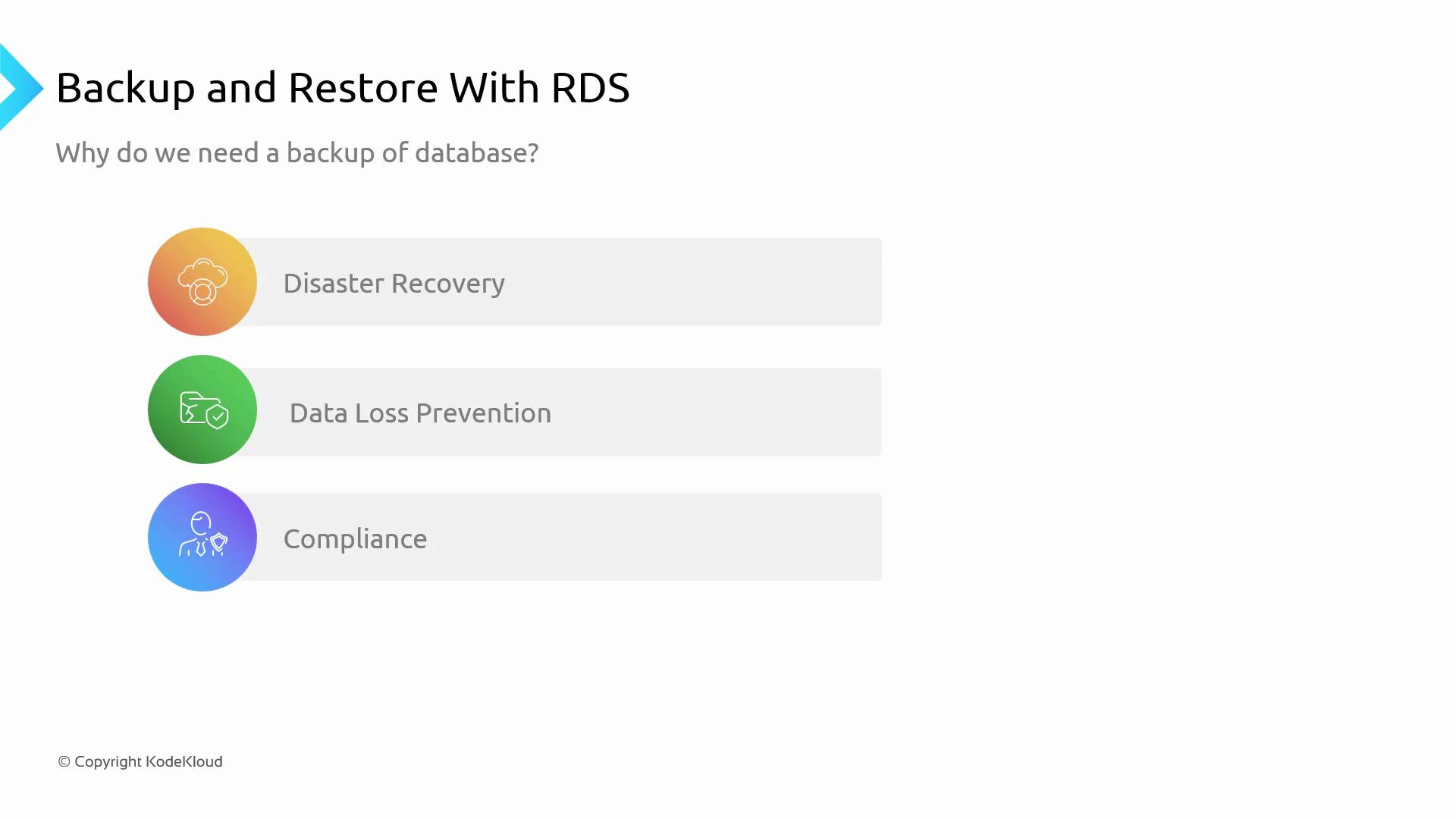
In this lesson we explain why database backups are essential and how Amazon RDS handles backups and restores. Reliable backups protect your applications from hardware failure, human error, and regional outages — and enable you to meet compliance and retention requirements. Common reasons to implement database backups:Documentation Index
Fetch the complete documentation index at: https://notes.kodekloud.com/llms.txt
Use this file to discover all available pages before exploring further.
- Disaster recovery — restore service after infrastructure or regional failures.
- Data loss prevention — recover from accidental deletes or corruption.
- Compliance — meet legal, regulatory, and audit requirements for retention and recoverability.
- Automated backups: When enabled, RDS creates periodic storage snapshots and captures transaction logs so you can perform point-in-time recovery (PITR) to any second within the retention window.
- Manual DB snapshots: You can create snapshots on-demand; these snapshots remain until you explicitly delete them.
- Backup window: Backups run during a preferred backup window you configure to reduce performance impact during peak hours.
- Instance stopped behavior: Automated backups are not taken while a DB instance is stopped.
- Engine differences: Implementation varies by engine—Amazon Aurora uses continuous backups to the cluster volume and supports fast PITR, while traditional engines rely on periodic snapshots and transaction log capture. See the Aurora and RDS docs for engine-specific details.
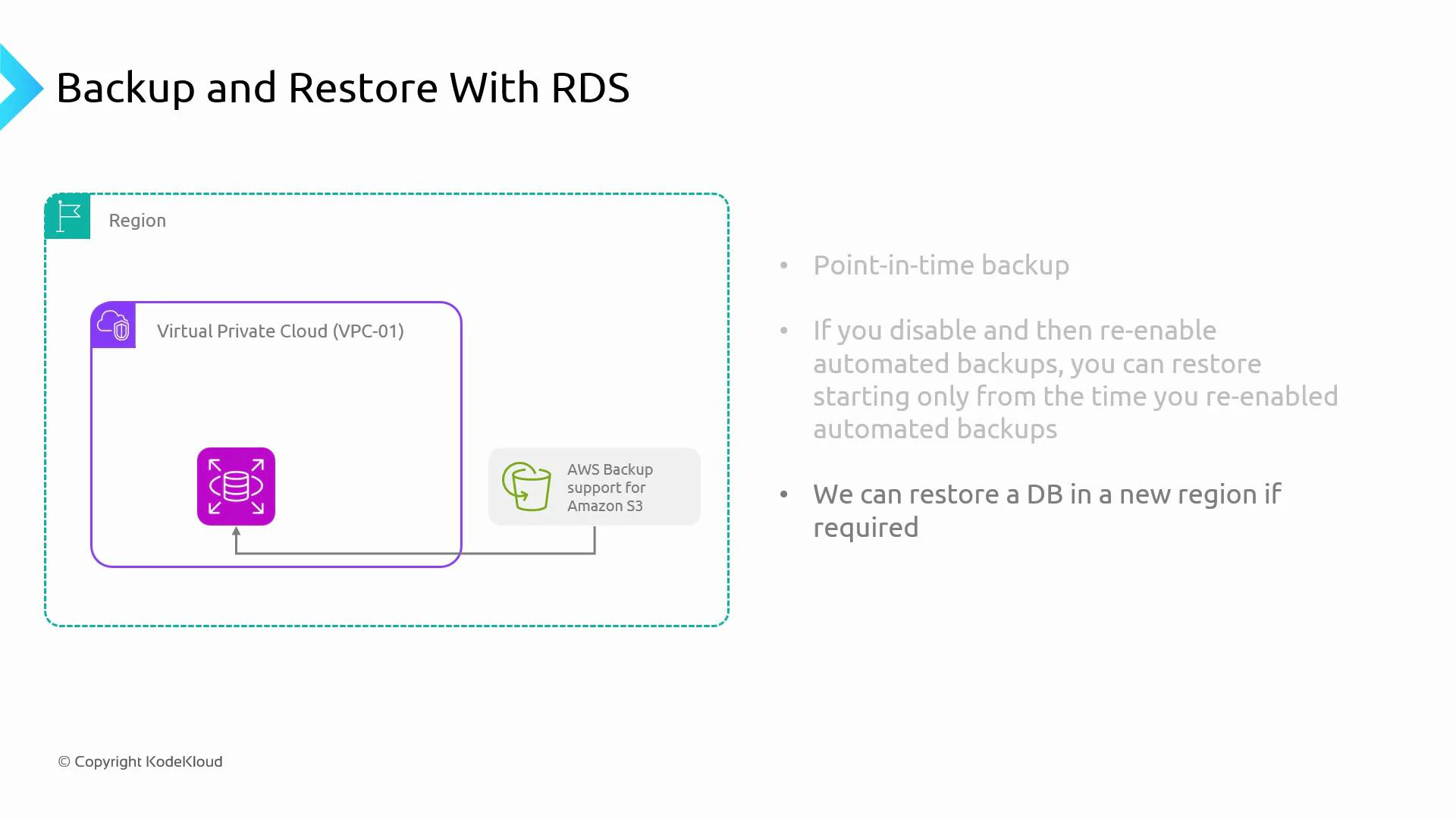
- Point-in-time recovery: With automated backups enabled and an appropriate retention period, you can restore to any time within the retention window. The window length is the maximum look-back period.
- Manual snapshots: Retained until you delete them, independent of automated backup settings.
- Paused backups: If you stop a DB instance, automated backups are suspended while it is stopped.
- Re-enabling automated backups: If you disable and later re-enable automated backups, PITR is only available from the time you re-enable — you cannot recover to times during the disabled interval.
- Cross-region restores: You can copy manual snapshots to another region to support disaster recovery and regional failover.
| Backup Type | Retention | Typical Use Case | Notes |
|---|---|---|---|
| Automated backups | Configurable retention window | Regular PITR and daily recovery | Includes periodic snapshots + transaction logs; retained by RDS-managed storage |
| Manual DB snapshots | Until explicitly deleted | Long-term retention, pre-change checkpoint | Can be copied across regions |
| Aurora continuous backup | Continuous | Fast PITR, minimal RPO | Writes backups to cluster volume; faster restores for Aurora clusters |
Enable automated backups with a retention window that meets your RPO. Use manual snapshots for long-term retention, before major changes, or when preparing for cross-region copy/restore.
- Copy manual snapshots to another AWS region for disaster recovery and geographic redundancy.
- AWS copies snapshot data into the destination region’s managed storage, enabling you to restore a new DB instance there.
- For replicated or multi-AZ architectures, validate cross-region workflows as part of your DR plan.
- Regular restore tests validate that backups are usable and that procedures meet your RTO targets.
- Measure Mean Time To Recovery (MTTR) during drills and document any gaps in runbooks, permissions, or automation.
- Test both within-region and cross-region restores if your recovery plan depends on regional failover.
Do not assume backups are valid without testing. Regular restore drills and verification are essential for recoverability and compliance.
- Backups are essential for disaster recovery, data protection, and compliance.
- Amazon RDS supports automated backups with PITR, manual snapshots for long-term retention, and engine-specific features (e.g., Aurora continuous backups).
- RDS snapshots are stored in AWS-managed S3-backed storage; use snapshot copy or export to transfer data between regions or into your own S3 buckets.
- Configure an appropriate backup window and retention period, and run regular restore tests to validate recoverability.
- Amazon RDS Documentation
- Amazon Aurora User Guide
- Exporting DB Snapshot Data to Amazon S3
- Amazon S3 Documentation