

Why choose SQL Server on RDS?
Key strengths when running Microsoft SQL Server (including on Amazon RDS):- Native integration with Windows-centric tooling (Active Directory, Visual Studio, Excel, Power BI).
- Enterprise-grade security, compliance, and high-availability features.
- Performance and scalability options suited to large, data-intensive workloads.
- Multiple editions and licensing models (Express, Web, Standard, Enterprise) to balance features and cost.
RDS for SQL Server supports common enterprise requirements: managed backups, automated software patching, Multi-AZ deployments for high availability, and encryption at rest using AWS KMS. SQL Server itself also provides features such as Transparent Data Encryption (TDE), column-level encryption, and Always Encrypted for stronger data protection.
RDS-specific features for SQL Server
Amazon RDS manages common operational tasks and integrates with AWS services to provide:- Automated backups and point-in-time recovery.
- Automated minor version patching and optional major version upgrades.
- Multi-AZ deployments with synchronous replication and automated failover.
- Storage encryption at rest via AWS KMS and encryption of data-in-transit with TLS.
- Support for SQL Server Agent, native backups (to S3 via native RDS mechanisms in supported versions), and enhanced monitoring via Amazon CloudWatch.
Editions, licensing, and cost considerations
RDS offers both License Included pricing and Bring Your Own License (BYOL) models. Edition choice (Express, Web, Standard, Enterprise) materially affects available features and costs.If you plan to use Windows authentication with RDS SQL Server, integrate RDS with AWS Directory Service (Microsoft AD) to enable seamless AD-based user and group management.
Licensing model and SQL Server edition significantly affect total cost of ownership and available features. Review AWS License Included vs BYOL and the capabilities of each SQL Server edition before production deployment.
When SQL Server on RDS is a good fit
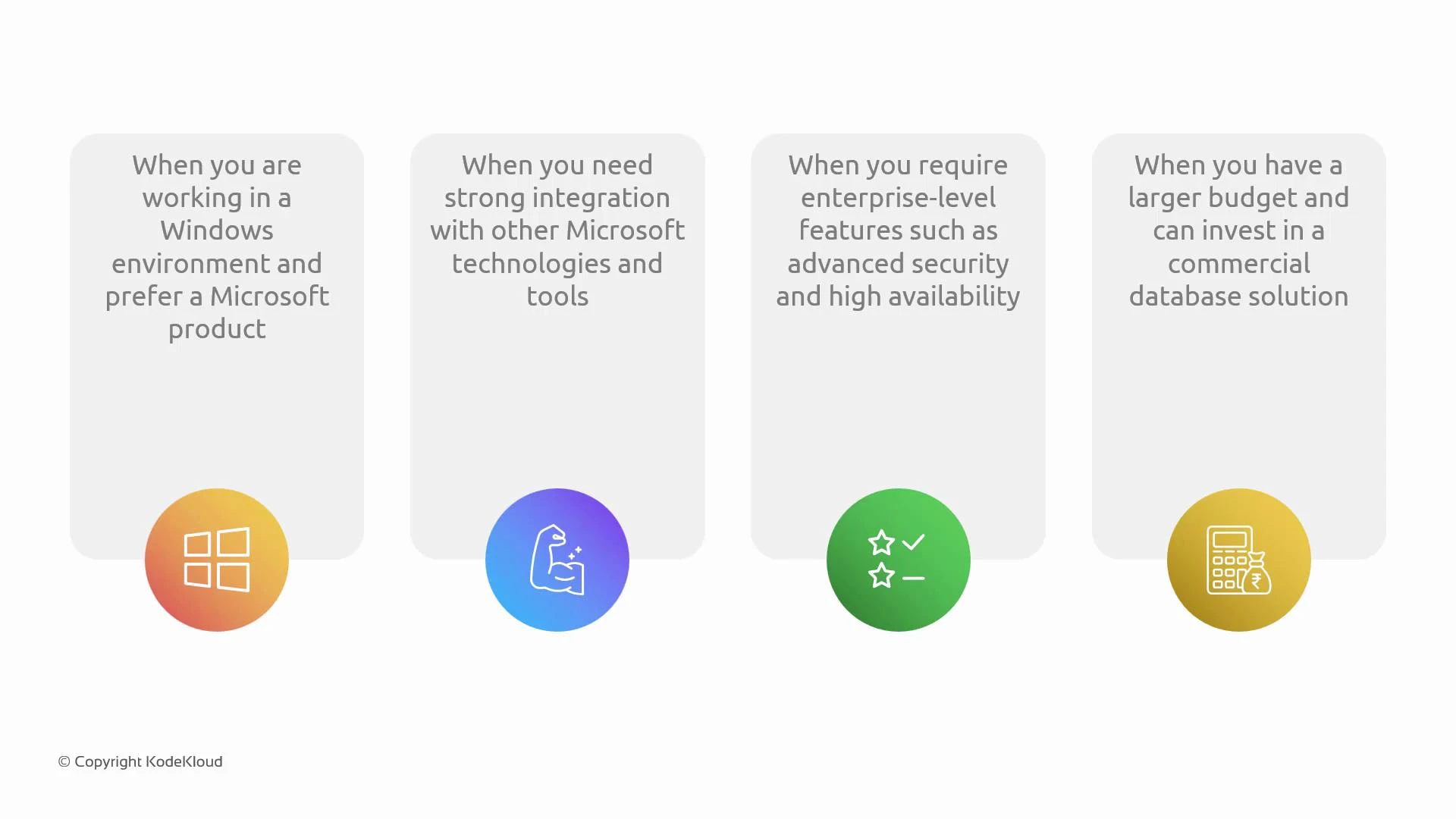
SQL Server on RDS is a strong fit when:- Your application stack or organization is Windows-centric.
- You require deep Microsoft integration (Active Directory authentication, Power BI connectivity, Excel integration).
- You need enterprise-level security, auditing, and high-availability features but prefer a managed service for routine operations.
- You have budget and licensing arrangements that justify commercial edition features.
Architectural and operational considerations
- Multi-cloud scenarios — e.g., an Azure-hosted app connecting to SQL Server on AWS — are technically possible but introduce latency, cross-cloud networking complexity, and potential data egress costs. Measure latency and cost impacts before proceeding.
- High availability — use Multi-AZ deployments for automated failover. For cross-region disaster recovery, consider native SQL Server replication or AWS-native approaches (read replicas are not available for SQL Server on RDS as they are for some other engines).
- Security — leverage TDE, Always Encrypted, network isolation (VPC + security groups), IAM policies, and KMS-managed keys for full-stack protection.
- Backups and restores — validate backup/restore and point-in-time recovery procedures in non-production environments to ensure RTO/RPO requirements are achievable.
Deployment checklist
- Choose edition and licensing model (License Included vs BYOL).
- Configure Multi-AZ for HA if required.
- Integrate with AWS Directory Service for AD-authenticated users (if using Windows authentication).
- Enable encryption at rest (KMS) and in transit (TLS).
- Set up automated backups, monitoring (CloudWatch), and alerting.
- Validate performance and latency (benchmark before migration).
- Review compliance requirements and SQL Server feature support on RDS.
Links and references
- RDS for SQL Server — Amazon RDS
- AWS Directory Service (Microsoft AD)
- AWS KMS — Key Management Service
- Transparent Data Encryption (TDE) — Microsoft Docs
- Always Encrypted — Microsoft Docs
- Amazon RDS Licensing — AWS Documentation