

- Security: Secrets are encrypted and only retrievable by authorized principals.
- Maintainability: Rotate secrets centrally without touching application code.
- Auditability: Access to secrets is logged and controlled via IAM.
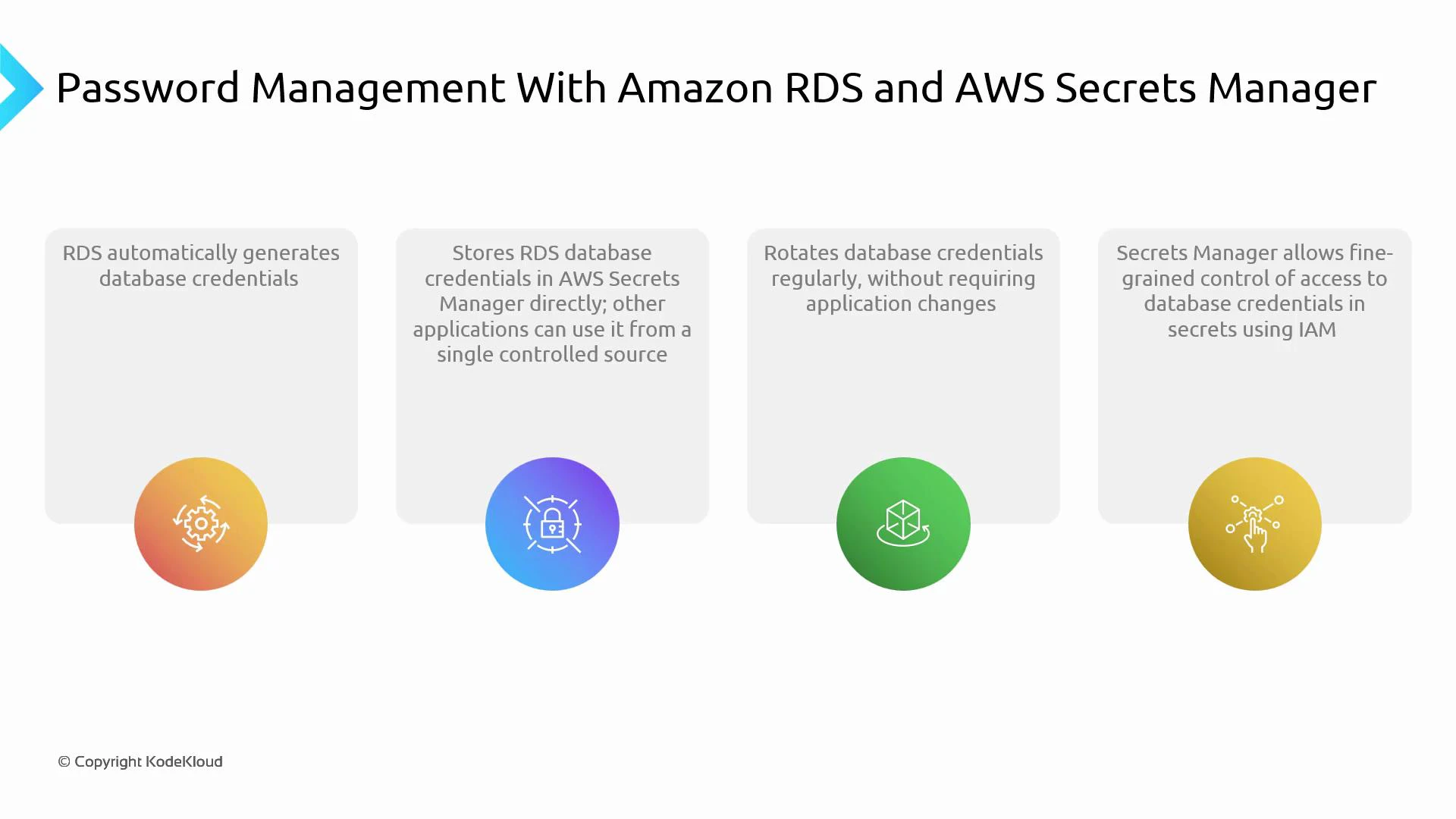
- RDS can auto-generate a strong password for the master (or any user) during DB creation.
- RDS can store that generated credential directly in AWS Secrets Manager.
- Applications fetch credentials from Secrets Manager at runtime using IAM-based access.
- Secrets Manager supports automatic rotation, so credentials can be changed regularly without modifying application code.
Store credentials in AWS Secrets Manager so applications fetch them at runtime. Change or rotate a secret in one place — the application keeps working because it always reads the current secret from Secrets Manager.
- Application attempts to connect to the database.
- The application calls AWS Secrets Manager to retrieve the secret (e.g., via AWS SDK).
- Secrets Manager authenticates the request using IAM and returns the current credentials.
- The application uses the credentials to establish a DB connection.
- When Secrets Manager rotates the secret, the next retrieval returns updated credentials — no code changes required.
- Create an RDS instance and enable credential generation (or create user credentials and store them in Secrets Manager).
- Store the database username/password as a secret in AWS Secrets Manager.
- Configure automatic rotation in Secrets Manager if desired (Secrets Manager can use a Lambda rotation function).
- Grant the application an IAM role with least-privilege permissions to retrieve (and optionally decrypt) the secret.
- Instrument the application to fetch the secret at startup or when creating DB connections, using SDKs or environment-specific libraries.
Use least-privilege IAM policies. Give applications only the permission to retrieve the secret (GetSecretValue) and avoid granting console-level access unless required. Test rotation to ensure the DB user and secret remain synchronized.
- Centralized, secure storage of credentials (single source of truth).
- Automatic rotation of database credentials with no application code changes.
- Fine-grained access control using IAM.
- Easier compliance and operational simplicity for organizations with rotation policies.