

-
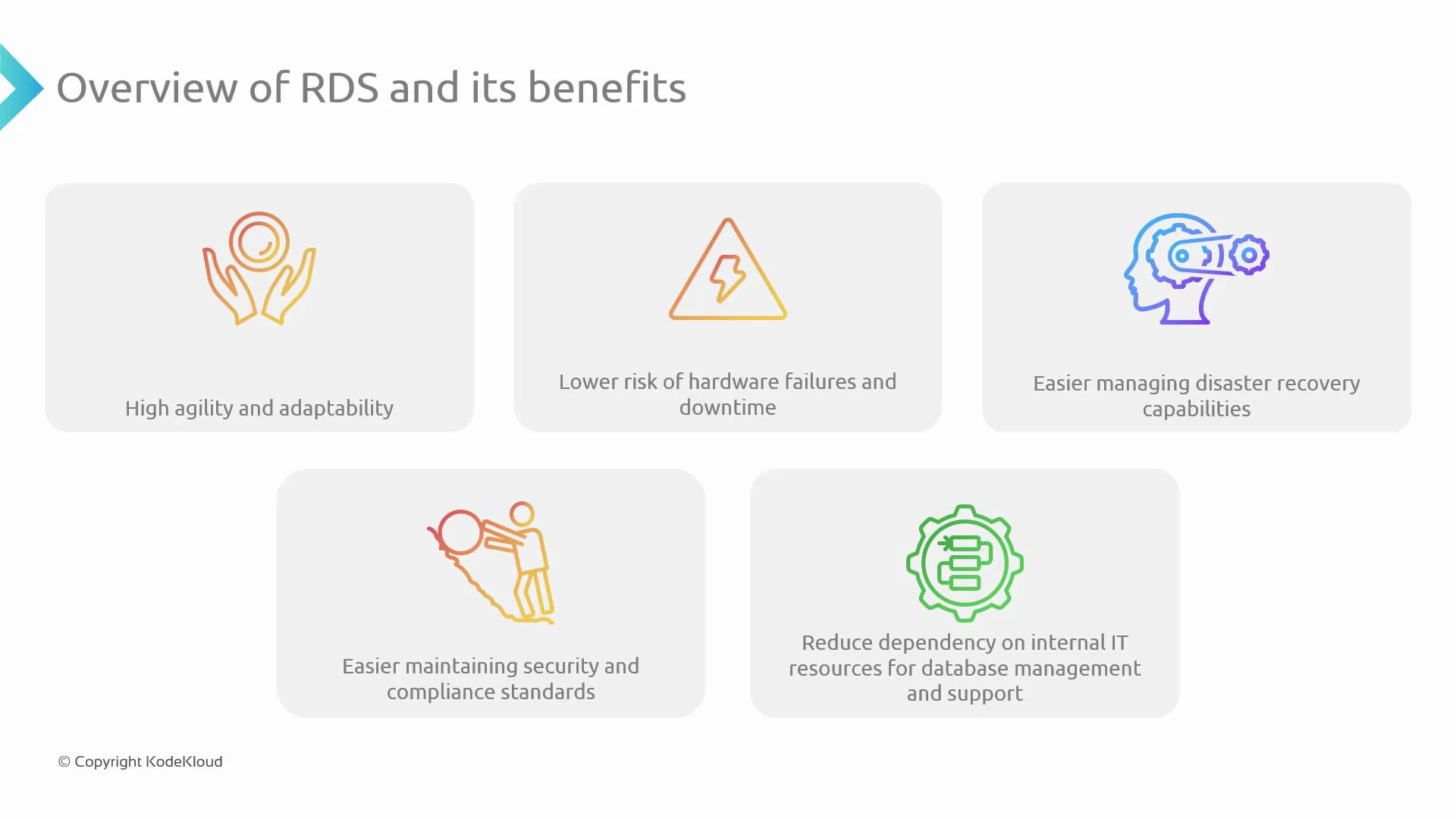
Fast provisioning and agility
Launch new database instances quickly and iterate faster. RDS automates provisioning and common operational tasks so development cycles accelerate. -
Reduced hardware risk and less downtime
AWS manages the underlying infrastructure. Features such as automated backups, storage-level redundancy, and Multi-AZ deployments minimize the impact of hardware failures. -
Simplified disaster recovery
Built-in features like automated backups, point-in-time recovery, cross-region read replicas, and Multi-AZ failover make recovery straightforward and predictable. -
Strong security and compliance controls
RDS integrates with AWS Identity and Access Management (IAM), supports encryption at rest (AWS KMS) and in transit (TLS), and provides audit logging to help meet regulatory requirements. -
Lower operational overhead for DB administration
Routine tasks—OS and engine patching, backup orchestration, monitoring, and snapshot management—are handled by AWS, freeing internal teams to focus on application logic and business features.
-
High availability and durability
Multi-AZ deployments, automated backups, storage redundancy, and failover behavior. -
Scaling strategies
Vertical scaling (changing instance class) and horizontal scaling with read replicas (including cross-region replicas and Amazon Aurora replicas). -
Backup and recovery options
Automated backups, manual snapshots, and point-in-time restore workflows. -
Security controls and compliance features
Network isolation (VPC), IAM authentication and authorization, encryption with AWS KMS, and audit logging. -
Operational tooling and monitoring
Amazon CloudWatch for metrics and alarms, Performance Insights for query analysis, and automated engine patching.
When planning RDS for production, consider both availability and cost: Multi-AZ improves resilience but increases cost; read replicas improve read scalability while leaving writes on the primary. Choose the DB engine and instance sizing based on workload patterns, replication needs, and backup/restore RTO/RPO goals.
- AWS RDS product page
- AWS Identity and Access Management (IAM)
- AWS Key Management Service (KMS)
- Amazon CloudWatch
- Amazon RDS documentation