Explains AWS RDS Proxy features including connection pooling, failover resilience, IAM and Secrets Manager integration, throttling, and reduced database connection overhead.
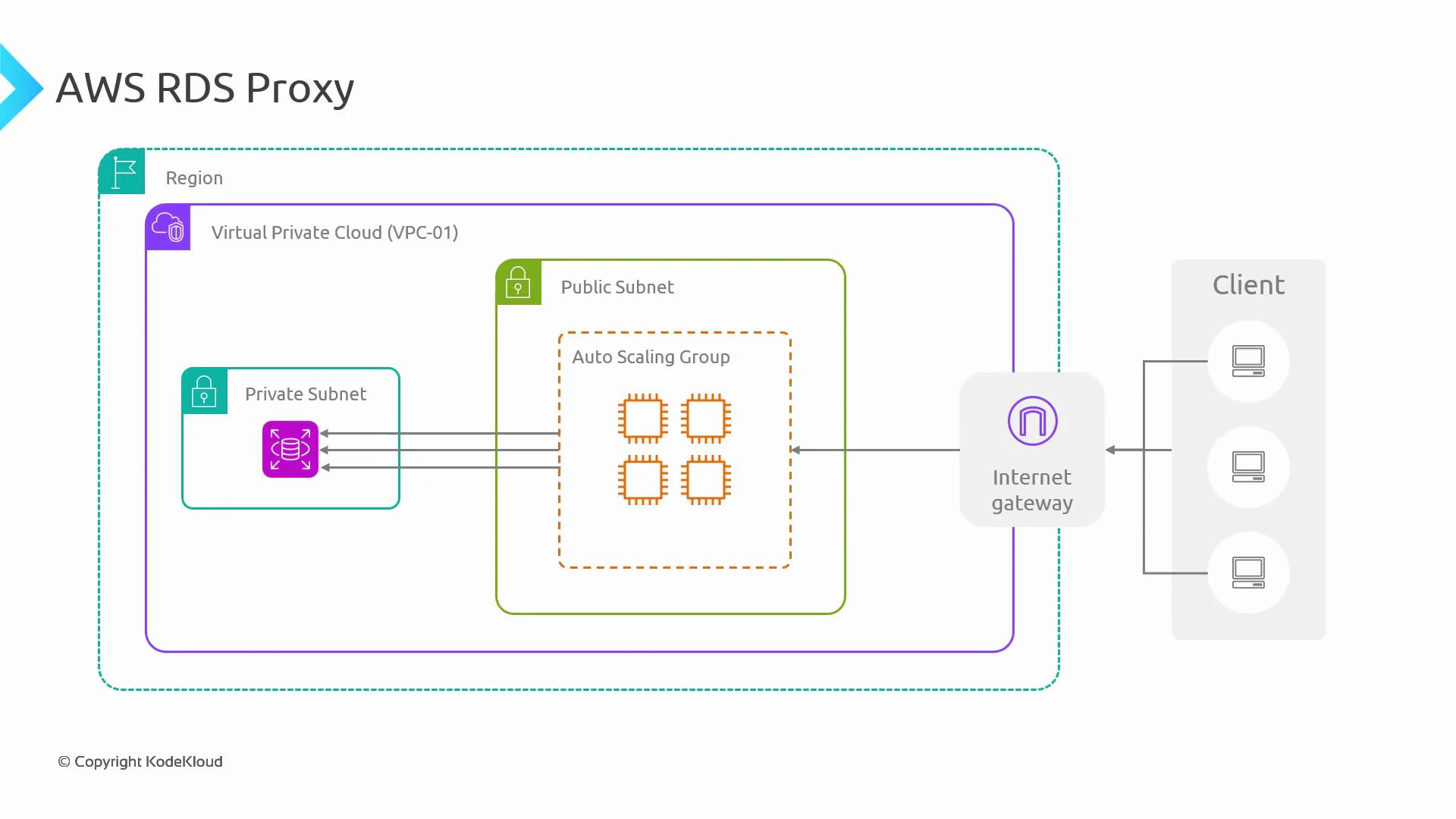
In this lesson we explain how AWS RDS Proxy improves networking, security, and reliability for your Amazon RDS and Aurora databases. You’ll learn where the proxy fits in a typical VPC architecture, how it reduces connection pressure on the database, how it helps during failovers, and how it centralizes authentication using IAM + Secrets Manager.Consider a typical architecture: a client accesses an application through an Internet Gateway. The application runs on EC2 instances in an Auto Scaling Group inside a public subnet. Currently the Auto Scaling Group has one instance that establishes a database connection. When the application scales out, multiple EC2 instances will each try to open connections to the database.
Why RDS Proxy?
Databases enforce limits on concurrent connections and consume CPU/RAM to manage each connection.
When many application instances open connections (or fail to close them), the database can hit connection limits and return errors such as “too many connections”.
While application-level pooling, retries, and backoff help, they add complexity and are not always consistent across services (for example, serverless functions often open many short-lived connections).
RDS Proxy provides an infrastructure-level solution: applications connect to a proxy endpoint instead of to the database directly. The proxy pools and reuses backend database connections, thereby reducing the number of active backend connections and stabilizing the database under high concurrency.Key operational benefits
Connection pooling: reuse a smaller set of database connections across many clients.
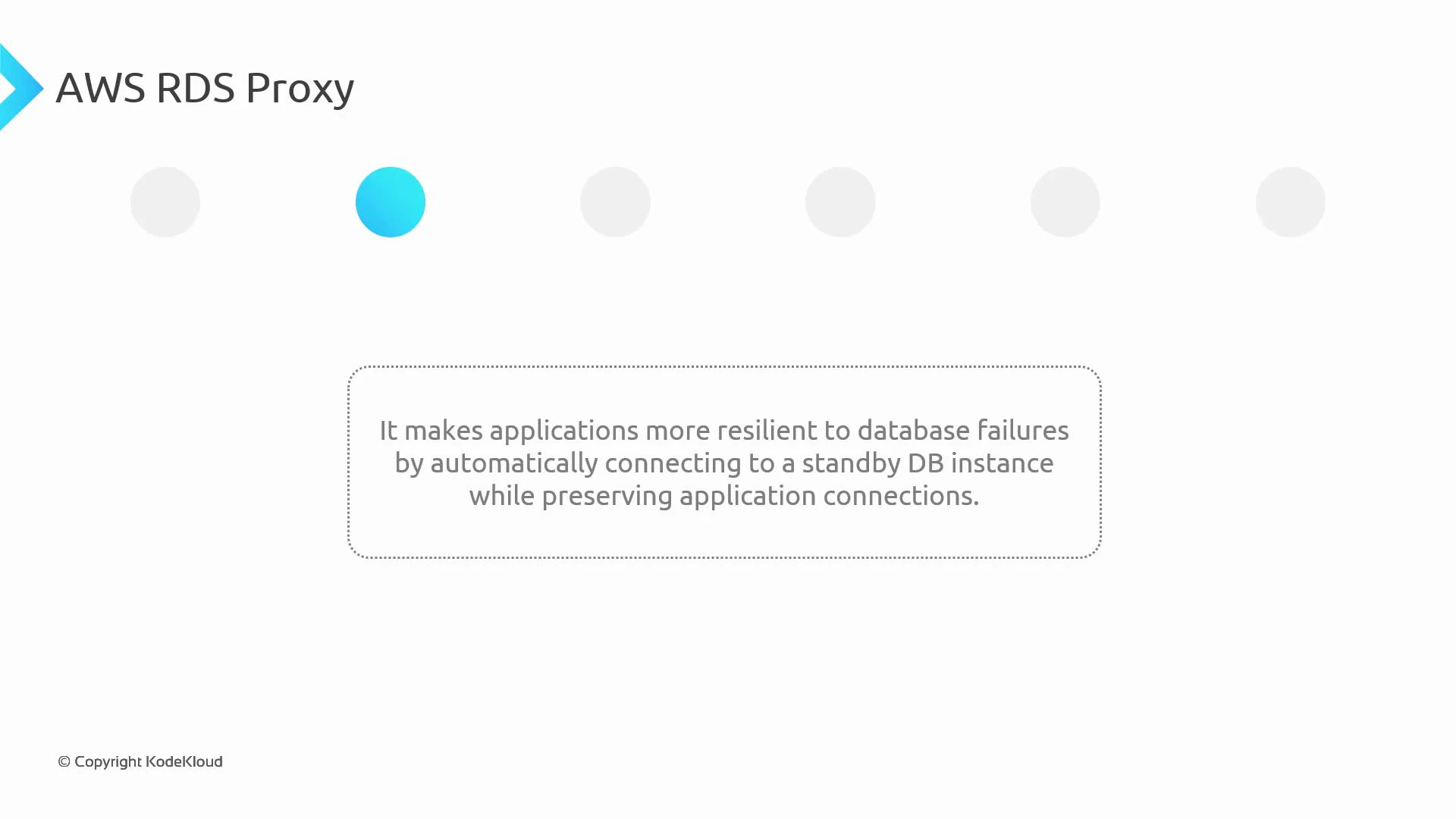
Failover resilience: the proxy can re-establish backend connections to a standby or new writer during database failover, preserving the client-facing endpoint.
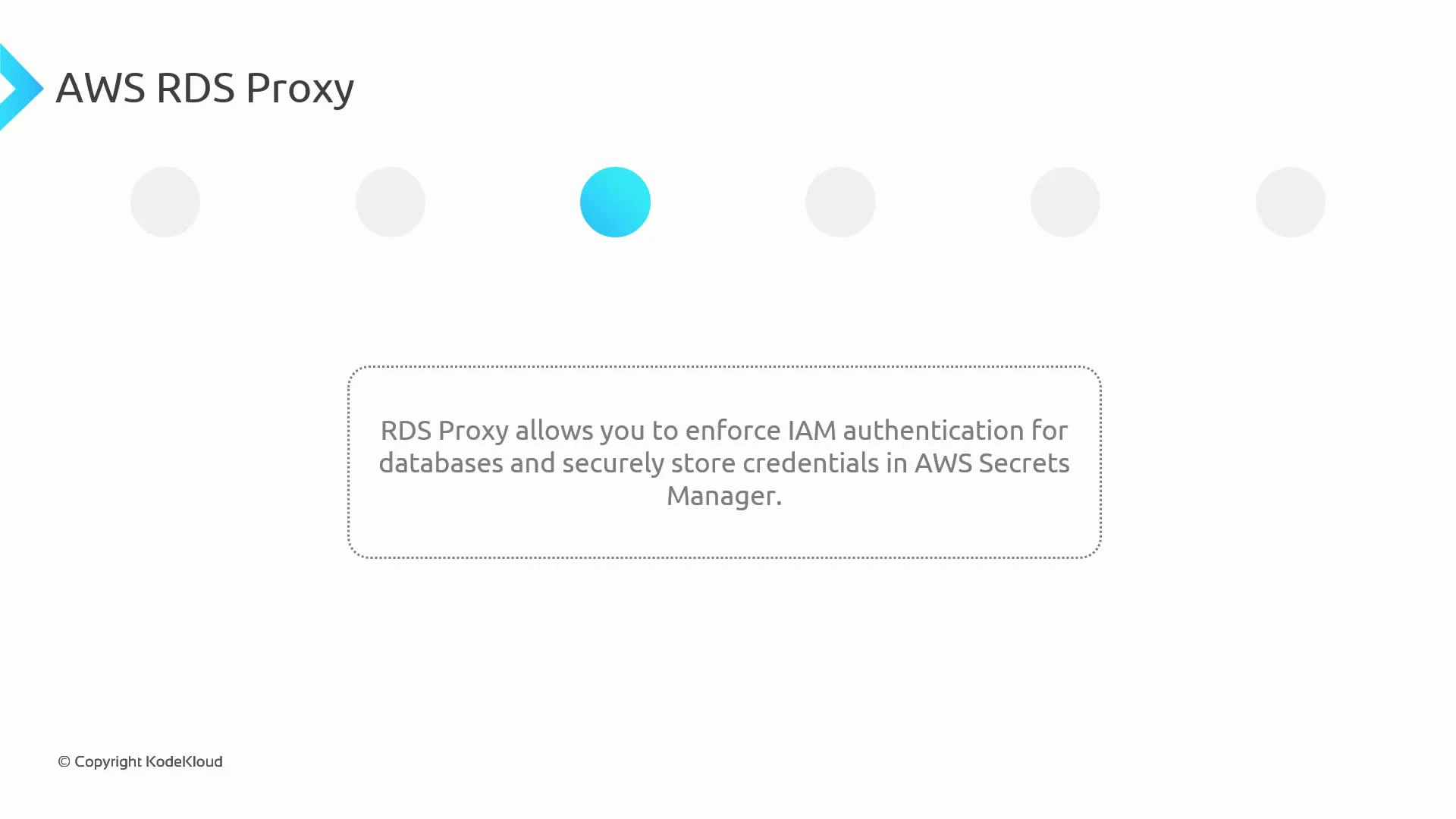
Centralized secrets and IAM enforcement: integration with AWS Secrets Manager and IAM DB authentication avoids embedding credentials in application code.
Predictable throttling/queueing: the proxy can queue or throttle requests when pooled connections are not immediately available, smoothing spikes.
How RDS Proxy helps during failoversRDS Proxy offers an abstraction over the database endpoint, so when failover occurs (for example, an Aurora writer switch or an RDS Multi-AZ failover), the proxy can reconnect to a new writer and continue serving client connections. Some in-flight queries may still fail during the transition—applications should continue to implement retries and exponential backoff—but the client-facing endpoint remains stable.
Authentication and credential managementRDS Proxy integrates with AWS Secrets Manager and IAM database authentication. This allows you to:
Store and rotate credentials securely in Secrets Manager.
Optionally enforce IAM-based authentication so applications use temporary auth tokens rather than long-lived passwords.
Remove the need to hard-code credentials in application code or configuration files.
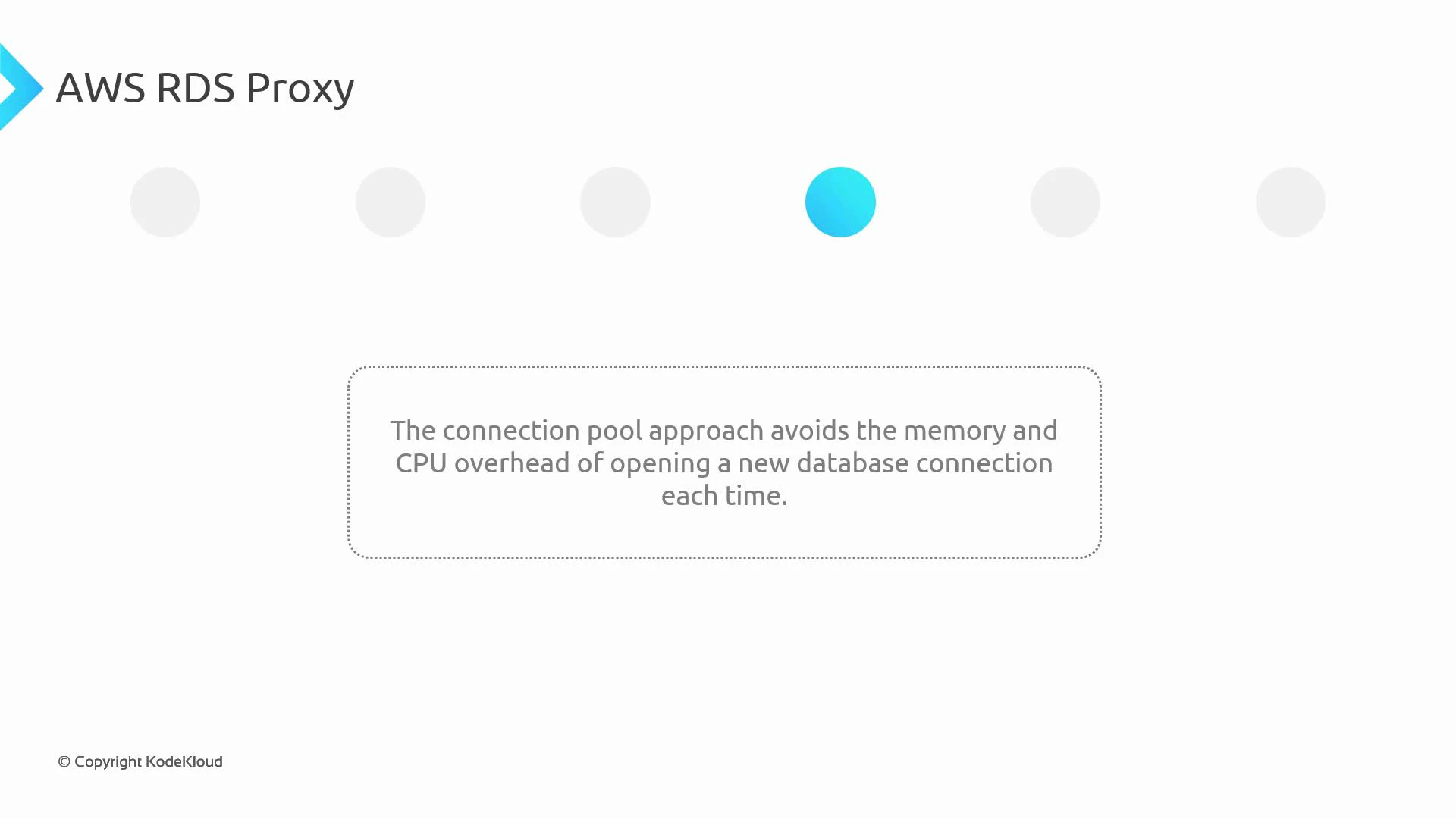
Performance: reduced CPU and memory overheadPooling backend connections avoids the repeated cost of negotiating secure, per-connection database sessions on the DB instance. That reduces CPU and memory pressure on the database, which is especially beneficial for workloads that create many short-lived connections—such as serverless functions (AWS Lambda) or highly concurrent web applications.
Queueing and throttling of application connectionsWhen all pooled backend connections are in use, RDS Proxy can queue or throttle incoming application requests. Instead of overwhelming the database with new connection attempts, the proxy holds client requests until a pooled connection is available—this provides more predictable latency and smooths traffic spikes.
Summary of RDS Proxy capabilities
Feature
Benefit
Use case
Connection pooling
Fewer backend DB connections, lower CPU/memory on DB
High-concurrency apps, serverless functions
Failover handling
Maintains stable client endpoint during writer failover
Multi-AZ / Aurora clusters
IAM + Secrets Manager integration
Centralized, rotated credentials and optional IAM auth
Security-first deployments, compliance needs
Queueing/throttling
Smooths spikes, prevents connection storms
Burst workloads, autoscaling fleets
Practical notes and simple examples
Connect your application to the proxy endpoint the same way you connect to the DB endpoint (hostname, port, username). The proxy forwards queries to the pooled backend connections.
For IAM authentication, generate an auth token and use it as the password (clients must connect using TLS).
Generate an IAM auth token with the AWS CLI (example):
Use the returned token as the password in your DB client and enable TLS/SSL when using IAM auth.Example connection string (MySQL-compatible proxy):
mysql -h your-proxy-endpoint.proxy-xxxxxxxxxx.us-east-1.rds.amazonaws.com \ -P 3306 -u db_user -p# When using IAM auth, paste the generated token at the password prompt and ensure TLS is enabled.
Best practices
Use RDS Proxy for serverless or high-concurrency services to avoid connection storms.
Keep client-side retries and exponential backoff; some in-flight requests may still fail during backend failover.
Integrate RDS Proxy with Secrets Manager for automatic credential rotation and with IAM DB auth for short-lived credentials.
Monitor proxy metrics (ConnectionsBorrowed, NewConnections, ConnectionPoolFullCount, etc.) using CloudWatch to tune pool size and behavior.
Use RDS Proxy for high-concurrency applications (including serverless workloads), to centralize secrets and IAM authentication, and to reduce the connection-management burden on your database. RDS Proxy supports Amazon RDS and Aurora engines for MySQL and PostgreSQL.