

Core Aurora cost components
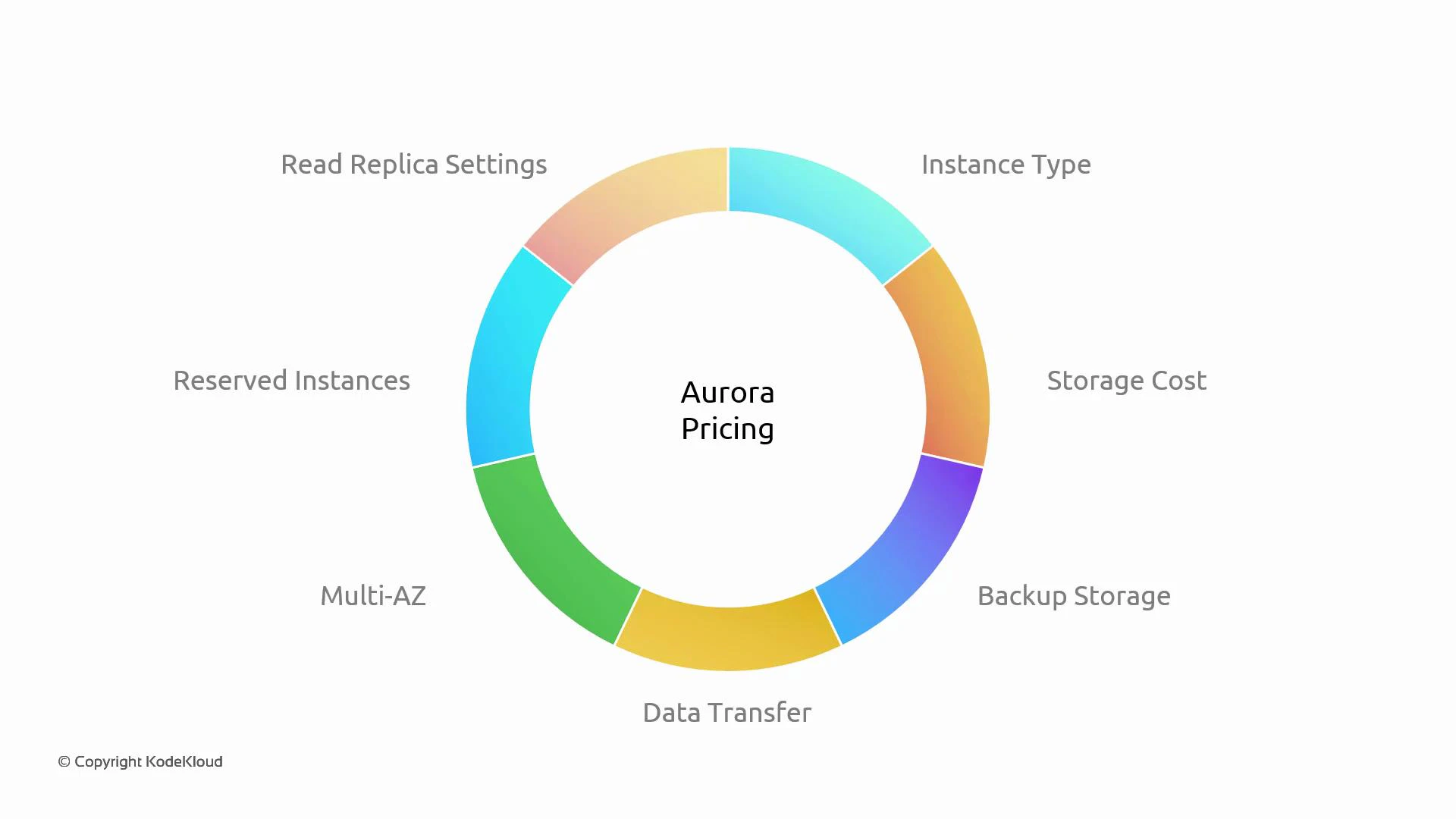
When estimating Aurora costs, break pricing into these primary components:- Instance type (compute): Aurora instance families range from low-cost burstable instances to high-performance, memory-optimized types. Instance size (vCPU and RAM) is usually the single largest cost driver.
- Storage: Aurora bills storage per GB per month and automatically scales with data growth—no need to provision capacity up front. Rates vary by storage model and AWS region.
- Backup storage: Automated backups are provided, but manual snapshots or retention beyond free allowances may incur extra charges.
- I/O and operations: Some Aurora billing models charge I/O based on request counts (e.g., per million requests); others vary by engine and serverless vs provisioned modes. High read/write volumes increase costs.
- Data transfer: Cross-region and internet-bound data transfers add cost. Keep traffic within regions where possible and use compression to reduce transfer.
- High availability (Multi-AZ / replicas): Additional replicas add instance-hour charges. For Aurora, replicas share the cluster storage (so you typically do not pay duplicate storage), but each replica still incurs compute and networking costs.
- Reserved / committed discounts: If usage is predictable, Reserved Instances or other commitment options can cut compute costs significantly—evaluate total cost of ownership before committing.
- Read replicas: Improve read scalability at the cost of additional instances; storage is shared for Aurora replicas, but instances and networking still cost.
Use the AWS Pricing Calculator and the latest AWS pricing pages to produce precise estimates for your region and configuration.
Example: Simple hypothetical monthly estimate
Below is a worked example to show how components add up. These are illustrative — use the Pricing Calculator for accurate, region-specific numbers.
Calculation:
144 + 15 + 6 + 1.5 + 80 + 28 = $274.50 per month (rounded)
These values are examples to show cost aggregation. Actual pricing will vary by region, storage type, exact I/O billing model, snapshot retention, and network patterns.
Pricing can change by AWS region and over time. Always verify rates on the official AWS pricing pages and use the AWS Pricing Calculator to model your real workload patterns before committing.
Practical tips to control Aurora cost
- Monitor instance CPU, memory, and storage usage; right-size instances and use autoscaling where possible.
- Cache frequent reads (e.g., Amazon ElastiCache) to reduce read I/O.
- Implement lifecycle policies for automated snapshots and remove outdated manual snapshots.
- Prefer intra-region traffic and VPC endpoints to reduce transfer costs.
- For predictable workloads, evaluate Reserved Instances or other commitments; for variable workloads, consider serverless or autoscaling approaches.
- The largest Aurora cost drivers are typically instance compute, storage, and data transfer.
- Start with smaller instances for development and scale up for production.
- Monitor I/O request counts, backups, and replicas to avoid unexpected charges.
Links and references
- Amazon Aurora (official)
- AWS Pricing Calculator
- AWS RDS Reserved Instances
- AWS Savings Plans
- AWS Pricing Documentation