

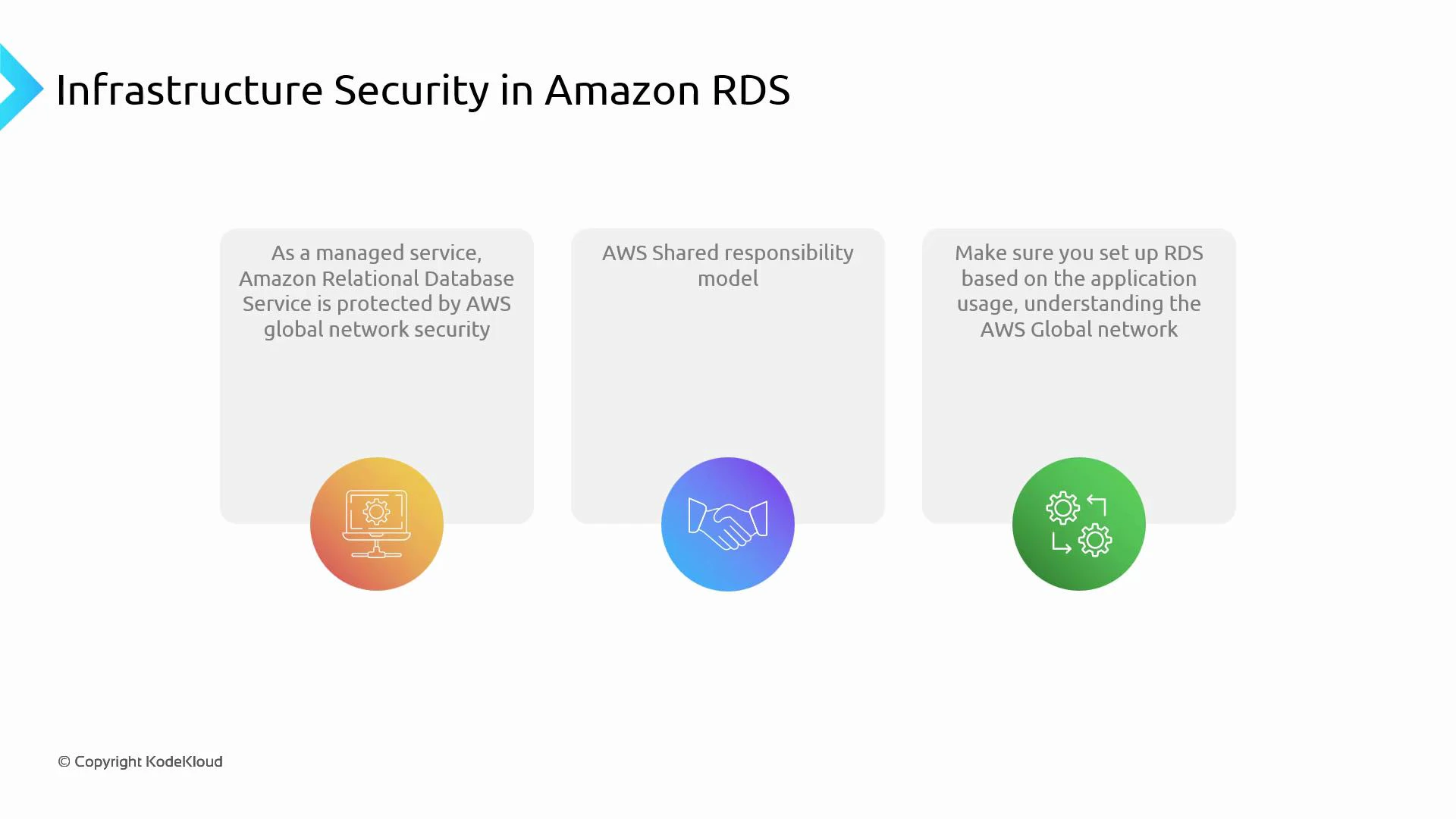
AWS secures the cloud infrastructure; you secure the resources and configuration inside your account. Knowing which controls AWS manages and which are your responsibility is essential for a secure RDS deployment.
Shared responsibility model
At a high level:- AWS is responsible for the security “of” the cloud: physical facilities, host infrastructure, virtualization, and managed service runtimes.
- You are responsible for security “in” the cloud: network configuration, access control, encryption keys (when customer‑managed), database users and credentials, and the data stored in RDS.
References:
Network isolation and access control
Best practices:- Launch RDS instances inside a VPC and place them in DB subnet groups. Use private subnets unless public access is required.
- Use security groups (stateful) to permit only the application servers and management IPs that need access to the DB port.
- Use network ACLs (stateless) for additional subnet-level boundaries.
- Avoid setting RDS to “publicly accessible” in production; prefer private subnets and tightly scoped security groups.
Isolation and tenancy
For stronger isolation:- Use separate AWS accounts and VPCs for dev/test/prod, managed via AWS Organizations.
- Use strict IAM boundaries and role-based access.
- If you require physical single-tenant isolation, consult AWS and RDS documentation for options (dedicated hosts or self-managed DBs on EC2).
Encryption and key management
Protect data at rest and in transit:- Enable encryption at rest using AWS KMS. Decide between AWS-managed CMKs or customer-managed CMKs. Customer CMKs provide more control (key policies, rotation, access restrictions).
- Enforce TLS for in-transit encryption. Configure your database clients to validate certificates and require TLS.
- When using customer-managed CMKs, create strict IAM policies and key policies to limit who can use or manage the keys.
Authentication, secrets, and least privilege
- Store DB credentials in AWS Secrets Manager or Systems Manager Parameter Store rather than hard‑coding secrets.
- Use IAM for management‑plane operations and enable IAM DB authentication for supported engines (e.g., MySQL, PostgreSQL).
- Implement least privilege for both AWS IAM roles and database accounts; avoid using a single, high‑privilege account for all operations.
- Enforce Multi‑Factor Authentication (MFA) for privileged IAM users and require strong password policies.
High availability, backups, and monitoring
- Use Multi‑AZ deployments for automatic failover and improved availability.
- Configure automated backups, snapshots, and point‑in‑time recovery to meet your RPO/RTO.
- Enable enhanced monitoring, database audit logs, and CloudWatch alarms to detect performance issues and suspicious activity.
- Use AWS Config rules to detect misconfigurations and enforce policy compliance.
Cross‑region networking and global deployments
When spanning regions:- Understand replication options: cross‑region read replicas (RDS Read Replicas) or Aurora Global Database.
- Choose networking strategies: inter‑region VPC peering, AWS Transit Gateway, PrivateLink, or VPN/Direct Connect depending on latency and security needs.
- Account for cross‑region data transfer and snapshot copy costs when designing global deployments.
Operational security hygiene
- Keep database engine versions and parameter groups current. RDS manages much of the patching, but you must schedule upgrades and review parameters.
- Regularly rotate credentials and keys, audit account activity using CloudTrail, and remove unused IAM permissions.
- Periodically review security group rules and NACLs to remove overly permissive entries and close unnecessary openings.
- Implement logging and centralize logs for analysis, retention, and compliance.
Putting it together — practical checklist
- Use separate VPCs and accounts to isolate environments (dev/test/prod).
- Keep databases in private subnets with tightly scoped security groups.
- Centralize secrets and encryption key management (Secrets Manager + KMS).
- Enforce TLS for client connections and use customer-managed CMKs when regulatory control is required.
- Enable Multi‑AZ and automated backups aligned with business RPO/RTO.
- Monitor engine and infrastructure metrics; create alarms and ingest logs into a central SIEM.
- Design cross‑region deployments deliberately, balancing security, latency, and cost.
Links and references
- Amazon RDS User Guide
- Amazon RDS encryption overview
- RDS SSL/TLS guide
- AWS KMS developer guide
- Secrets Manager overview
- Systems Manager Parameter Store
- IAM DB authentication for RDS
- RDS Multi‑AZ concept
- RDS Read Replicas
- Aurora Global Database
- AWS Organizations introduction
- AWS Config overview