

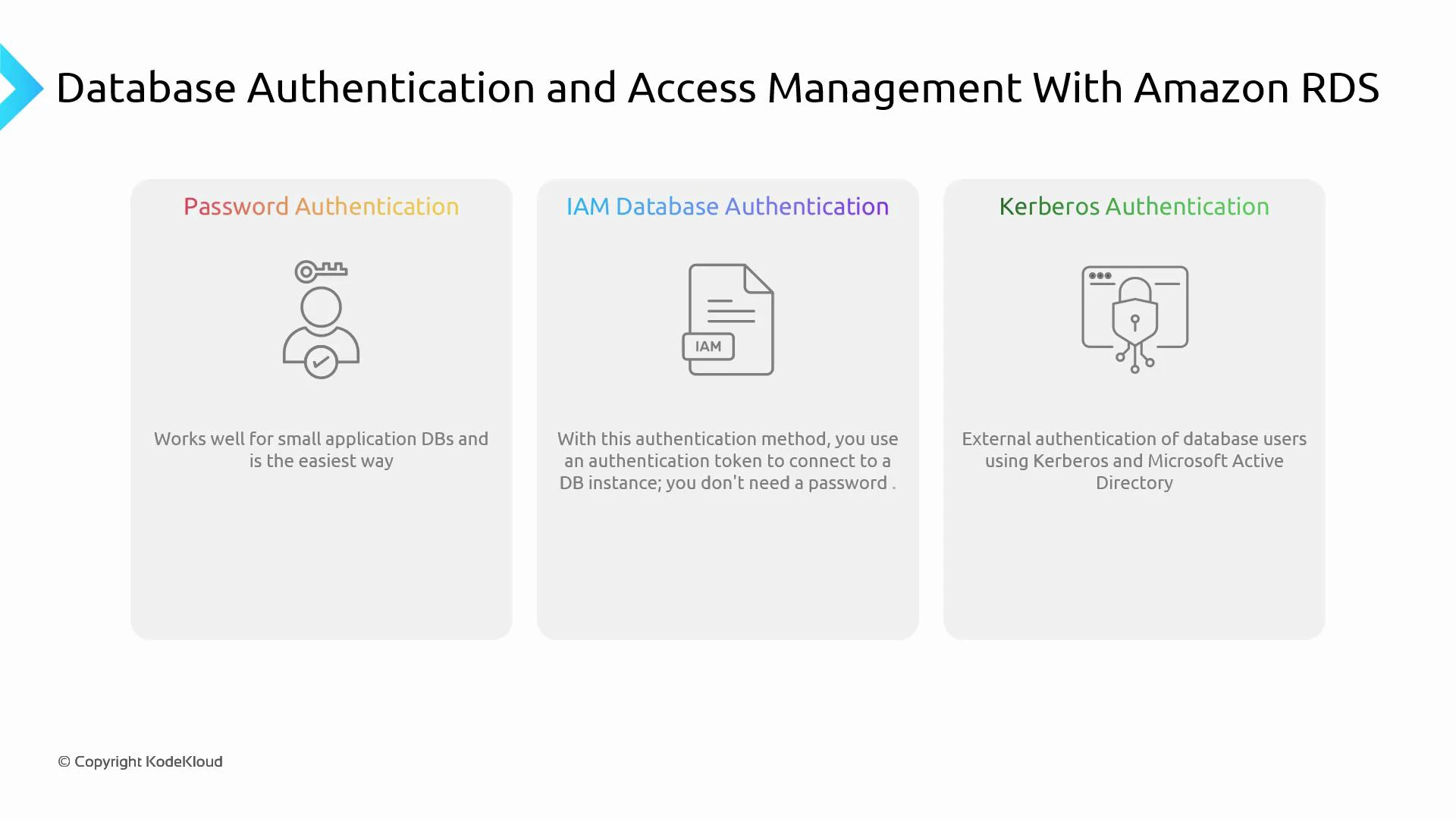
- Password (standard DB users)
- IAM Database Authentication (use IAM identities to authenticate)
- Kerberos / external identity providers (enterprise SSO integration)
Password authentication
- Overview: manage database users and passwords inside the DB engine.
- Pros: universal support and simple to implement.
- Cons: secret management, credential rotation, and revocation become operationally costly at scale.
- Best for: small deployments or legacy apps that cannot be modified to use external authentication.
- What it is: use IAM users or roles to authenticate to supported RDS engines (for example, Amazon RDS for MySQL and PostgreSQL, and Aurora equivalents).
- How it works: clients request a short-lived authentication token from AWS and present that token as the database password. Tokens typically expire after 15 minutes.
- Benefits:
- Centralized user management via IAM (no long-lived DB passwords to store).
- Better integration with AWS identity controls and audit trails (CloudTrail).
- Easier to revoke access by changing IAM policies or roles.
- Requirements and typical steps:
- Enable IAM DB authentication on the DB instance or cluster.
- Create an IAM policy allowing the rds-db:connect action for the DB user resource ARN.
- Attach that policy to the IAM user, group, or role that needs DB access.
- Map the IAM identity to a database user (create a matching DB user when required by the engine).
- Clients generate an authentication token and use it as the DB password; the connection must use TLS/SSL.
- Use case: enterprise single sign-on (SSO) integration with systems like Microsoft Active Directory or Kerberos-based identity providers.
- Typical scenarios: large organizations that need centralized authentication across many applications and systems.
- Trade-offs: strong SSO experience and centralized policy enforcement, but requires additional operational effort—deploying and maintaining directory services, configuring trust and network connectivity, and ensuring reliable integration with RDS.
- Recommendation: evaluate Kerberos/AD only if enterprise SSO is a hard requirement; otherwise prefer IAM DB authentication for AWS-hosted workloads.
Kerberos and enterprise directory integrations provide strong SSO capabilities but introduce significant operational complexity. If you already use AWS and don’t require external enterprise SSO, prefer IAM database authentication.
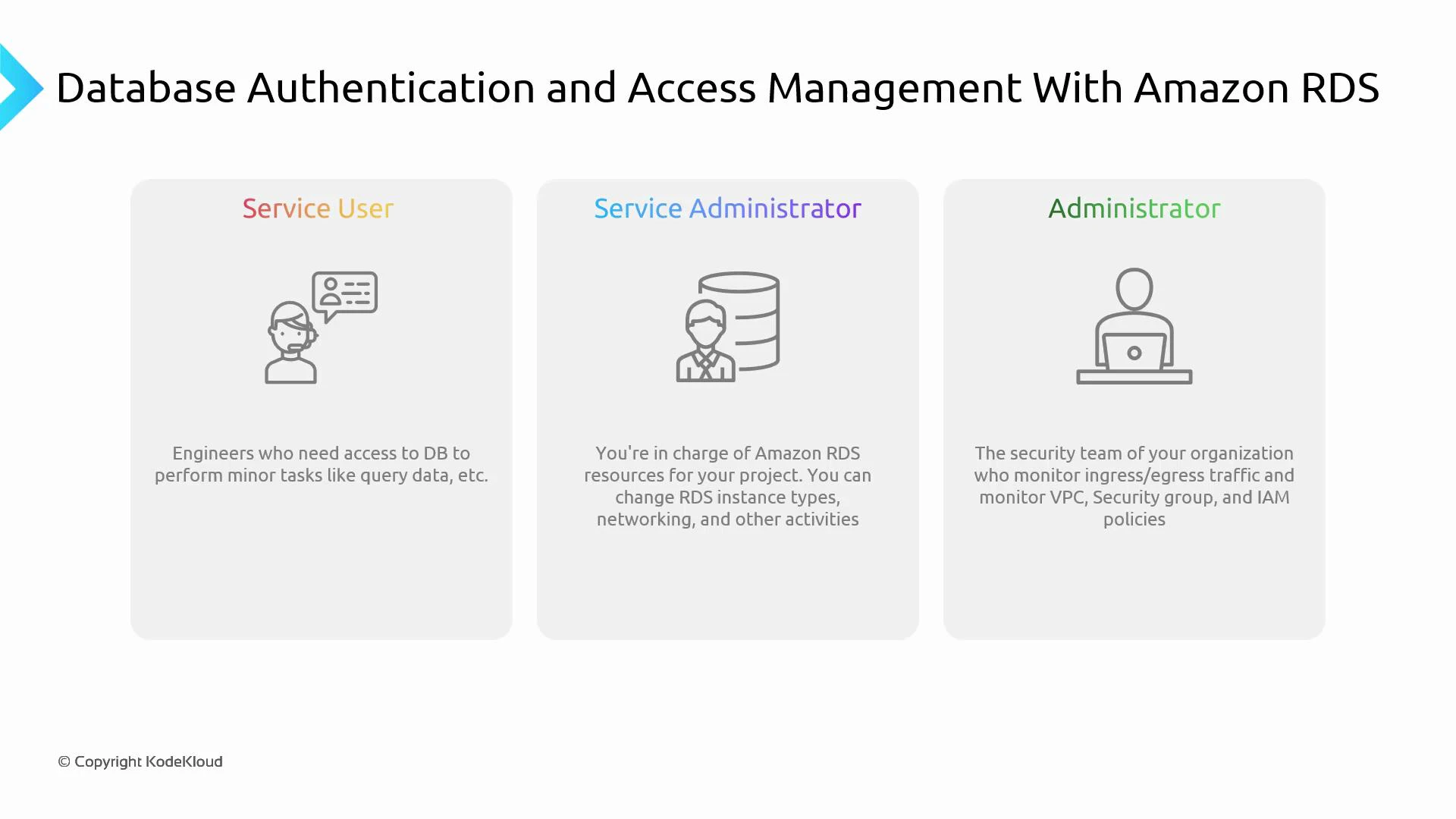
Implement roles by combining:
- IAM policies and roles for IAM-based authentication and RDS resource management (IAM roles),
- Database-level roles and GRANT statements for engine-specific privileges,
- Network controls (VPC, security groups),
- Audit and monitoring with CloudTrail, RDS logs, and Performance Insights.
Use IAM groups and roles to centralize access control, prefer short-lived tokens (IAM DB auth) where possible, and always enable auditing (CloudTrail and DB logs) to track who connected and what actions were performed.
- Prefer IAM DB authentication for new AWS-native applications where supported.
- Enforce TLS/SSL for all IAM-authenticated connections.
- Rotate and avoid long-lived database credentials when possible.
- Use least-privilege IAM policies and DB grants.
- Centralize audit logs (CloudTrail, RDS logs) and monitor access patterns.
- Evaluate enterprise SSO (Kerberos/AD) only when organizational SSO requirements mandate it.
- Amazon RDS Documentation
- AWS IAM Overview
- AWS CLI generate-db-auth-token reference
- Using SSL/TLS with Amazon RDS
- CloudTrail User Guide
- Microsoft Active Directory documentation
- Kerberos (MIT)