

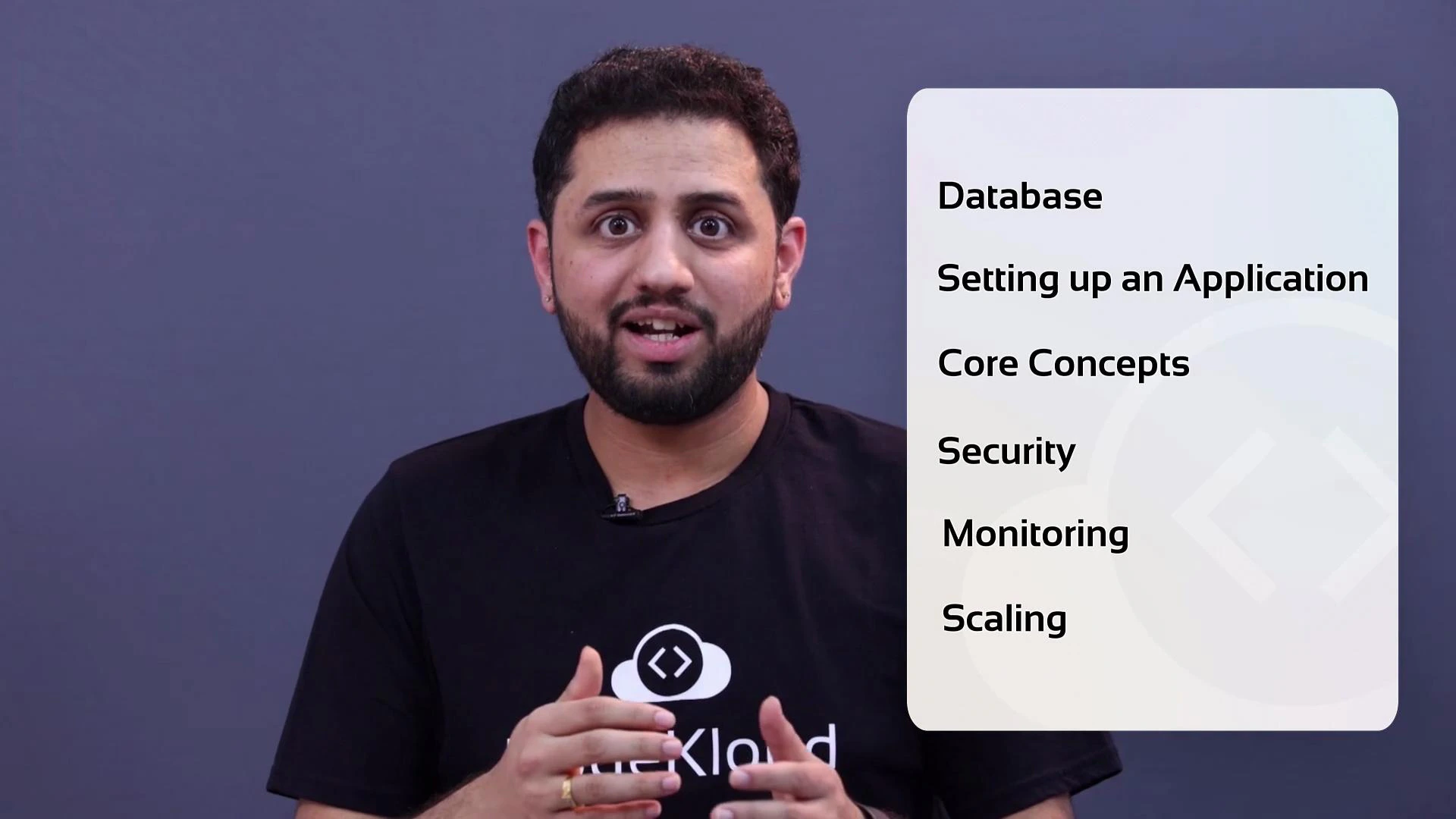
- Set up an application and connected it to an RDS database instance.
- Explored core RDS concepts: database engines, instance classes, parameter groups, automated backups, snapshots, Multi-AZ high availability, and read replicas.
- Reviewed security best practices: running RDS inside a VPC, subnet placement, security groups, IAM policies, and encryption (at rest and in transit).
- Looked at monitoring and observability: CloudWatch metrics, Enhanced Monitoring, and Performance Insights for diagnosing bottlenecks and slow queries.
- Discussed scaling approaches: vertical scaling (instance class changes), read scaling with replicas, and storage autoscaling — plus guidance on choosing RDS versus other managed or self-managed databases.
| Topic | Key takeaways | Next action/example |
|---|---|---|
| Provisioning | Choose engine and instance class; configure parameter groups and subnet groups | Launch an RDS instance with automated backups enabled |
| High availability | Multi-AZ for failover; read replicas for offloading reads | Create a read replica and test read-only failover behavior |
| Security | Use private subnets, security groups, IAM roles, and encryption | Restrict DB access to application subnets and enable encryption at rest |
| Monitoring | Use CloudWatch, Enhanced Monitoring, Performance Insights | Enable Performance Insights and review top SQL by latency |
| Scaling | Vertical (instance size) and horizontal (replicas); storage autoscaling | Scale instance class in a maintenance window; add a read replica |
- Deploy a small web app (e.g., a simple Node.js or Django app) connected to an RDS instance to practice connection strings, credentials, and security group rules.
- Enable Performance Insights, generate load, and identify the top queries affecting latency.
- Add a read replica and simulate read traffic to observe scaling behavior.
- Test Multi-AZ failover by performing a planned failover or simulating an outage (in a safe test environment).
- Experiment with parameter group tuning for engine-specific settings and monitor the impact.
- Amazon RDS Documentation
- Amazon CloudWatch
- Amazon RDS Performance Insights
- Introduction to AWS databases (Aurora, DynamoDB)
If you want to practice, try deploying a small app connected to an RDS instance, enable Performance Insights, and experiment with read replicas and Multi-AZ to see failover and read-scaling behavior firsthand.