

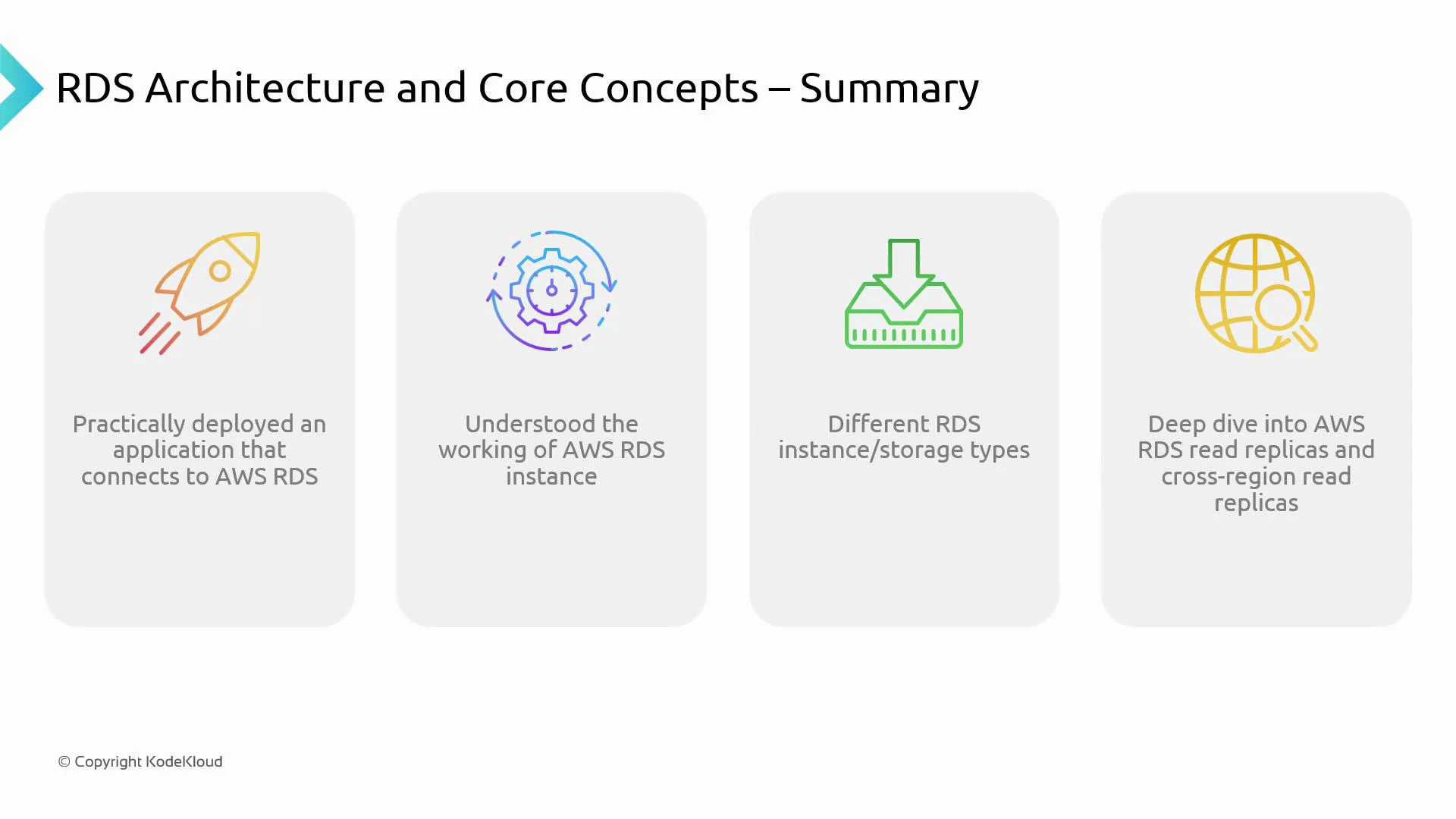
Key points to remember
Application connectivity
- Applications connect to RDS using the database endpoint and port provided by the instance/cluster.
- Network access is controlled by VPC configuration, DB subnet groups, and security groups (ingress/egress rules).
- Ensure your DB subnet group and security group rules explicitly allow traffic from the application tier on the database port (e.g., 5432 for PostgreSQL, 3306 for MySQL).
RDS instance fundamentals
- An RDS instance is a managed database server for a specific engine (MySQL, PostgreSQL, MariaDB, Oracle, SQL Server, or Amazon Aurora).
- Instance class determines vCPU and memory. Choose based on workload requirements (CPU-bound vs memory-bound).
- Use parameter groups to tune database engine settings and option groups to enable engine-specific features or extensions.
Storage types and when to use them
Choose storage based on IOPS needs, latency, and cost:
Consider throughput, burst behavior (gp2), and predictable IOPS (io1/io2) when selecting storage.
Scalability options
- Read Replicas: Scale reads horizontally by creating read-only replicas. Ideal for read-heavy traffic and analytical offloads.
- Cross-Region Read Replicas: Replicate to another AWS region for regional read locality and part of a disaster recovery plan.
- Vertical scaling: Resize instance class (more CPU/memory) to handle increased workload; requires downtime or a restart depending on the engine and configuration.
Availability and durability
- Multi-AZ deployments provide synchronous replication to a standby instance in another Availability Zone and automatic failover — recommended for production-critical databases.
- Automated backups enable point-in-time recovery (PITR) within the retention window; manual snapshots are useful for long-term retention or cloning.
- Use encryption at rest (AWS KMS) and in transit (TLS) to protect data.
Operational aspects
- Monitoring: Use Amazon CloudWatch for key metrics (CPU, storage, disk I/O, connections). Enable RDS Enhanced Monitoring for OS-level metrics and performance insights for deeper query analysis.
- Maintenance: RDS performs engine patches and minor upgrades during a configured maintenance window. Test upgrades in staging before production.
- Security: Enforce least privilege with IAM for API access, configure network isolation (private subnets), enable encryption (KMS), and rotate credentials via AWS Secrets Manager.
Practical experience
- Hands-on practice with the AWS Management Console (or CLI/SDK/CloudFormation/Terraform) helps you understand how networking, security, storage, and instance configuration interact.
- Practice common operational tasks: creating read replicas, triggering failovers (for Multi-AZ), restoring from snapshots, and validating backup/restores.
Best practices: use Multi-AZ for production-critical databases, choose Provisioned IOPS for high-IOPS workloads, and use Read Replicas to handle read-heavy traffic. Regularly test failover and backup/restore procedures as part of your operational runbook.
Resources and references
- Amazon RDS documentation: https://docs.aws.amazon.com/rds/
- Amazon RDS Read Replicas: https://docs.aws.amazon.com/AmazonRDS/latest/UserGuide/USER_ReadRepl.html
- Multi-AZ deployments: https://docs.aws.amazon.com/AmazonRDS/latest/UserGuide/Concepts.MultiAZ.html
- Amazon CloudWatch: https://docs.aws.amazon.com/cloudwatch/
- AWS IAM: https://docs.aws.amazon.com/iam/
- AWS KMS (Encryption): https://docs.aws.amazon.com/kms/