

Hello and welcome to this lesson. Before we dive into what AWS RDS is and how it works, let’s first understand why applications need a database. Consider a web application that collects user information. Many users (for example, user01, user02, and so on) submit their data to this application. Where should that data be stored?Documentation Index
Fetch the complete documentation index at: https://notes.kodekloud.com/llms.txt
Use this file to discover all available pages before exploring further.
- One option is local storage on the application server (for example, the instance’s local disk).
- Another option is using a centralized database that multiple application instances can read from and write to.
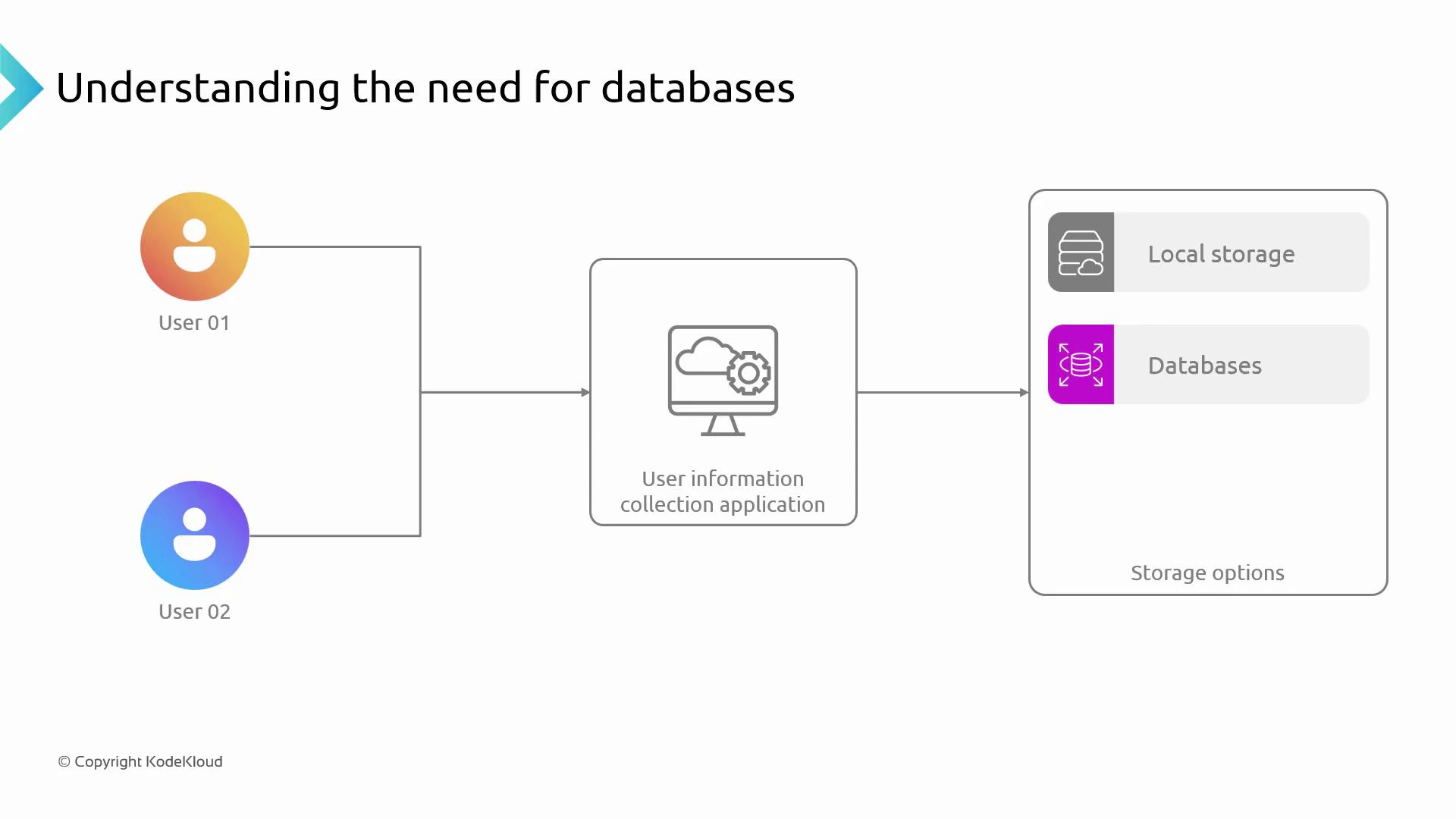
Local (instance) storage is tied to a single server and is not shared. For scalable, durable, and consistent storage across multiple application instances, use a centralized database or a managed storage service.
- Purpose-built for storing and retrieving structured (e.g., tables, rows) and unstructured (e.g., JSON documents) data.
- Provide durability, consistency, backups, and mechanisms for concurrent access.
- Support indexing, querying, transactions, and access controls that simple file storage does not.
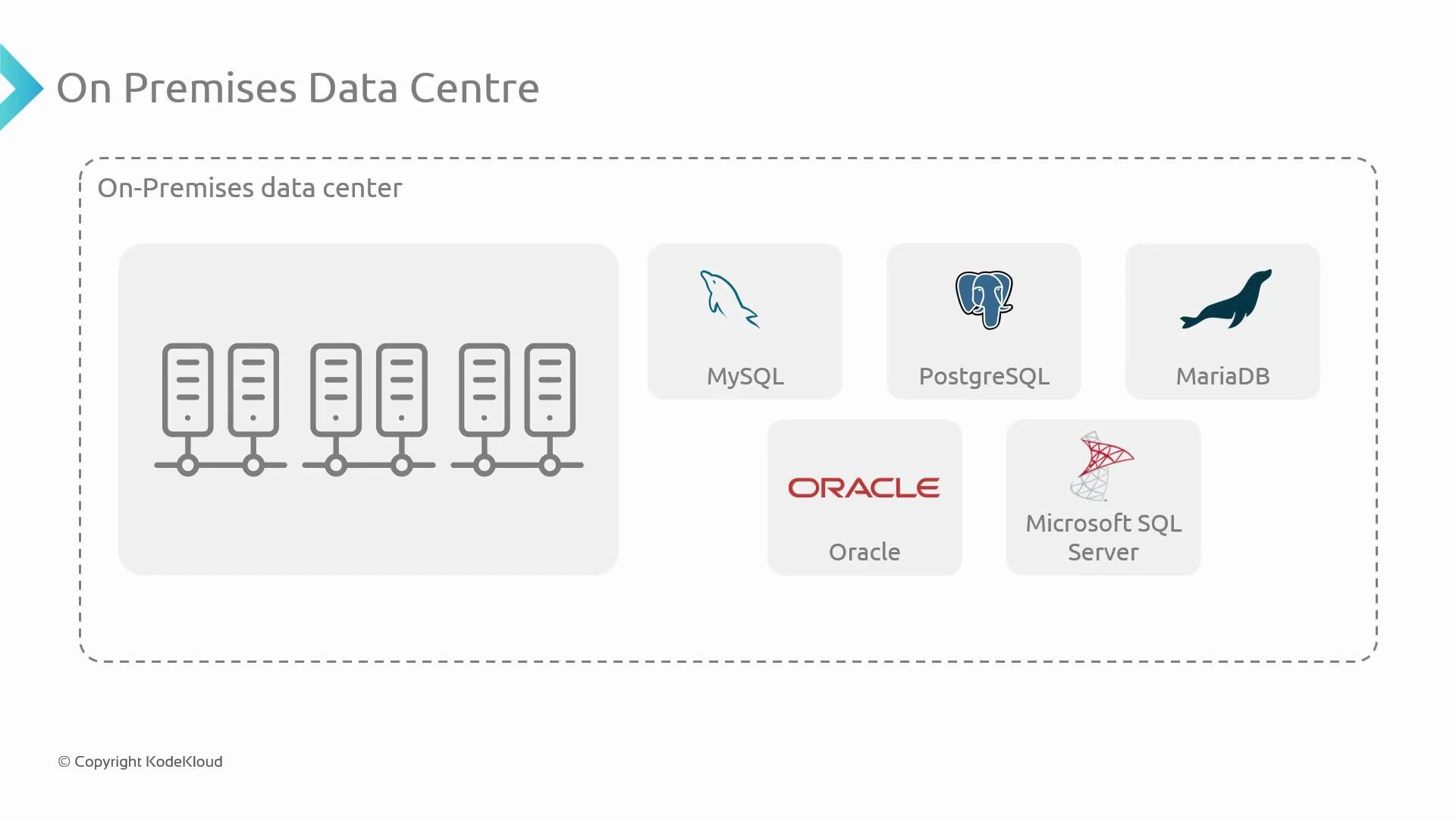
Common database types and when to use them
| Database Type | Use Case | Example |
|---|---|---|
| Relational (SQL) | Transactional systems requiring ACID, joins, structured schemas | MySQL, PostgreSQL, Aurora |
| Key-value | Fast lookups, caching, session storage | Redis, DynamoDB (key-value mode) |
| Document (NoSQL) | Flexible schemas, hierarchical data, rapid iteration | MongoDB, Couchbase |
| Analytical / OLAP | Large-scale reporting, data warehousing | Amazon Redshift, Snowflake |
Selecting the wrong database for a workload can cause performance, cost, and maintenance issues. Evaluate data access patterns, consistency requirements, and operational overhead before choosing a solution.
- Managed backups, automated patching, and built-in monitoring.
- Simplified scaling (vertical and horizontal) with less operational effort.
- High availability and automated failover options.
- Integration with other cloud services and security controls.