

Hello and welcome to this course on AWS RDS. I’m Raghunandana Sanur, and I’ll be your instructor for this series. AWS RDS (Relational Database Service) is AWS’s managed relational database offering that simplifies the heavy lifting of running production databases. RDS automates routine database tasks such as provisioning, patching, backups, recovery, and scaling so you can focus on designing and building applications. RDS supports multiple database engines including Amazon Aurora, MySQL, PostgreSQL, MariaDB, Oracle, and SQL Server.Documentation Index
Fetch the complete documentation index at: https://notes.kodekloud.com/llms.txt
Use this file to discover all available pages before exploring further.
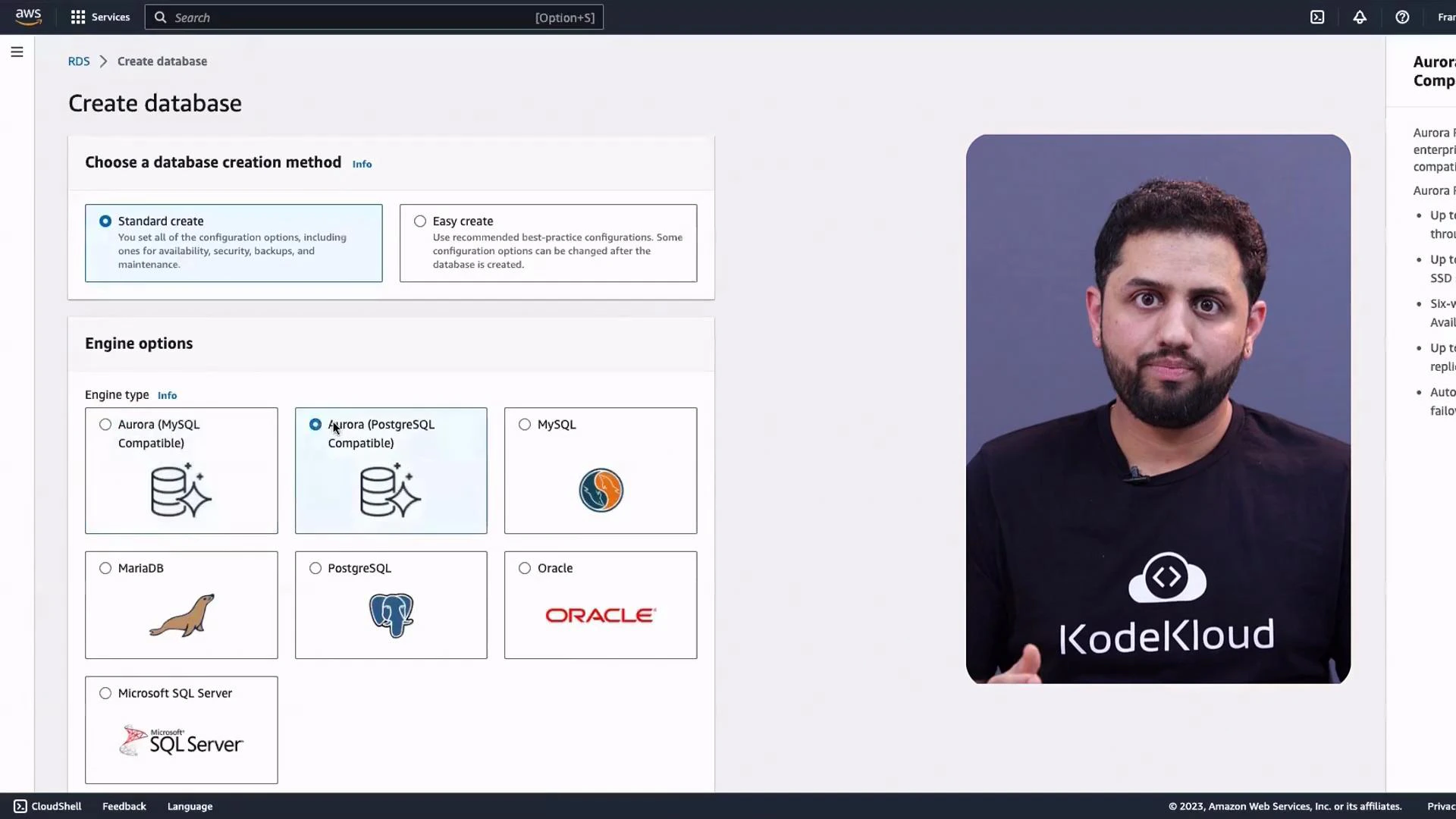
- AWS RDS overview and core concepts (instances, parameter groups, security groups, subnet groups)
- How to scale RDS: Multi-AZ deployments, read replicas, and storage scaling
- Backup and recovery strategies: automated backups, snapshots, point-in-time recovery
- Security best practices for RDS: IAM integration, encryption at rest and in transit, network isolation
- Performance basics and tuning: monitoring, instance sizing, and basic indexing strategies
- Hands-on labs: creating instances, configuring Multi‑AZ and read replicas, and managing backups and snapshots
- Managed operations: automated backups, patching, and maintenance windows
- High availability: easy Multi‑AZ deployments for failover
- Scalability: read replicas and storage/compute scaling options
- Engine flexibility: choose the engine that fits your application needs
- Monitoring and metrics: integration with Amazon CloudWatch
| Engine | Best for | Notes |
|---|---|---|
| Amazon Aurora | High performance, MySQL/PostgreSQL-compatible applications | Managed, cloud-native, and optimized for AWS |
| MySQL | Web applications with broad ecosystem support | Widely used open-source option |
| PostgreSQL | Complex queries, GIS, and advanced features | Strong SQL feature set and extensibility |
| MariaDB | Drop-in replacement for MySQL | Community-driven fork with performance improvements |
| Oracle | Enterprise commercial workloads | License-included or BYOL options |
| SQL Server | .NET and Windows-centric applications | Multiple editions supported |
- Creating RDS instances and selecting the right engine and instance class
- Configuring Multi‑AZ for high availability and testing failover
- Creating and promoting read replicas for read scaling
- Setting up automated backups and manual snapshots for point‑in‑time recovery
- Basic performance checks and tuning (monitoring, instance resizing, and indexing)
To follow the labs you will need an AWS account with sufficient permissions to create and manage RDS instances (or use a provided sandbox). Basic familiarity with AWS Console navigation and core database concepts will help you move faster.
- AWS RDS product page
- Amazon Aurora
- AWS RDS Documentation
- Kubernetes Basics (for related orchestration concepts)