

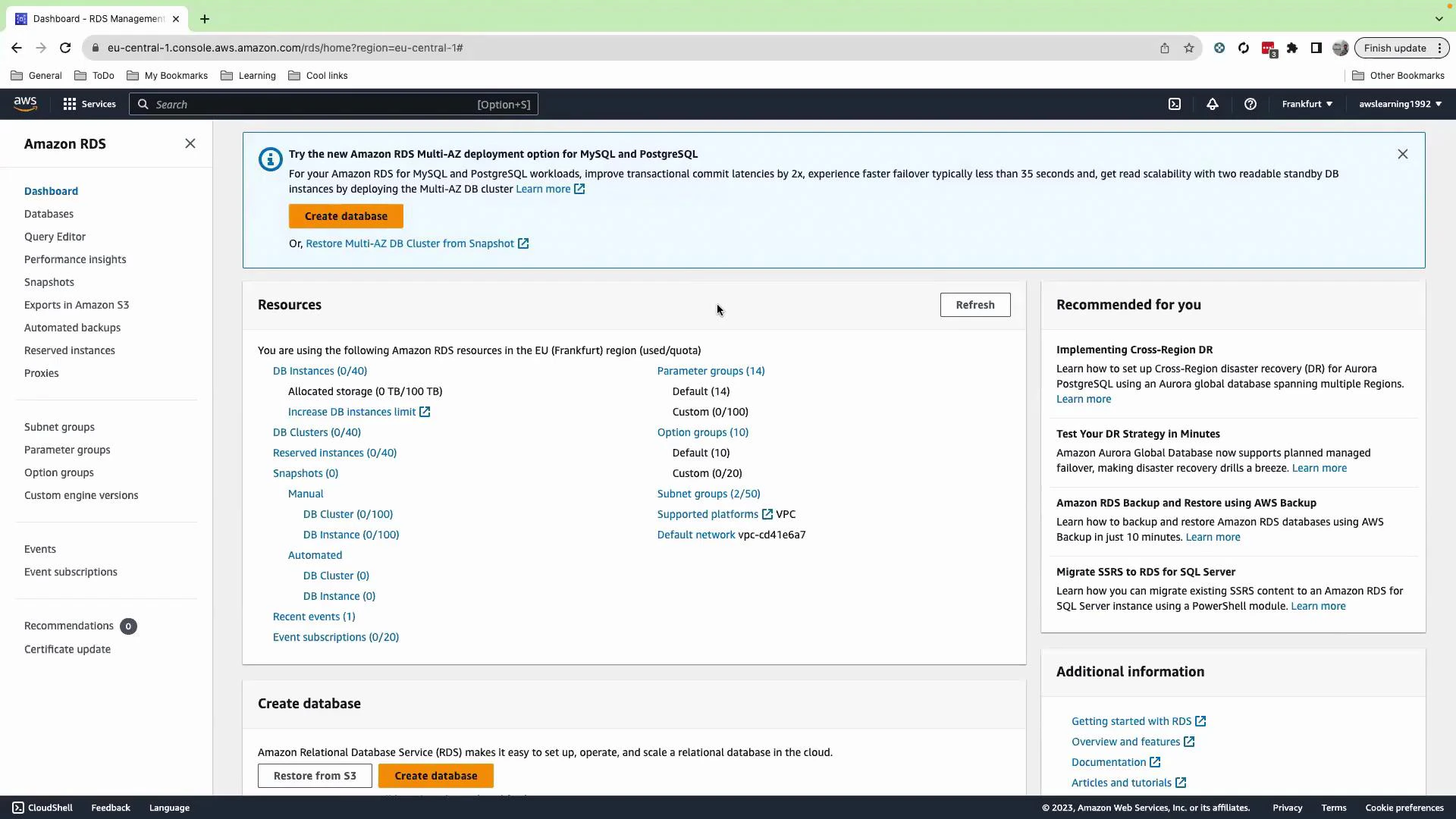
1. Create the RDS database (MySQL)
From the RDS console navigate to Databases and click Create database. Use Standard create and the following options for this demo:
Scroll down and enable Public access for this RDS instance so the EC2 instance we launch in the same account/region can reach it for the demo. If you’re operating inside an organizational or production AWS account, do not enable public access — use private subnets and correct network controls instead.
Enabling public access exposes the database to the internet. For production or organizational environments, prefer private subnets, restricted security groups, and bastion hosts.
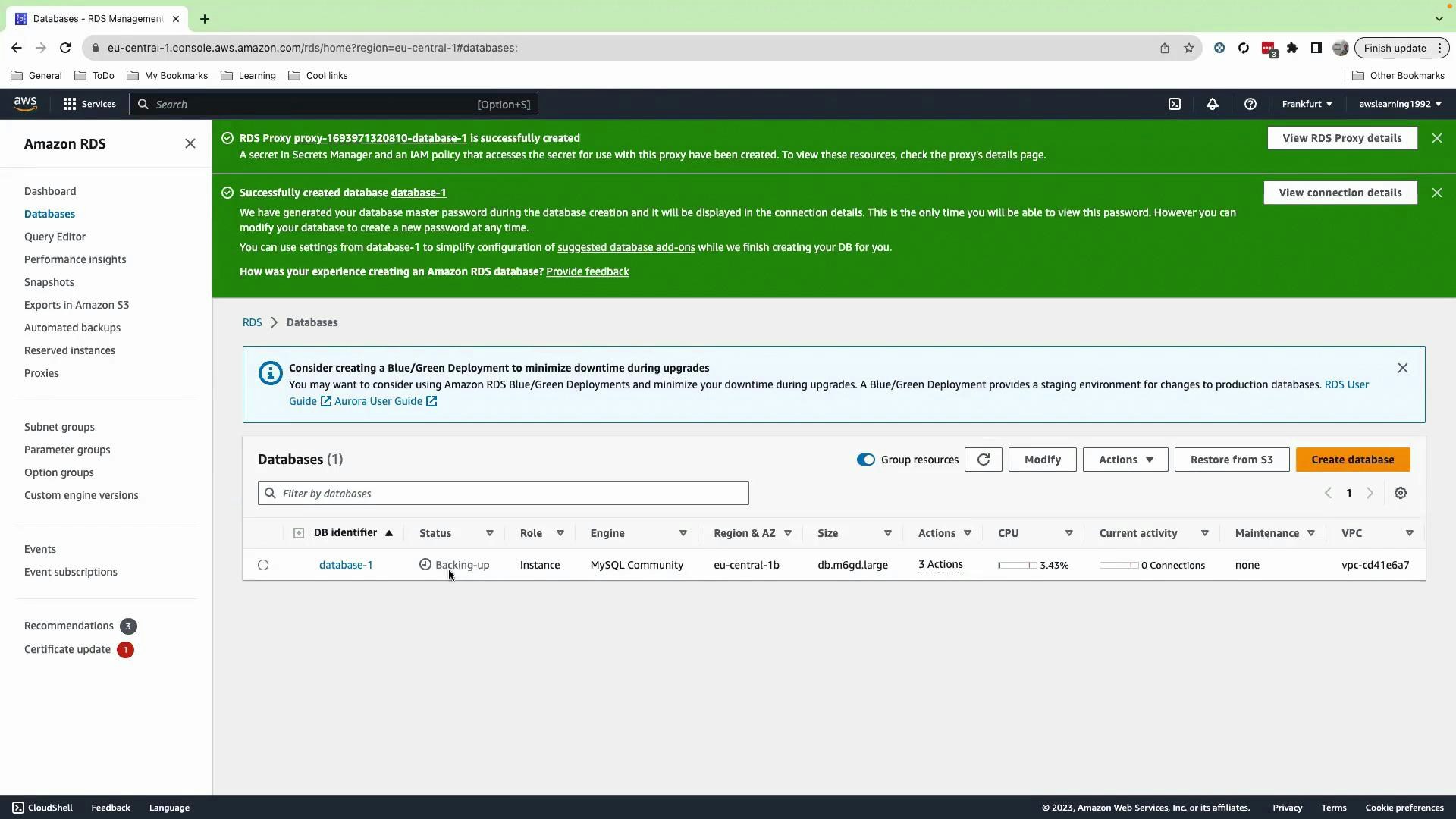
2. Launch an EC2 instance to test connectivity
While RDS is creating, launch a small EC2 instance in the same VPC (or in a network that can reach the RDS Proxy endpoint). This instance will be used to run the MySQL client and test connecting through the proxy.- Go to EC2 → Launch Instance.
- Give the instance a name such as
rds-prox. - Choose an Ubuntu AMI (or your preferred Linux).
- For this lab, the demo proceeds without a key pair (not recommended for production); in real environments always configure key pairs or SSM Session Manager access.
- Ensure the instance is placed in the same VPC and has security group rules that allow outbound traffic to the proxy (port 3306).
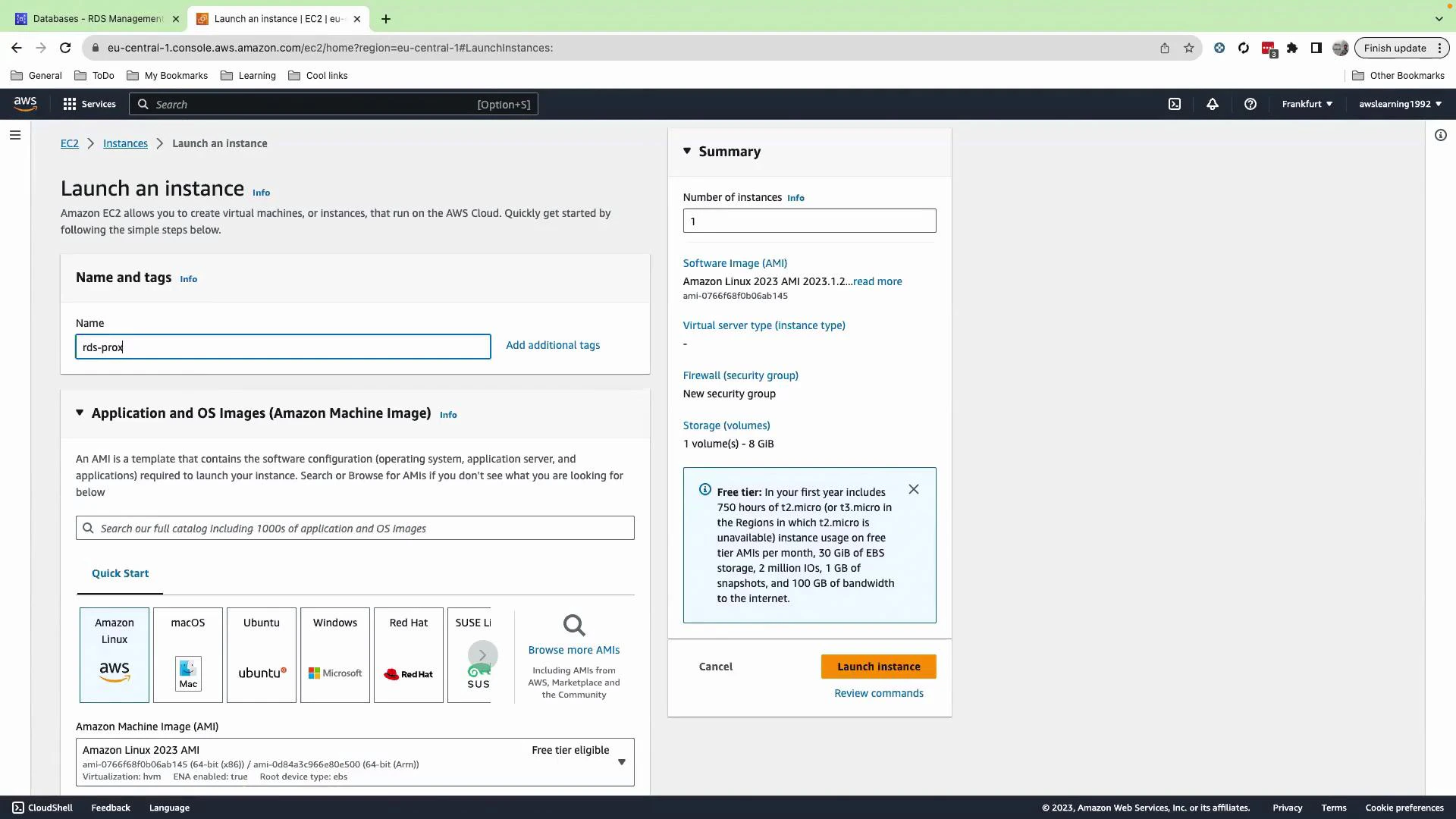
3. Inspect the RDS Proxy details
After the DB and proxy are created, open RDS → Proxies. Click the proxy to view details: proxy endpoints, target group, authentication (Secrets Manager secret ARN), and CloudWatch metrics. The proxy status should be Available. If it is Unavailable, verify networking, security groups, and credentials — the proxy must be able to reach the DB instance.
Best practice: grant only the minimum IAM permissions required to access the Secrets Manager secret. Use secret rotation to rotate database passwords automatically and reduce credential exposure.
4. Install MySQL client on the EC2 instance and connect through the proxy
SSH (or open the EC2 console shell) to the instance you launched. Then update packages and install the MySQL client:Key points and best practices
- The RDS Proxy uses the Secrets Manager credential for authenticating to the database; when you rotate the secret, the proxy will use the latest secret automatically.
- Only IAM principals with Secrets Manager read permissions can retrieve the raw username/password. The proxy itself fetches the secret for authentication.
- Use private networking (VPC, subnets, and security groups) for production deployments—avoid public access.
- RDS Proxy helps with connection pooling, better scalability, failover handling, and central credential management for applications that open many short-lived connections.
Links and references
- Amazon RDS Proxy - Developer Guide
- AWS Secrets Manager
- Amazon RDS documentation
- MySQL client documentation