Open-source vs. vendor-licensed engines
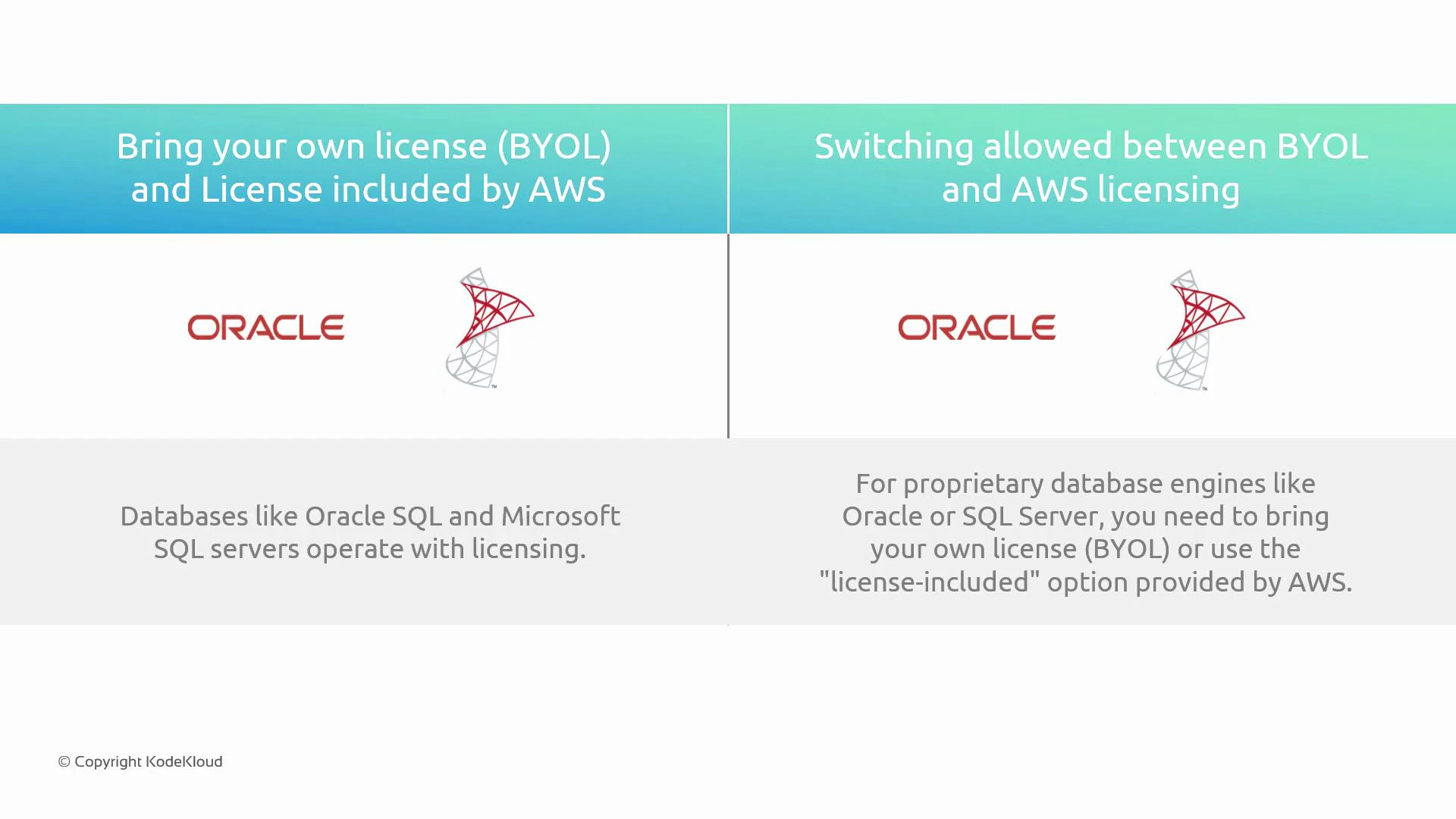
Databases such as PostgreSQL and MariaDB are open source. You can install and run them on Amazon Elastic Compute Cloud (EC2) or on-premises without paying a vendor for a license. Running these engines on Amazon RDS (see Introduction to AWS Databases) is the same in that AWS does not collect vendor licensing fees for open-source engines. By contrast, commercial database engines—most notably Oracle Database and Microsoft SQL Server—use vendor licensing models. When you run these engines on Amazon RDS (see Introduction to AWS Databases), you typically choose one of two licensing approaches:Licensing options in Amazon RDS
- License-included: simplifies procurement and ongoing license administration because the license cost is bundled into the RDS instance price.
- Bring Your Own License (BYOL): lets you reuse existing vendor licenses to avoid duplicate costs during migration, but you must ensure compliance with the vendor’s rules.
Before choosing BYOL, always verify your vendor license terms: check license mobility, support contract implications, and any required vendor confirmations. Licensing rules vary by vendor, edition, and region.
Choosing the right approach
Consider the following when deciding between license-included and BYOL:- Existing contracts: If you have active licenses and maintenance, BYOL can reduce migration costs.
- Operational overhead: License-included reduces administrative burden and centralizes billing.
- Long-term costs: Compare the total cost of ownership (TCO) over the expected lifetime of the database.
- Compliance and auditability: Ensure you can meet vendor reporting and compliance requirements under BYOL.