

Why secure the database?
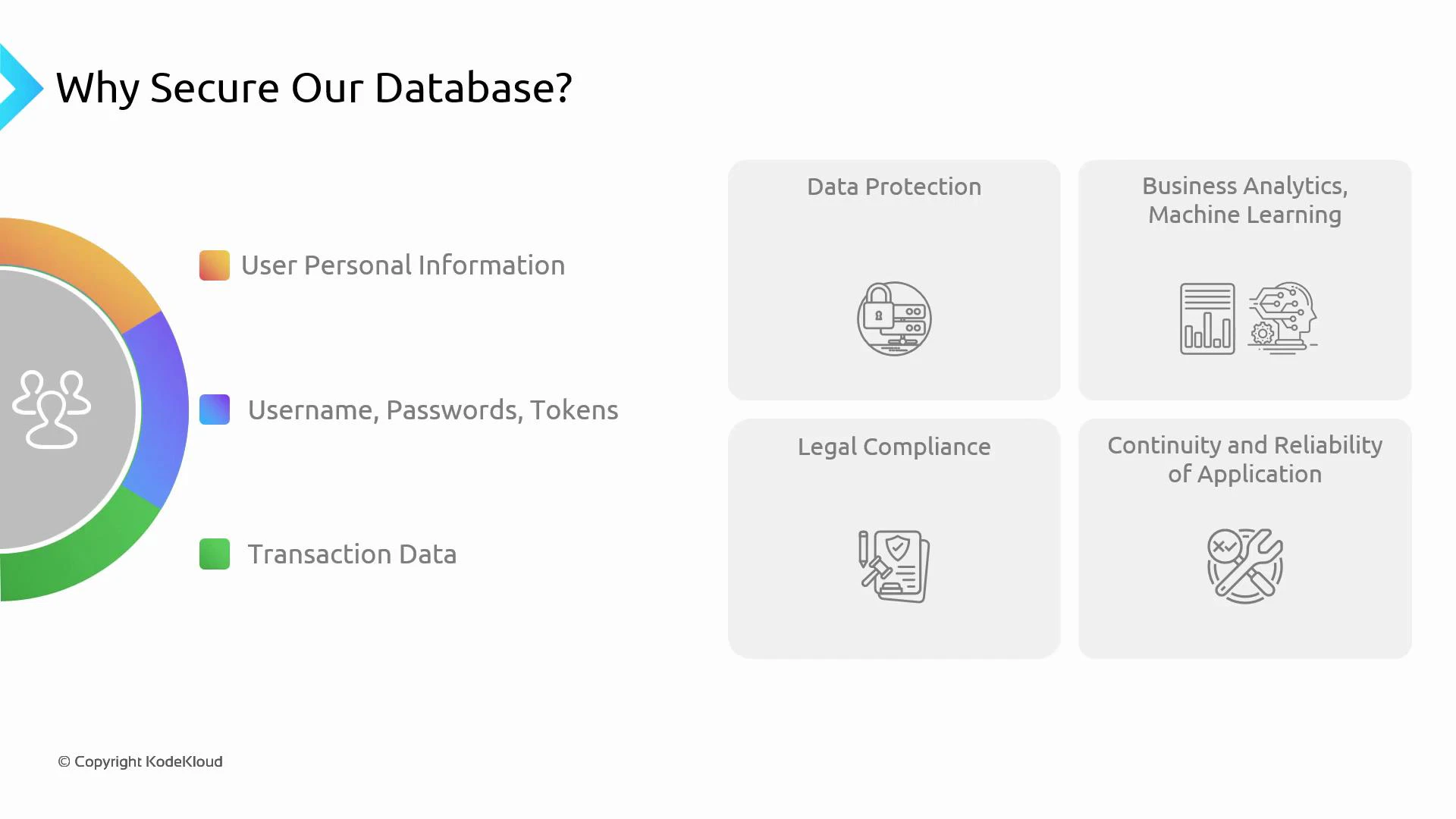
Databases often contain sensitive information such as personally identifiable information (PII), payment details, application credentials, and full transaction histories. This data supports user experience, business analytics, auditing, and regulatory compliance. Because of its sensitivity and importance, databases must be protected from unauthorized access, tampering, and loss. Common categories of data that need protection:- User personal information (PII)
- Application credentials and tokens
- Transaction and audit logs
- Data used for analytics and machine learning
- Data needed for business continuity and legal compliance
- Authentication: native DB credentials or AWS IAM database authentication.
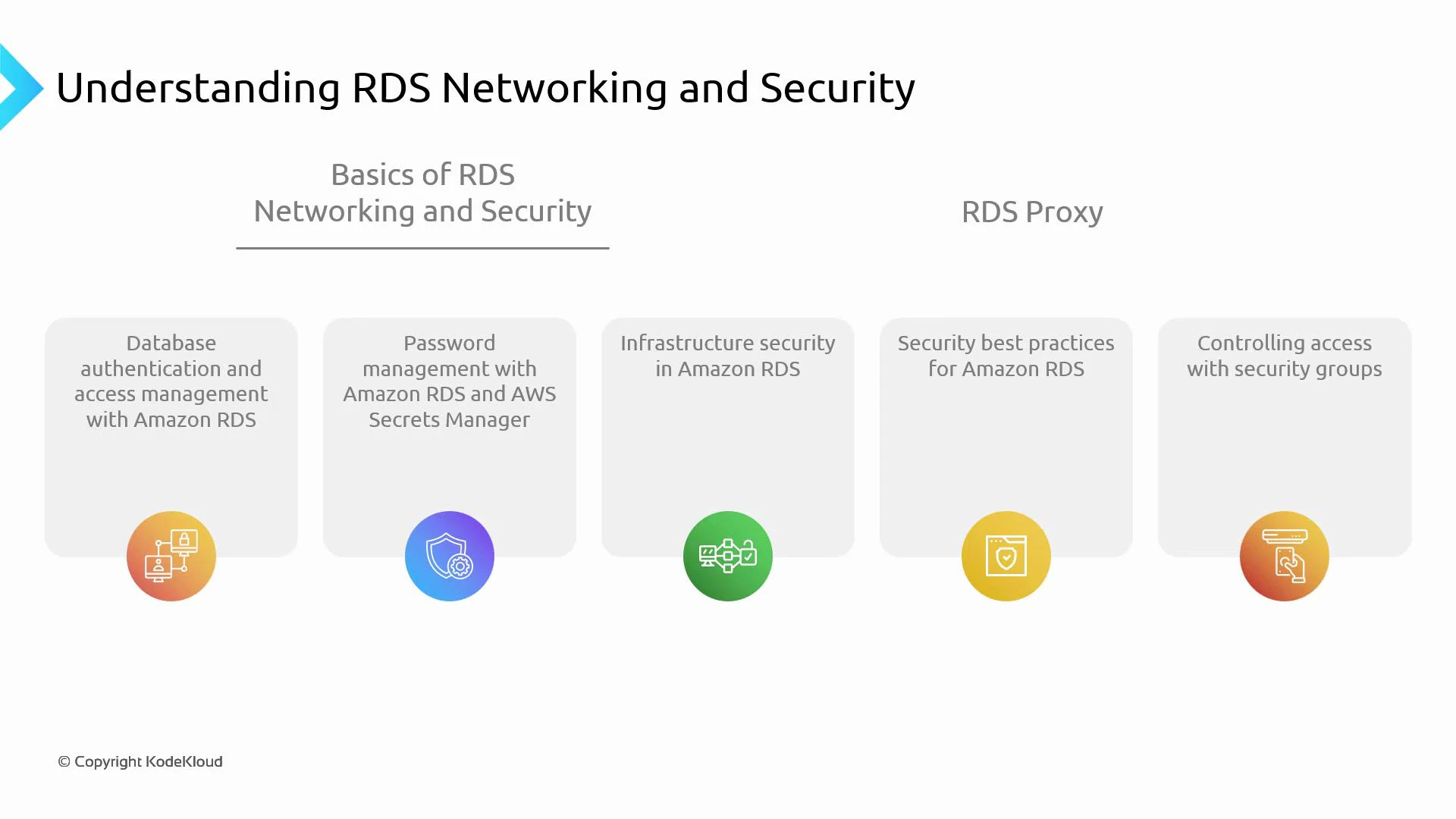
- Secrets management: centralize and rotate credentials with AWS Secrets Manager.
- Network isolation: deploy DB instances in VPC private subnets and use security groups and network ACLs.
- Encryption: enable KMS-backed encryption for data at rest and TLS/SSL for data in transit.
- Infrastructure hardening and maintenance: rely on RDS for host-level maintenance while configuring backups and retention.
- Access control and least privilege: limit who and what can access the database using IAM roles and fine-grained DB accounts.
RDS Proxy can simplify secure, scalable connectivity by pooling connections, integrating with AWS Secrets Manager for credential rotation, and supporting IAM database authentication—reducing credential handling in application code and improving DB scalability for serverless and concurrent workloads. See the RDS Proxy docs for deployment details: https://docs.aws.amazon.com/AmazonRDS/latest/UserGuide/rds-proxy.html
Mapping controls to goals
Below is a concise mapping of typical controls, where they apply, and short examples to get you started.Authentication examples
Enable IAM database authentication during DB creation or modification:Secrets Manager examples
Store and rotate DB credentials using Secrets Manager: Create a secret:Network isolation and Security Groups
Best practice: run DB instances in private subnets and allow access only from application subnets or bastion hosts. Example: add a security group rule to allow the application server subnet to access MySQL (3306):Output:
Encryption
Create an encrypted DB instance using a KMS key:CLI
RDS Proxy: why and how it fits
RDS Proxy operates between applications and the DB instance to pool connections and manage authentication:- Reduces number of database connections and connection churn.
- Integrates with AWS Secrets Manager for credential retrieval and rotation.
- Supports IAM database authentication so applications can assume IAM roles and acquire short-lived credentials instead of long-lived database passwords.
- Improves application scalability for serverless (AWS Lambda) and highly concurrent architectures.
CLI
Never make production databases publicly accessible. Avoid embedding long-lived DB credentials in application code or environment variables. Always restrict network access, rotate credentials, and use least-privilege IAM roles for management and applications.
Best practices summary
- Use IAM DB authentication (where supported) and AWS Secrets Manager to reduce secret sprawl.
- Place DB instances in private VPC subnets and restrict access using security groups and NACLs.
- Enable storage encryption with KMS and enforce TLS/SSL for client connections.
- Use RDS Proxy to improve connection management and integrate with Secrets Manager for safer credential handling.
- Enable monitoring and auditing: CloudWatch, Enhanced Monitoring, RDS logs, and CloudTrail.
- Apply least-privilege principles for IAM and database accounts.
- Configure Multi-AZ for high availability and enable automated backups for point-in-time recovery.
Links and references
- RDS Proxy: https://docs.aws.amazon.com/AmazonRDS/latest/UserGuide/rds-proxy.html
- IAM database authentication: https://docs.aws.amazon.com/AmazonRDS/latest/UserGuide/UsingWithRDS.IAMDBAuth.html
- AWS Secrets Manager: https://docs.aws.amazon.com/secretsmanager/latest/userguide/intro.html
- Amazon VPC: https://docs.aws.amazon.com/vpc/latest/userguide/what-is-amazon-vpc.html
- Security groups: https://docs.aws.amazon.com/vpc/latest/userguide/VPC_SecurityGroups.html
- RDS encryption overview: https://docs.aws.amazon.com/AmazonRDS/latest/UserGuide/Overview.Encryption.html
- RDS SSL/TLS: https://docs.aws.amazon.com/AmazonRDS/latest/UserGuide/UsingWithRDS.SSL.html
- CloudWatch: https://docs.aws.amazon.com/AmazonCloudWatch/latest/monitoring/WhatIsCloudWatch.html
- CloudTrail: https://docs.aws.amazon.com/awscloudtrail/latest/userguide/cloudtrail-user-guide.html