

Welcome back. In the previous lesson we covered why databases are needed and how AWS RDS can be a good fit for many organizational use cases. We also walked through how to set up a database in AWS RDS. During that setup we selected the MariaDB engine — MariaDB is one of several database engines that AWS RDS supports. Which database engines are available in AWS RDS? The managed engines include:Documentation Index
Fetch the complete documentation index at: https://notes.kodekloud.com/llms.txt
Use this file to discover all available pages before exploring further.
- Amazon Aurora
- MySQL
- PostgreSQL
- MariaDB
- Oracle
- Microsoft SQL Server
- Secrets storage and rotation using AWS Secrets Manager
- Metrics, logs, and alerts via Amazon CloudWatch
- Access control and permissions using AWS IAM and VPC networking for secure connectivity
- Rapid prototyping or a proof-of-concept: MariaDB or MySQL to iterate quickly.
- Microsoft stack applications: Amazon RDS for SQL Server for native feature compatibility.
- Enterprise apps with Oracle dependencies: Managed Oracle engine.
- High throughput / low latency / seamless scaling: Consider Amazon Aurora.
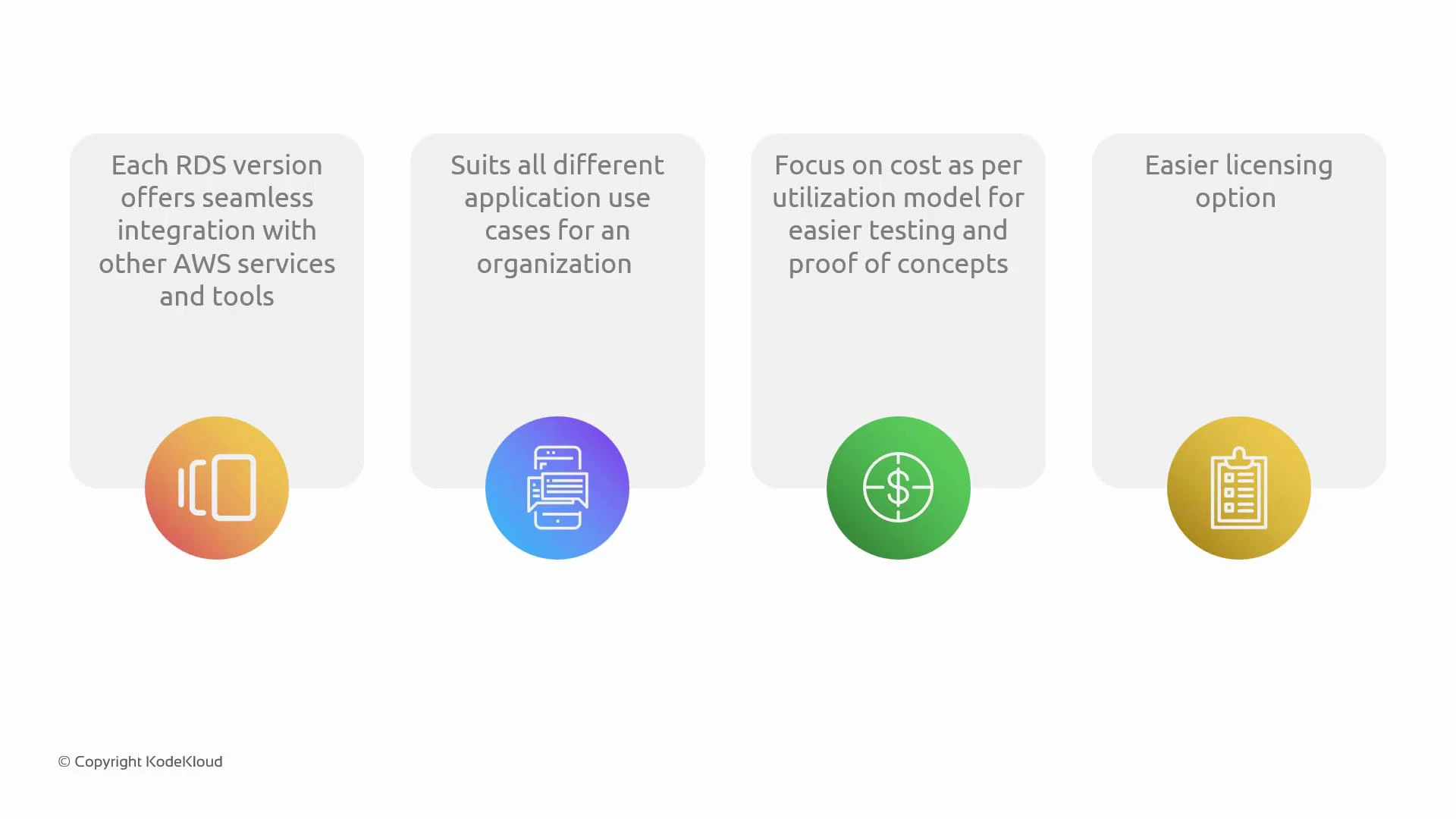
Running databases on EC2 gives you maximum flexibility, but it also requires you to manage backups, replication, patching, scaling, and high-availability yourself. RDS removes most of that operational burden.
When choosing an engine, evaluate application compatibility (SQL dialects and extensions), scalability needs, required availability (multi-AZ), and licensing constraints. Use managed RDS engines when you want AWS to handle operational overhead.
Quick comparison: AWS RDS engines
| Engine | Compatibility / Highlights | Typical use cases | Licensing & key notes |
|---|---|---|---|
| Amazon Aurora | MySQL- and PostgreSQL-compatible; designed for high throughput, low-latency, and distributed storage | High-scale transactional apps, SaaS, read-heavy workloads | AWS-managed, optimized storage layer; faster failover and auto-scaling |
| MySQL | Widely adopted open-source relational DB; large ecosystem | Web apps, LAMP stacks, rapid development | Standard open-source licensing; supported in RDS with managed backups |
| PostgreSQL | Advanced SQL features, extensibility, and strong ACID compliance | GIS, analytics, complex queries, extensible apps | Open-source; supports rich extensions (PostGIS, etc.) |
| MariaDB | MySQL fork with performance/feature differences | Quick prototyping, MySQL-compatible applications | Open-source; compatible with many MySQL tools |
| Oracle | Enterprise-grade features, PL/SQL, advanced security | Large enterprise apps that rely on Oracle-specific features | License-included or BYOL options in RDS |
| Microsoft SQL Server | Deep integration with Microsoft ecosystem, T-SQL | .NET applications, Windows-centric environments | License-included or BYOL; supports Windows-based features |
Detailed engine summaries
Amazon Aurora
- Purpose-built for the cloud with a distributed, fault-tolerant, self-healing storage system.
- Two compatibility modes: Aurora MySQL and Aurora PostgreSQL.
- Offers higher throughput and faster failover than standard MySQL/PostgreSQL in many scenarios.
- Built-in features: read replicas, global databases, serverless modes (Aurora Serverless), and storage autoscaling.
- Reference: https://docs.aws.amazon.com/aurora/latest/userguide/
MySQL on RDS
- Mature, broadly supported relational database with a large ecosystem.
- Good for web apps, e-commerce, and applications where MySQL compatibility matters.
- RDS handles patching, backups, automated snapshots, and Multi-AZ failover.
- Reference: https://dev.mysql.com/doc/
PostgreSQL on RDS
- Strong SQL standards support, advanced indexing, window functions, and extensibility.
- Ideal for analytics, geospatial workloads (PostGIS), and apps requiring complex queries or custom extensions.
- RDS supports many PostgreSQL extensions but check the supported list for RDS compatibility.
- Reference: https://www.postgresql.org/docs/
MariaDB on RDS
- A MySQL-compatible fork with its own performance optimizations and storage engines.
- Often chosen for compatibility with MySQL tools while taking advantage of MariaDB-specific enhancements.
- RDS provides managed administration, backups, and Multi-AZ deployments for MariaDB.
- Reference: https://mariadb.org/
Oracle on RDS
- Suitable for enterprises requiring Oracle-specific features (PL/SQL, advanced security, partitioning).
- RDS offers license-included options and BYOL for customers with existing licenses.
- Multi-AZ and read replicas are available depending on engine/edition.
- Reference: https://www.oracle.com/database/
Microsoft SQL Server on RDS
- Native T-SQL support and integration with Windows/.NET ecosystems.
- Useful for enterprise applications that depend on SQL Server-specific features like SQL Server Agent, CLR, or Reporting Services (check RDS feature availability).
- Licensing: choose license-included or BYOL where applicable.
- Reference: https://docs.microsoft.com/sql/
Choosing the right engine — practical checklist
- Application compatibility: Does your app rely on engine-specific syntax or extensions?
- Scale & performance: Need Aurora’s distributed storage and faster throughput?
- Operational overhead: Do you prefer AWS-managed features (automated backups, patches, Multi-AZ)?
- Licensing: Do you have existing licenses (BYOL) or prefer license-included billing?
- Ecosystem & community: Consider available tooling, community support, and extension availability.