

- Spring Boot “numeric” service
- Node.js “plus-one” service (packaged in Docker)
1. Clone and Import the Project
- Clone the Git repository and open it in your IDE of choice (Spring Tool Suite, IntelliJ, VSCode, etc.).
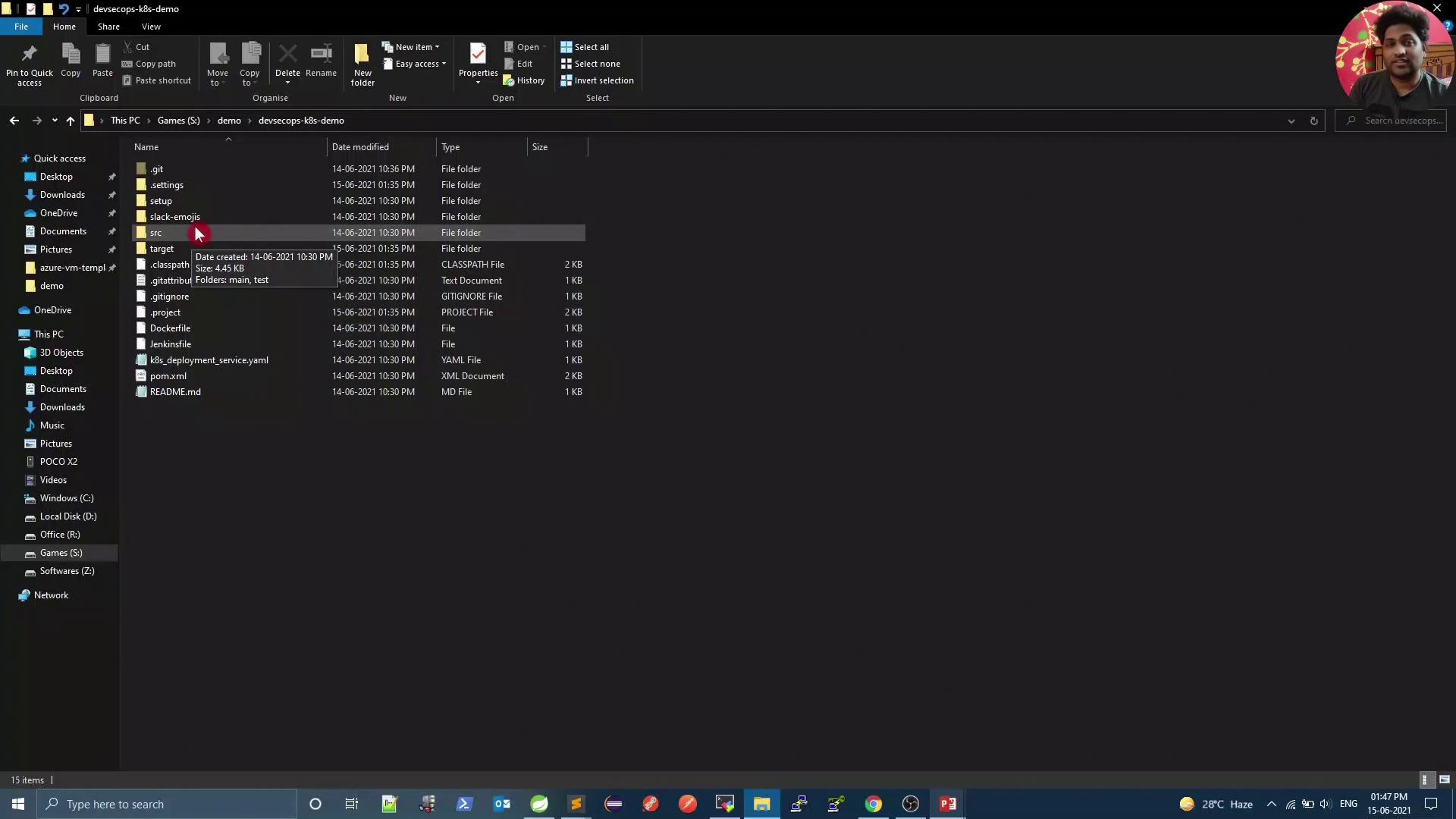
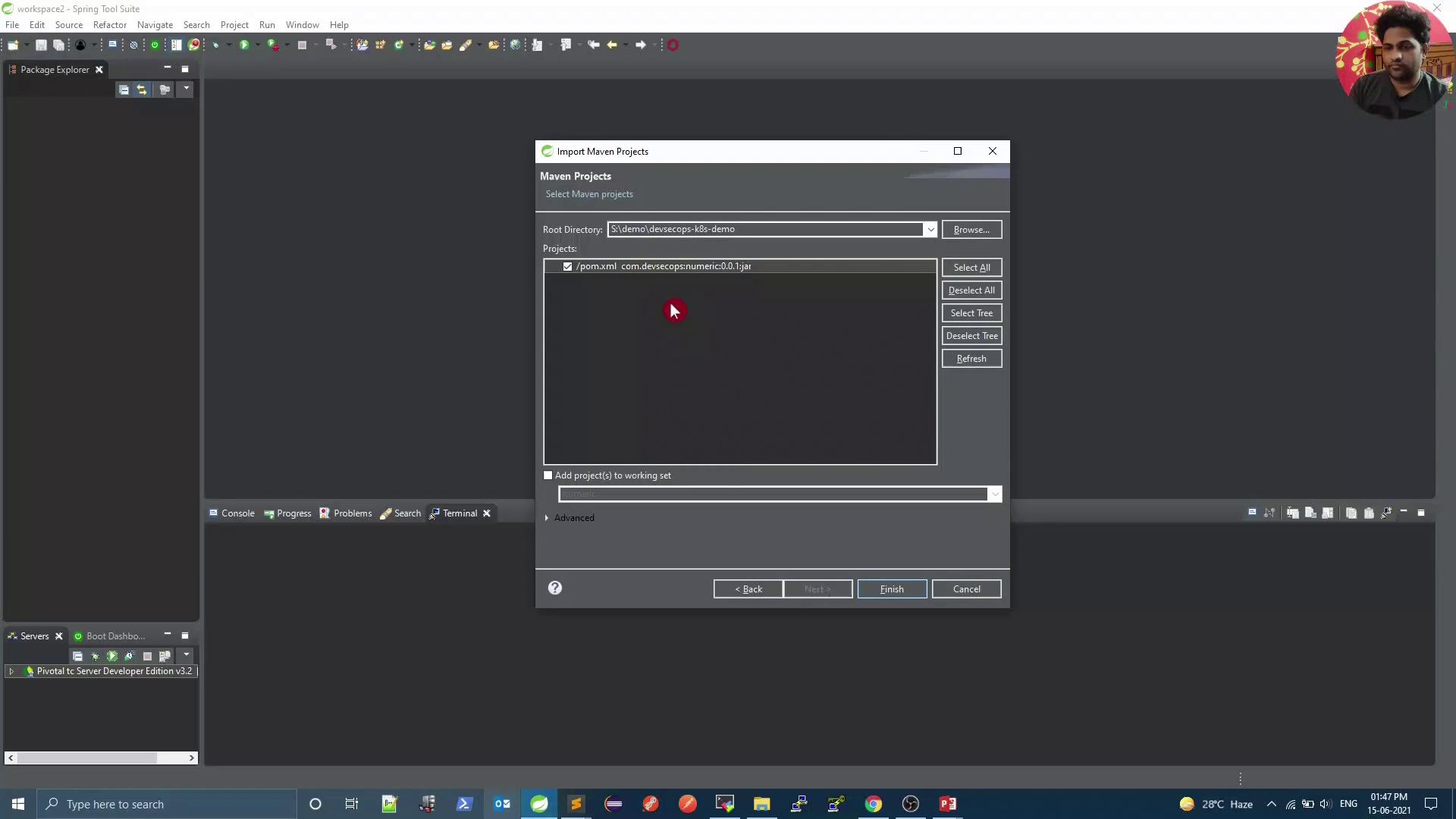
- Import the project as a Maven project:
2. Inspect the Maven POM
Open thepom.xml file at the project root. You’ll find the Spring Boot parent and starter dependencies:
3. Review the Spring Boot Controller
The core logic resides inNumericController.java. It defines three endpoints:
Toggle the
baseURL between localhost (for local debugging) and node-service (for Kubernetes) before running the app.4. Run the Node.js “plus-one” Service in Docker
Ensure Docker is installed and running on your machine.Make sure port 5000 is free. If another service is using this port, stop it or choose a different host port.
4.1 Test the Node.js Service
In a browser or viacurl:
1000

5. Run and Test the Spring Boot Application
Start the Spring Boot service:- In your IDE: Run As → Spring Boot App
-
Or via Maven:
Sample Responses
-
Welcome:
-
Compare:
-
Increment:

6. Next Steps
Before deploying to Kubernetes:- Switch
baseURLback to - Configure a Maven build and set up a Jenkins pipeline to automate the Spring Boot deployment.