

- Connecting GitHub for source control
- Adding unit and integration testing stages
- Running vulnerability scans
- Performing dynamic application security testing (DAST)
Ensure you have a GitHub repository connected and a Jenkins server with the Kubernetes plugin installed.
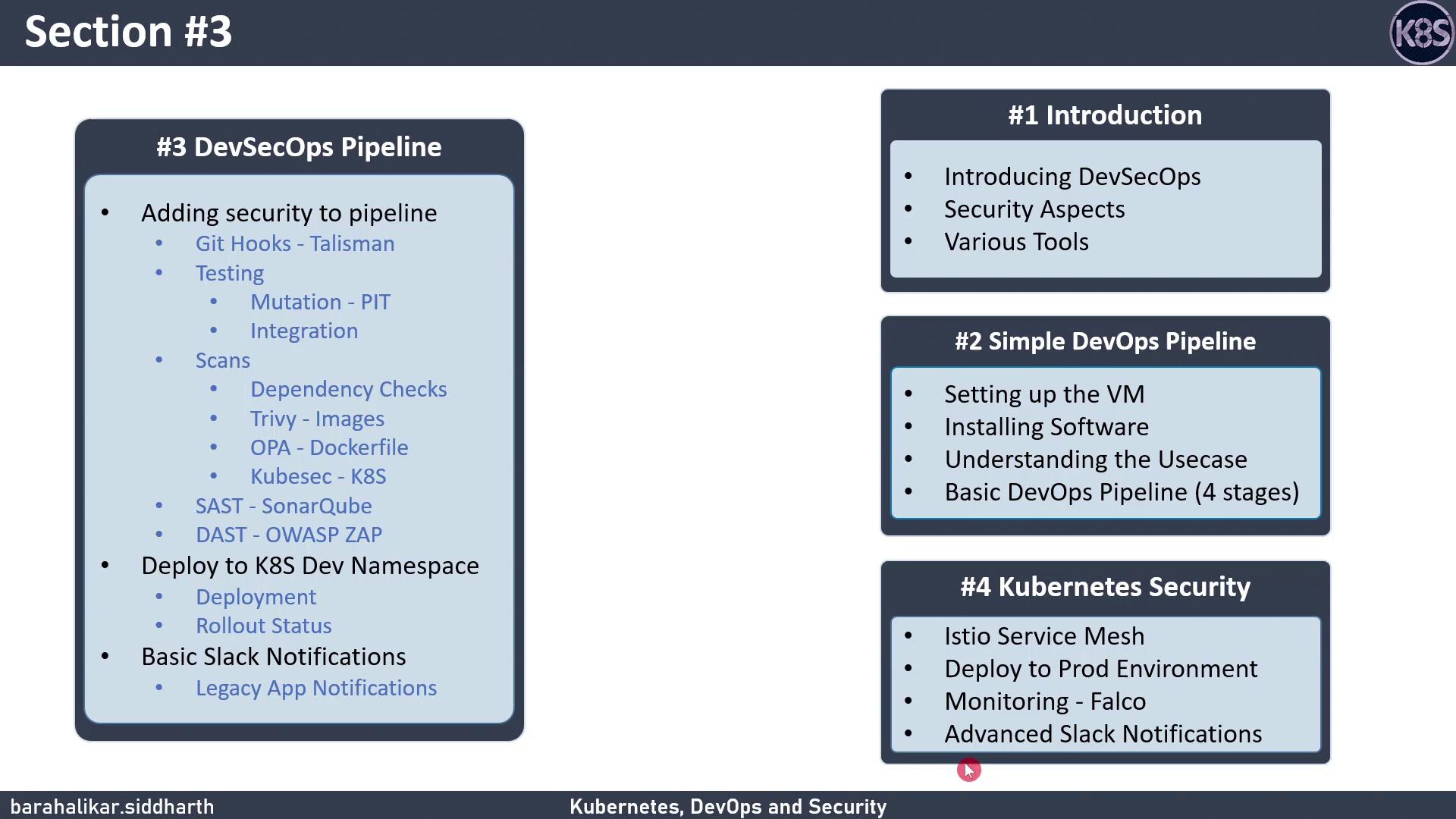
DevSecOps Pipeline Overview
Below is a high-level breakdown of each stage in our DevSecOps pipeline:3.1 Verify Kubernetes Rollout Status
After deploying to Kubernetes, confirm that your pods have rolled out successfully:3.2 Configure Jenkins for Slack Notifications
Keep your team informed by sending build alerts to Slack. Add the following to your Jenkinsfile:Make sure the Slack plugin is installed in Jenkins and you have configured your Incoming Webhook URL under Manage Jenkins → Configure System → Slack.