

- Starting SonarQube in Docker
- Creating and configuring a SonarQube project
- Running analysis locally with Maven
- Embedding SonarQube in your Jenkinsfile
- Enforcing custom quality gates
Prerequisites
- Docker installed and running
- Jenkins server with Docker and Pipeline plugins
- Maven project for your Spring Boot application
Ensure your SonarQube Docker container always listens on port 9000 after VM restarts.
1. Start and Verify SonarQube Container
Run SonarQube in Docker:2. Log In and Create a New Project
Open your browser athttp://<VM_IP>:9000. Log in with the default admin credentials:
- Username: admin
- Password: admin
Change the default password immediately to secure your SonarQube instance.
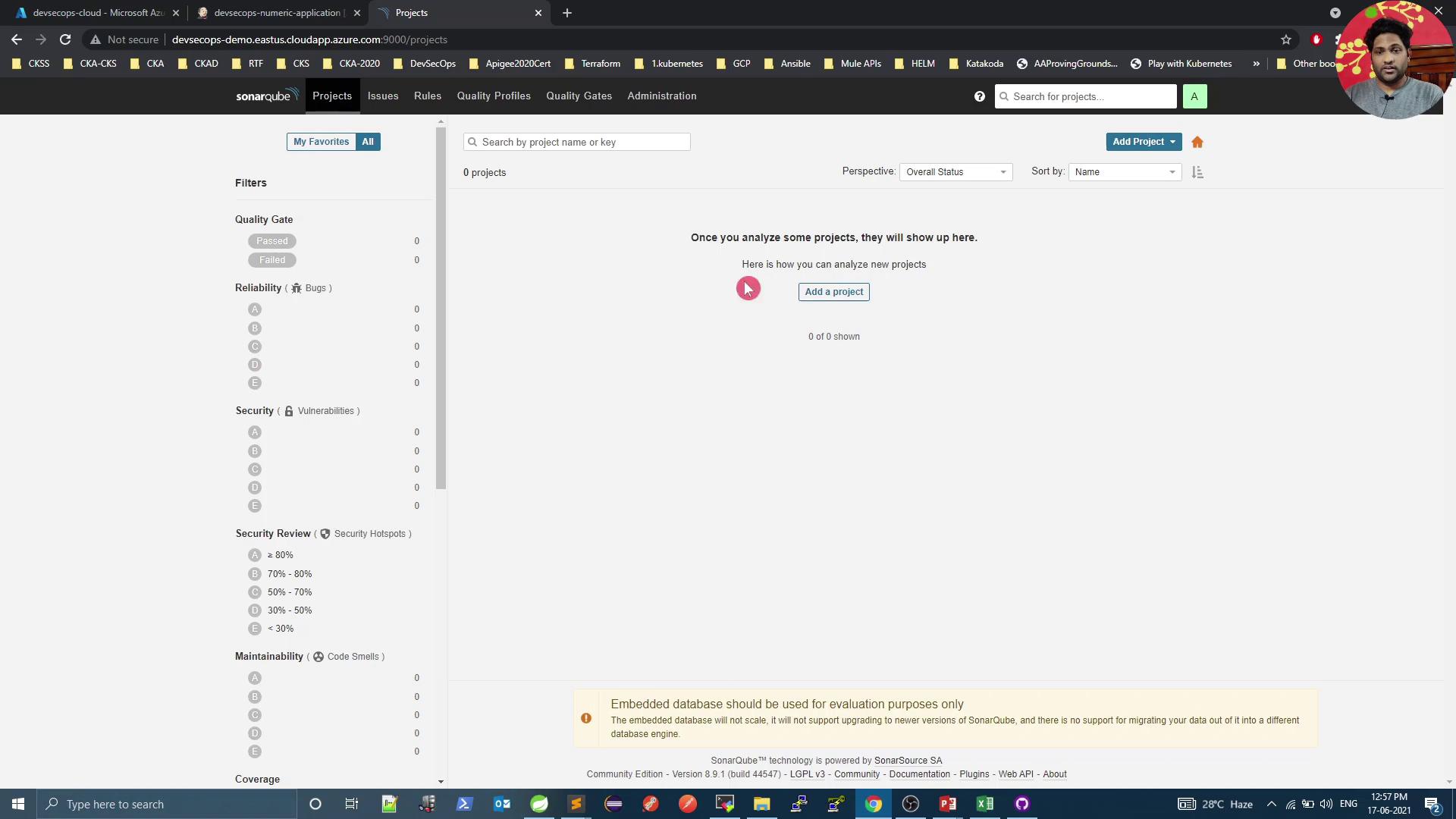
numeric-application), then generate a token (e.g., Jenkins Pipeline):

3. Run Local Analysis with Maven
Select Maven as your build tool. Copy and customize the displayed command:
4. Integrate SonarQube into Jenkins Pipeline
Add a SonarQube stage in yourJenkinsfile after unit and mutation test stages.
Jenkinsfile. Jenkins will trigger a build and execute the new SonarQube stage:
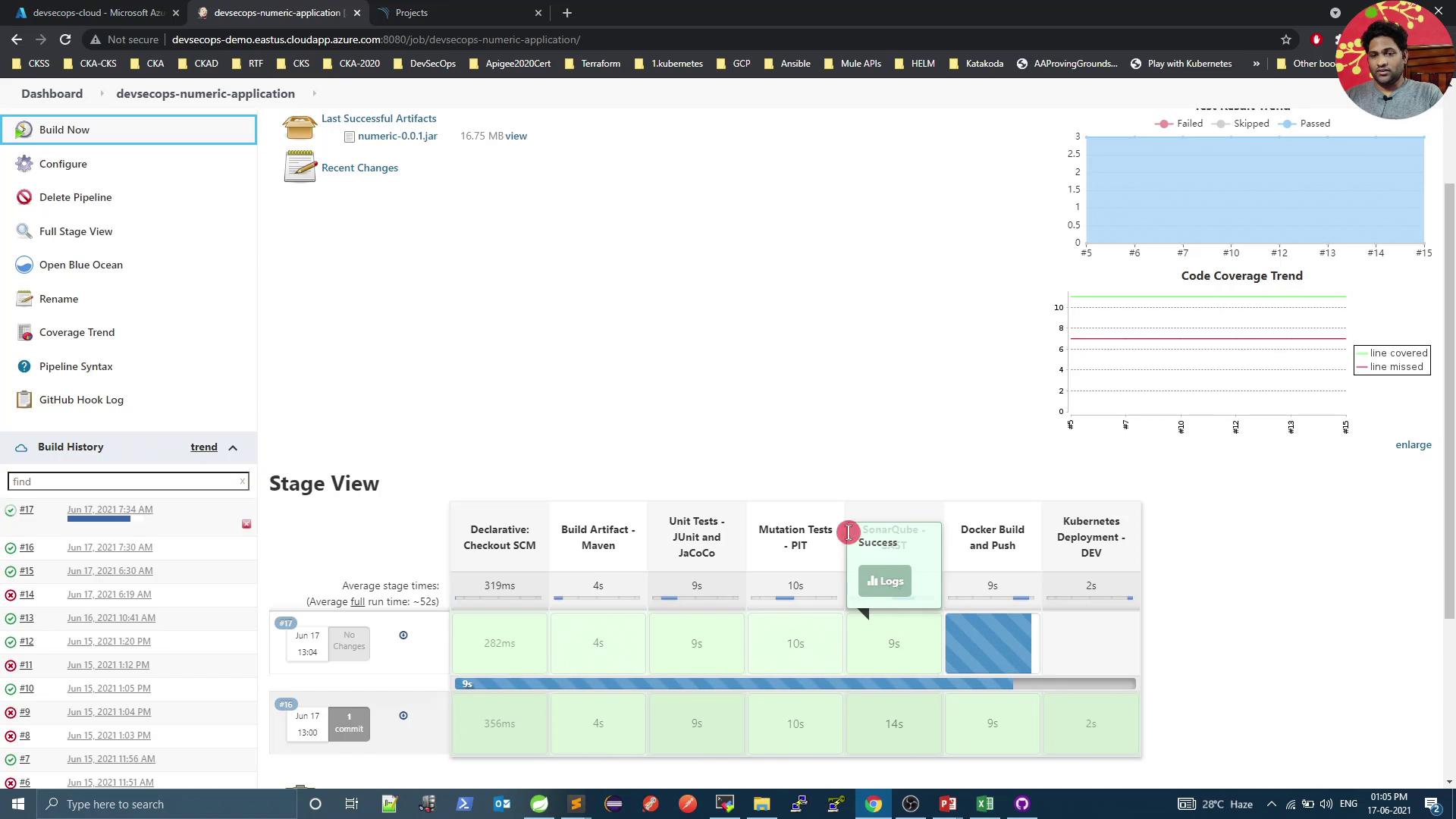
5. Review Analysis Results in SonarQube
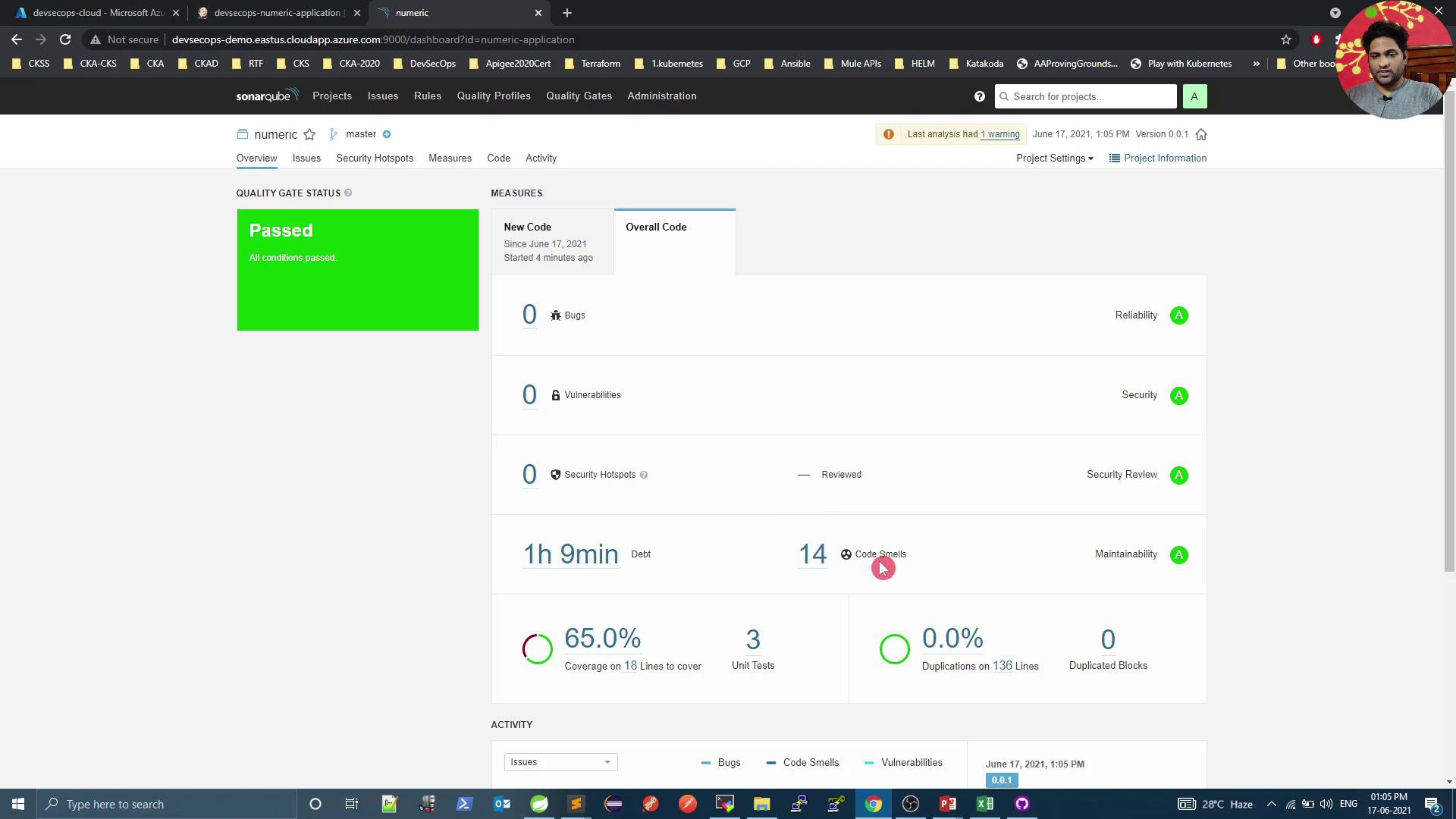
After pipeline completion, go back to SonarQube to inspect metrics and quality gate status: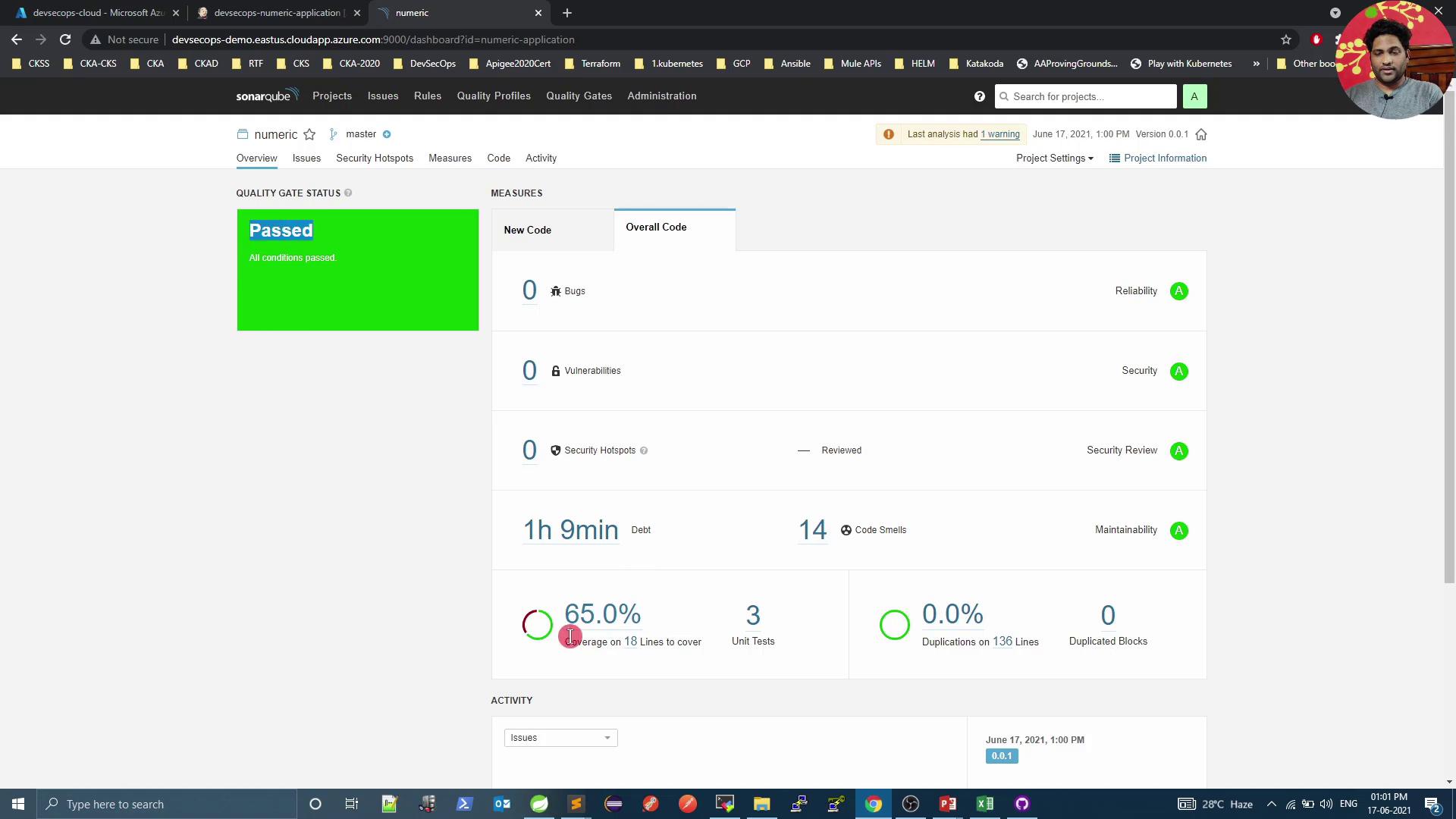
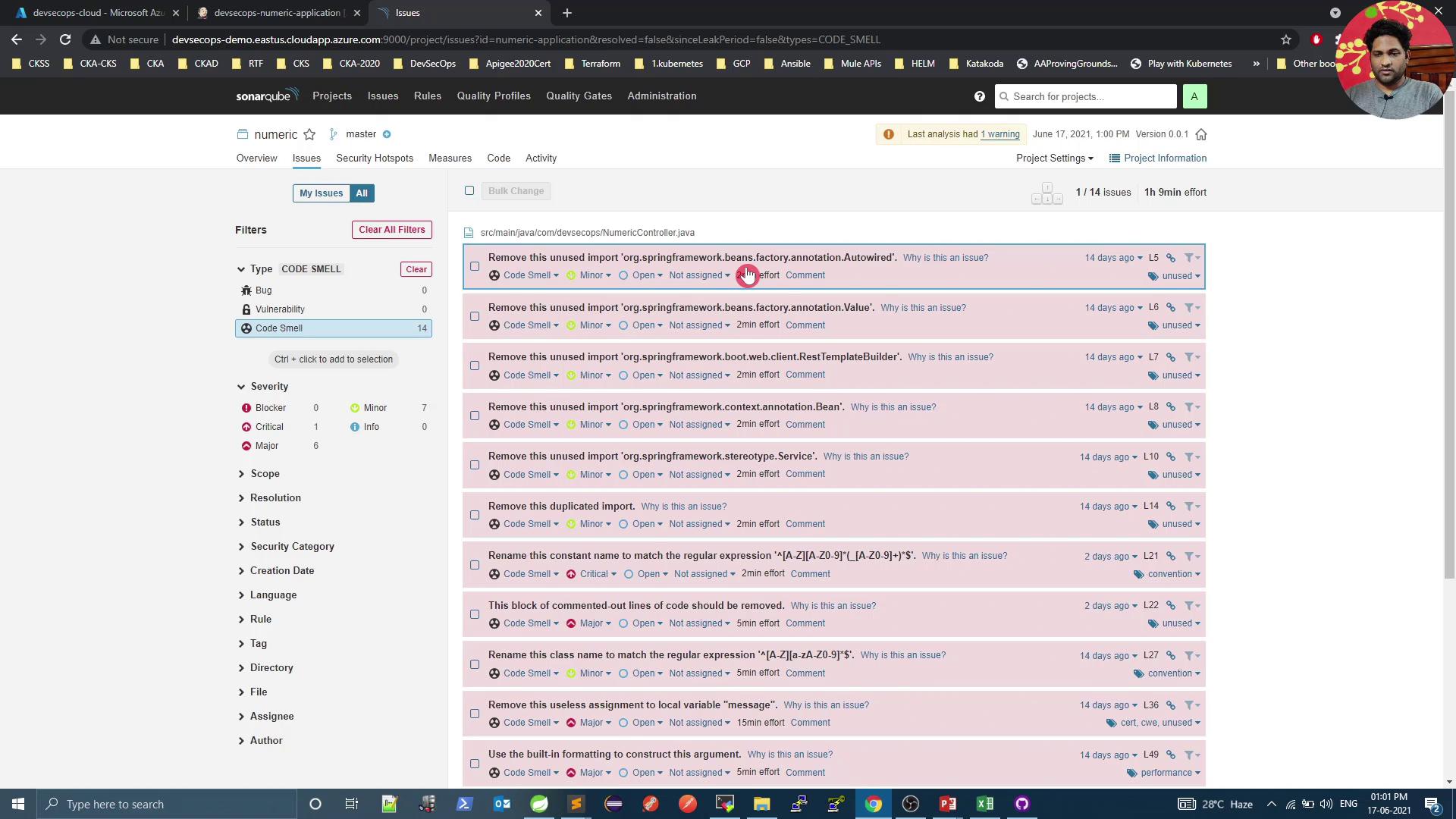
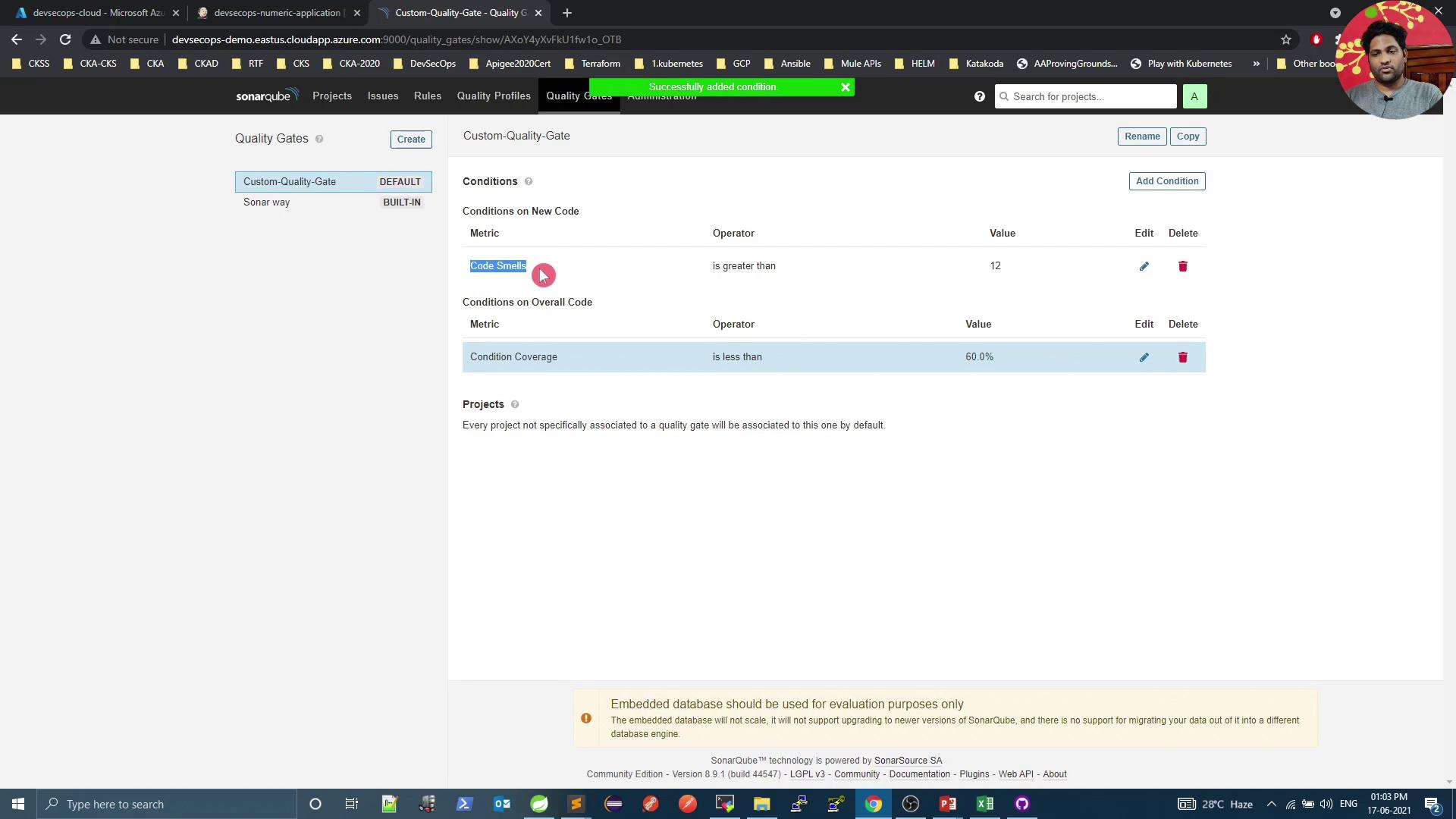
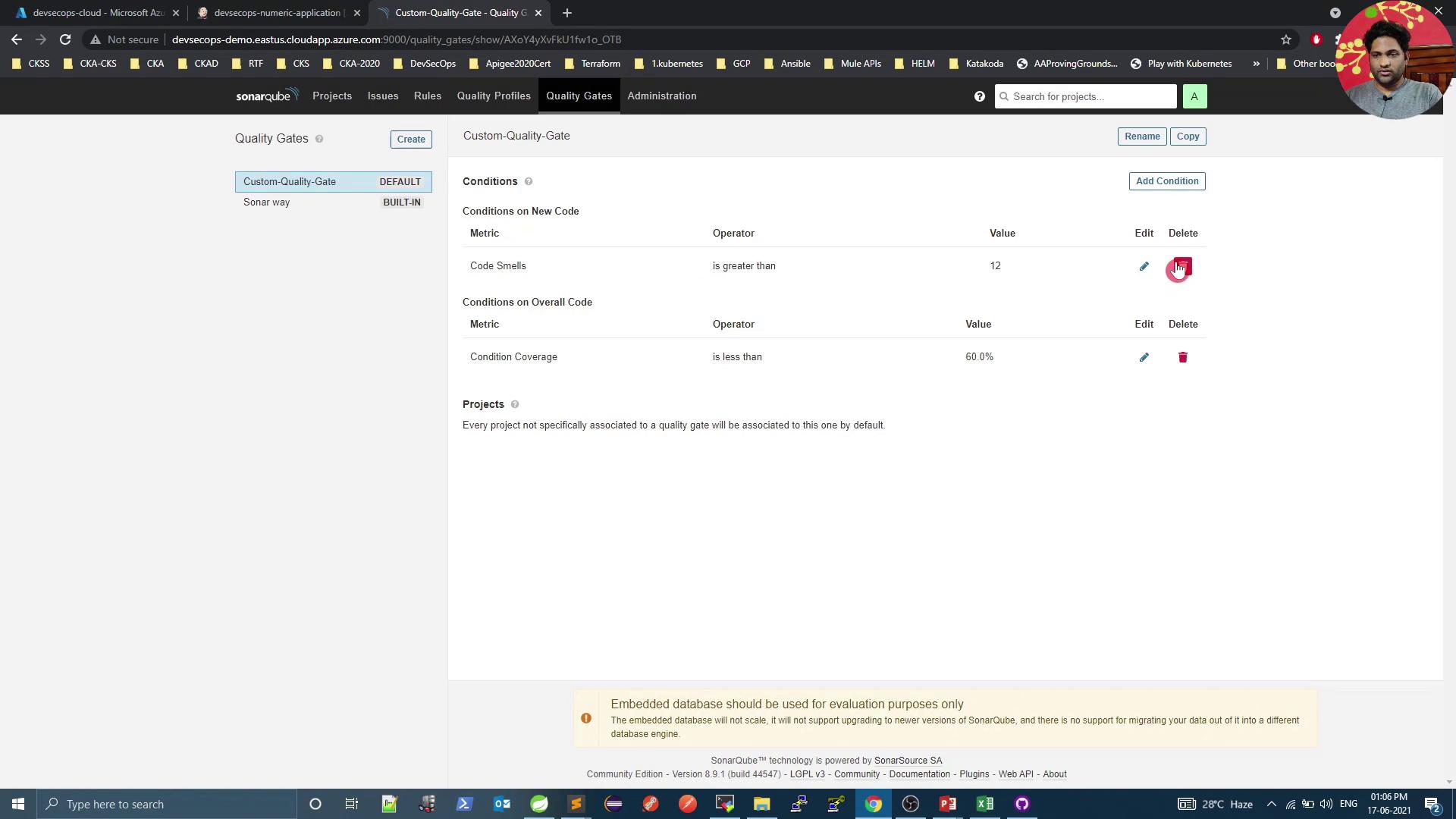
6. Enforce Custom Quality Gates
Navigate to Quality Gates to define or modify pass/fail criteria: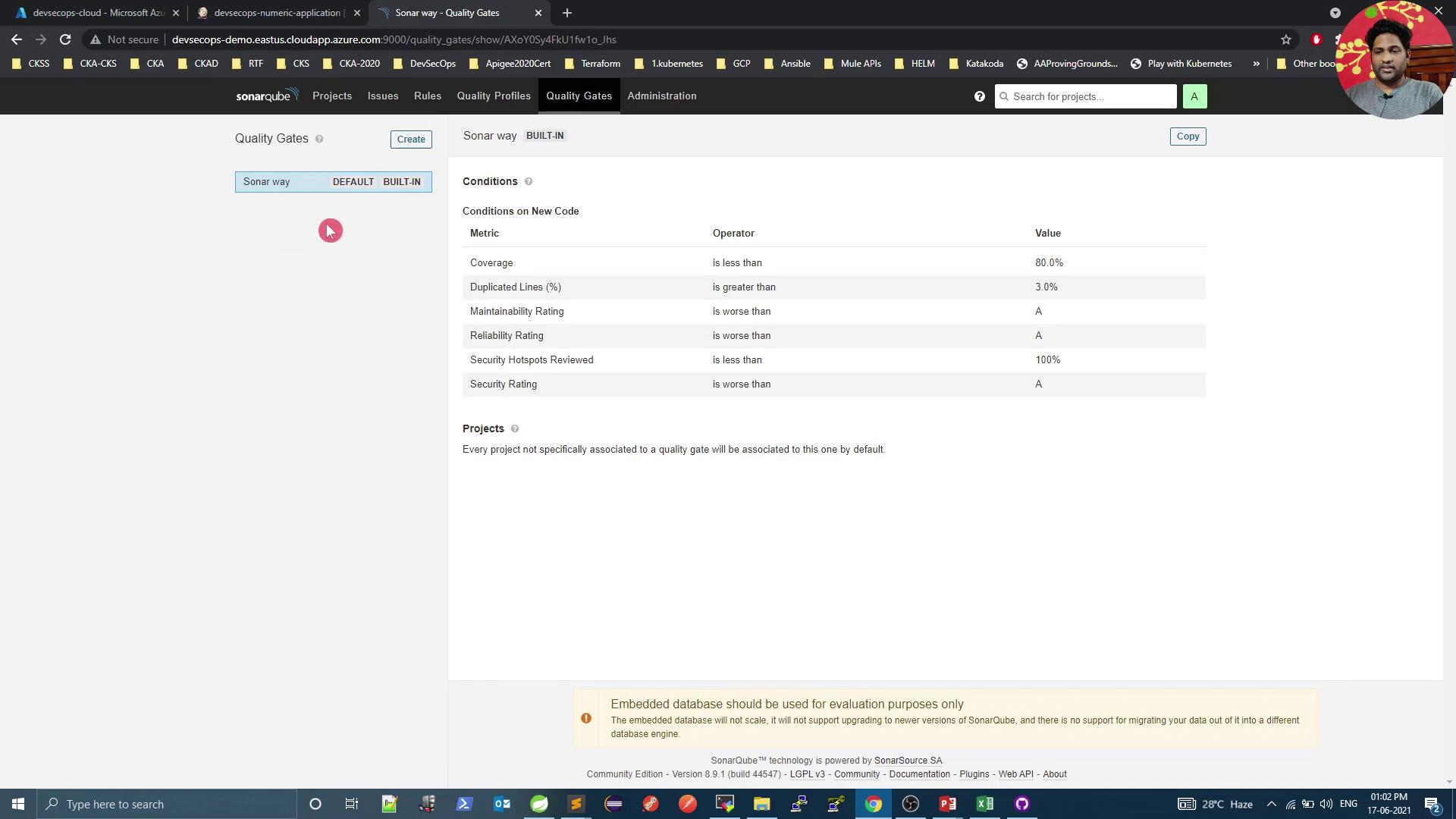
- Overall code smells ≤ 12
- Overall coverage ≥ 60%
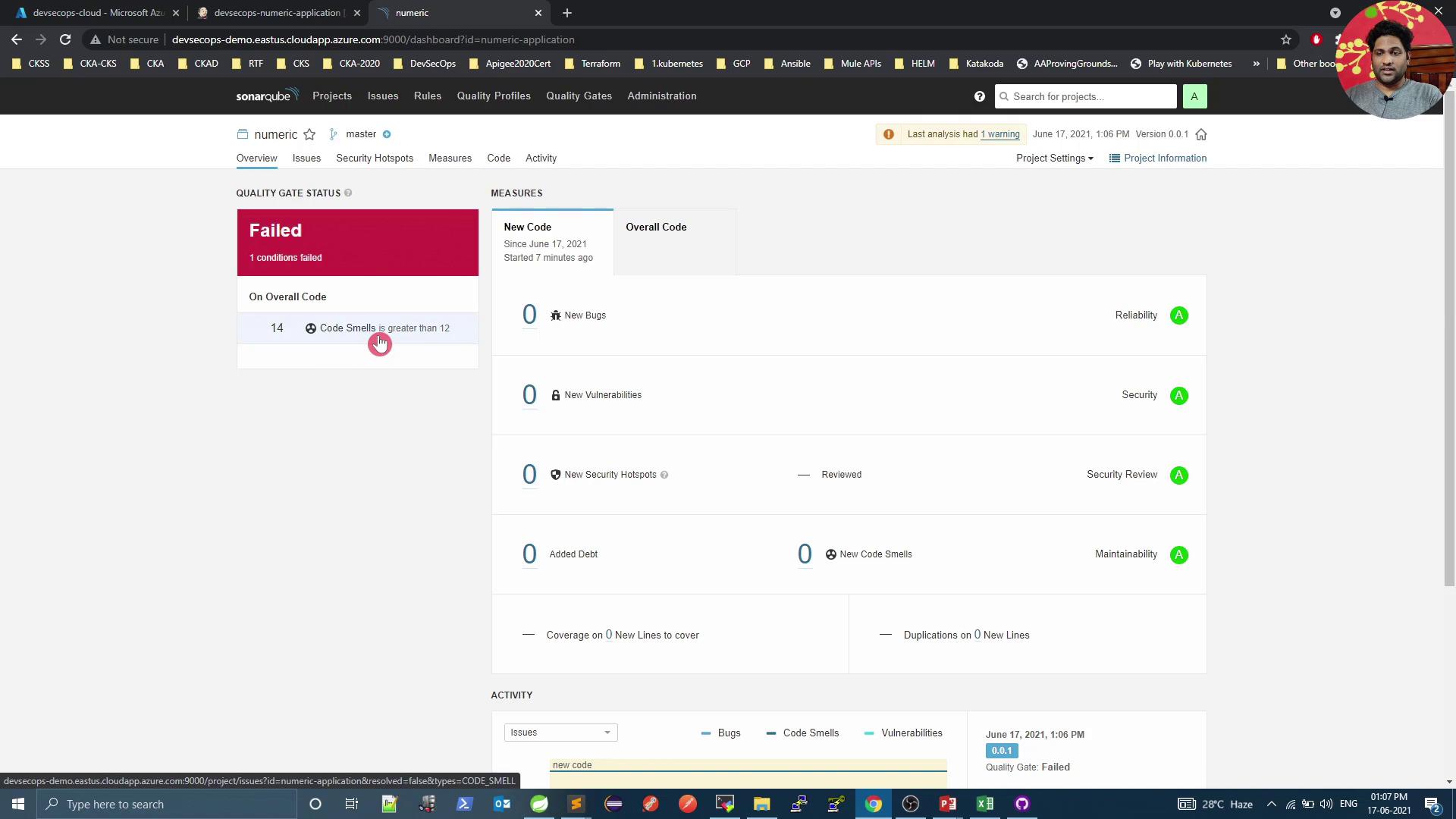
By default, Jenkins does not fail the build on a failed quality gate. To enforce build failure, install the Quality Gate Plugin or poll the SonarQube REST API in your pipeline.