

- Upgrade a vulnerable Spring Security dependency.
- Configure OWASP ZAP API scan to ignore expected warnings.
- Adjust OWASP Dependency-Check thresholds and verify results.
1. Upgrade Spring Security Dependency
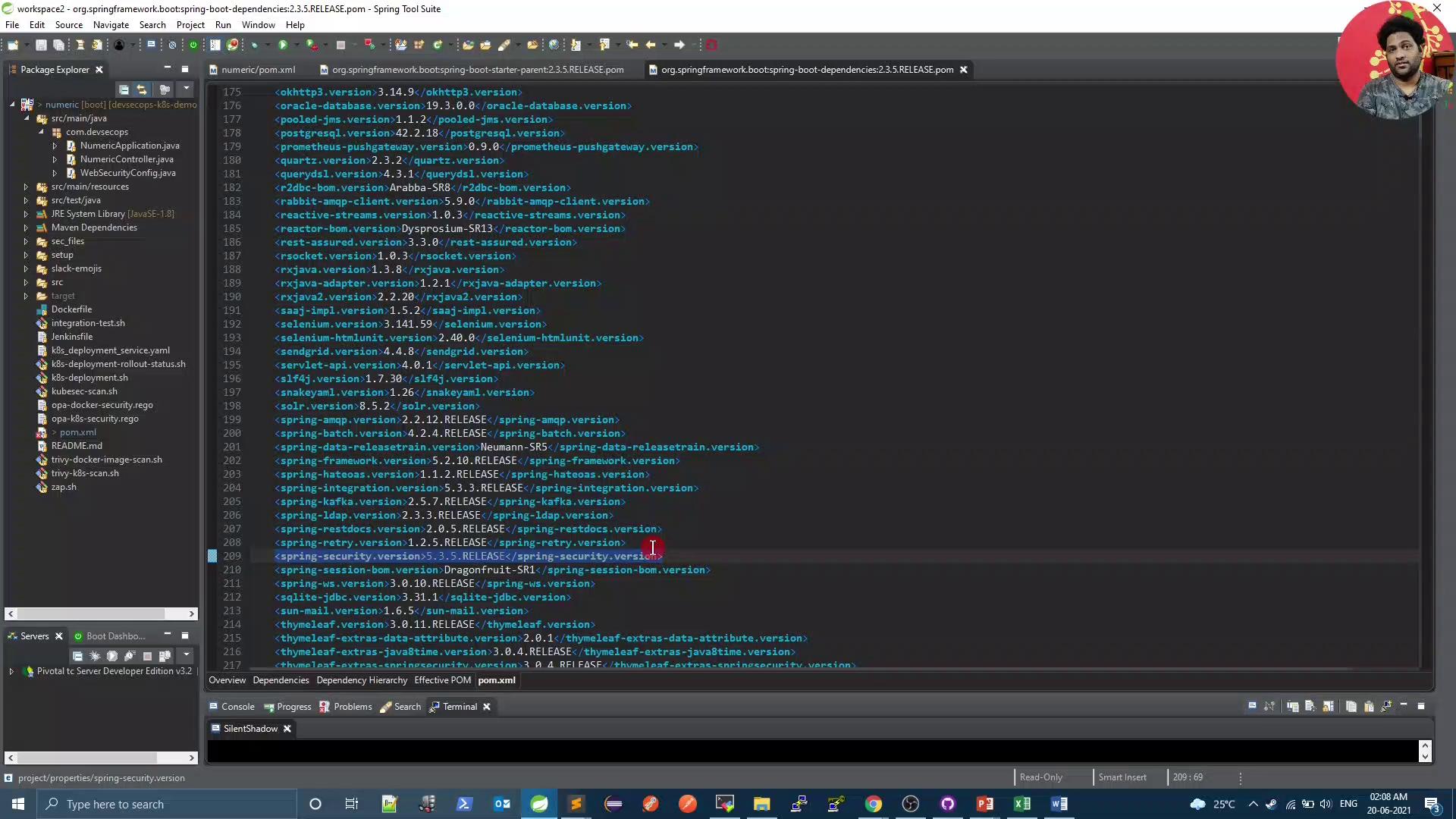
Run your Trivy scan to identify current vulnerabilities:pom.xml and locate your parent and properties:
5.3.5.RELEASE. Then override it by adding the following to the <properties> block:
2. Configure OWASP ZAP API Scan to Ignore Specific Warnings
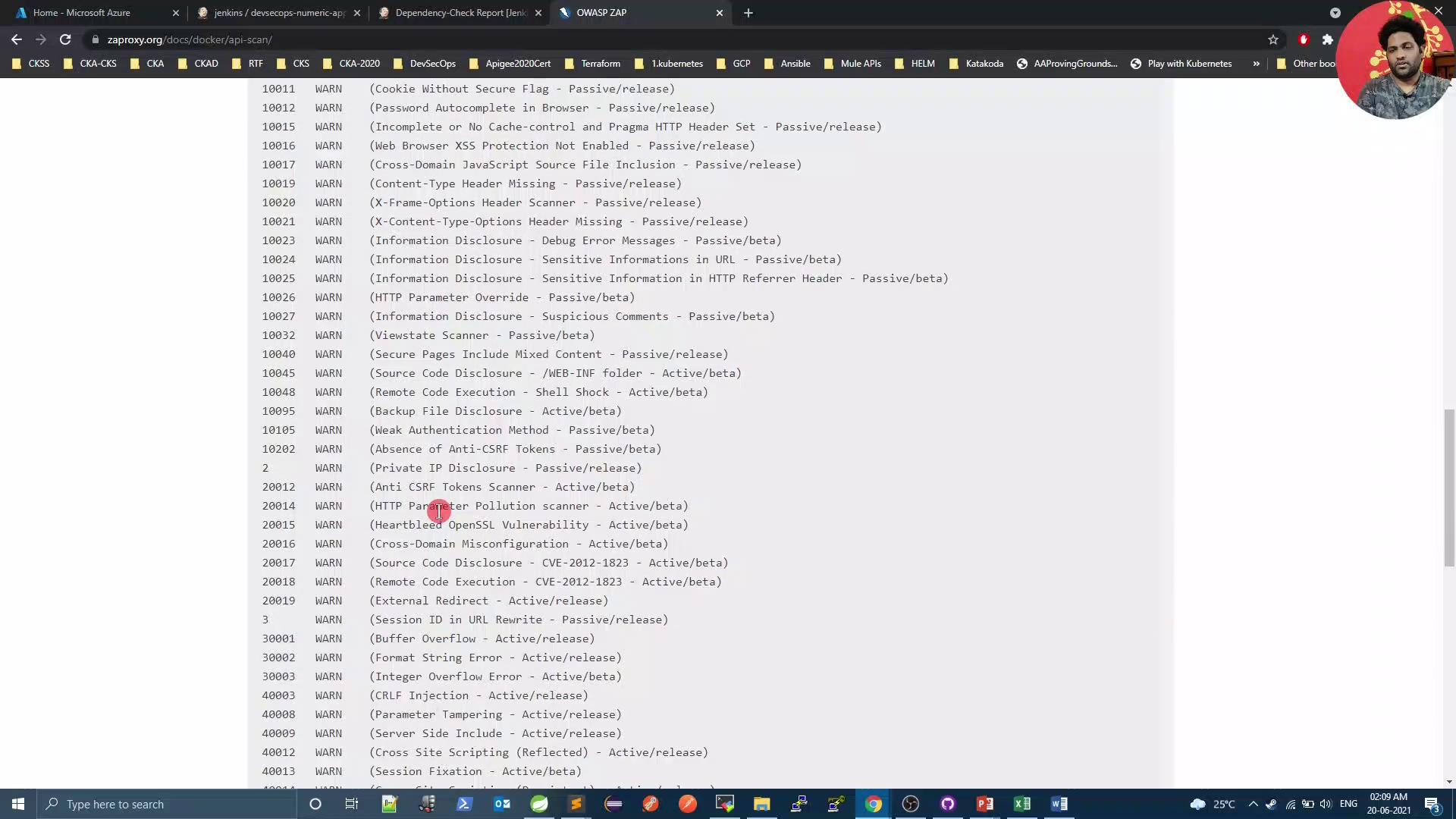
By default, ZAP flags all rule violations, even those expected by your API. For example:2.1 Generate Default ZAP Configuration
Use the OpenAPI scan script to generate a baselinegen_file:
WARN.
2.2 Define Ignored Rules
Create azap_rules file at your repo root to ignore specific rule IDs:
Use tabs between columns—not spaces—to separate
ruleId, status, and description.2.3 Update zap.sh
Modify your scan script to reference zap_rules and generate an HTML report:
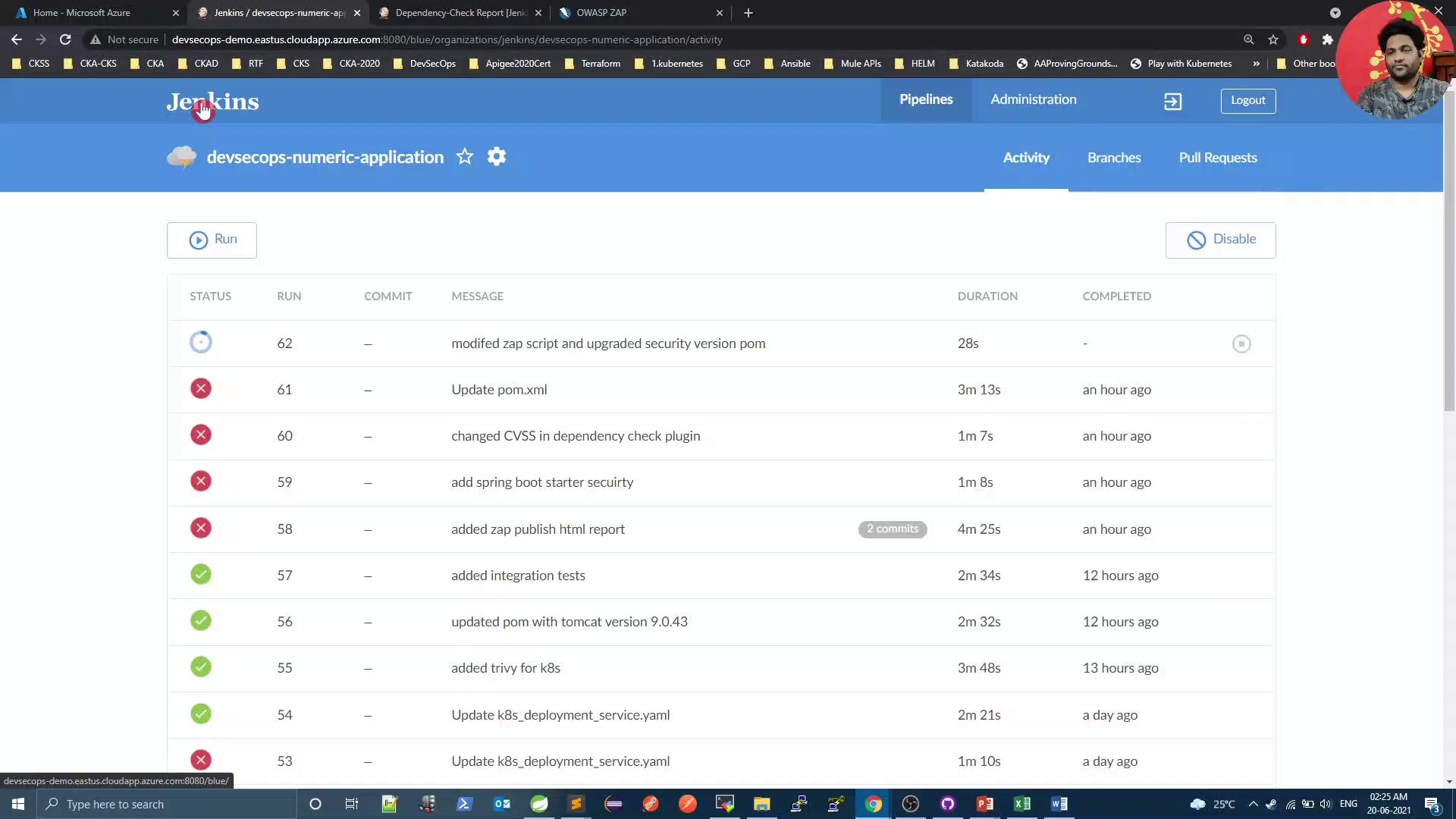
zap_rules and zap.sh, then start a Jenkins build.
3. Adjust Dependency-Check and Verify Results
Since we resolved Spring Security issues, lower yourfailBuildOnCVSS threshold in the OWASP Dependency-Check Maven plugin:
Lowering the
failBuildOnCVSS threshold may allow medium-risk vulnerabilities to pass the build. Only do this after ensuring critical issues are remediated.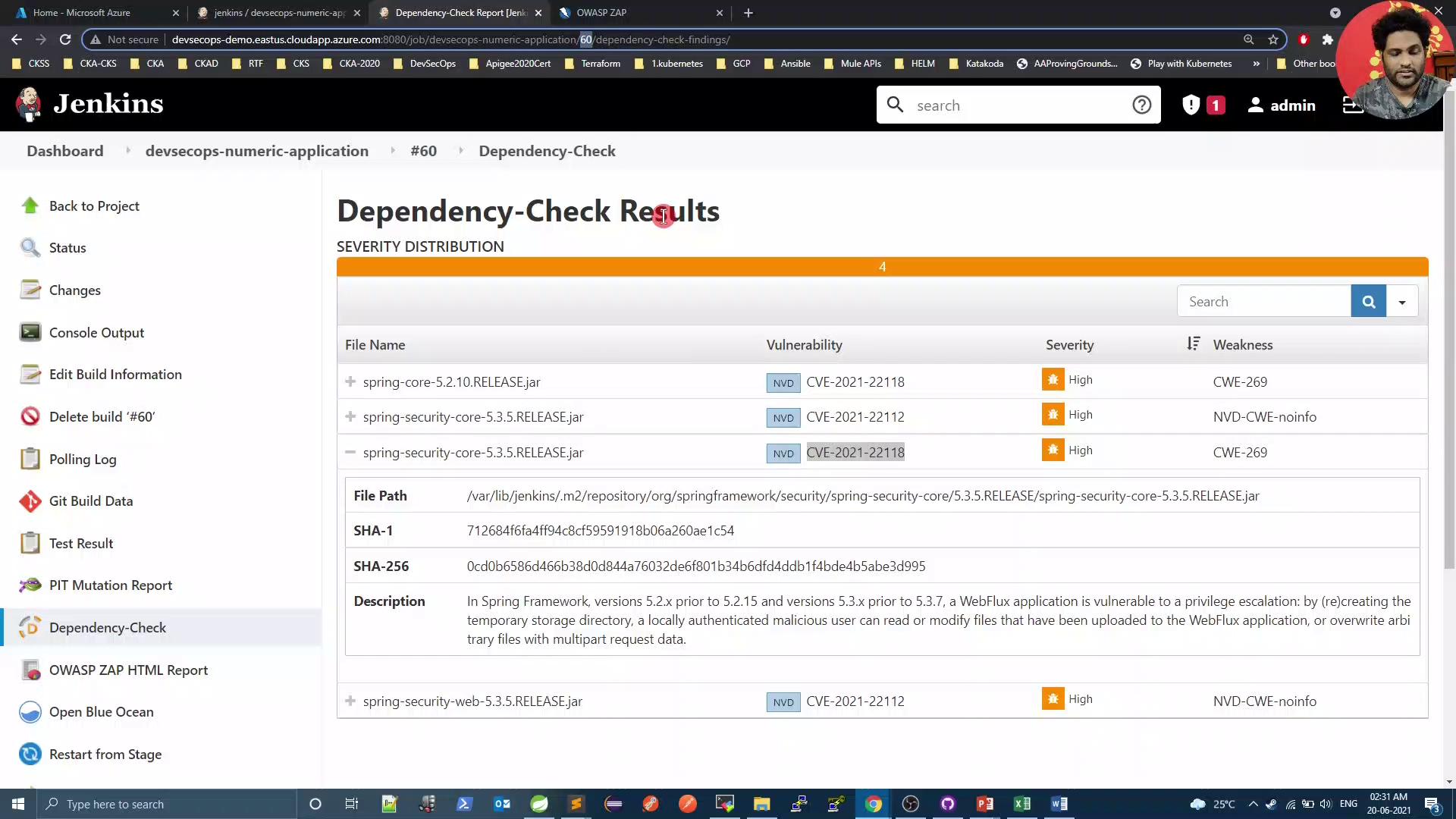
Conclusion
By upgrading Spring Security, customizing OWASP ZAP scans, and tuning Dependency-Check thresholds, you can maintain a secure codebase and reduce noise from expected warnings. Automate these steps in your CI/CD pipeline to enforce continuous security validation.References
- Spring Security Documentation
- OWASP ZAP API Scan Guide
- Trivy: Vulnerability Scanner
- OWASP Dependency-Check