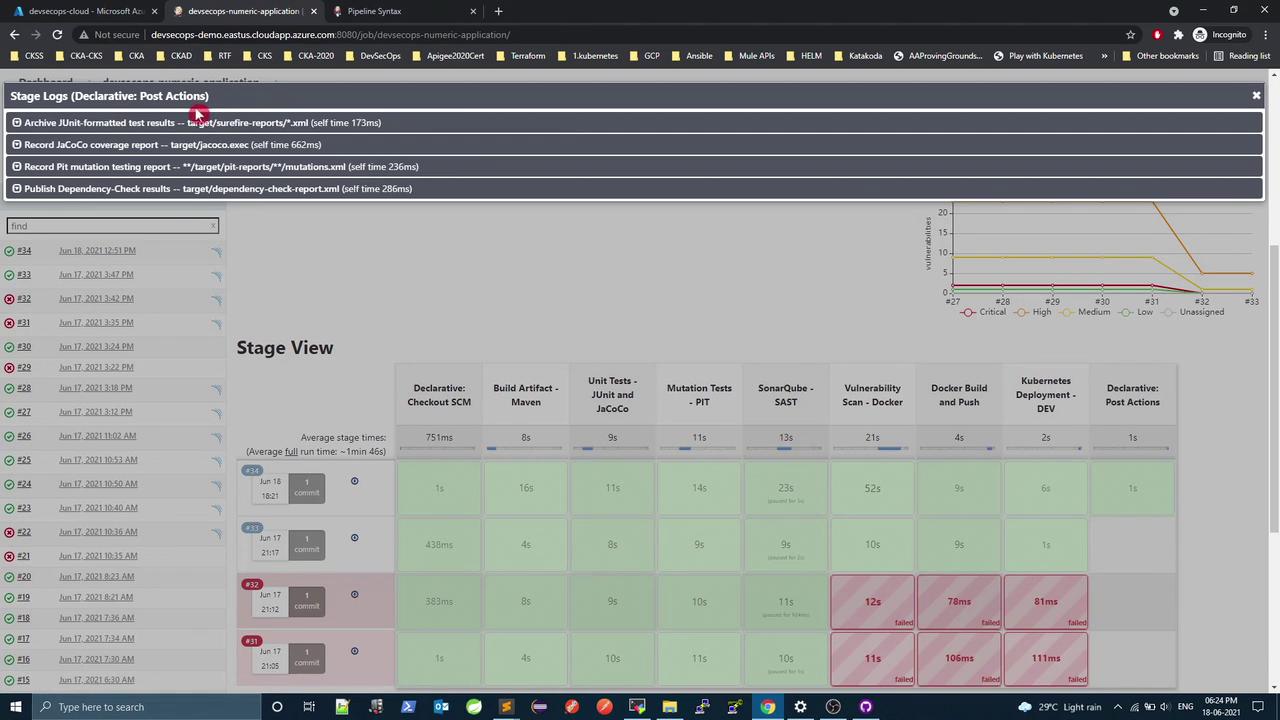
In this tutorial, we’ll streamline a Jenkins Declarative Pipeline by moving multiple post { always { … } } blocks from individual stages into a single, pipeline-level post section. This approach enhances readability, reduces duplication, and makes future maintenance simpler.
Why Consolidate post { always } Blocks?
When you have several stages that each publish reports or perform cleanup, repeating the same post block can clutter your Jenkinsfile. Instead, you can leverage the pipeline-level post block to handle all “always” actions in one place.
Original Jenkinsfile with Repeated Post Sections
Below is a snippet of the existing pipeline. Notice the three stages that each contain their own post { always { … } } block:
stage( 'Unit Tests - JUnit and JaCoCo' ) {
steps {
sh 'mvn test'
}
post {
always {
junit 'target/surefire-reports/*.xml'
jacoco execPattern : 'target/jacoco.exec'
}
}
}
stage( 'Mutation Tests - PIT' ) {
steps {
sh 'mvn org.pitest:pitest-maven:mutationCoverage'
}
post {
always {
pitmutation mutationStatsFile : '**/target/pit-reports/**/mutations.xml'
}
}
}
stage( 'SonarQube' ) {
steps {
withSonarQubeEnv( 'SonarQube' ) {
sh 'mvn sonar:sonar \
-Dsonar.projectKey=numeric-application \
-Dsonar.host.url=http://devsecops-demo.eastus.cloudapp.azure.com:9000'
}
}
timeout( time : 2 , unit : 'MINUTES' ) {
script {
waitForQualityGate abortPipeline : true
}
}
}
stage( 'Vulnerability Scan - Docker' ) {
steps {
sh 'mvn dependency-check:check'
}
post {
always {
dependencyCheckPublisher pattern : 'target/dependency-check-report.xml'
}
}
}
We’re duplicating the same “always” publishing logic in three places. Let’s consolidate.
Consolidating Post Actions
Jenkins Declarative Pipeline allows a post section at the root of the pipeline block. All specified actions run after every stage completes.
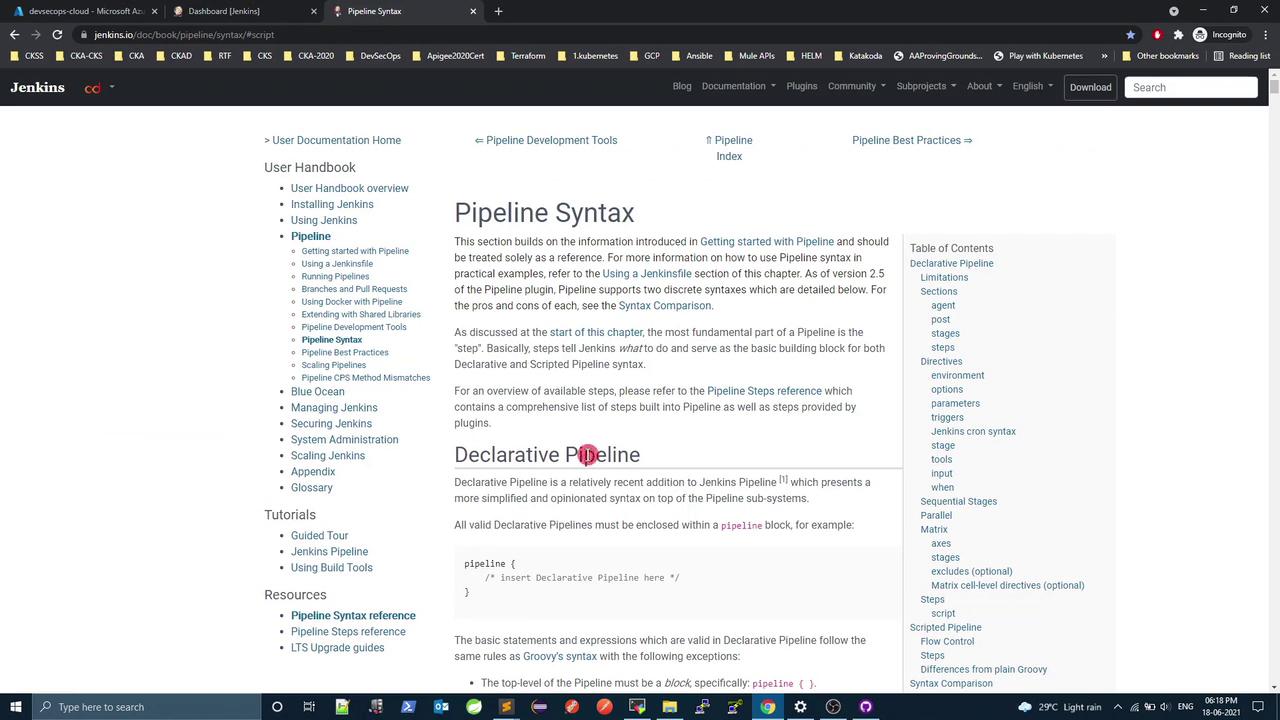
For reference, check the official Jenkins Pipeline Syntax documentation .
A pipeline-level post block can contain always, success, failure, and unstable directives.
Post Actions Summary
Report Type Original Location New Location JUnit & JaCoCo Unit Tests stage post.always Pipeline-level post.always PIT Mutation Reports Mutation Tests stage post.always Pipeline-level post.always Dependency-Check Publisher Vulnerability Scan stage post.always Pipeline-level post.always
Refactored Jenkinsfile
Remove all individual post { always { … } } sections.
Add one post block under the pipeline root.
Copy each always step into that block.
pipeline {
agent any
stages {
stage( 'Unit Tests - JUnit and JaCoCo' ) {
steps {
sh 'mvn test'
}
}
stage( 'Mutation Tests - PIT' ) {
steps {
sh 'mvn org.pitest:pitest-maven:mutationCoverage'
}
}
stage( 'SonarQube - SAST' ) {
steps {
withSonarQubeEnv( 'SonarQube' ) {
sh 'mvn sonar:sonar \
-Dsonar.projectKey=numeric-application \
-Dsonar.host.url=http://devsecops-demo.eastus.cloudapp.azure.com:9000'
}
timeout( time : 2 , unit : 'MINUTES' ) {
script {
waitForQualityGate abortPipeline : true
}
}
}
}
stage( 'Vulnerability Scan - Docker' ) {
steps {
sh 'mvn dependency-check:check'
}
}
stage( 'Docker Build and Push' ) {
steps {
withDockerRegistry([ credentialsId : 'docker-hub' , url : '' ]) {
sh 'printenv'
sh 'docker build -t siddharth67/numeric-app:${GIT_COMMIT} .'
sh 'docker push siddharth67/numeric-app:${GIT_COMMIT}'
}
}
}
stage( 'Kubernetes Deployment - DEV' ) {
steps {
withKubeConfig([ credentialsId : 'kubeconfig' ]) {
sh 'sed -i "s/#replace#siddharth67 \\ /numeric-app:${GIT_COMMIT}/g" k8s_deployment_service.yaml'
sh 'kubectl apply -f k8s_deployment_service.yaml'
}
}
}
}
post {
always {
junit 'target/surefire-reports/*.xml'
jacoco execPattern : 'target/jacoco.exec'
pitmutation mutationStatsFile : '**/target/pit-reports/**/mutations.xml'
dependencyCheckPublisher pattern : 'target/dependency-check-report.xml'
}
}
}
Verifying the Refactor
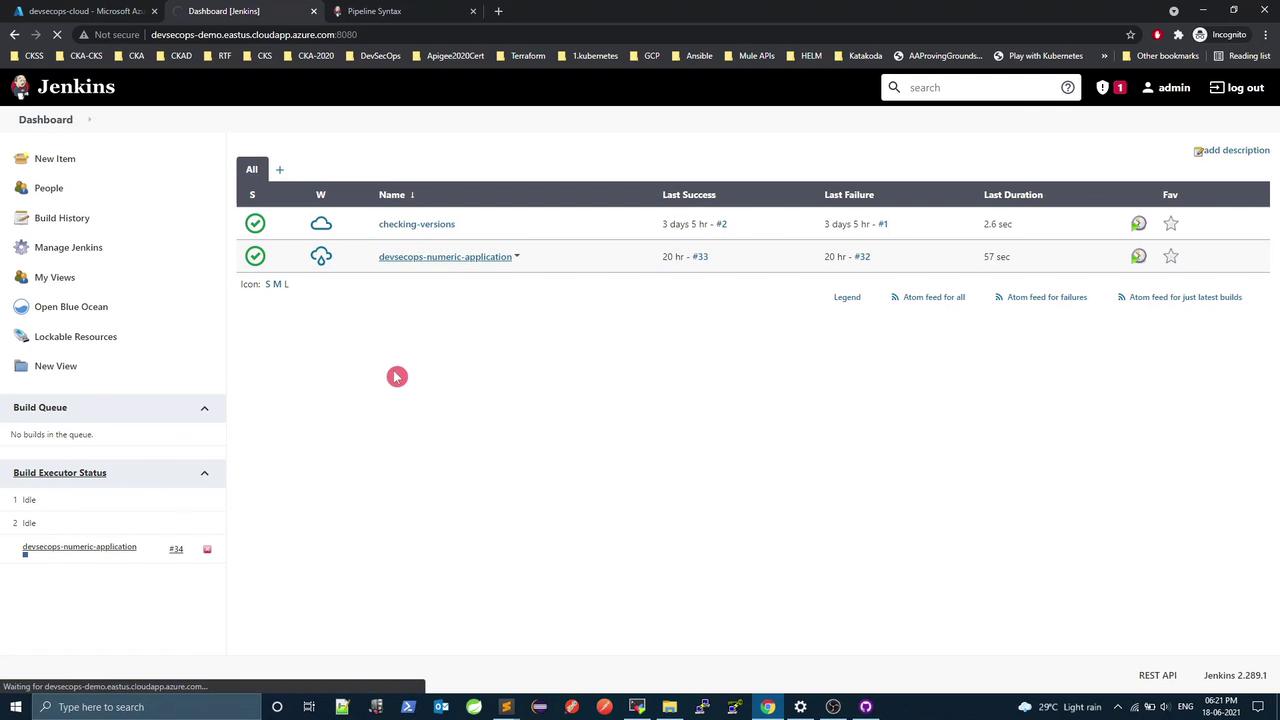
After updating your Jenkinsfile, commit and push to trigger a new build:
git add Jenkinsfile
git commit -m "Refactor: consolidate all post.always actions to pipeline level"
git push
In the Jenkins dashboard, you should see all post actions executed at the end of the pipeline:
Next Steps
Jenkins pipelines can also leverage:
Environment directives for global variables
Parallel stages with failFast to optimize runtime
Embedded scripted logic (script { … }) for loops, conditionals, and error handling
Here’s a brief example showcasing parallel execution and a script block:
pipeline {
agent any
stages {
stage( 'Initial Stage' ) {
steps {
echo 'Executing first stage.'
}
}
stage( 'Parallel Stage' ) {
when { branch 'master' }
failFast true
parallel {
stage( 'Branch A' ) {
agent { label 'for-branch-a' }
steps { echo 'Running on Branch A' }
}
stage( 'Branch B' ) {
agent { label 'for-branch-b' }
steps { echo 'Running on Branch B' }
}
}
}
stage( 'Browser Tests' ) {
steps {
script {
def browsers = [ 'chrome' , 'firefox' ]
browsers . each { browser ->
echo "Testing in ${ browser } "
}
}
}
}
}
}
Links and References