

Talisman Repository
You can find the official Talisman project on GitHub. Explore the code, review open issues, or contribute back to the repository.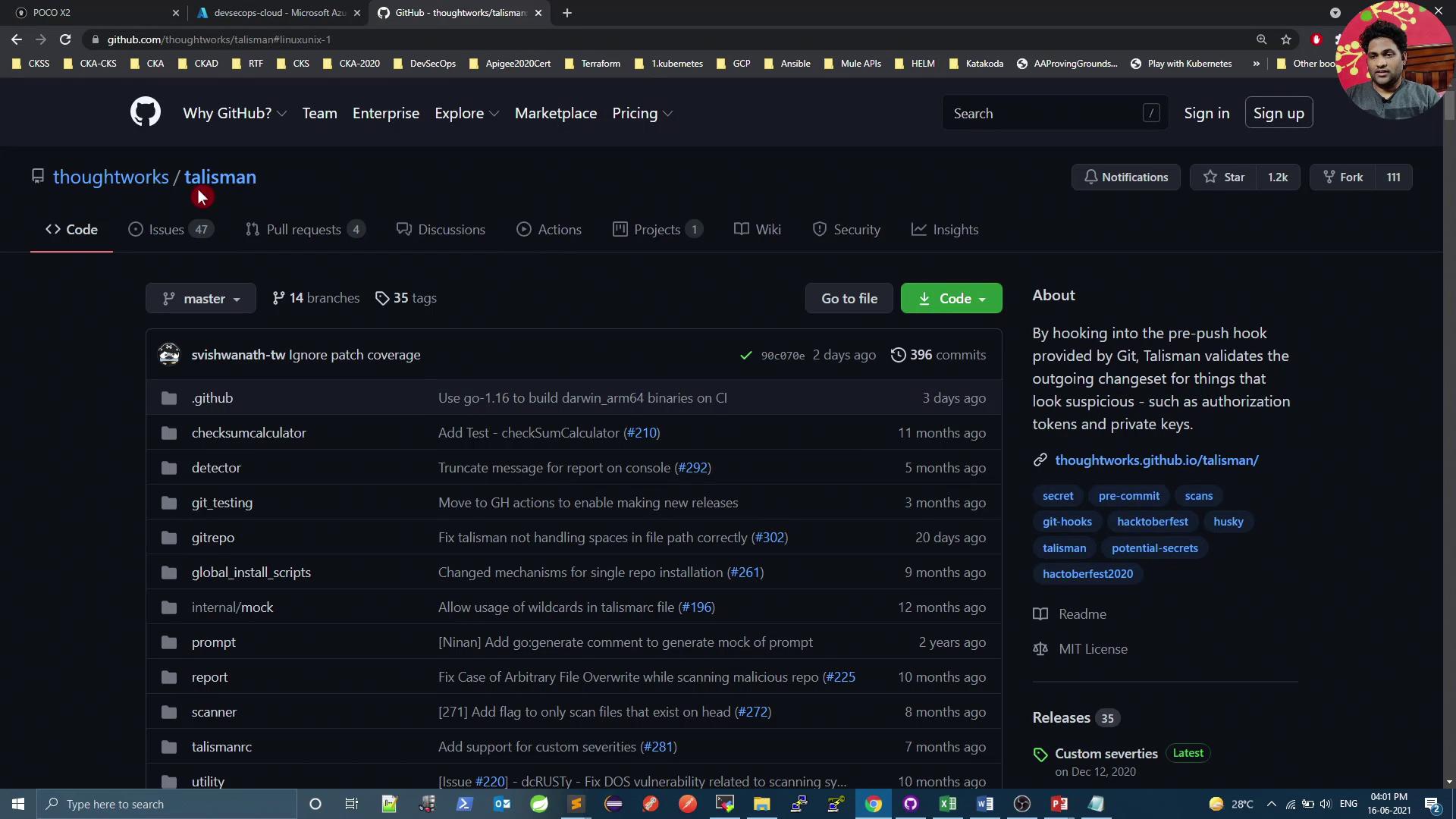
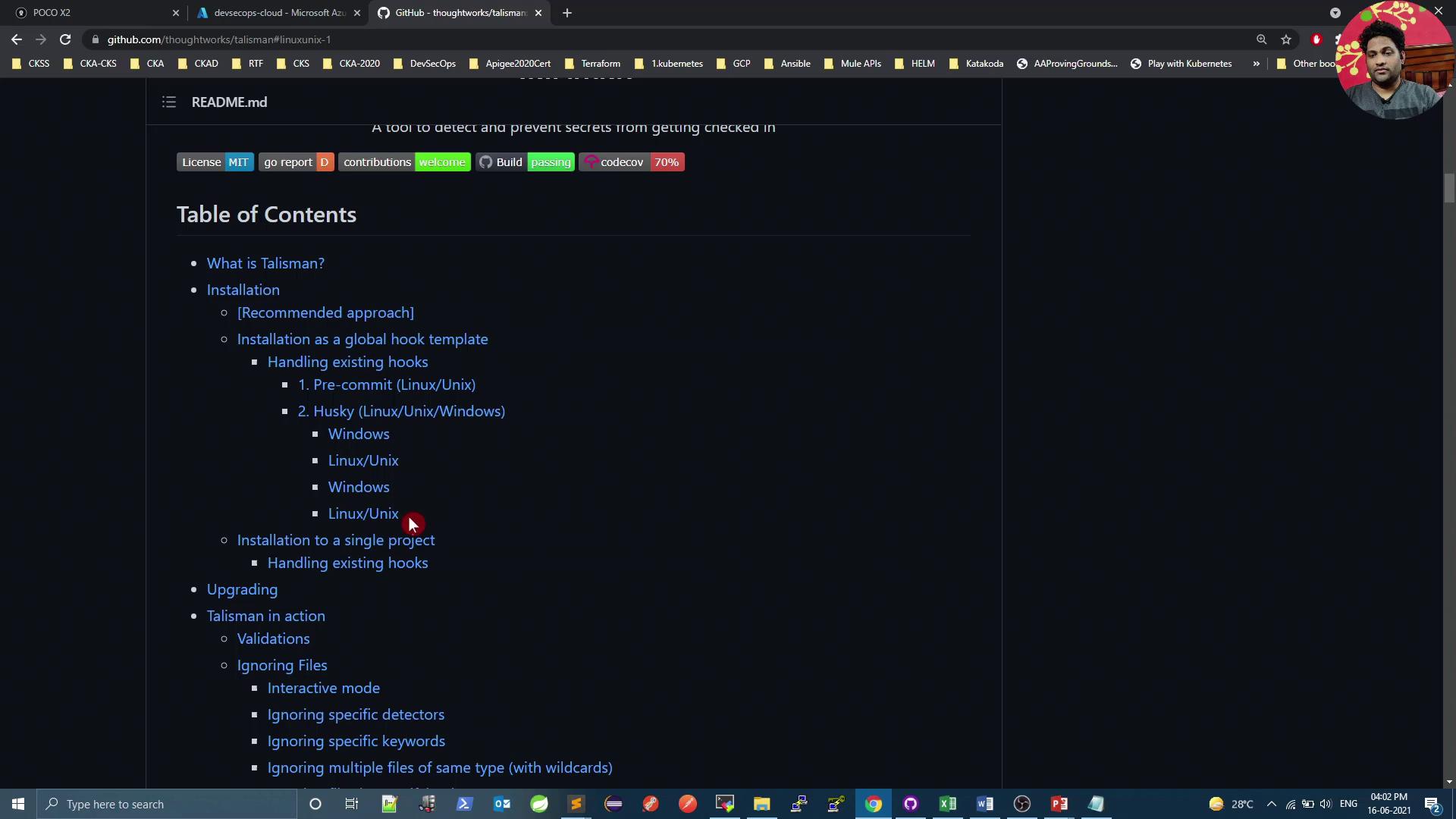
Installing Talisman Locally
Prerequisites
- Git installed on your Linux or macOS system
curl(orwget) available in your PATH
The installer adds or updates hooks in
.git/hooks. Ensure you have write permissions to the project directory before running the script.Hook Types Comparison
Preparing the Demo Repository
On your VM, clone (or navigate to) the demo repository and pull the latest changes:JenkinsfileDockerfilek8s_deployment_service.yaml.gitfolder (containing thehooksdirectory)
Installing the Pre-Push Hook
Add Talisman to your demo repo:Testing Talisman Scans
Create a directory with sample files simulating secrets:By default, Talisman checks for passwords, API keys, and Base64-encoded secrets. You can customize its behavior with a
.talismanrc file if needed.Ignoring Specific Files
To exempt certain files from scanning, create a.talismanrc in your project root:
sec_files/file3 but still block other flagged content.
Cleaning Up and Final Push
Remove or refactor any remaining flagged files:By integrating Talisman as a pre-push (or pre-commit) hook, you ensure that sensitive data—passwords, API keys, and Base64-encoded tokens—are caught before they reach your remote repository.