

What Is Dynamic Application Security Testing (DAST)?
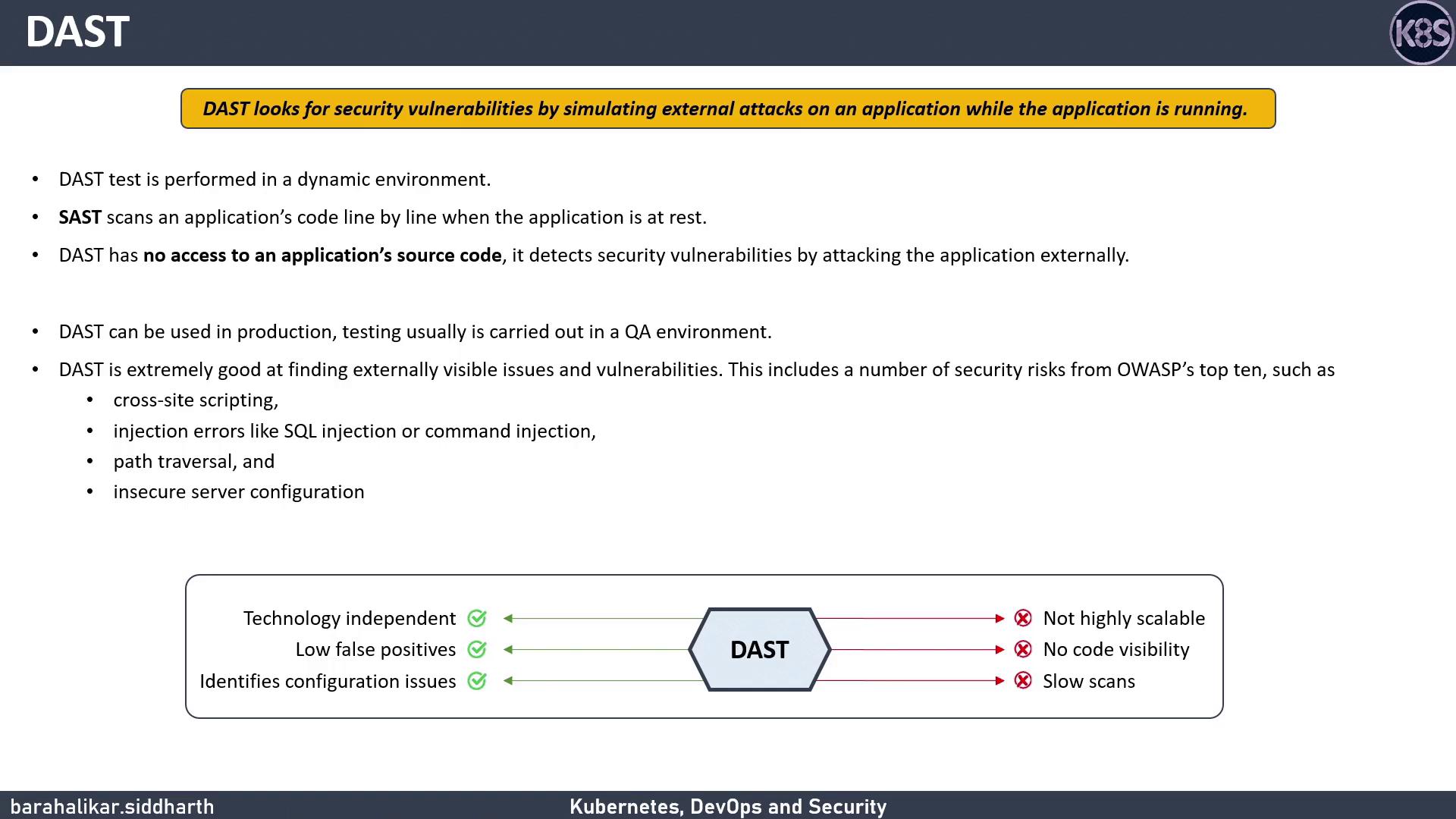
DAST evaluates an application from the outside in, detecting issues that might be missed when scanning code alone.DAST is best suited for QA or pre-production environments. Running DAST in production can reveal critical flaws—but must be done with caution to avoid service disruptions.
- Executed against a live, deployed application
- No access to source code or binaries
- Ideal for catching misconfiguration and runtime issues
- Focuses on externally visible vulnerabilities
Common Vulnerabilities Detected by DAST
DAST tools target many OWASP Top 10 risks. The table below shows typical findings:Pros and Cons of DAST
Advantages
Limitations
DAST vs. SAST
Comparing Static vs. Dynamic analysis:Running DAST against production workloads can impact performance. Schedule scans during low-traffic windows and ensure proper monitoring.
Next Steps
In the following lesson, we’ll use OWASP ZAP to perform a dynamic scan on an application deployed in a Kubernetes cluster. You’ll learn how to:- Configure OWASP ZAP for automated scanning
- Interpret scan reports to prioritize fixes
- Integrate DAST into a CI/CD pipeline