In this lesson, we’ll use kube-bench to run the CIS Kubernetes Benchmark tests against your cluster. We’ll cover:
  • Overview of the CIS Benchmark PDF
  • Manual Kubelet anonymous-auth check
  • Installing and running kube-bench
  • Parsing JSON output with jq
  • CI/CD integration with Jenkins

CIS Kubernetes Benchmark PDF

Download the official CIS Kubernetes Benchmark from the CIS website:
CIS Kubernetes Benchmark requires an email to access the PDF.
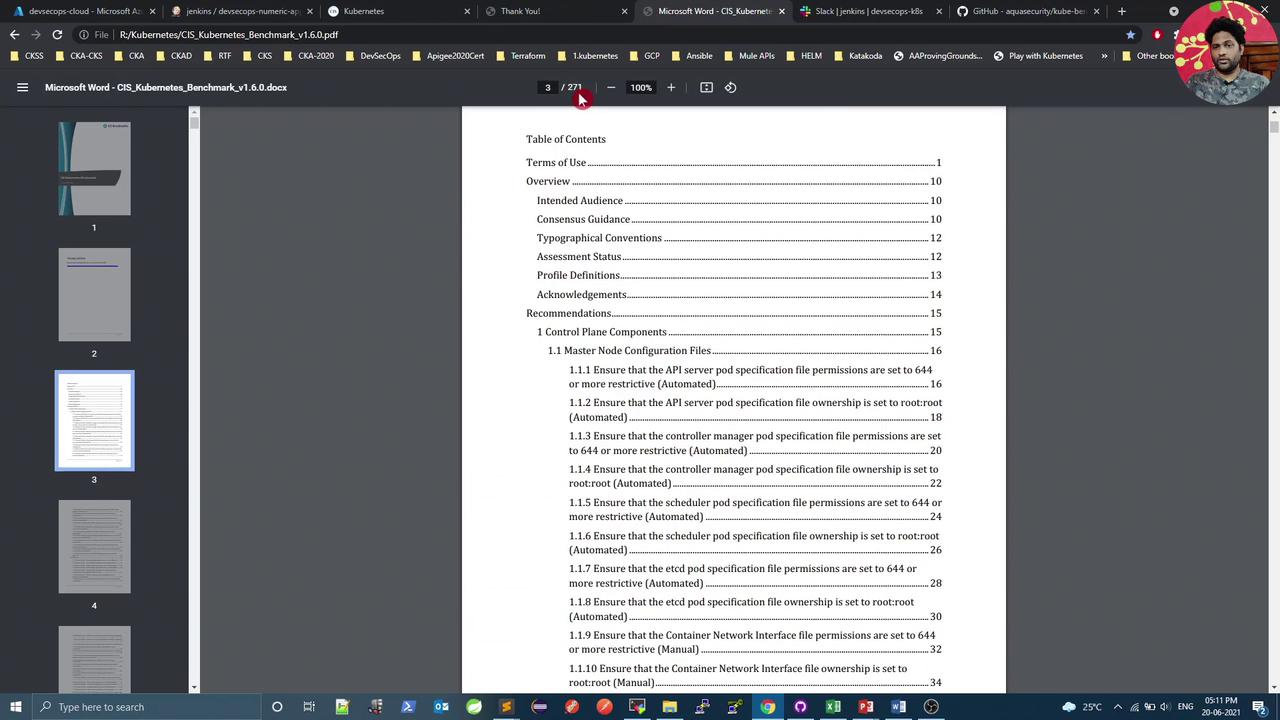
The PDF contains ~270 pages of guidelines, organized by test IDs per component. For instance, 4.2.1 in Worker Node Security Configuration verifies --anonymous-auth=false.
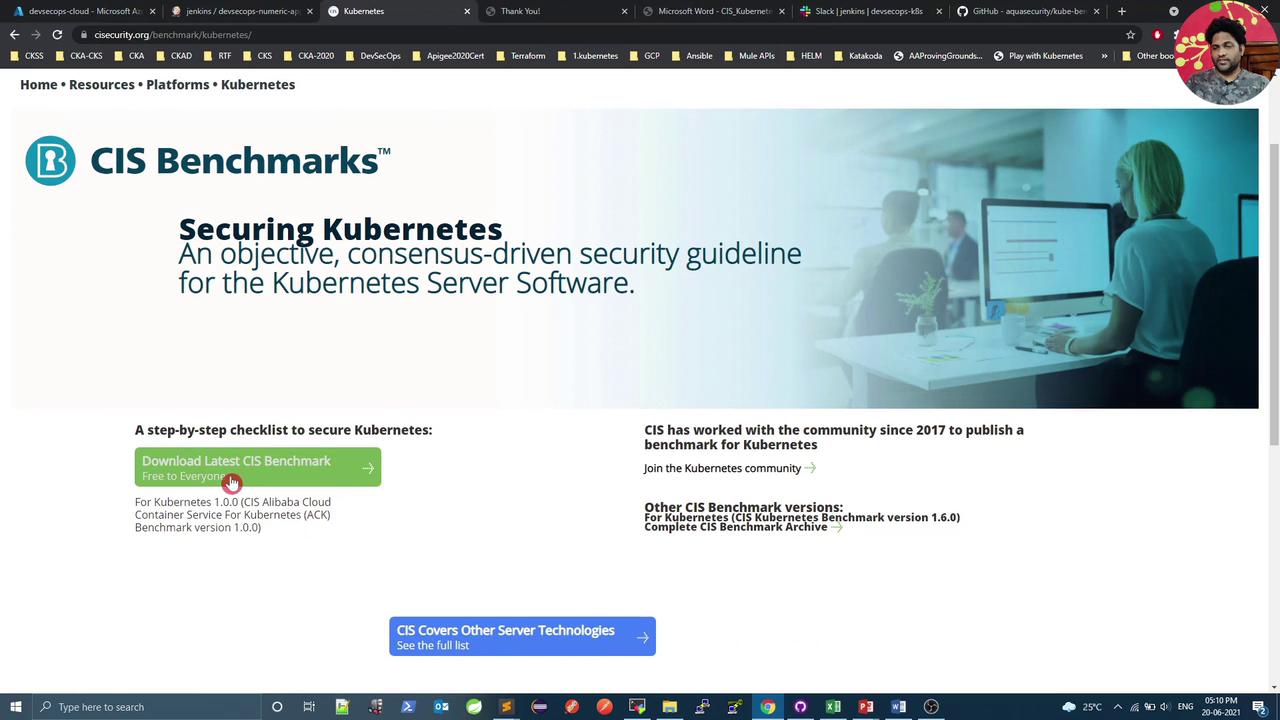
The image shows a webpage for CIS Benchmarks focused on securing Kubernetes, offering a download link for the latest security guidelines. It includes a brief description and links to additional resources and community information.
After downloading, open the PDF to review sections such as Terms of Use, Overview, and Recommendations.
The image shows a computer screen displaying a PDF document titled "CIS Kubernetes Benchmark v1.6.0" with a table of contents visible. The document appears to be open in a PDF viewer, and the table of contents lists sections such as Terms of Use, Overview, and Recommendations.

Manual Check: Kubelet Anonymous Auth

On a kubeadm-provisioned node, verify the running Kubelet process and its config file:
In config.yaml, confirm anonymous auth is disabled:
If anonymous auth is set to true, update the YAML, then reload and restart the service:

Installing kube-bench

kube-bench on GitHub is a Go-based tool from Aqua Security that automates CIS checks. To install on Ubuntu:
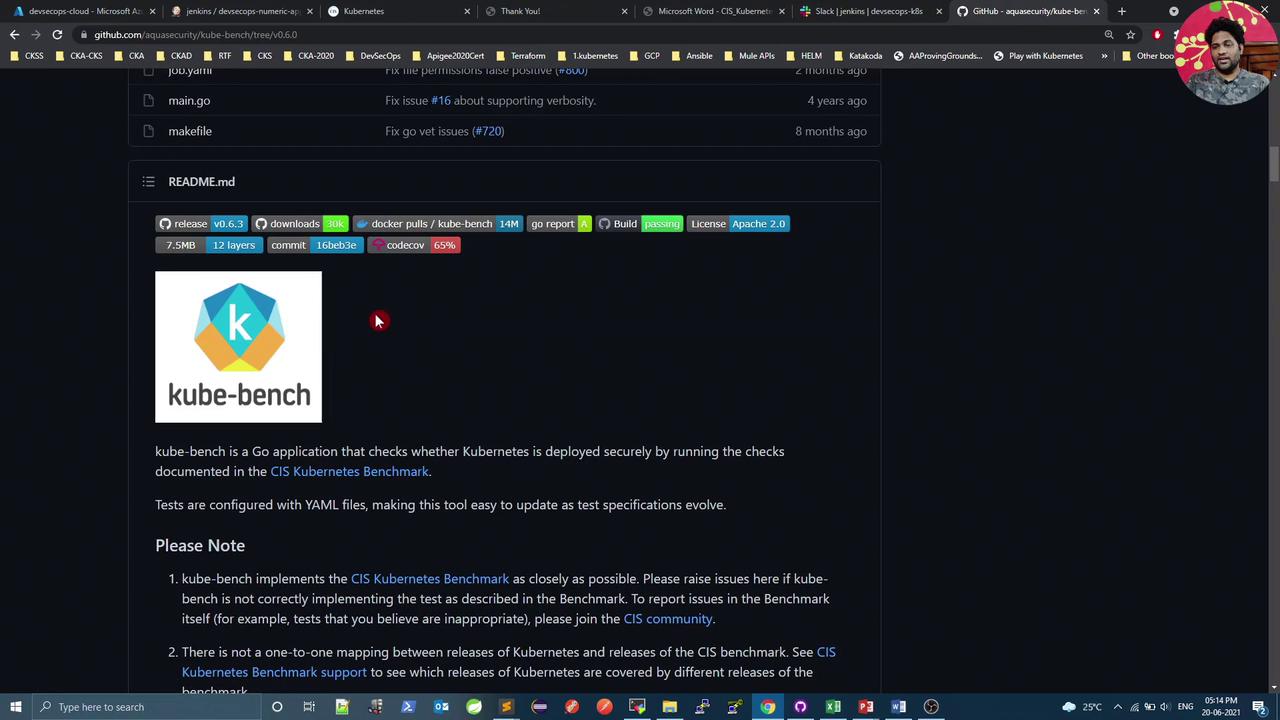
The image shows a GitHub page for the "kube-bench" project, which is a Go application for checking Kubernetes security compliance. It includes details like release version, downloads, and a brief description of the tool.

Running kube-bench

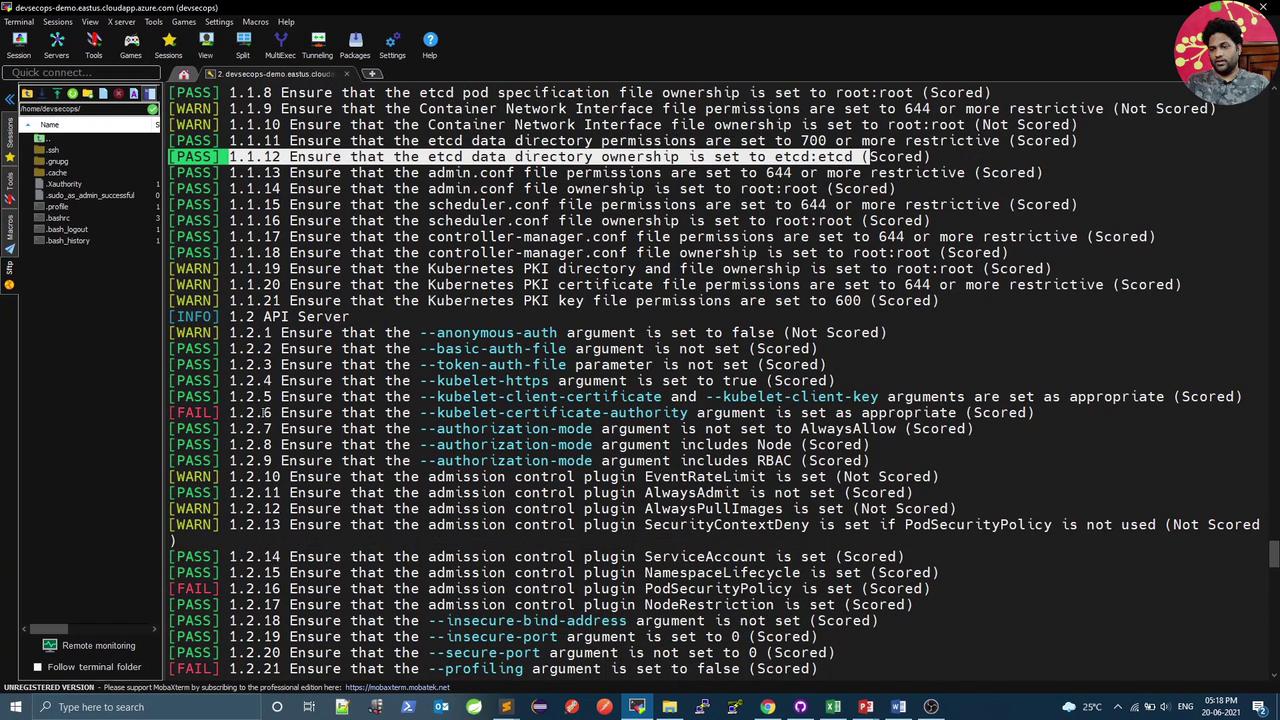
Execute all CIS checks (master, node, etcd, control plane):
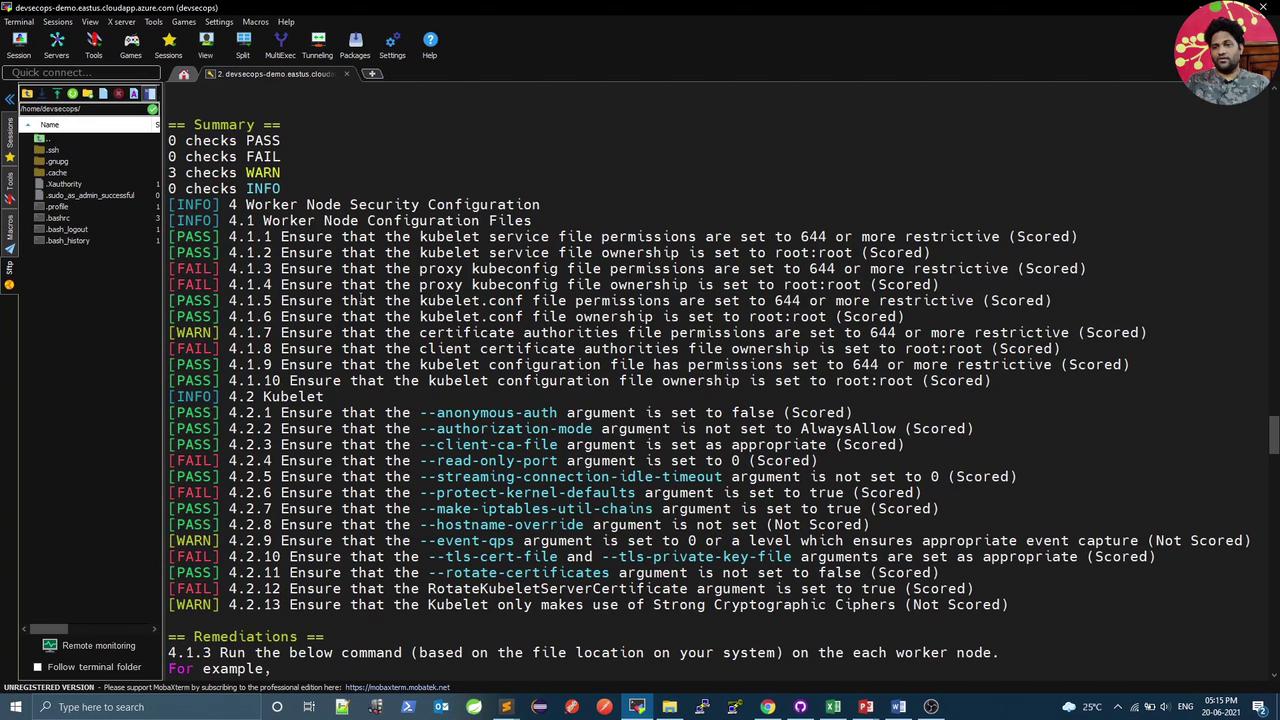
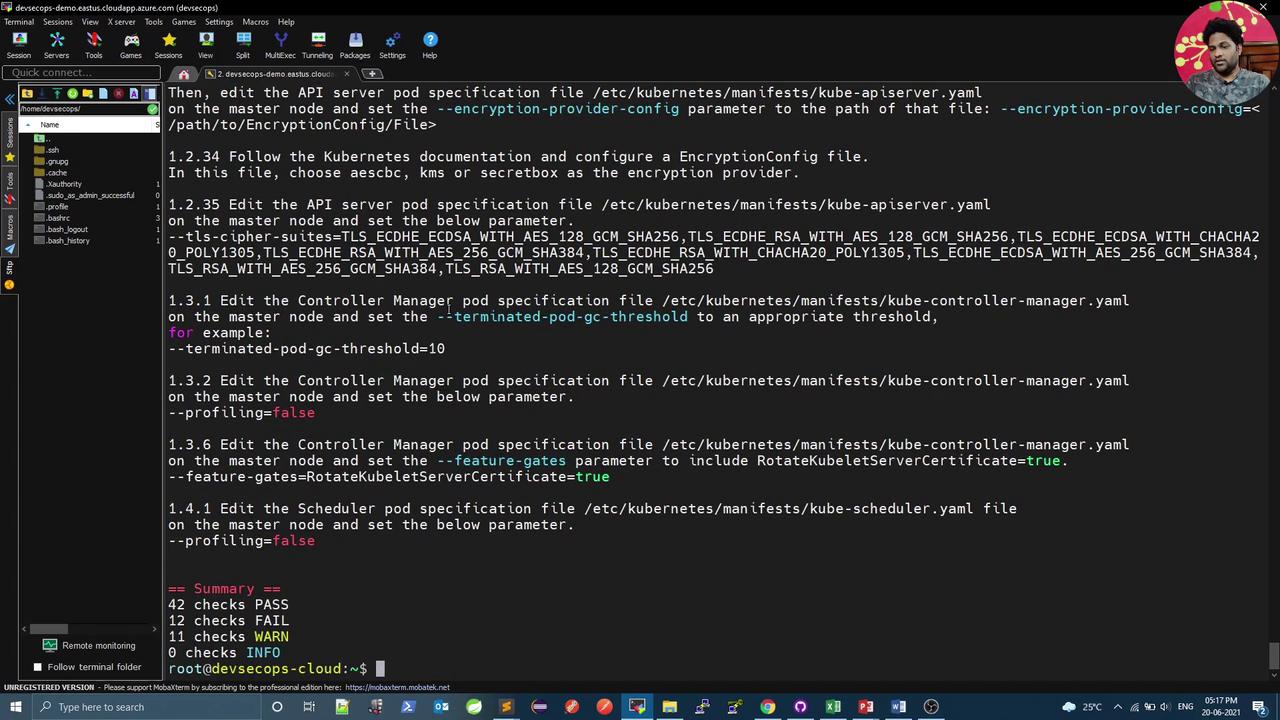
Example summary:
The image shows a terminal window displaying a security configuration summary for a Kubernetes worker node, with various checks marked as PASS, FAIL, or WARN. The interface appears to be from a remote connection tool, with a sidebar listing files and directories.
You can target specific components:
The image shows a terminal window with instructions for editing Kubernetes configuration files, including encryption and pod specifications. It also displays a summary of checks with pass, fail, and warning statuses.

JSON Output and Filtering

For CI automation, output results in JSON and use jq to filter:
To extract failure count:
The image shows a terminal window with a list of security checks for a Kubernetes environment, indicating pass, warn, and fail statuses for each check. The interface appears to be part of a remote monitoring tool.
Ensure jq is installed (sudo apt install jq) to parse JSON output.

Jenkins Integration

Integrate kube-bench into a Jenkins pipeline to enforce CIS compliance:
Each script runs targeted checks, parses JSON, and exits with code 1 on failures. Example cis-kubelet.sh:
Repeat similar scripts for cis-master.sh (e.g., checks 1.1.12, 1.2.1) and cis-etcd.sh (e.g., check 2.2).
Failing any CIS test will mark the Jenkins stage as failed. Adjust thresholds as needed.

Conclusion

By combining kube-bench with JSON output and jq filters, you can automate CIS Kubernetes Benchmark checks in your CI/CD pipeline. These scans help ensure your cluster adheres to security best practices before production deployment.

References

Watch Video

Practice Lab