

Problem Statement
Our initial pipeline applied an updatedDeployment manifest (including runAsUser: 100), but we never verified the rollout status. The kubectl apply command succeeded, yet the pods failed to start due to a misconfiguration. We need to:
- Scan manifests for security issues
- Apply or update the deployment
- Monitor rollout status
- Roll back automatically on failure
Kubernetes Manifest: k8s_deployment_service.yaml
Initial Jenkinsfile Stages
Without
kubectl rollout status, Kubernetes errors during pod startup don’t fail the pipeline, leading to “silent” broken deployments.Enhanced Jenkinsfile: Parallel Deploy and Rollout
We replace the simple apply step with two parallel branches:- Deployment: applies or updates the manifest
- Rollout_Status: monitors the rollout and triggers rollback on failure
Deployment Script: k8s-deployment.sh
This script replaces the placeholder image name, then either creates a new Deployment or updates the existing one with --record=true to capture change-cause.
Ensure the Jenkins service account has
get, create, update, and rollout permissions on the target namespace.Rollout Status Script: k8s-deployment-rollout-status.sh
After a short wait, this script checks the rollout status with a timeout. On failure, it issues a rollback to the previous revision.
Jenkinsfile Environment Variables
Define all deployment-specific variables at the top of yourJenkinsfile for easy maintenance:
Pushing Changes
Once scripts andJenkinsfile are updated, commit and push:
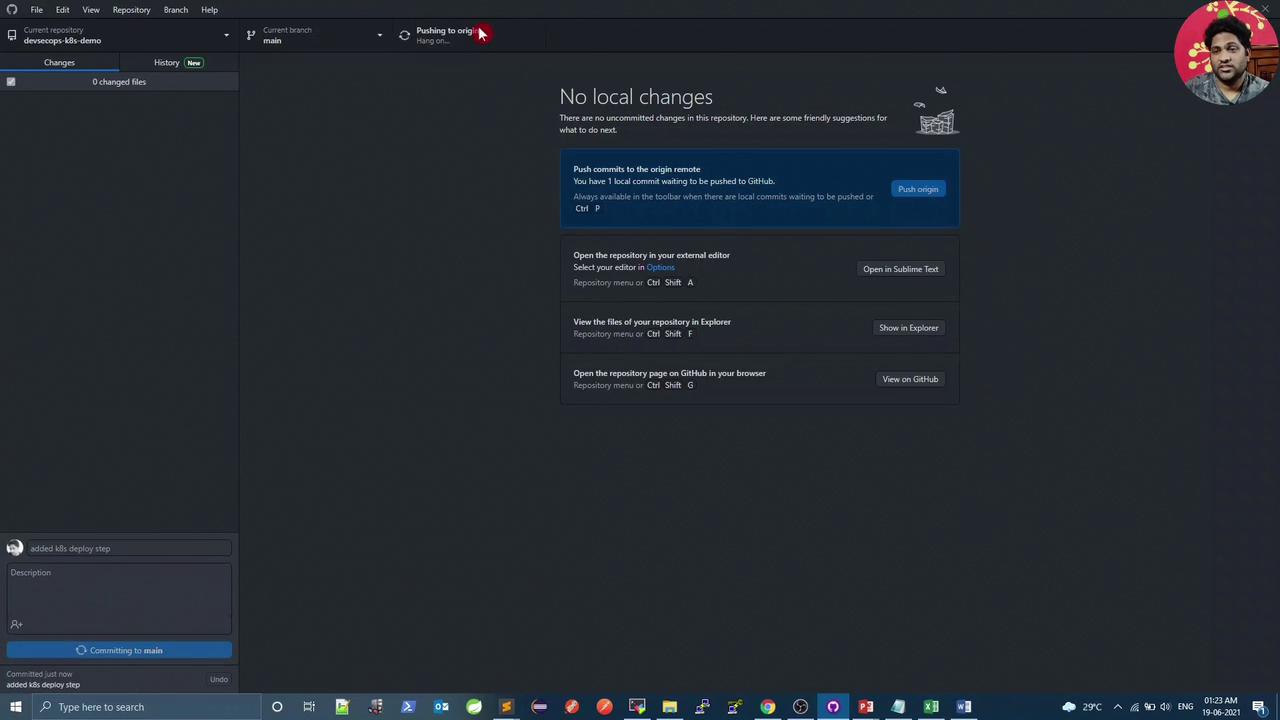
Pipeline & Cluster Verification
In the pipeline logs fork8s-deployment.sh:
Running, the rollback script will revert to the previous revision.
Viewing Rollout History
Inspect recorded change causes for debugging:--record=true captures the exact kubectl command and Git commit, making audits and rollbacks straightforward.