

- Fifteen to twenty tasks in 120 minutes gives you roughly 6–8 minutes per task on average.
- Some tasks take 3 minutes, others take 10 — budget accordingly.
- Do not get stuck. If a task is taking too long, move on and come back later.
Strategy to follow during the exam
- First pass: go through every task and complete the ones you know immediately. Bank easy points first.
- Quick wins often take 2–3 minutes.
- If a task takes more than 7–8 minutes on your first attempt, flag it and move on.
- Second pass: return to flagged tasks with the remaining time.
- Never leave a task blank. Partial work earns partial credit — for example, a half‑completed YAML file is better than none.
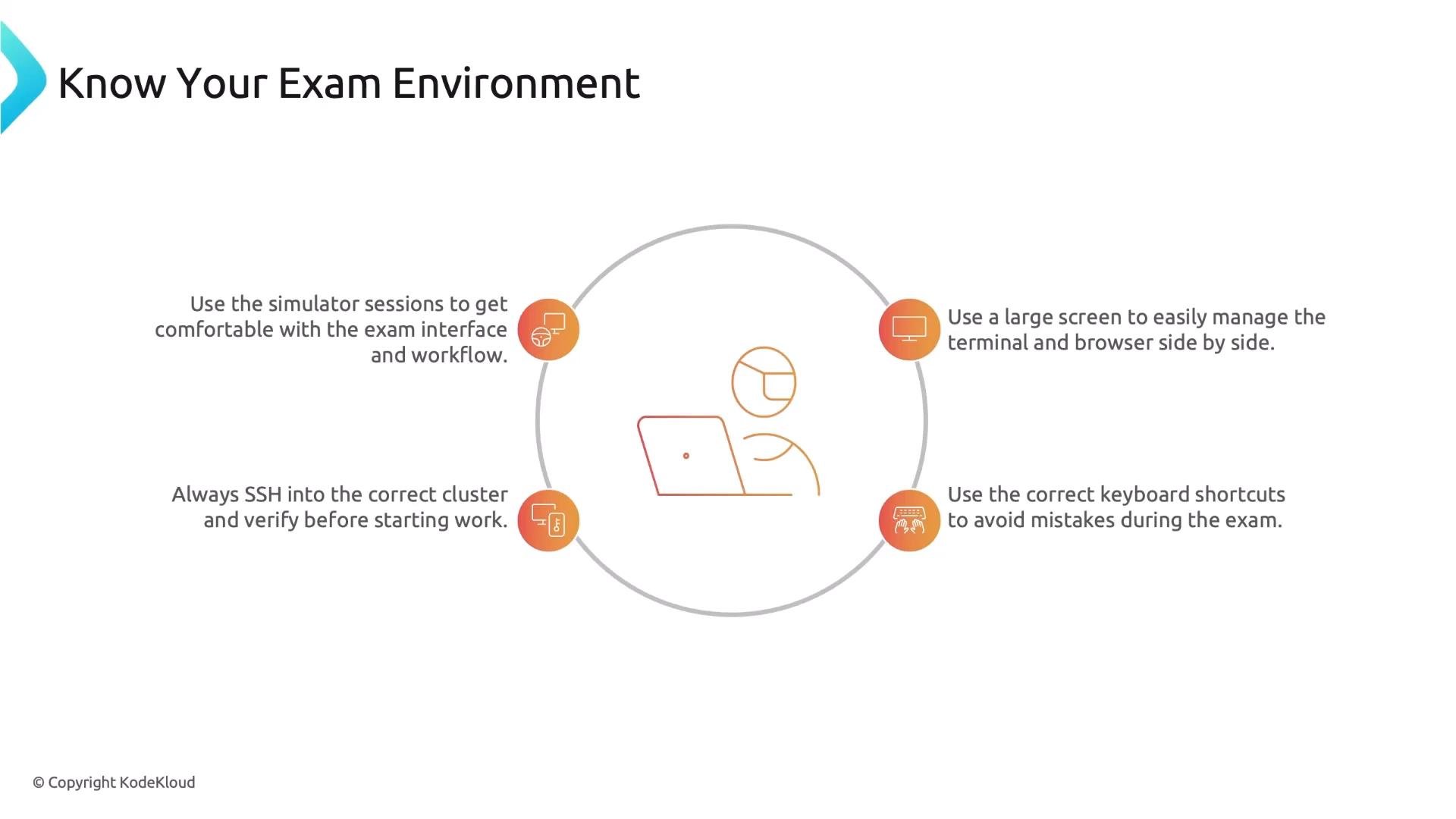
- Use a large screen (15” or bigger) if possible — you’ll likely need to use terminal and browser side‑by‑side.
- Always read the SSH instruction box and verify you are on the correct host/cluster before starting work.
- When you finish a task, exit back to the base node if the instructions require it.
- Learn the terminal copy/paste shortcuts ahead of time:
Ctrl+Shift+Cto copyCtrl+Shift+Vto paste- Avoid
Ctrl+Wsince that closes the browser tab
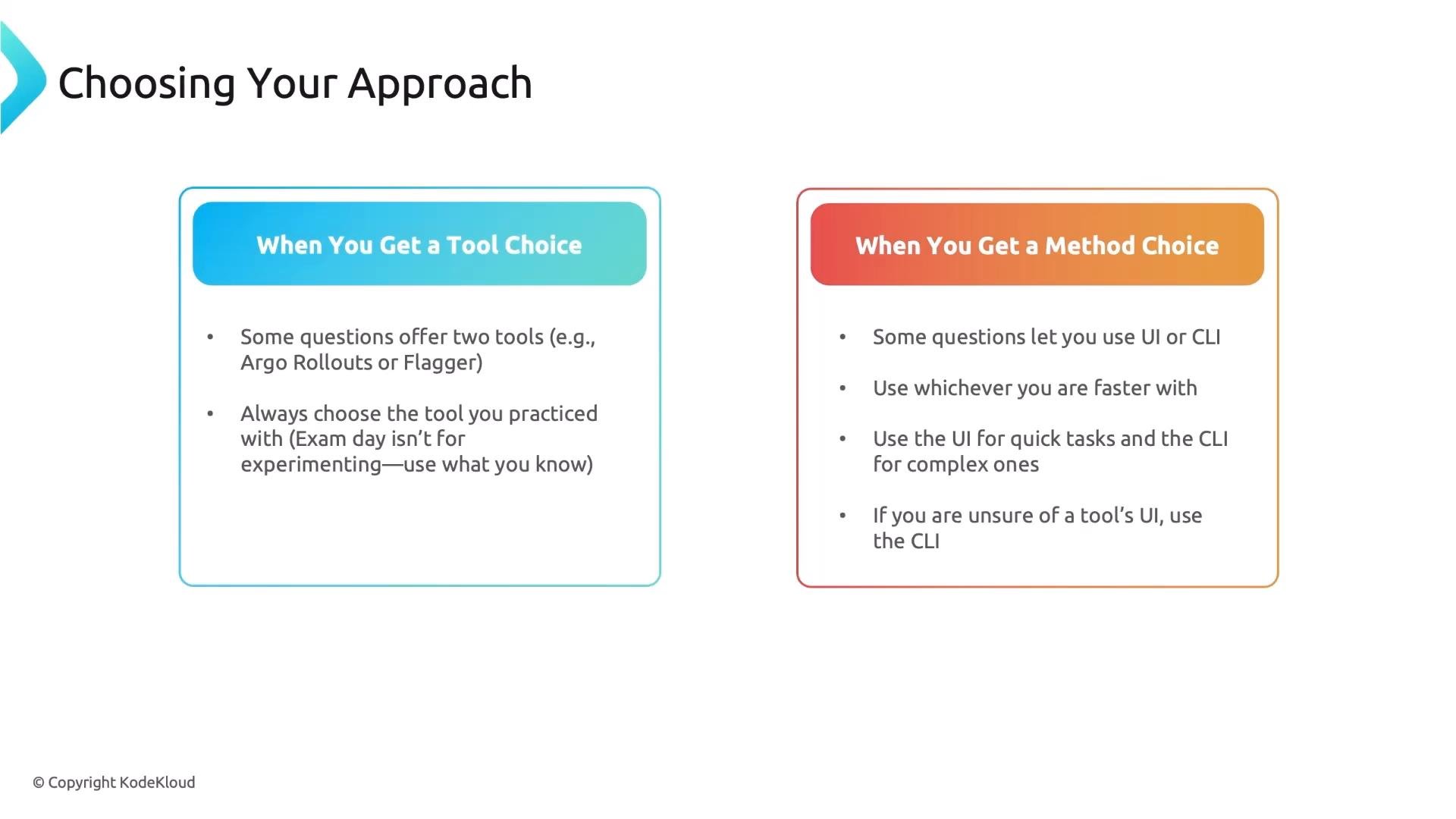
- Tool choice: Some tasks provide multiple pre‑populated files or approaches for different tools (for example, Argo vs Flagger). Always use the tool you practiced with — exam day is not the time to experiment.
- Method choice: Many tasks can be completed via UI or CLI. Use whichever you are faster with:
- UI is often quicker for simple configuration changes (e.g., adding a Grafana data source).
- CLI is generally better for complex or repeatable tasks and when you need more control.
- If you’ve never used a tool’s UI before, default to CLI.
- When you open a doc page, scan for the YAML or command examples.
- Copy/adapt the relevant snippet rather than trying to recreate it from memory.
- The exam tests usage, not installation. If you find yourself installing tools, stop and reread the task — the tools are preinstalled.
- You do not need to memorize exact YAML schemas or commands; you need to understand what each resource or command does and how to adapt examples from the docs.
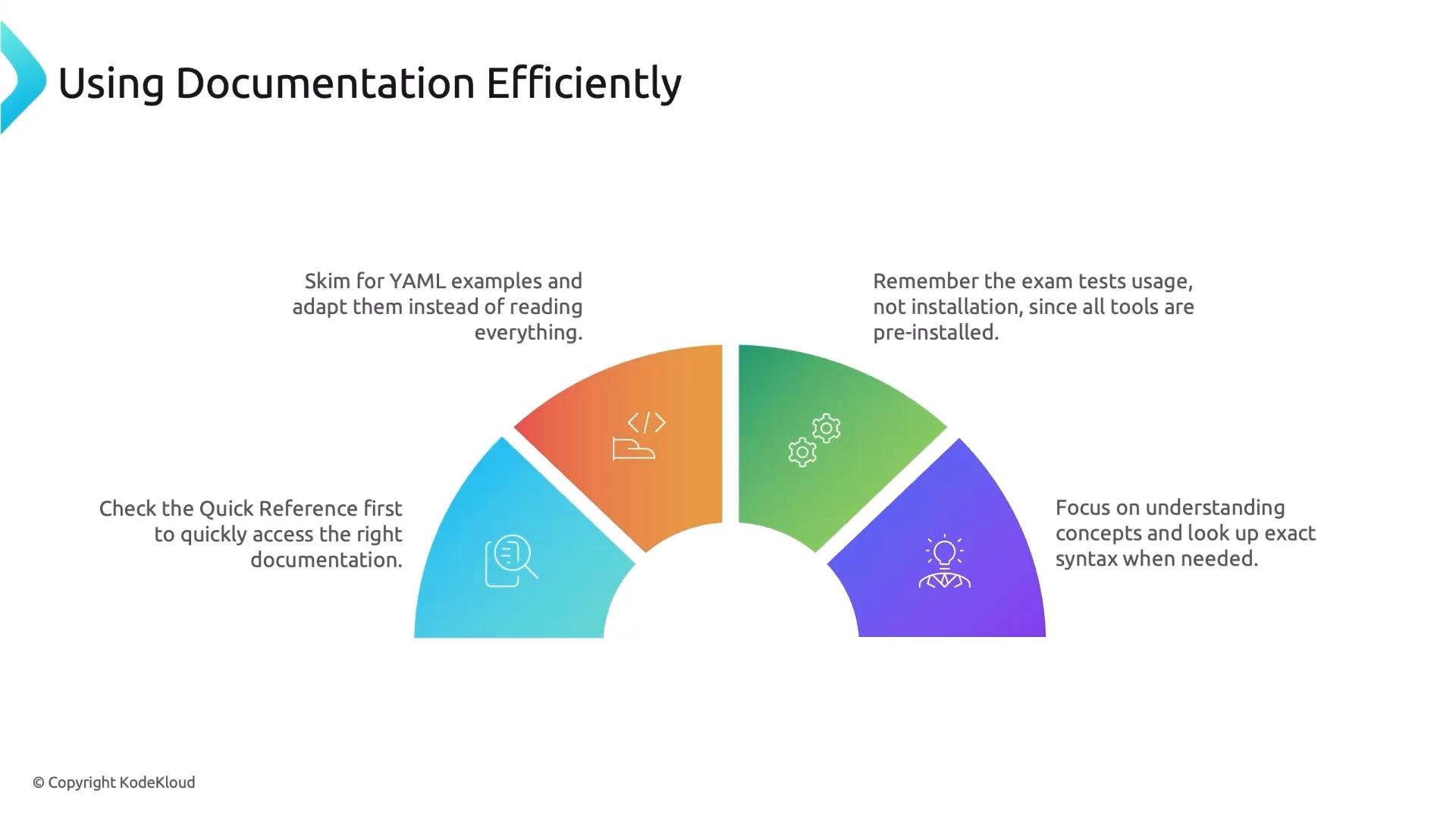
Open the Quick Reference first for every task. It usually points directly to the exact documentation and examples you need — saving valuable minutes.
- Spending too much time on one task. Set a mental 8‑minute timer and move on if you exceed it.
- Working on the wrong cluster. Always read the SSH instruction box before typing.
- Skipping the Quick Reference box. Always open it first.
- Trying to memorize syntax instead of understanding concepts. Study concepts and learn where to find exact syntax in the docs.
- Leaving tasks totally blank. Always submit something — partial solutions get partial credit.
- Panicking at an unfamiliar tool. Use the linked documentation and leave those tasks for last if they appear unfamiliar.
If you panic and waste time trying an unfamiliar tool, you risk losing opportunities on other tasks. Use docs and prioritize tasks you can complete confidently.
Closing
You already have the knowledge from the course. Combine that knowledge with the strategies above: practice until the environment, tools, and documentation feel second nature, manage your time, prioritize easy wins, and return to harder tasks. Follow these tips and go pass the exam.
Links and references
- Kubernetes Documentation
- [Exam Quick Reference (use the in-exam Quick Reference box first)]
- General terminal shortcuts and tips