While a big-picture view of platform architecture is important, this lesson focuses on an element that affects every Pod you deploy: resource requests, resource limits, Quality of Service (QoS), and scheduling in Kubernetes. In this lesson you will learn:
  • The difference between resource requests and limits.
  • How to configure requests and limits sensibly.
  • How Kubernetes assigns QoS classes from those settings.
  • The eviction order under memory pressure.
  • A practical workflow for right-sizing.
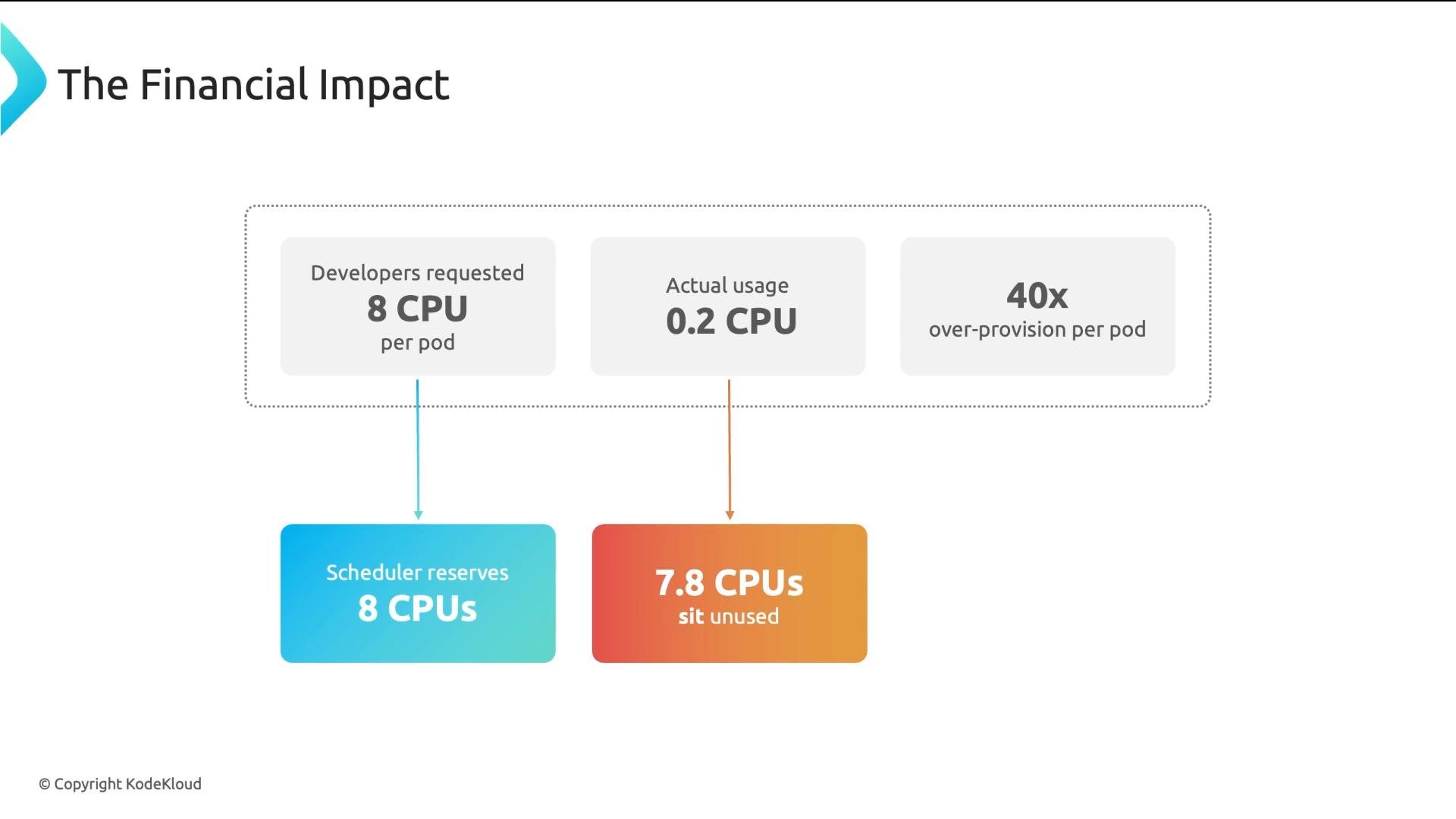
Why this matters: teams frequently guess CPU and memory values in manifests. Guessing leads to two common and costly patterns: overprovisioning (to be safe) or underprovisioning (“it’ll probably be fine”). Both cause problems in production. Consider an e-commerce company running two hundred microservices on Kubernetes in AWS. Developers requested 8 CPUs per Pod while observed CPU usage averaged ~0.2 CPU per Pod — roughly 40x overprovisioning. Kubernetes schedules based on requested CPU, not observed usage. A Pod requesting 8 CPUs reduces node allocatable capacity by 8 CPUs, even if it only uses 0.2 CPU at runtime. That unused reserved capacity prevents other Pods from scheduling, causes the cluster-autoscaler to provision larger or more nodes, and drives up cost.
A slide titled "The Financial Impact" showing developers request 8 CPUs per pod while actual usage is 0.2 CPU, resulting in 40x over-provisioning. It notes the scheduler reserves 8 CPUs but about 7.8 CPUs sit unused.
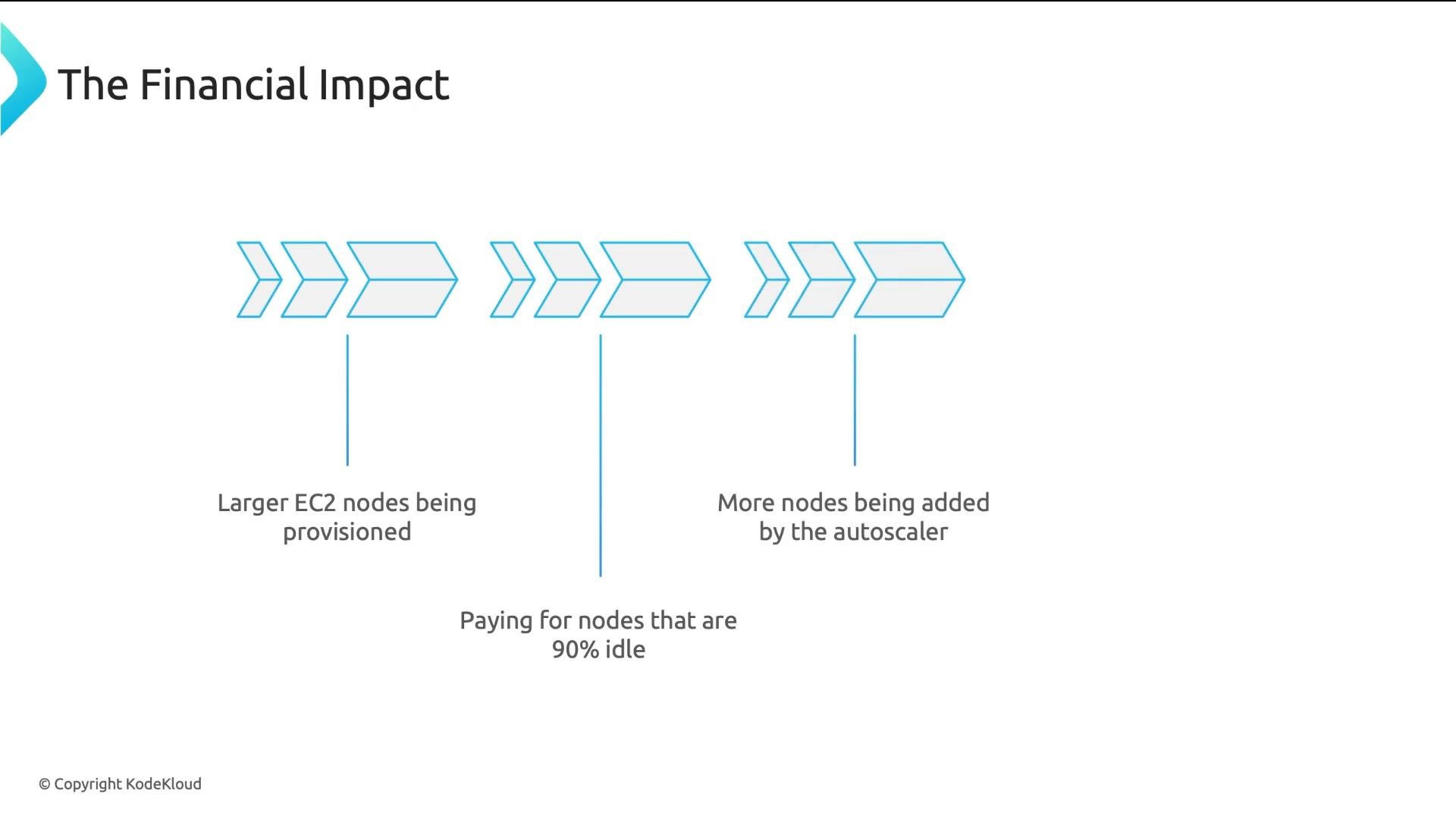
In environments with many microservices, inflated requests cause larger compute nodes to be provisioned and cloud costs to grow quickly as the autoscaler reacts to the inflated requests.
A slide titled "The Financial Impact" showing three groups of blue arrow icons illustrating cloud scaling issues: larger EC2 nodes being provisioned, paying for nodes that are 90% idle, and more nodes being added by the autoscaler.
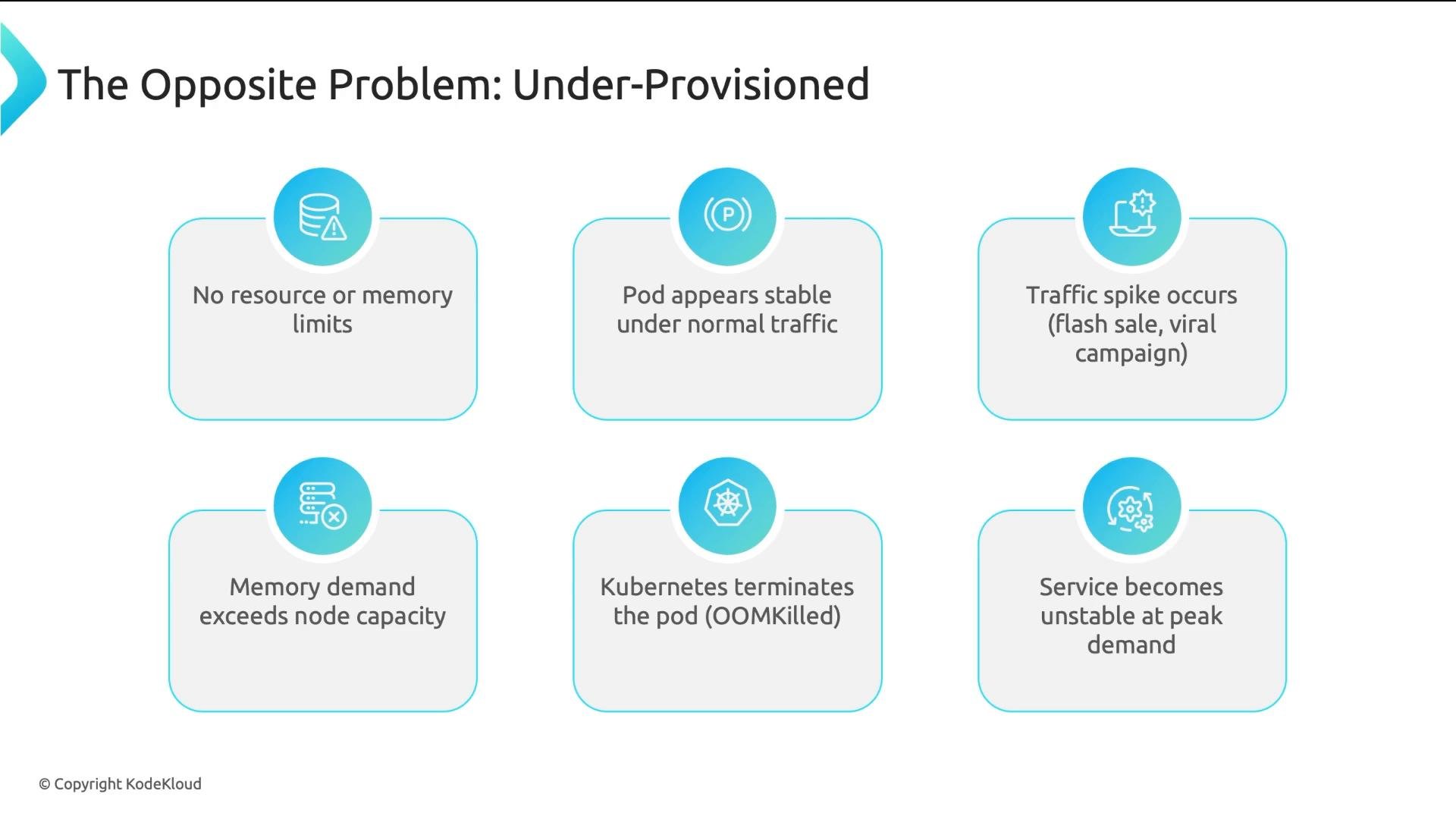
The opposite problem — missing or too-low resource limits — is equally dangerous. A traffic spike (viral campaign, promotional event, Black Friday) can push a Pod’s memory usage beyond node capacity. Kubernetes may then OOMKill Pods to protect the node, causing outages when you need capacity most.
A slide titled "The Opposite Problem: Under-Provisioned" showing a six-box flow that explains how missing resource/memory limits and a traffic spike can cause memory demand to exceed node capacity, leading Kubernetes to OOMKill pods. The result shown is the service becoming unstable at peak demand.
Without proper sizing you get three cascading problems:
  1. The scheduler makes poor placement decisions because it only sees the (incorrect) numbers you provided.
  2. Pods get evicted unpredictably when nodes experience resource pressure.
  3. Nodes either become starved (leading to instability) or sit idle (wasting money).
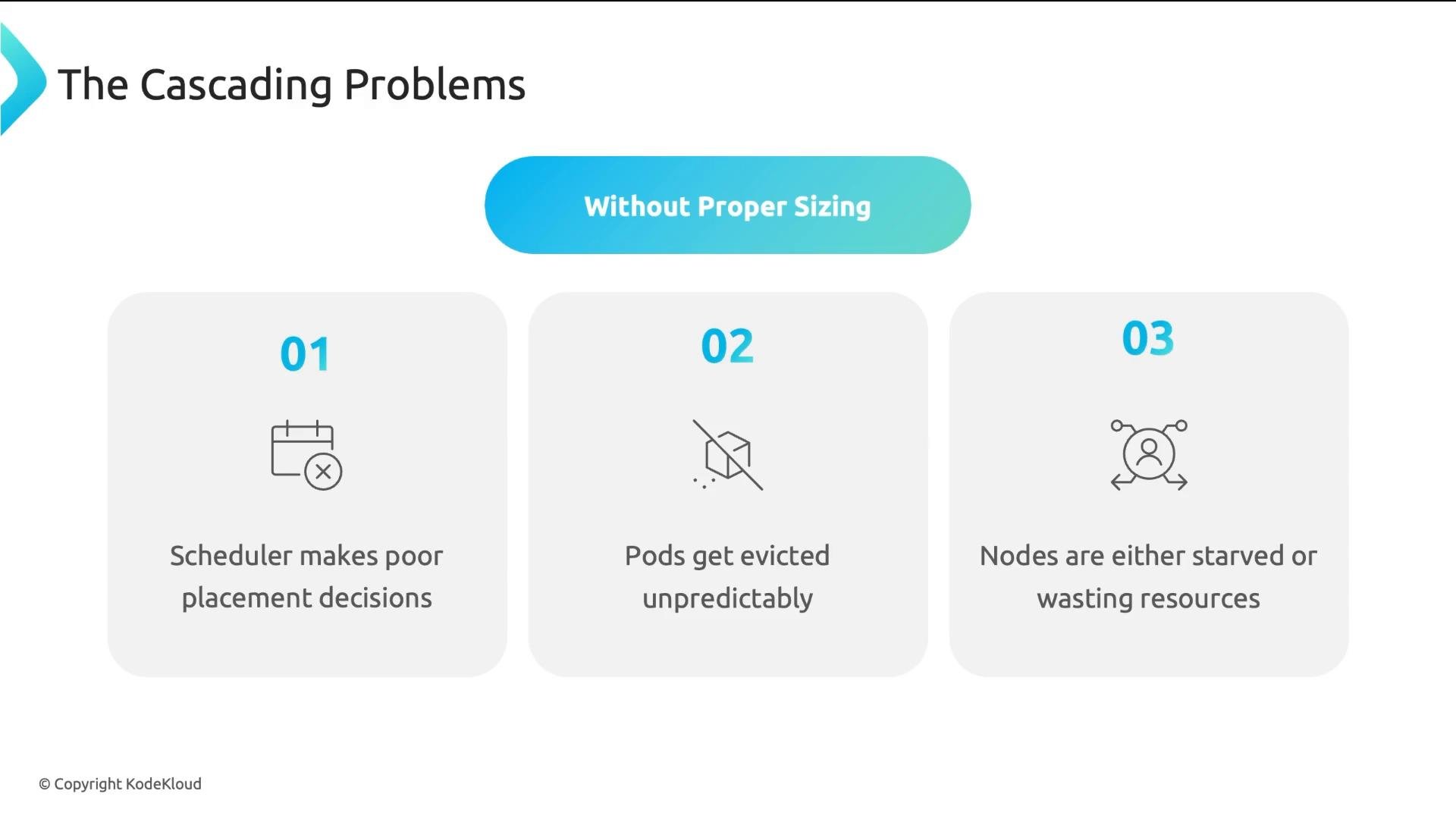
A presentation slide titled "The Cascading Problems" with a blue banner reading "Without Proper Sizing." Three numbered boxes list issues: 01 Scheduler makes poor placement decisions, 02 Pods get evicted unpredictably, and 03 Nodes are either starved or wasting resources.
The solution is straightforward and repeats across teams and environments:
  • Set sensible default CPU and memory requests so the scheduler can make intelligent placement decisions.
  • Enforce maximum resource consumption per namespace using ResourceQuota.
  • Require memory limits (and reasonable CPU limits) so runaway containers can’t destabilize a node.
  • Continuously right-size using real usage metrics and metrics-driven adjustments.
Kubernetes does not automatically infer how much CPU or memory a Pod needs. If a Pod has no requests and no limits:
  • It is treated as claiming zero resources for scheduling, so it may be scheduled on already busy nodes.
  • It is placed in the BestEffort QoS class, making it the first candidate for eviction under pressure.
  • Without limits a runaway container can monopolize resources and OOM other containers.
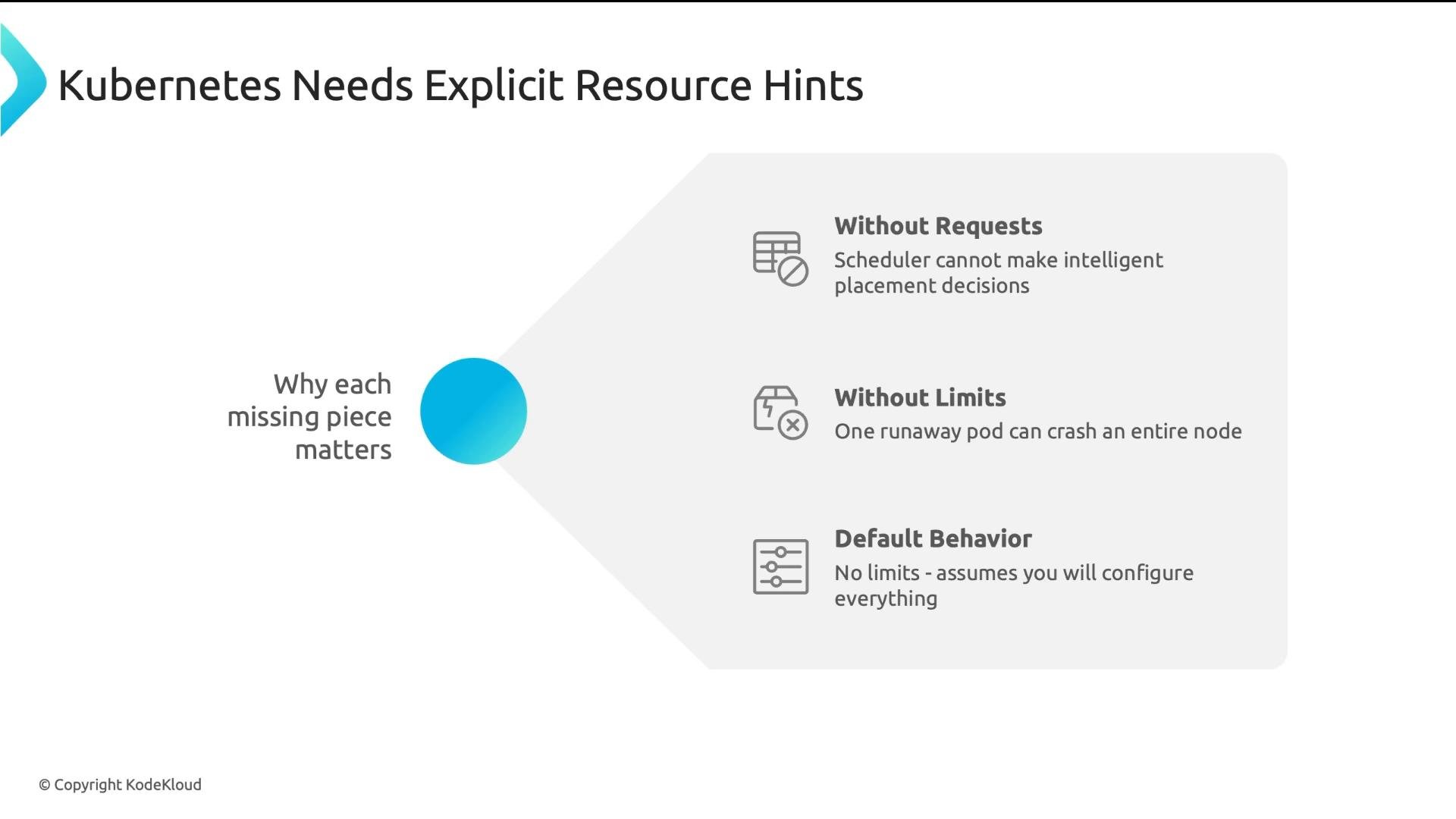
A presentation slide titled "Kubernetes Needs Explicit Resource Hints." It lists why missing resource requests and limits matter: without requests the scheduler can't make intelligent placement decisions, without limits a runaway pod can crash a node, and the default behavior applies no limits.
How QoS classes are computed and how eviction works
  • QoS classes are derived from container-level resource requests and limits.
  • Classes: BestEffort, Burstable, Guaranteed.
  • Under memory pressure the eviction preference is: BestEffort → Burstable → Guaranteed.
Table: QoS classes and characteristics Within the same QoS class Kubernetes uses additional signals to decide which Pods to evict: Pod priority, recent resource usage, and cluster-configured eviction thresholds.
Practical enforcement tools: use LimitRange to set default requests/limits per namespace and ResourceQuota to cap total resource consumption for a namespace. These prevent accidental overprovisioning and unbounded resource usage.
A simple recommended Pod resource snippet
  • Use conservative requests that reflect the typical steady-state usage.
  • Use limits to bound maximum consumption, especially for memory.
Example container spec:
Why this pattern?
  • requests drive scheduling decisions. Choose values that let the scheduler pack pods efficiently and avoid unnecessary node creation.
  • limits prevent a container from growing without bound and destabilizing nodes. Memory limits are especially important because memory is not easily reclaimed.
Practical right-sizing workflow (metric-driven)
  1. Start with conservative requests based on historical metrics (use monitoring systems like Prometheus, Datadog).
  2. Deploy with those requests and safe limits, enforce via LimitRange.
  3. Observe real CPU and memory usage over a representative period (days to weeks).
  4. Adjust requests toward the 95th percentile of observed steady usage; adjust limits to a safe headroom (e.g., 1.5–2× expected memory need depending on application characteristics).
  5. Iterate: repeat observation and tuning periodically, or automate with a resource recommender.
Common mistakes to avoid
  • Setting requests equal to peak observed usage: this leads to bad packability and overspending.
  • Omitting memory limits: increases the risk of node-wide OOMs.
  • Using BestEffort for production services: too fragile under real-world load spikes.
Quick reference: Kubernetes resource primitives
Memory is unforgiving: if a container exceeds node memory, Kubernetes may OOMKill Pods unpredictably. Always require memory limits for production workloads.
Conclusion Most teams do not configure resources correctly, which leads to wasted cloud spend, unstable services during load peaks, and unpredictable evictions. Use conservative requests to enable correct scheduling, require memory limits, enforce defaults with LimitRange, cap usage with ResourceQuota, and right-size continuously using metrics. Links and references

Watch Video