This lesson explains Kubernetes networking — the glue that connects platform organization, compute, and storage. We cover service discovery, external access, and pod-level network security so you can design reliable, discoverable, and least-privilege networks for cloud-native applications. Networking in Kubernetes answers three fundamental questions:
  • How do Pods find each other inside the cluster? (Service discovery)
  • How does external traffic reach your applications? (Ingress / Gateway API)
  • How do you control which Pods can talk to which other Pods? (Network security)
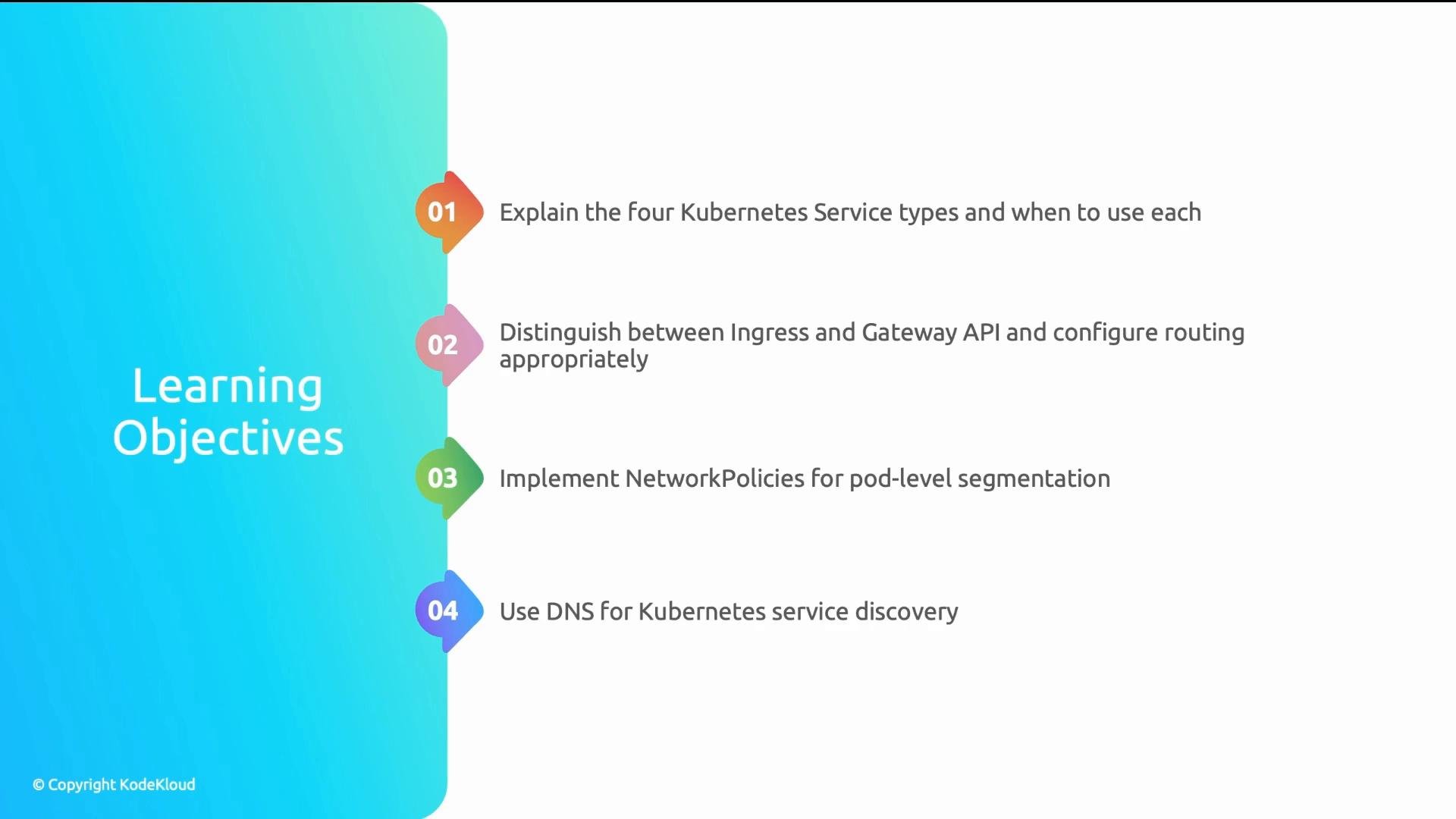
In this lesson you will learn the four Kubernetes Service types, when to use Ingress vs Gateway API, how NetworkPolicies act as pod-level firewalls, and how CoreDNS enables service discovery.
A presentation slide titled "Learning Objectives" with a vertical, numbered list. It lists four Kubernetes networking goals: Service types, Ingress vs Gateway API, NetworkPolicies for pod segmentation, and using DNS for service discovery.
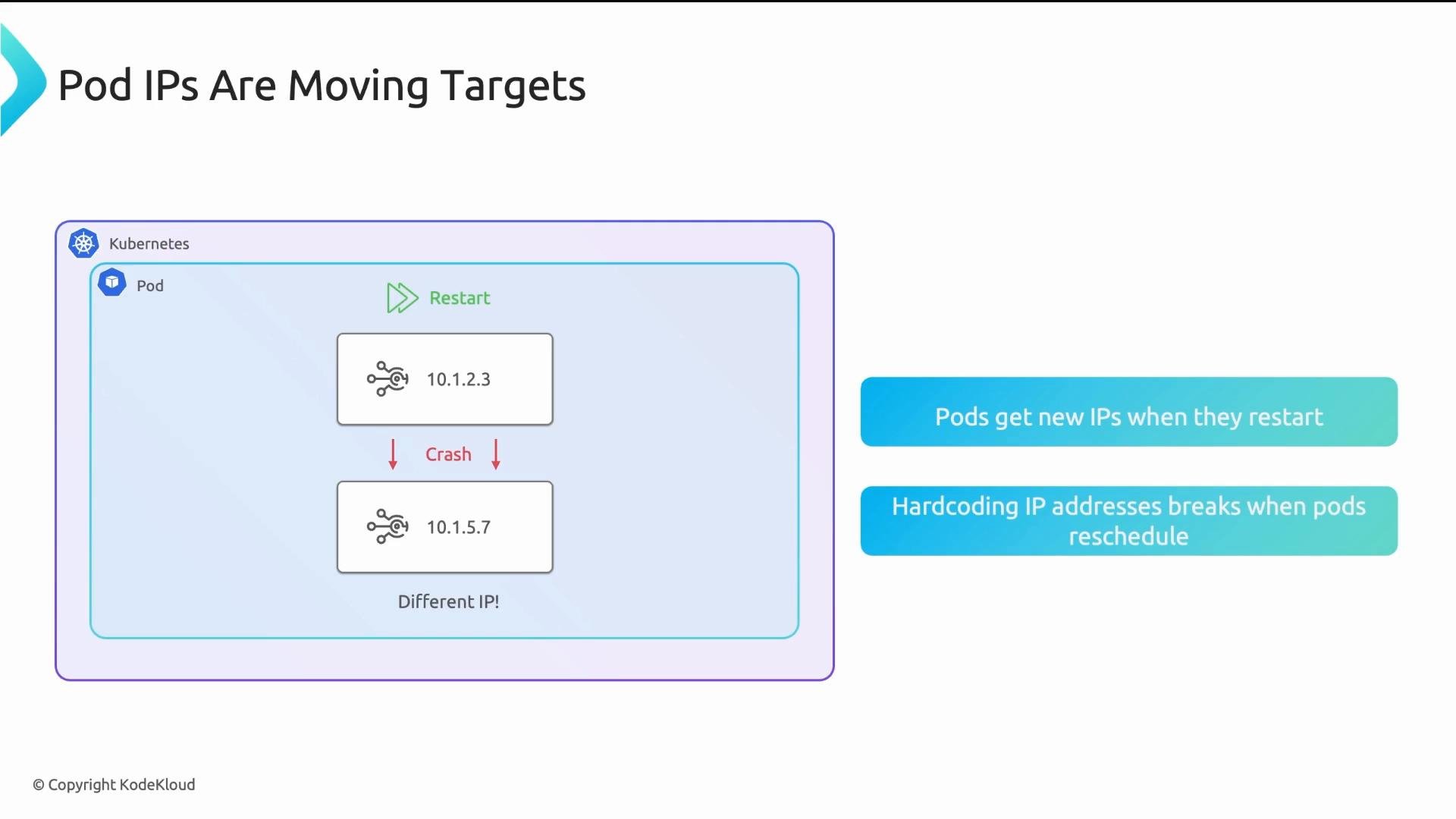
A real-world failure illustrates why these networking primitives matter: A microservice in an e-commerce platform hardcoded the IP address of a downstream fraud-detection pod. After a routine deployment the fraud-detection pod restarted and received a new IP. The payment service couldn’t reach it and payment authorizations silently failed for 45 minutes before monitoring alerted the team. Why this happened: every Pod receives an ephemeral IP. When a pod crashes, restarts, or is rescheduled, its IP can change. Hardcoding pod IPs is brittle — failures usually show up as timeouts or connection refused errors, not as an explicit “IP changed” message.
A slide titled "Pod IPs Are Moving Targets" illustrating that a Kubernetes pod can change its IP (example 10.1.2.3 → 10.1.5.7) after a crash/restart. It also notes that pods get new IPs when they restart and hardcoding IPs breaks when pods are rescheduled.
This creates three operational challenges:
  • Load balancing: How does a frontend spread traffic across replicas when pod IPs change or replicas scale?
  • Discovery: How does a client find backend replicas that might not have existed at the client’s deploy time?
  • External access: How do external users reach apps when Pods have private cluster IPs?
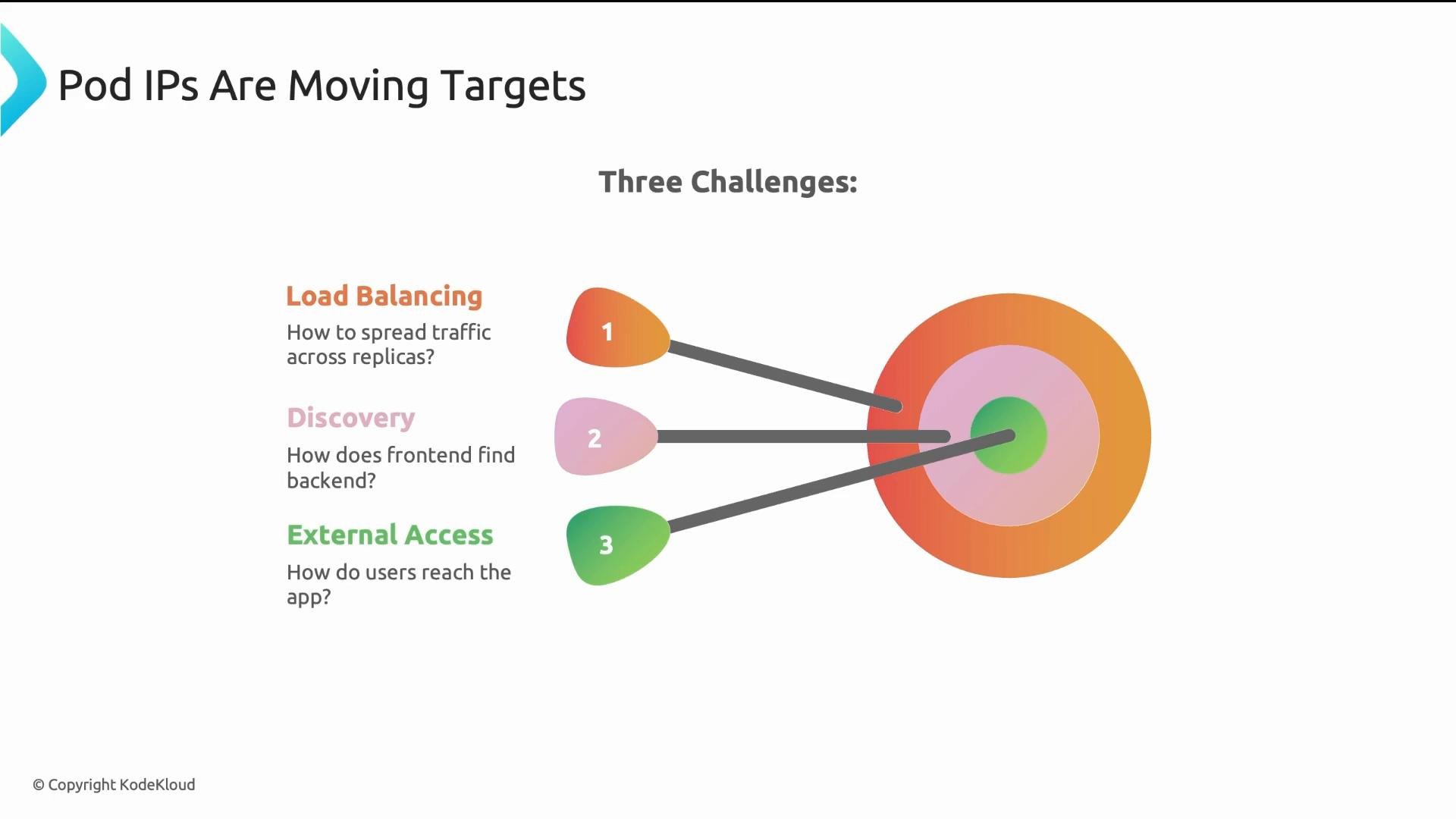
A slide titled "Pod IPs Are Moving Targets" that lists three challenges—Load Balancing, Discovery, and External Access—each numbered and linked by arrows to concentric colored target rings on the right. Short questions under each challenge ask how to spread traffic, how the frontend finds the backend, and how users reach the app.
Kubernetes solves these problems with Services. A Service provides a stable logical endpoint that routes traffic to a dynamic set of backend Pods. Services supply a stable DNS name, a virtual ClusterIP, and load balancing to healthy Pods, even as Pods come and go. How a Service works (simplified):
  • A client Pod calls a service name such as api-service.
  • CoreDNS resolves the name to the Service ClusterIP (e.g., 10.96.50.100). This ClusterIP is virtual and stable for the Service lifetime.
  • The Service uses a label selector to find backend Pods. As matching Pods appear or disappear, the Service endpoints update.
  • Traffic to the ClusterIP is load-balanced to healthy backend Pods by kube-proxy or the CNI dataplane.
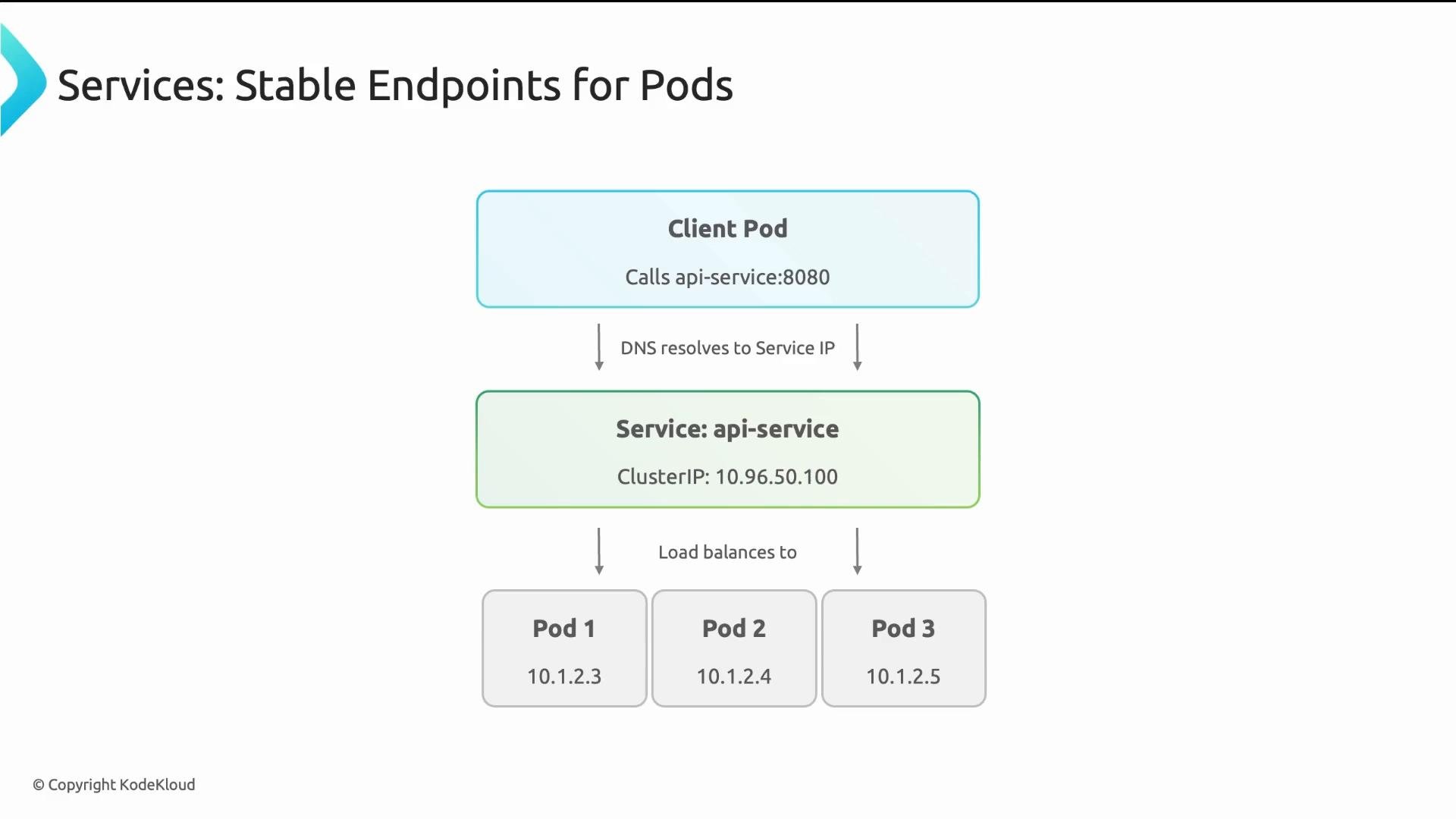
A diagram of a Kubernetes Service showing a Client Pod calling api-service:8080, with DNS resolving to a stable ClusterIP (10.96.50.100). The Service then load-balances traffic to three backend Pods (10.1.2.3, 10.1.2.4, 10.1.2.5).
Service types — choose based on access needs: Practical guidance: prefer ClusterIP for internal services and avoid creating many LoadBalancer services (cost and lifecycle management). For HTTP(s) traffic, use a single Ingress controller or Gateway API to centralize routing and reduce cloud load balancer sprawl. Service load balancing is implemented by kube-proxy on each node or by your chosen CNI dataplane, which distributes connections across the backend Pods. Ingress solves the multi-load-balancer cost and routing problem. Instead of provisioning one cloud load balancer per Service, you deploy a single Ingress controller (backed by one cloud LB) that routes traffic for multiple Services using host and path rules. Example Ingress resource:
The Ingress resource declares routing rules for app.example.com. The Ingress controller watches these resources and configures the reverse-proxy (or cloud LB) to route /api to api-svc and /web to web-svc.
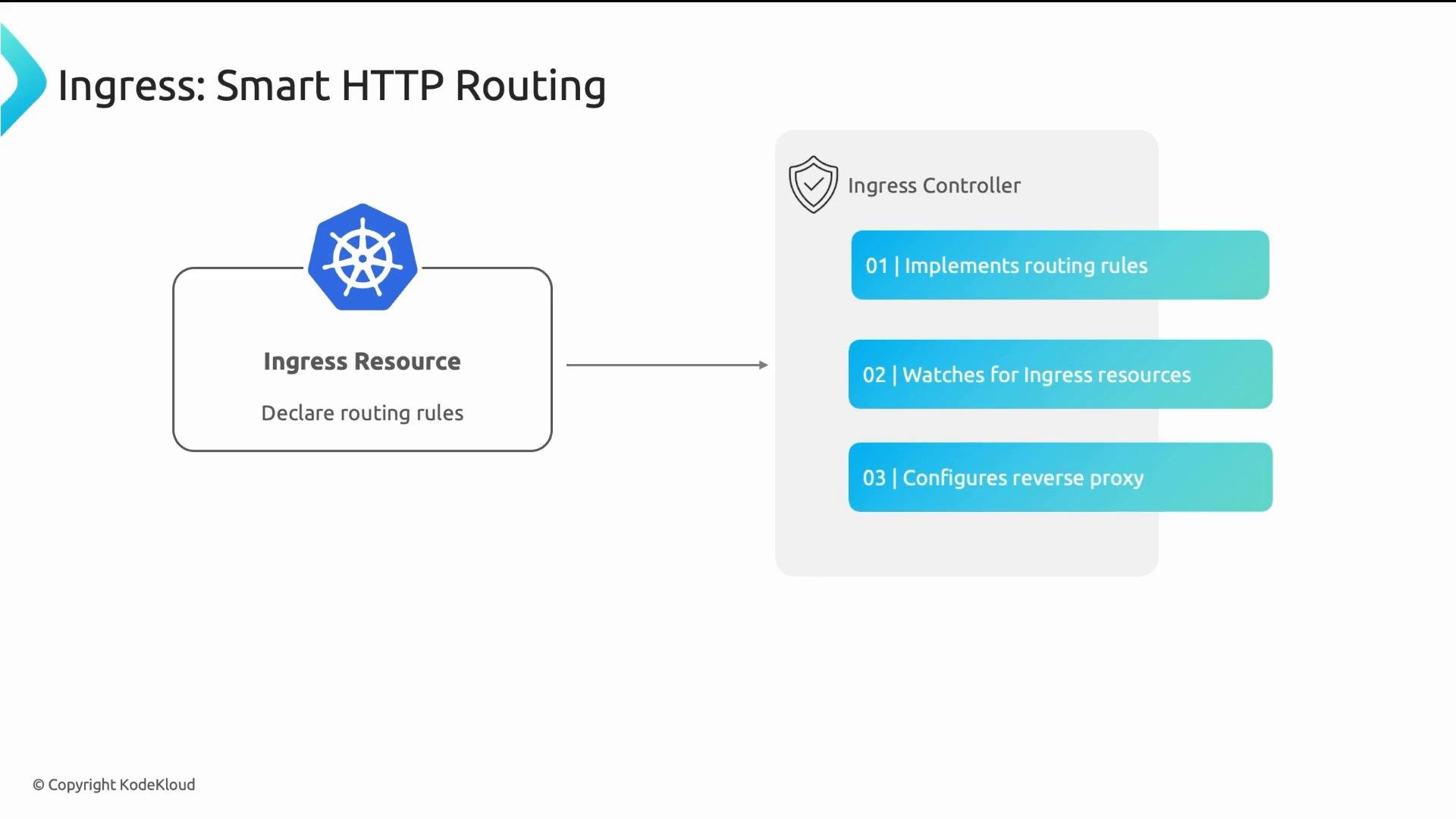
A slide titled "Ingress: Smart HTTP Routing" showing a Kubernetes Ingress Resource declaring routing rules that points to an Ingress Controller. The controller is illustrated with three functions: implements routing rules, watches for Ingress resources, and configures a reverse proxy.
Common production Ingress controllers:
  • NGINX Ingress Controller — well established and widely used.
  • Envoy-based controllers such as Contour (Envoy dataplane).
  • Traefik — popular for dynamic configuration and observability.
Ingress has been the standard for years. For new platforms, consider the Gateway API — a more expressive, role-oriented successor. Gateway API advantages:
  • Role separation: infrastructure defines the load balancer type (GatewayClass), platform operators manage Gateway instances and ports, and application teams own HTTPRoute/TCPRoute resources to define routing.
  • Enhanced features: traffic splitting (canaries), request mirroring, header-based routing, and native TCP/UDP routing for non-HTTP workloads.
  • Better extensibility and security boundaries between infrastructure, ops, and app teams.
Key Gateway API resources:
  • GatewayClass — defines the implementation (managed by infra).
  • Gateway — creates a concrete load balancer/listeners (managed by platform operators).
  • HTTPRoute / TCPRoute / UDPRoute — define routing rules (managed by application owners).
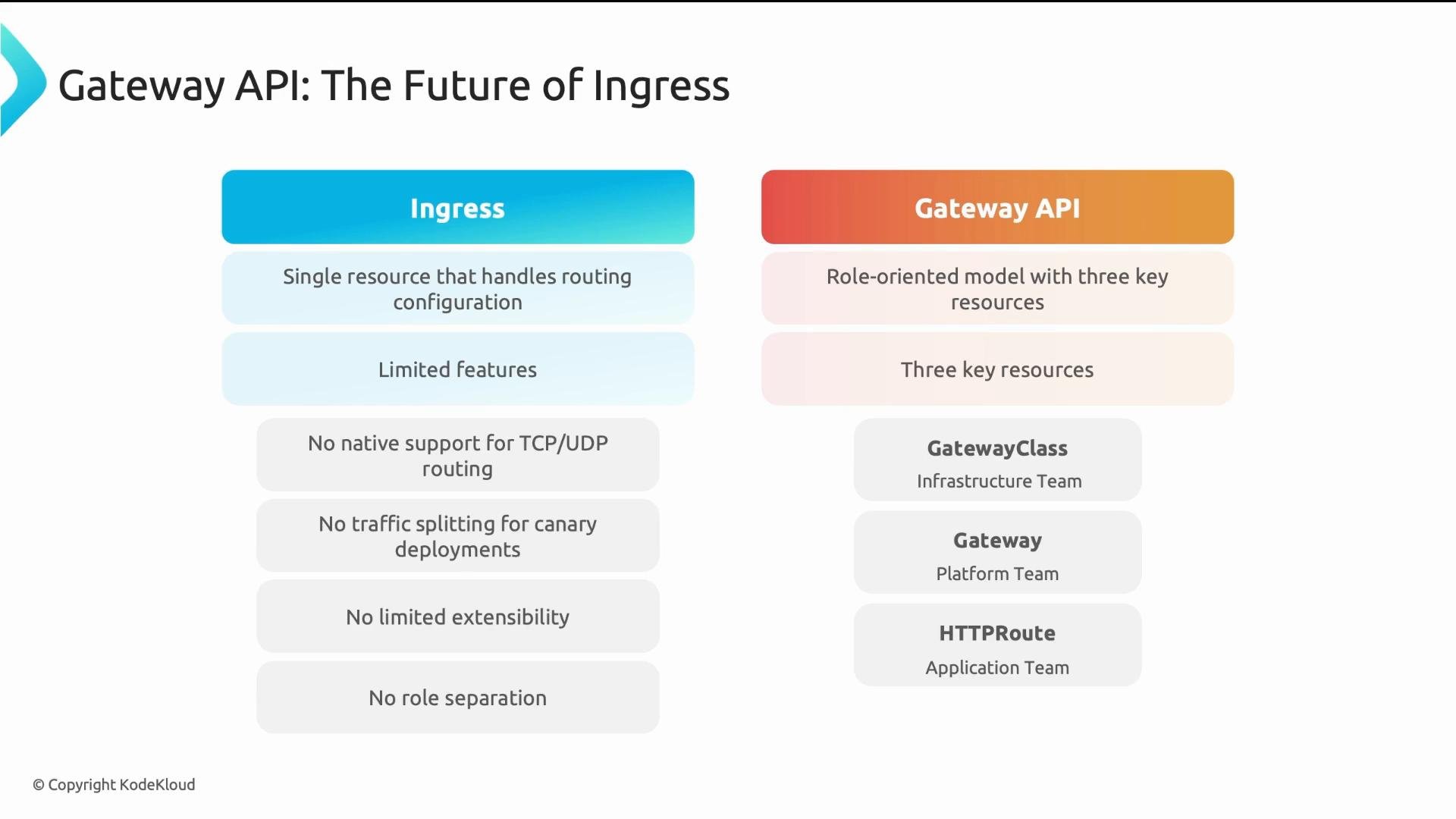
A presentation slide titled "Gateway API: The Future of Ingress" that compares two columns: "Ingress" (listing limitations like single resource, limited features, no TCP/UDP support, no traffic splitting) and "Gateway API" (showing a role-oriented model with three key resources such as GatewayClass, Gateway, and HTTPRoute).
Now that we’ve covered how traffic enters the cluster and how Services route traffic between Pods, let’s secure pod-to-pod communication. By default, Pods can talk to all other Pods in the cluster. NetworkPolicies let you enforce pod-level firewall rules and implement least-privilege networking. NetworkPolicies are namespace-scoped resources that allow explicit “allow” rules. The recommended approach is to adopt a default-deny posture and create policies that explicitly permit necessary flows. Example NetworkPolicy: allow only Pods with label app: frontend to reach Pods with label app: backend on TCP port 8080:
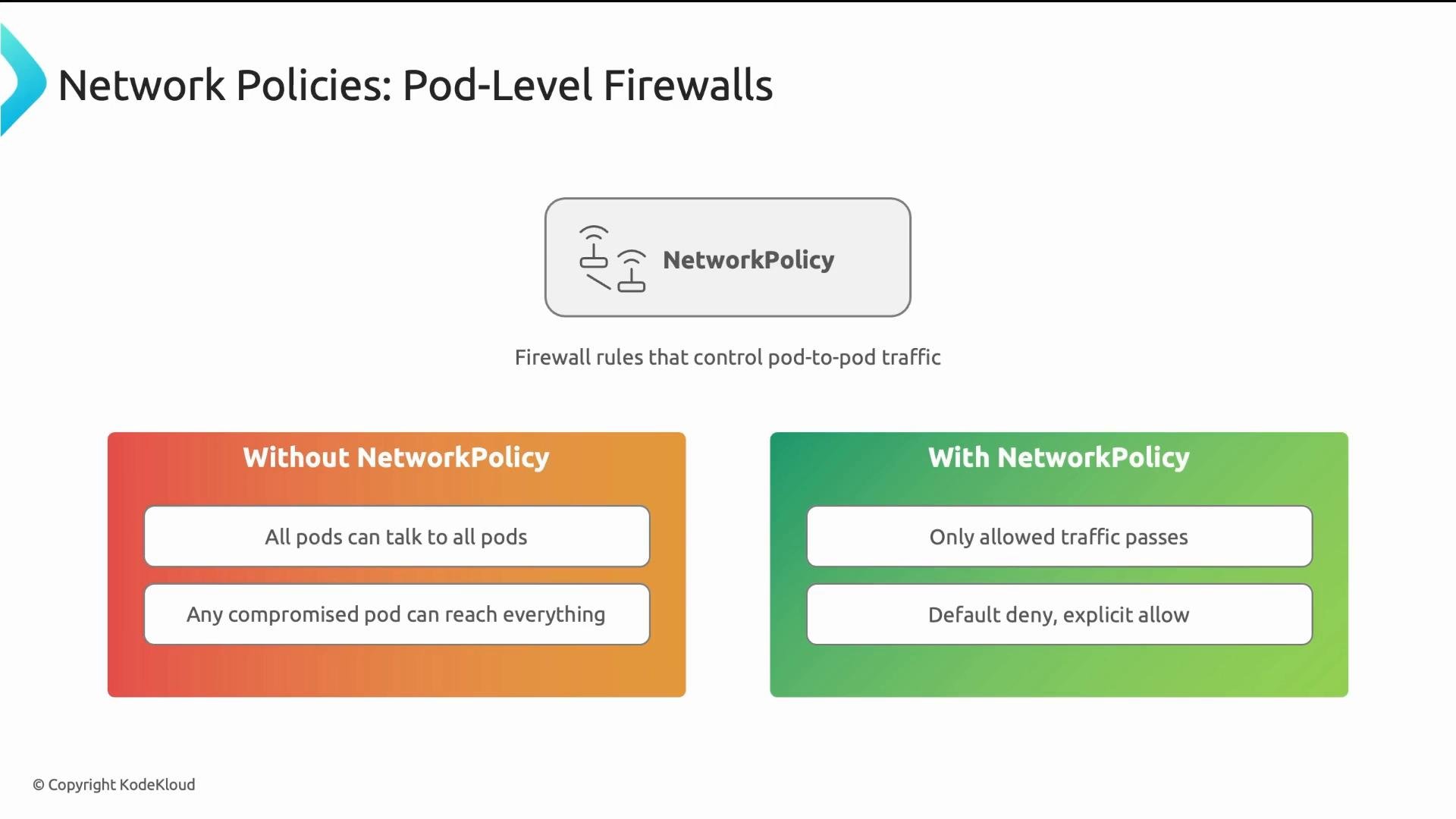
A slide titled "Network Policies: Pod-Level Firewalls" showing a central NetworkPolicy icon and the caption "Firewall rules that control pod-to-pod traffic." It compares "Without NetworkPolicy" (all pods can talk, compromised pods can reach everything) versus "With NetworkPolicy" (only allowed traffic passes, default deny with explicit allow).
Important NetworkPolicy details:
  • Policies are namespace-scoped: a policy in namespace A does not affect namespace B.
  • Policies are additive: multiple policies can apply to the same Pod; if any policy allows a connection, it is allowed. NetworkPolicy objects do not include explicit “deny” rules — deny is implicit by omission.
  • A Pod is affected only if at least one NetworkPolicy selects it. If no NetworkPolicy selects a Pod, traffic to/from the Pod is allowed by default.
  • NetworkPolicies require a CNI plugin that implements them. If your CNI does not support NetworkPolicies, they will be ignored.
NetworkPolicies are effective only if your cluster’s CNI implements them. If the CNI doesn’t support NetworkPolicies, applying them will have no effect (and will not emit an error).
Service discovery is powered by CoreDNS. Kubernetes runs CoreDNS to create DNS records for Services and make discovery reliable. Use DNS names instead of hardcoded IPs. There are three common name forms: Examples:
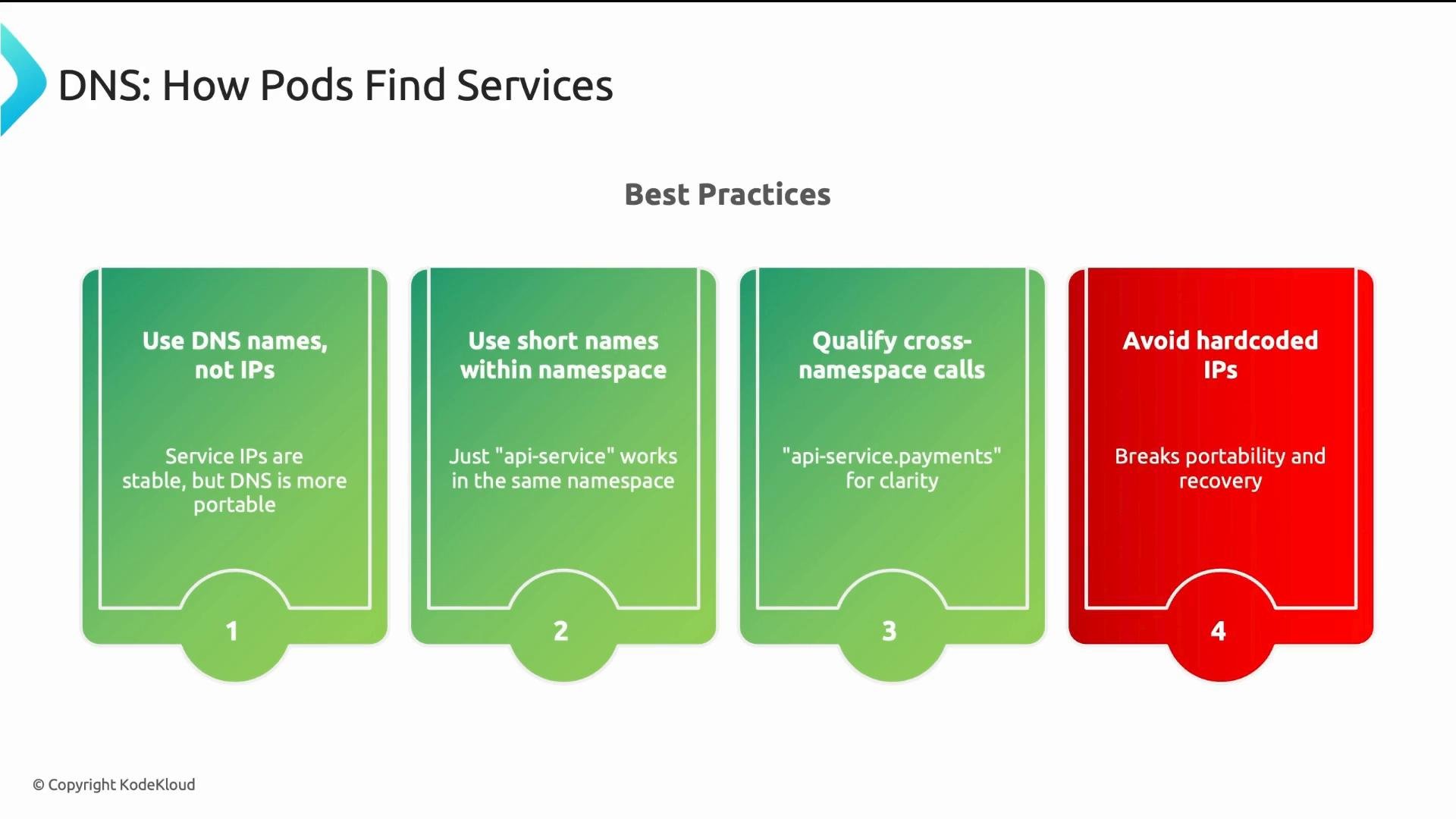
A slide titled "DNS: How Pods Find Services" showing four best-practice cards. The cards recommend using DNS names (and short names within a namespace), qualifying cross-namespace calls, and avoiding hardcoded IPs.
Best practices (quick reference):
  • Use ClusterIP Services to hide pod IP churn and provide DNS names.
  • Prefer a single Ingress controller or Gateway API for external HTTP(s) traffic to reduce cloud LB costs.
  • Adopt NetworkPolicies with default deny and explicit allows; confirm CNI support.
  • Always prefer DNS names (api-service, api-service.namespace, or FQDN) over hardcoded pod IPs.
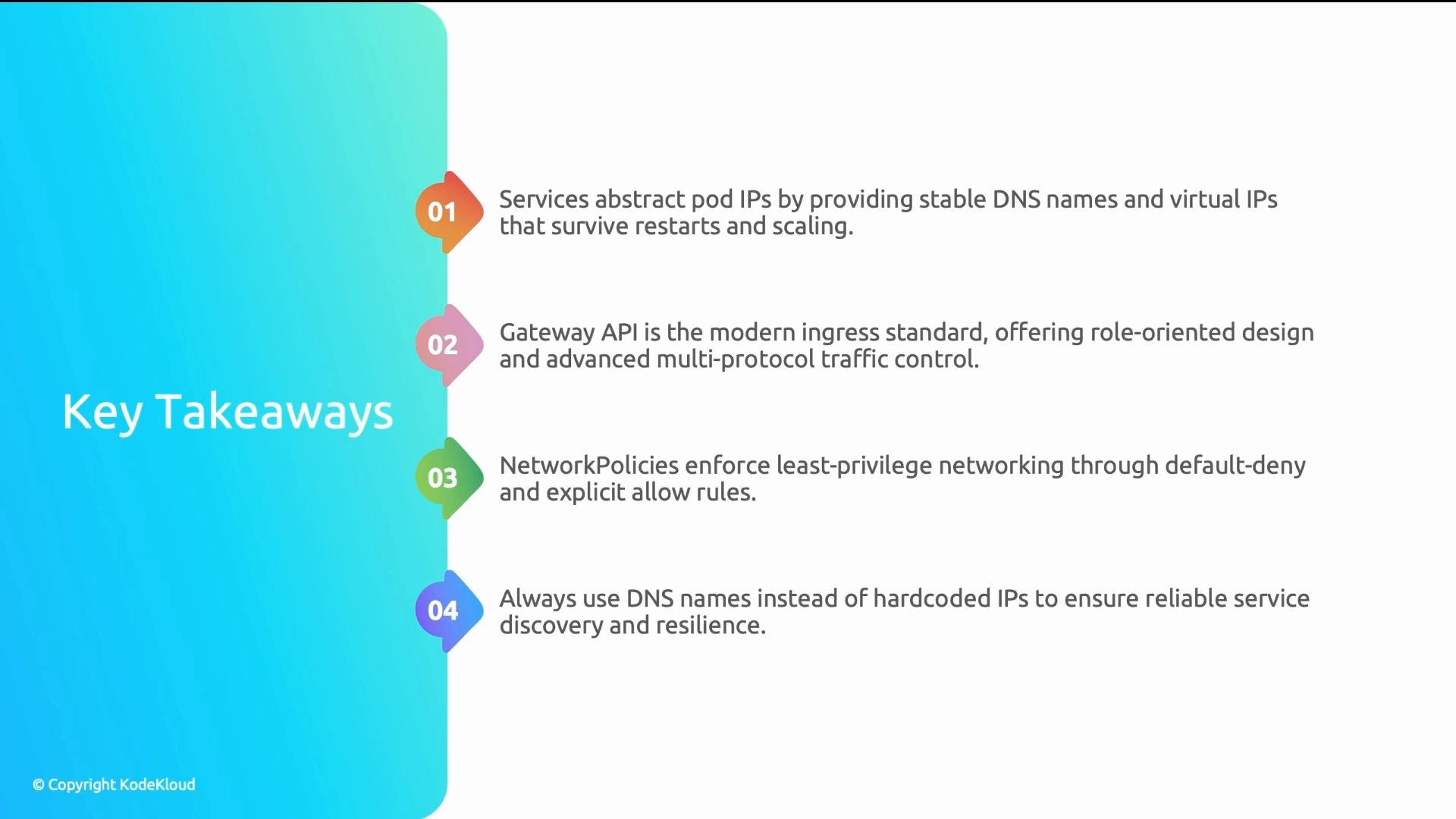
A presentation slide titled "Key Takeaways" showing four numbered points about Kubernetes/networking best practices. The points cover services providing stable DNS/virtual IPs, the Gateway API as a modern ingress, NetworkPolicies for least-privilege networking, and using DNS names instead of hardcoded IPs.
References and further reading:

Watch Video