

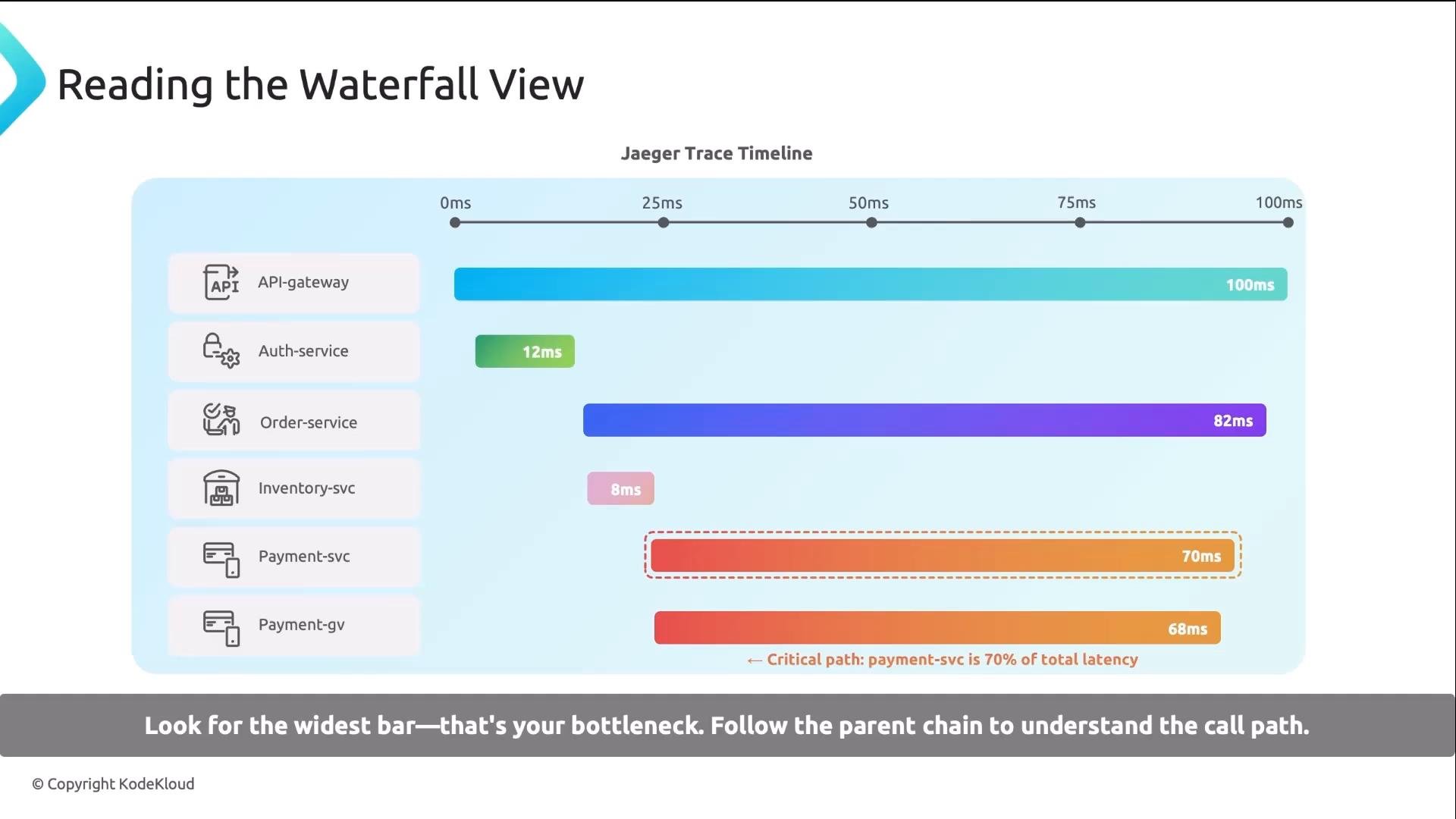
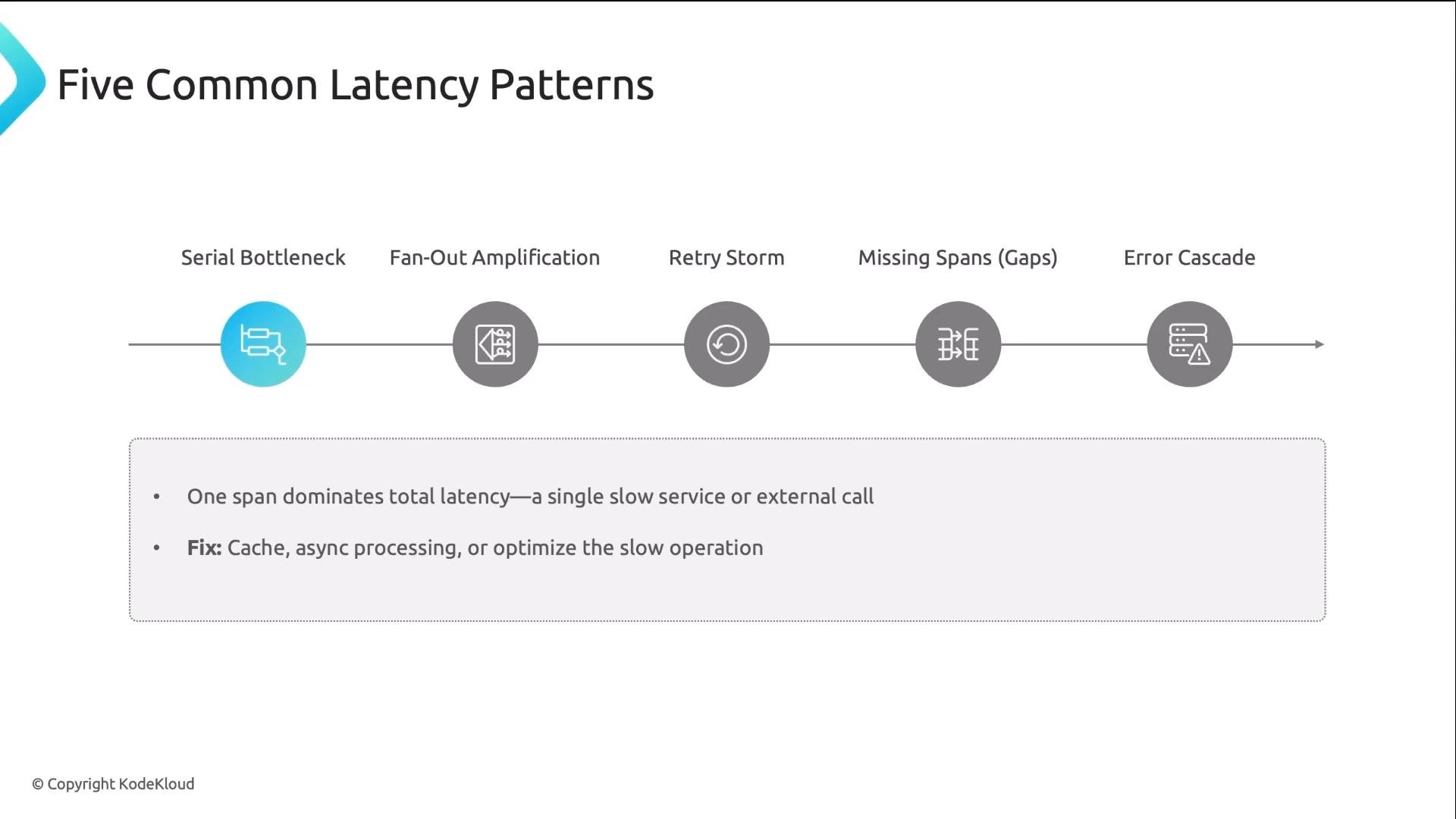
Detailed descriptions and recommendations
-
Serial bottleneck
One span dominates the request. Example: a DB query takes 800 ms in a 900 ms request. Typical fixes: caching, moving work to asynchronous flows, or optimizing the slow operation itself. -
Fan-out amplification
A service calls many downstream services in parallel. If the parent aggregates or waits for results, a single slow child (e.g., 500 ms) sets the latency. Add timeouts, consider hedged requests, and provide graceful degradation to avoid one slow dependency blocking everything. -
Retry storm
A call fails and is retried multiple times. Each retry may include its own timeout, so three retries of a 2-second timeout can add 6 seconds. The correct fix is to address the root failure, not just increase timeouts. Use exponential backoff, jitter, and sensible retry limits.
Retry storms amplify latency and can overload downstream systems. Ensure retries include jitter and exponential backoff, and monitor retry counts as a first alerting signal.
-
Missing spans (gaps)
When child spans add up to less than the parent span, the remaining time is usually uninstrumented work: queue waits, DNS resolution, connection pool waits, network stalls, or processing done outside traced code. Add instrumentation at these boundaries. -
Error cascade
One downstream error causes retries or fallbacks upstream, producing a cascade. Fix the originating error and mitigate propagation using circuit breakers, bulkheads, and defensive timeouts.
- Search and filter — open Jaeger, select the affected service, and set a minimum duration filter (for example
>1sfor slow checkout requests). - Sort and identify — sort traces by duration (descending) and open the slowest traces.
- Compare — if possible, compare a slow trace with a fast trace performing the same operation; differences often point to the root cause.
- Drill down — in the waterfall, find the widest child span and click it to inspect tags, logs/events, and process info.
- Correlate — use the service name, pod/hostname, and timestamp to pull matching metrics and logs for more context.
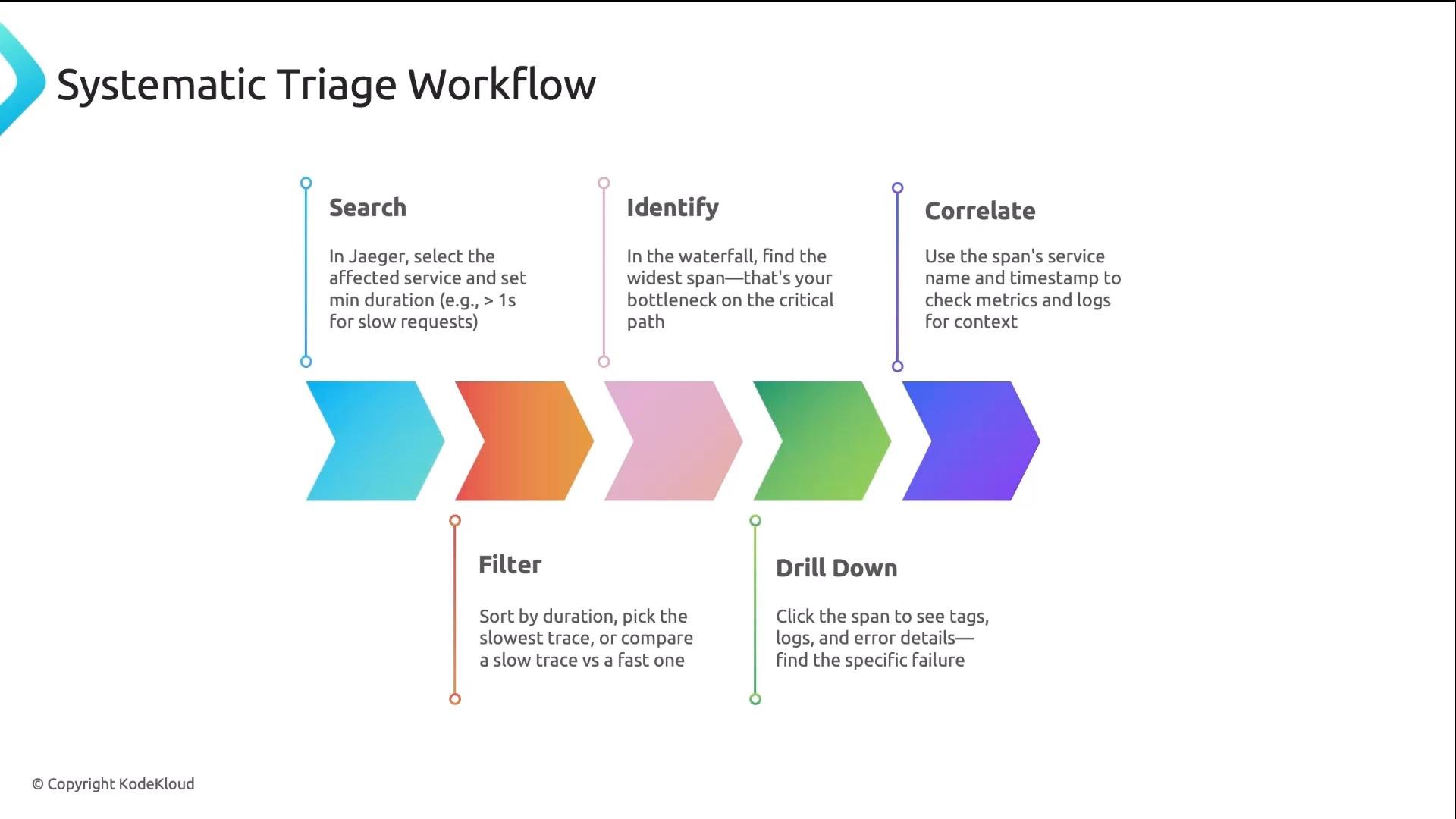
Compare a slow trace with a fast trace for the same operation. The differences between them typically highlight the root cause quickly.
- Tags: structured key/value pairs such as HTTP method, status code, DB type, and the SQL statement.
- Logs/Events: timestamped events inside the span, for example “connection acquired” or “query started”.
- Process information: hostname, pod name, namespace — which identifies the instance that generated the span.
- Always set a minimum duration filter when searching — it filters out healthy traces and surfaces problematic cases.
- Use tags to narrow results, for example
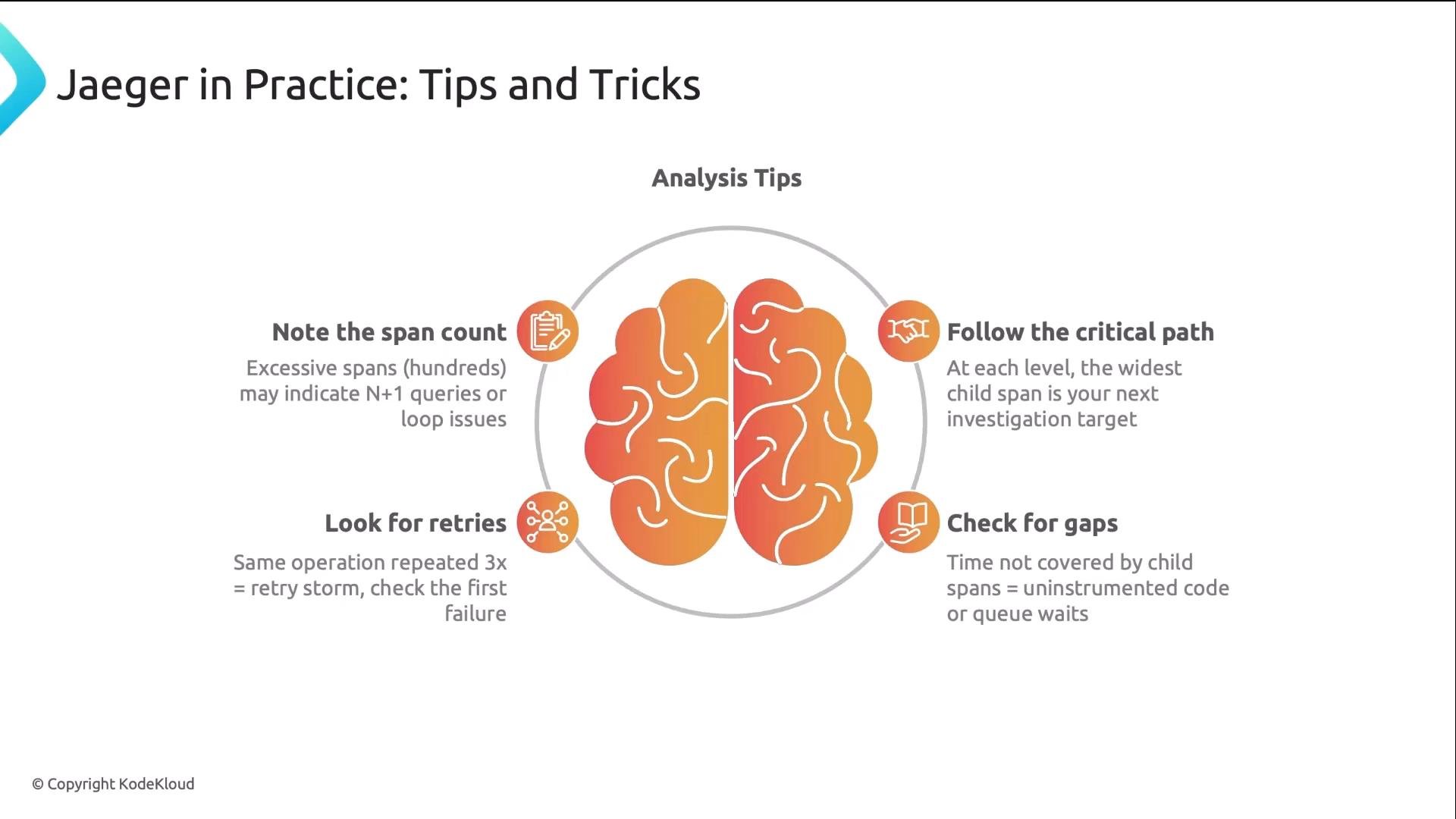
http.status_code=500orerror=true. - Follow the critical path: the widest child span is usually your next target.
- Check for gaps: if child spans don’t add up to the parent duration, look for uninstrumented waits or external work.
- Repeated identical spans back-to-back usually indicate retries; inspect the first failure to find the root cause.
- Correlate trace timestamps with logs and metrics — that combined view often reveals environmental or deployment-related causes.
- Jaeger: https://www.jaegertracing.io
- OpenTelemetry: https://opentelemetry.io
- Observability patterns and best practices: https://en.wikipedia.org/wiki/Observability_(engineering)