

- Learn the limitations of standard, 100%-blast-radius rollouts.
- Compare blue‑green and canary strategies and the scenarios where each is preferred.
- See how Argo Rollouts provides Kubernetes-native progressive delivery, including metric-driven automation.
Progressive delivery improves release safety by combining traffic control, observability, and automated decision-making. You can adopt these strategies incrementally — e.g., start with manual blue‑green cutovers, then add canary traffic splitting and metric analysis.
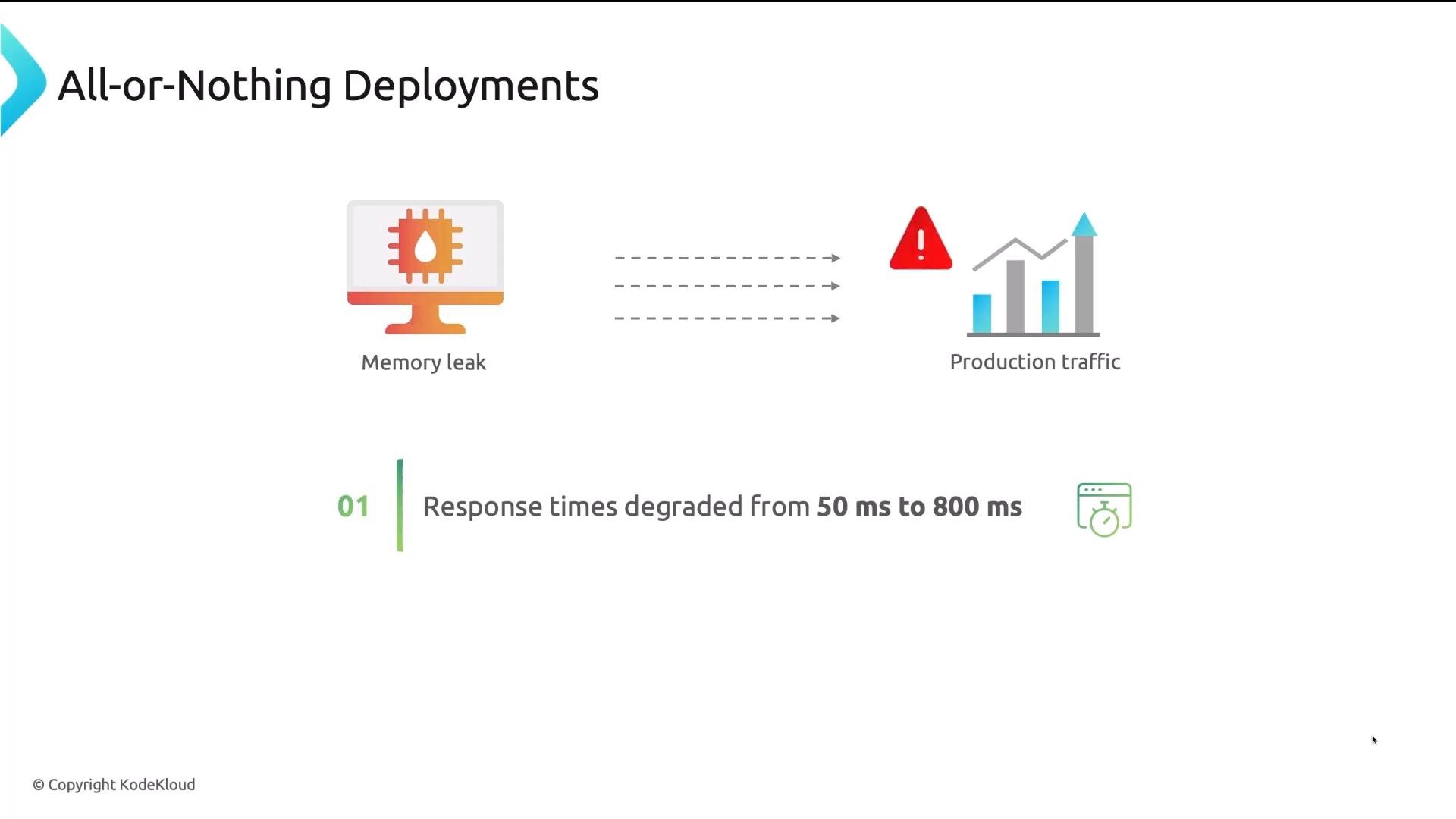
- 100% blast radius: a faulty release impacts every user immediately.
- No native traffic control for validated, gradual exposure.
- Rollbacks may be slow and disruptive due to pod restarts and rebalancing.
- No built-in automated checks that tie application-level metrics to promotion/rollback decisions.
- Maintain two identical environments: Blue (active) and Green (new).
- Deploy the new version into Green, run smoke tests and validations. When ready, perform an instant switch of traffic from Blue to Green (load balancer or service selector change).
- If the Green release misbehaves, switch back to Blue for an immediate rollback.
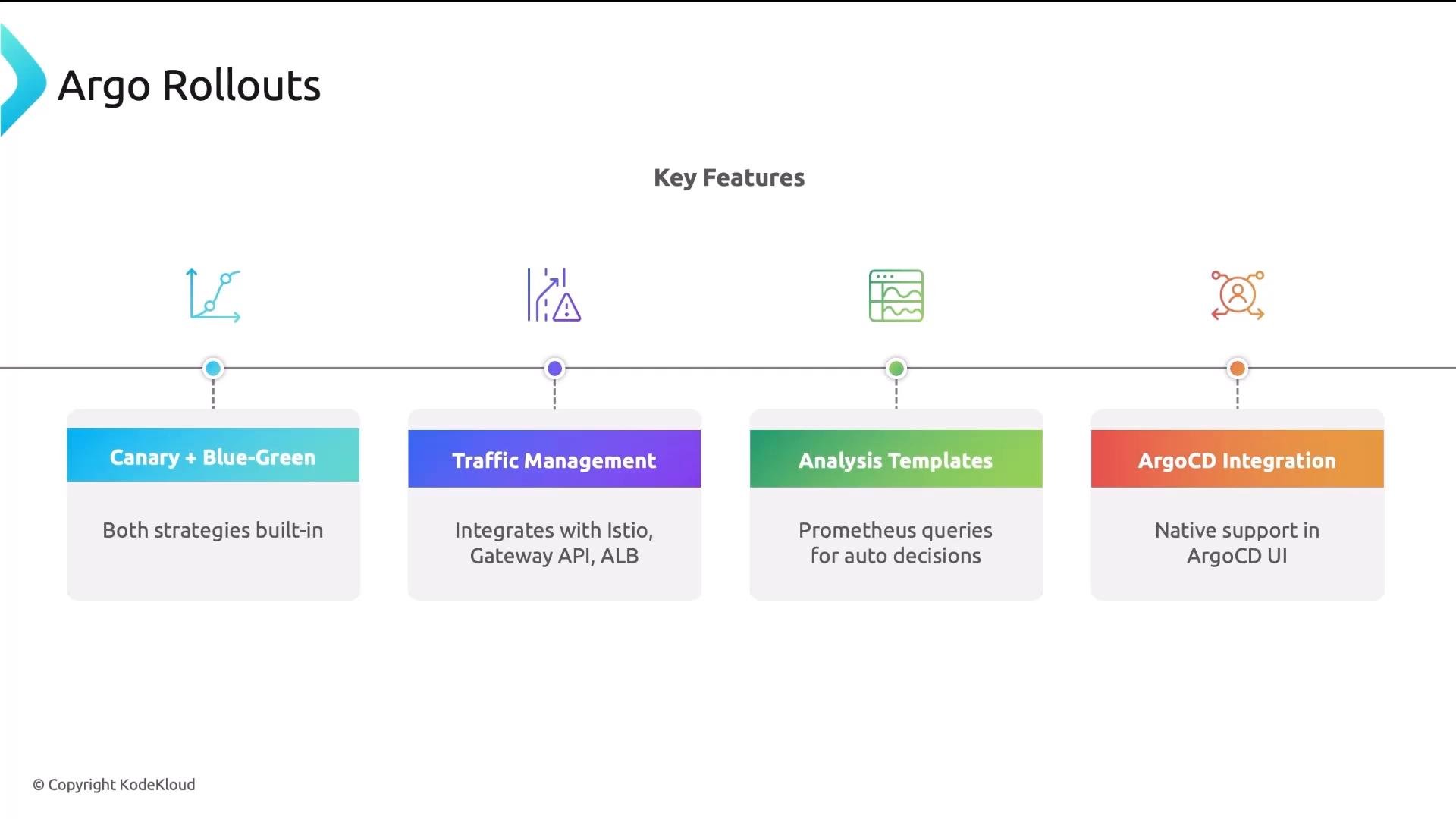
- Instant rollback via traffic switch.
- Zero downtime if the cutover is implemented correctly.
- Allows full testing of the new version before users see it.
- Simple to reason about.
- Requires roughly twice the runtime resources during deployment.
- The cutover is still all-or-nothing — 100% shifts at the switch point.
- Database migrations and schema changes are tricky because both versions may need to be compatible.
- Best for stateless services where instant rollback and simple cutover semantics are valuable and extra resources are acceptable.
When using blue‑green with databases, design migrations for backward compatibility (expand-then-contract), or use feature flags to prevent data-model incompatibilities during the cutover.
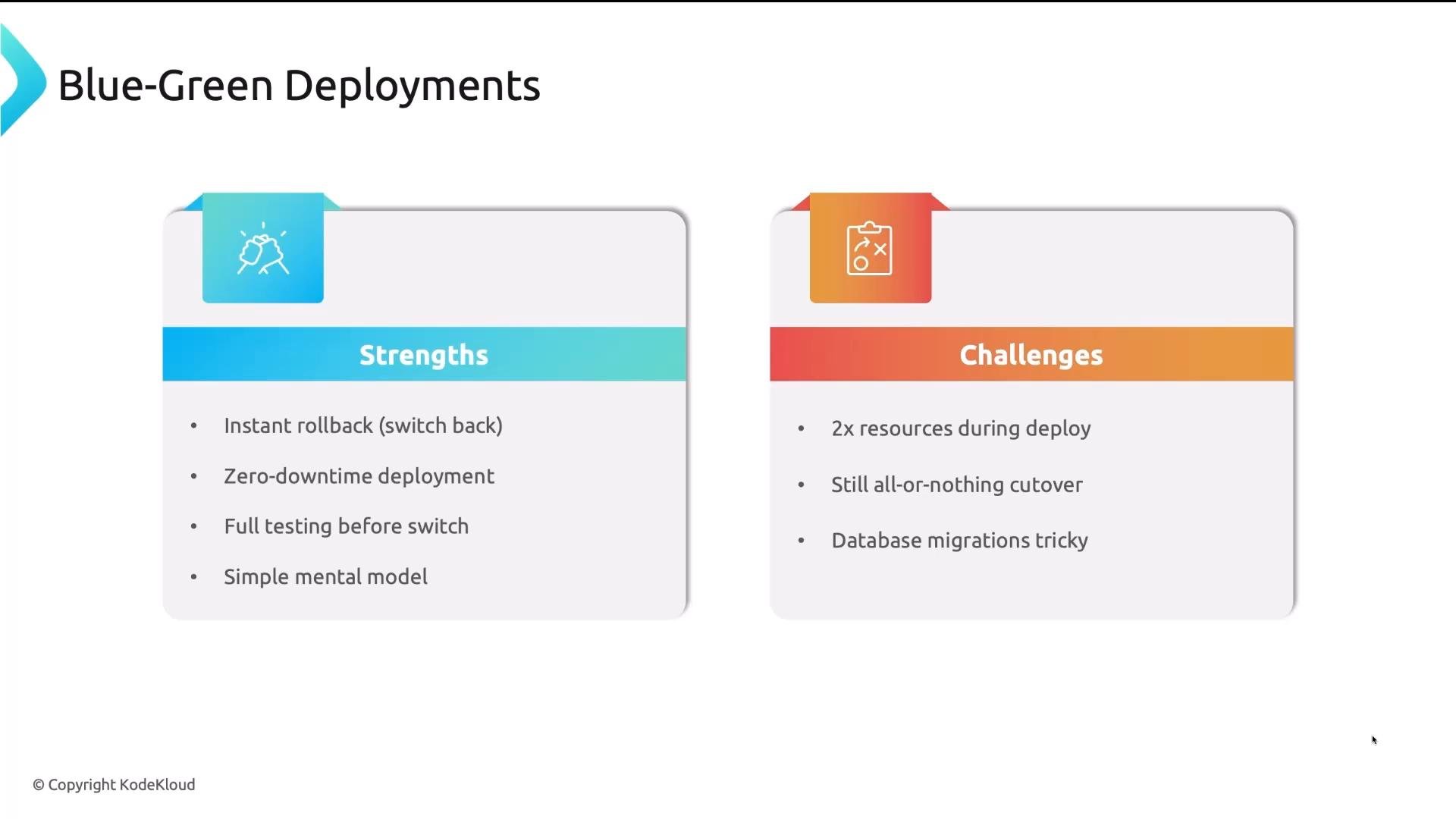
- Shift a small portion of production traffic to the new version and observe targeted metrics (error rate, latency, resource usage, business KPIs).
- If metrics remain within acceptable bounds, increase the traffic weight incrementally until the canary reaches 100% or is promoted to stable.
- If metrics cross thresholds at any step, automatically or manually rollback the canary to 0%.
- Start at 5% traffic to the canary (v2) and 95% to stable (v1).
- Monitor for a defined period using latency, error rates, and custom business metrics.
- Gradually increase to 25%, 50%, then 100% if metrics are OK.
- Minimizes blast radius by limiting initial exposure.
- Promotions are metric-driven and can be automated.
- Tests the new version under real user traffic patterns.
- Requires traffic-splitting capabilities (ingress controller, service mesh, or cloud ALB).
- Higher operational complexity; needs an observability stack and automated analysis to be effective.
- Configuration and tooling are required to automate safe promotions and rollbacks.
- Ideal for high-traffic applications where validating real-world behavior is important before full promotion.
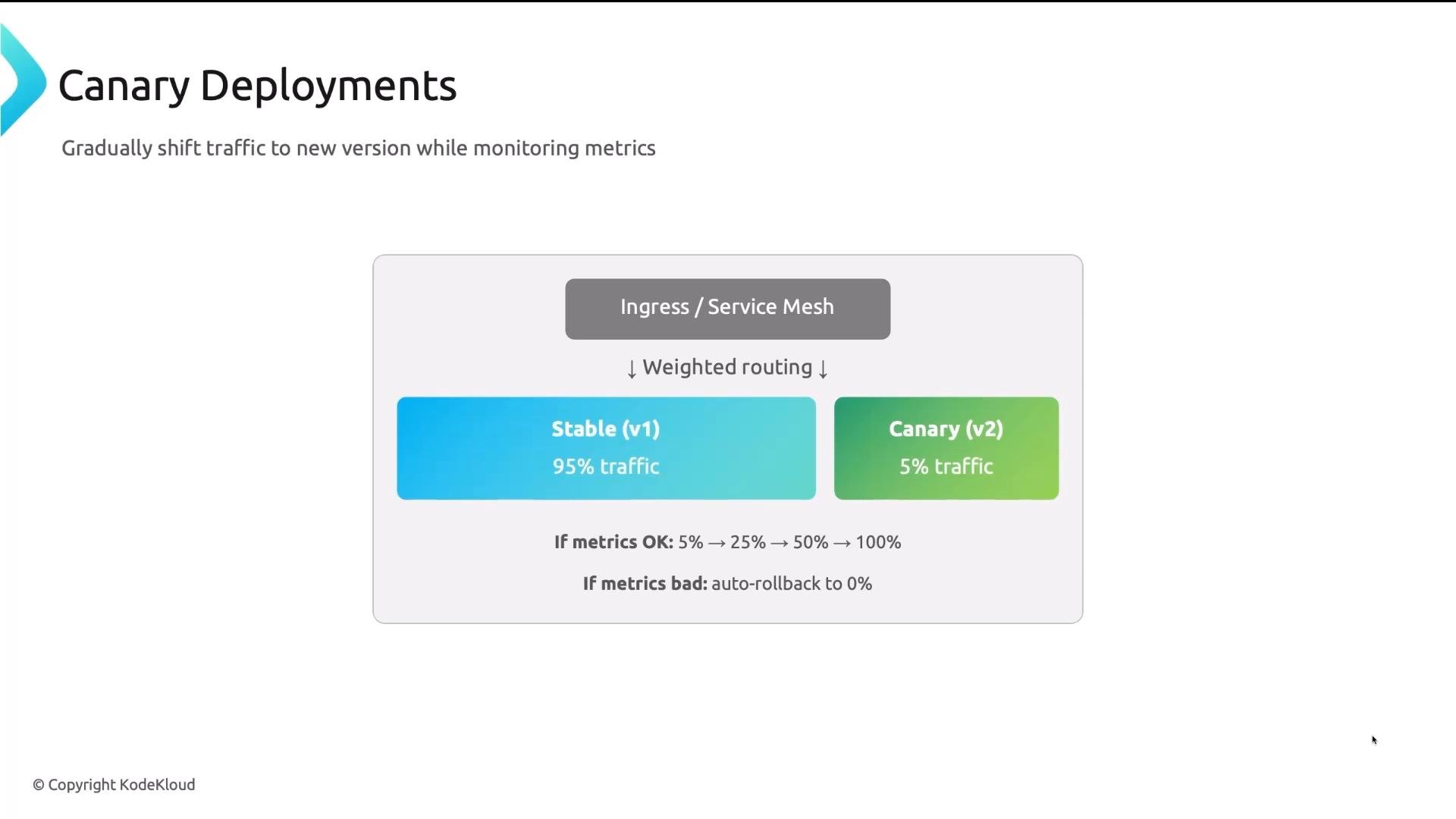
- Native support for both canary and blue‑green strategies.
- Integrates with traffic managers like Istio, the Gateway API, and cloud ALBs for traffic splitting.
- Supports analysis templates to make automated decisions from metrics (Prometheus, Datadog, SLOs, etc.).
- Integrates with Argo CD so rollouts are visible and manageable from the Argo CD UI.
- Steps can include
setWeightto control traffic percentage,pausefor manual/time-based waits, andanalysisto run metric checks before proceeding.
- Prometheus queries and alerts for latency/error-rate checks.
- Datadog monitors and composite alerts.
- Custom webhooks that evaluate business KPIs.
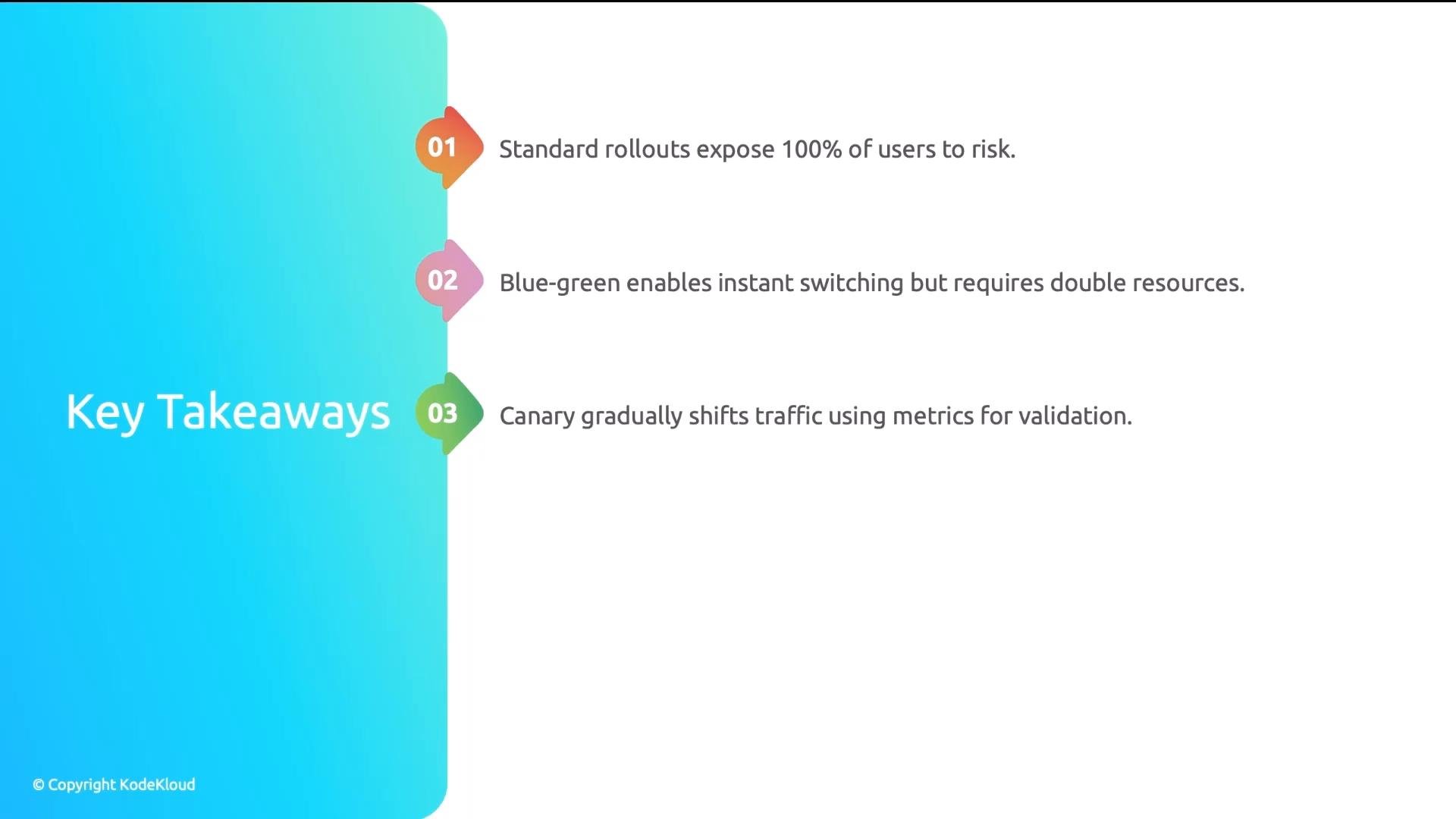
Key takeaways
- Standard rollouts expose all users to risk if a release contains regressions.
- Blue‑green provides rapid cutover and instant rollback but needs more resources and careful DB migration planning.
- Canary deployments minimize blast radius and validate releases against real user traffic; they are most effective when tied to robust observability and automated analysis.
- Tools like Argo Rollouts make progressive delivery practical by combining traffic control, analysis templates, and integrations with service meshes and Argo CD.
- Argo Rollouts documentation
- Argo CD
- Istio
- Gateway API
- Prometheus
- Datadog
- AWS Application Load Balancer (ALB)