Security levels (from permissive to restrictive)
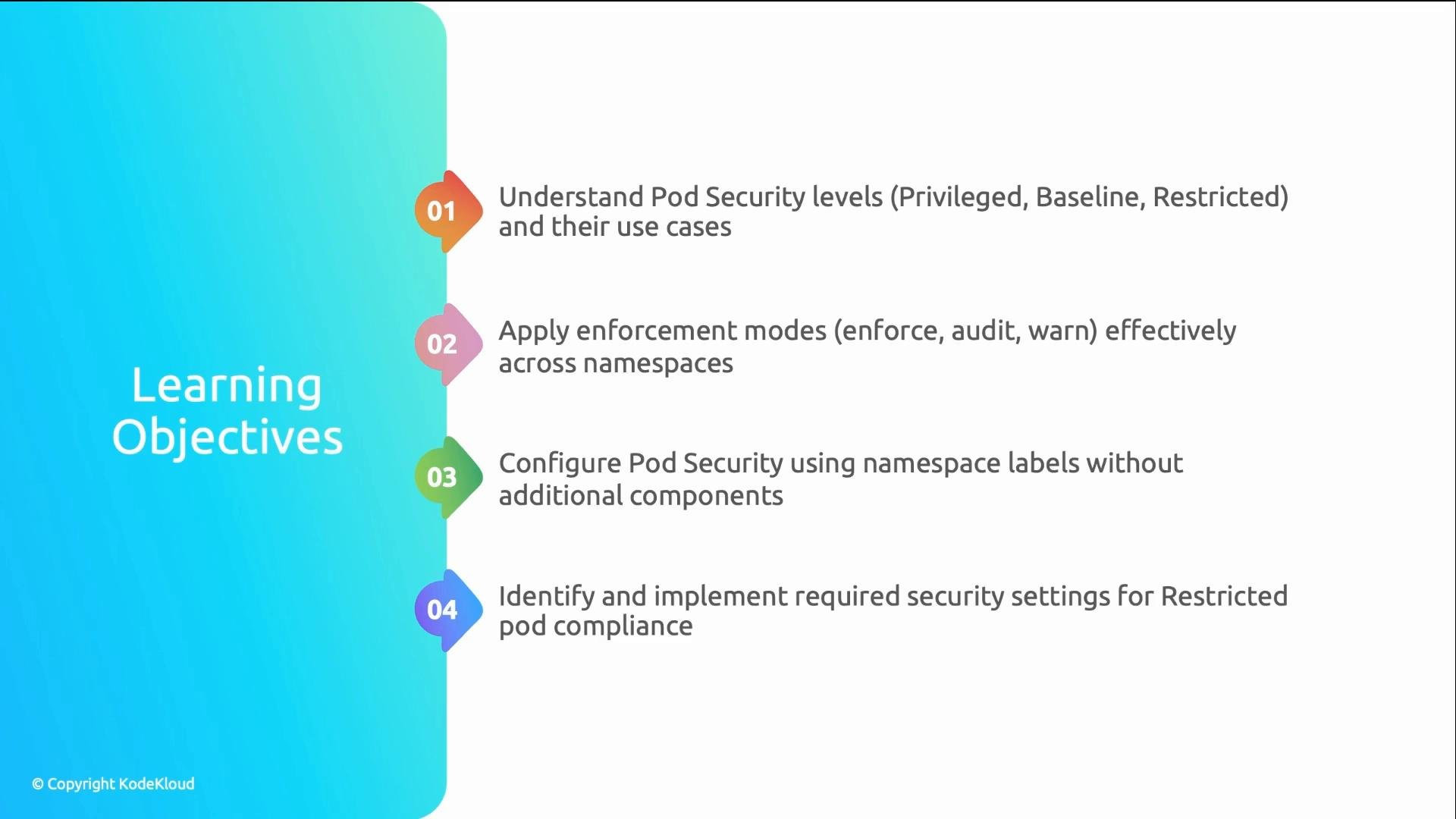
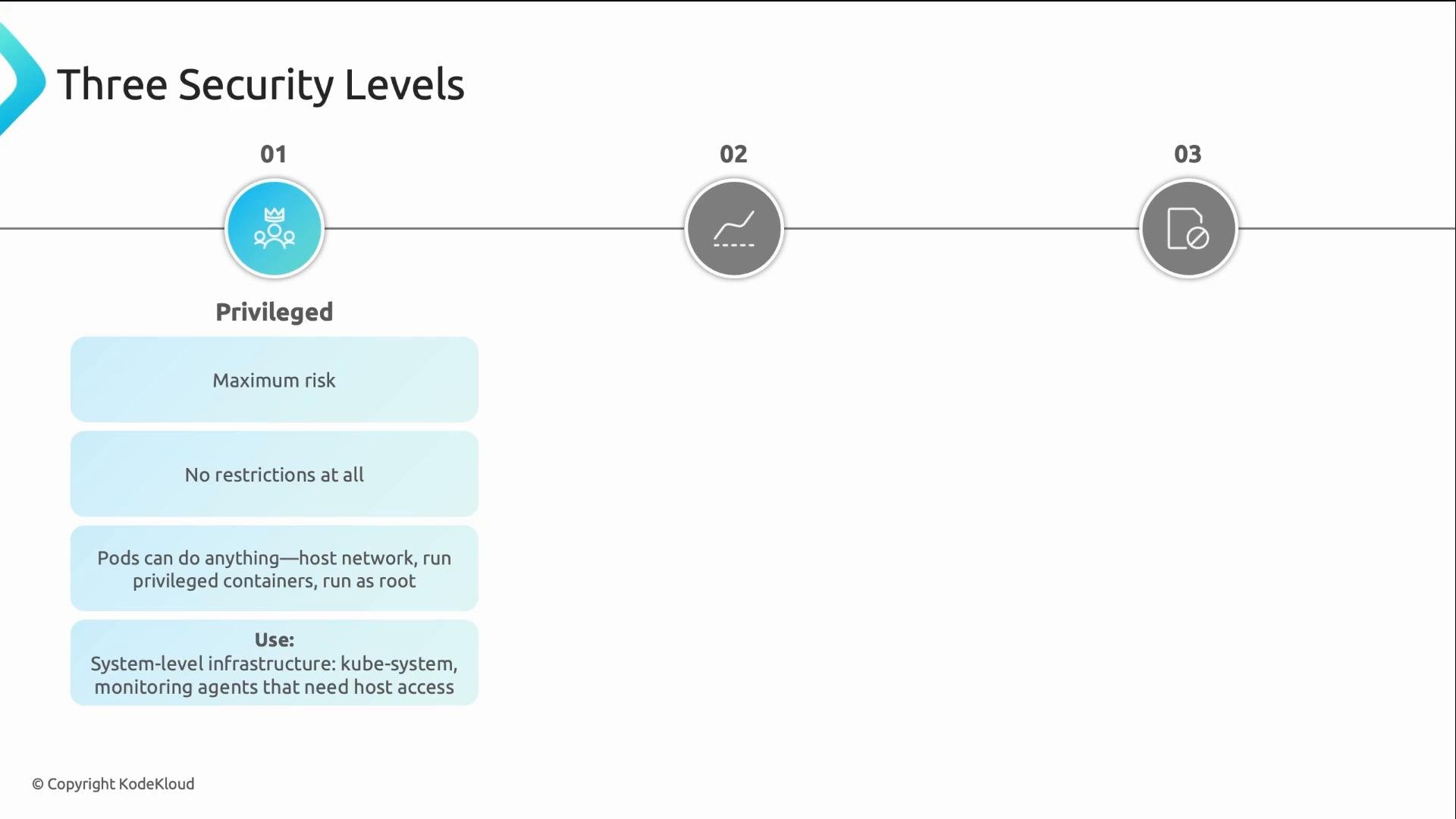
PSS defines three levels that control pod runtime privileges and capabilities. Choose the level that matches the trust and requirements of each namespace.1) Privileged
- Most permissive — no PSS runtime restrictions.
- Pods may use host network, bind to host PID, run privileged containers, or run as root.
- Intended only for system infrastructure that genuinely needs host access (for example
kube-system, CNI plugins, or low-level monitoring agents).
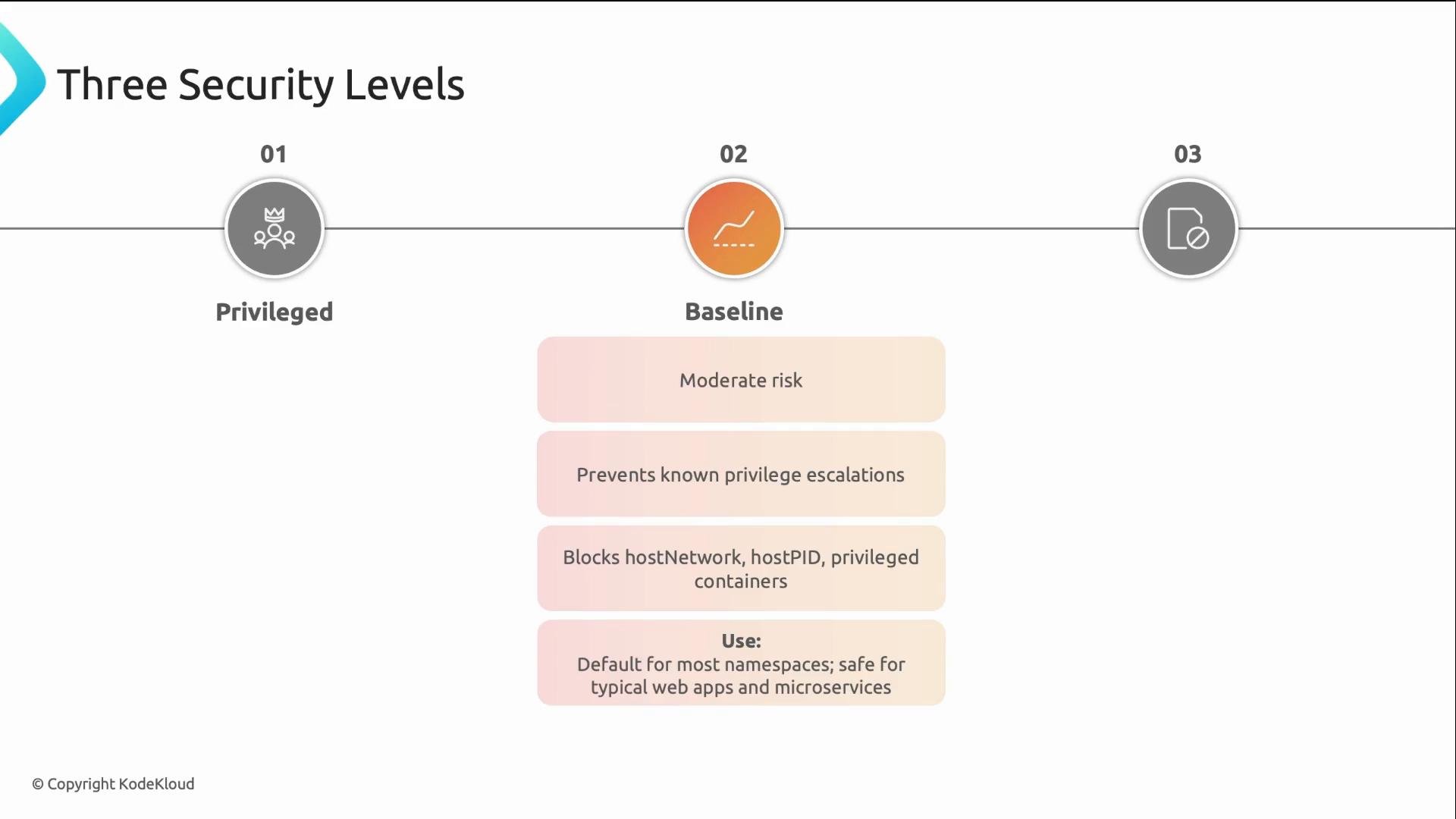
2) Baseline
- Safe default for most namespaces and most applications.
- Blocks dangerous host-level capabilities such as host networking, host PID, privileged containers, and host mounts.
- Many applications run on Baseline unchanged, though they may still run as
rootunless other controls restrict them.
3) Restricted
- Maximum lockdown — includes Baseline restrictions plus stricter runtime constraints.
- Requires containers to run as non-root, drop most capabilities, prefer read-only root filesystems, and use a seccomp profile.
- Use for high-assurance or sensitive workloads; applications may need modification to comply.
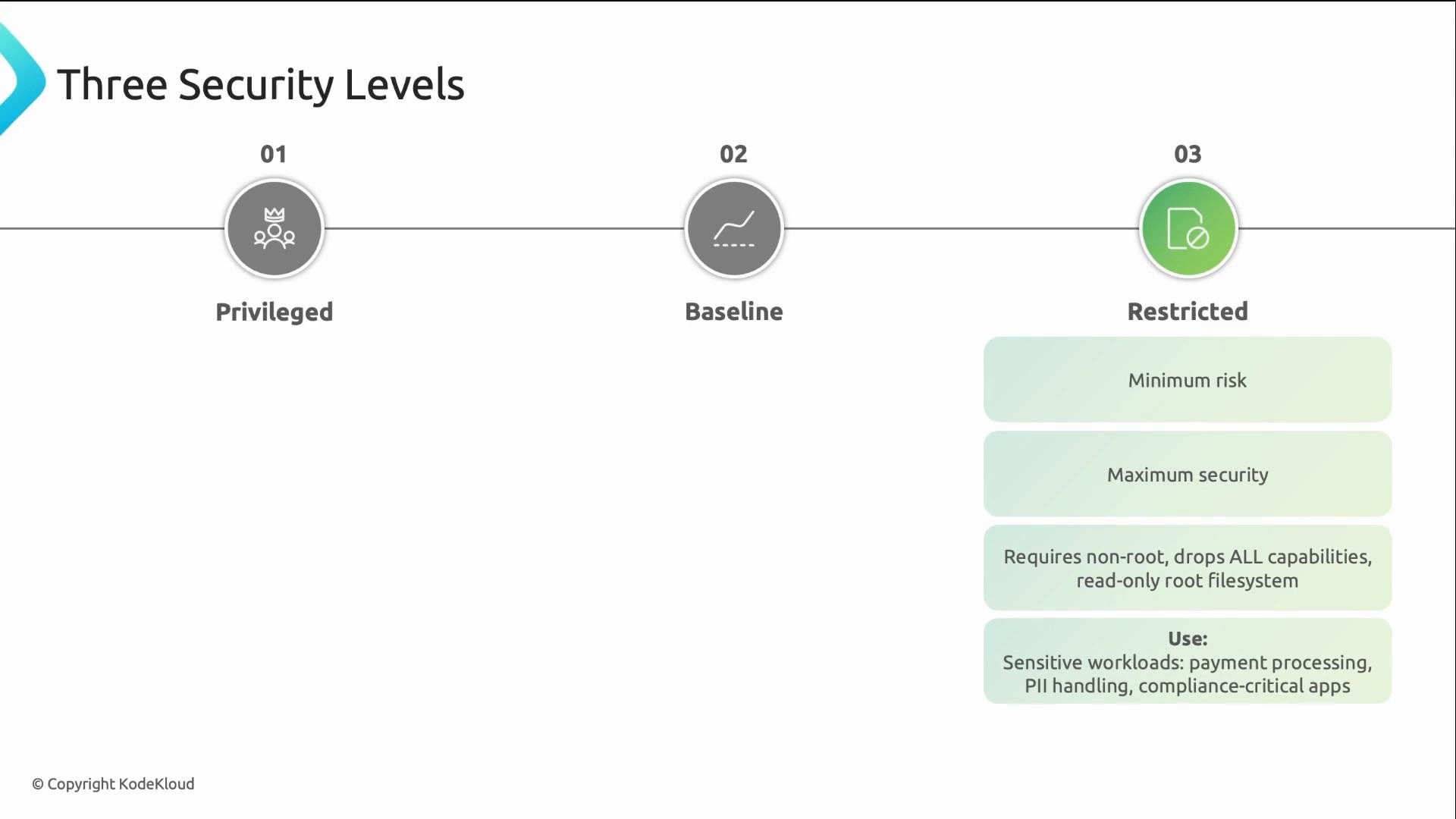
Quick comparison
Key guidance:
- Use Baseline as the default for most namespaces.
- Use Restricted for workloads that require strict runtime guarantees.
- Use Privileged only for components that truly require host access.
Enforcement modes — Enforce, Audit, Warn
PSS supports three independent modes that you can set per namespace and per mode:- Enforce — hard blocker: pods that violate the policy are rejected by the API server.
- Audit — silent logging: violations are recorded for review, but pods are allowed.
- Warn — admission warnings: pods are allowed and the API server returns a visible warning message.
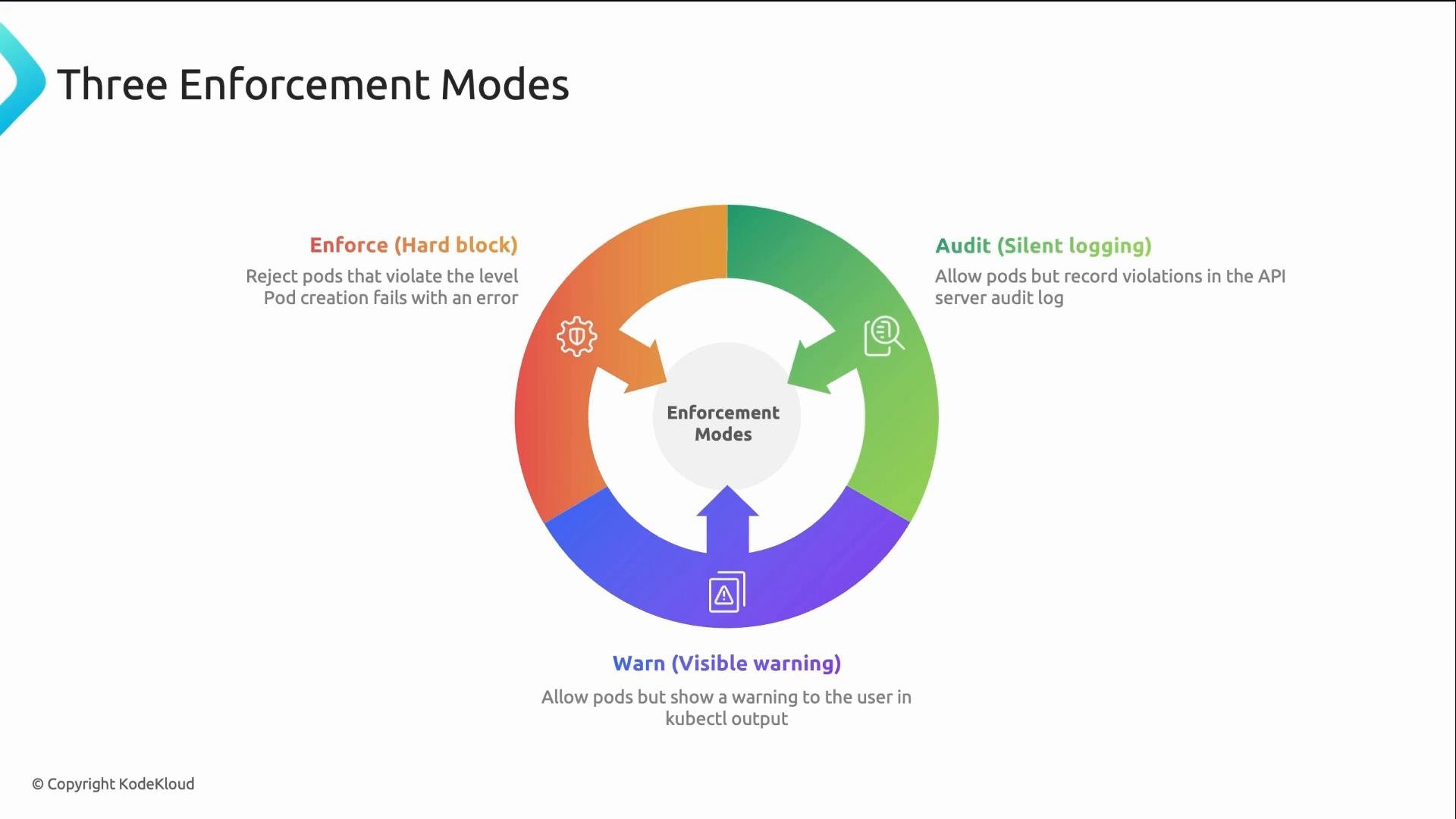
How to apply Pod Security Standards (namespace labels)
PSS is configured via namespace labels only — no CRDs or external webhooks required. You can set each mode independently (enforce, audit, warn) and pin a policy version if needed. Label format and examples:
Example: enforce Baseline, audit and warn Restricted for the
payments namespace
kubectl label command is often all you need to start enforcing PSS for a namespace. Try this in a test namespace first to observe Audit/Warn output before switching to Enforce.
PSS vs Gatekeeper / Kyverno
PSS provides the zero-install runtime floor for Pod configuration. It intentionally focuses on runtime capabilities and host access. For policies PSS does not cover (for example requiring images from specific registries, enforcing custom labels, or applying complex mutations and organization-wide constraints), use a policy engine such as Gatekeeper or Kyverno.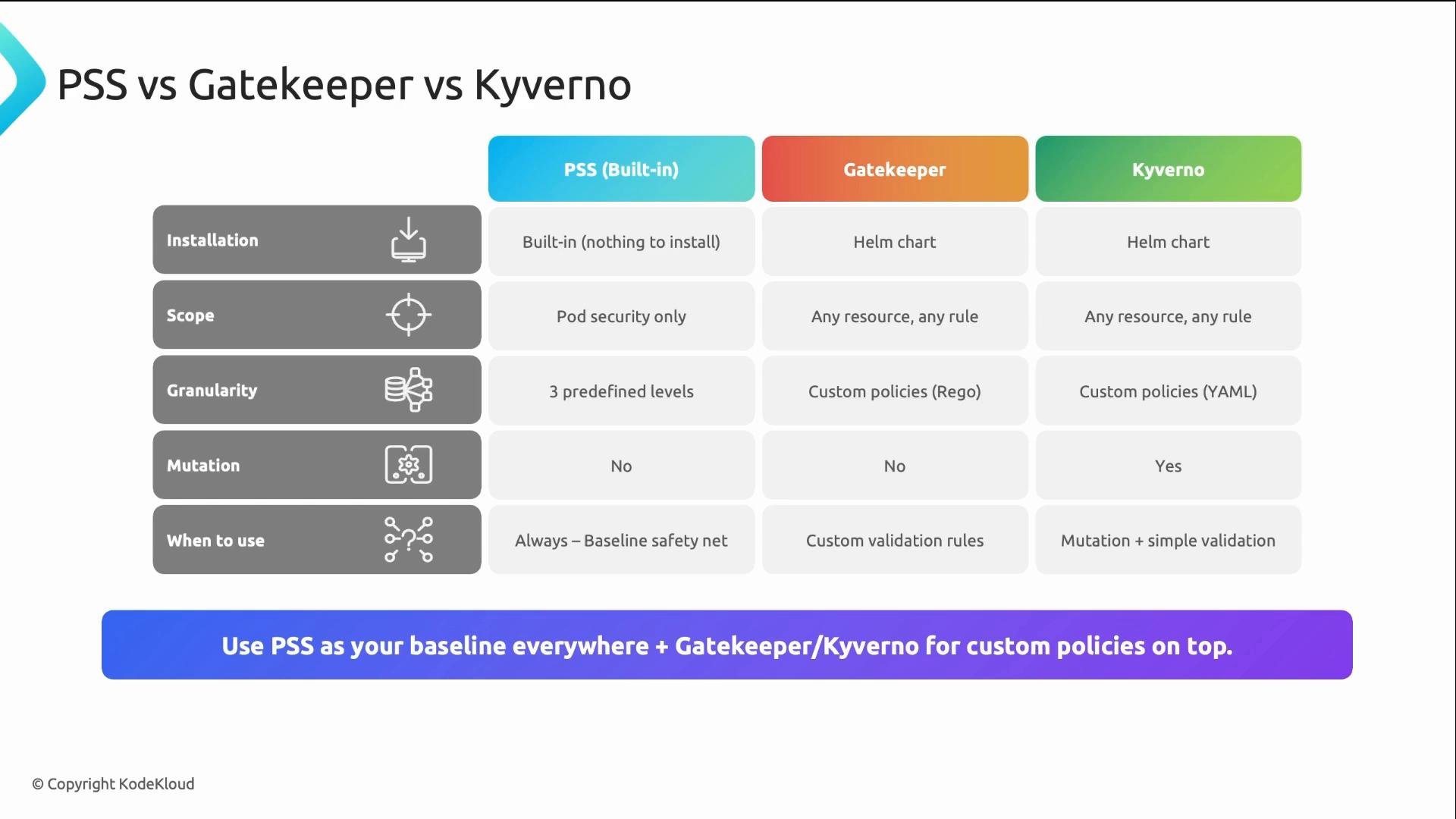
Pod Security Standards provide zero-install, cluster-wide protection for pod runtime configuration. Treat them as the baseline (floor) and use policy engines like Gatekeeper or Kyverno to enforce additional, higher-granularity rules.
Practical checklist for Restricted compliance
- Run containers as a non-root user (
runAsNonRoot: true). - Disallow privilege escalation (
allowPrivilegeEscalation: false). - Drop unnecessary Linux capabilities (
capabilities.drop: ["ALL"]). - Prefer read-only root filesystems (
readOnlyRootFilesystem: true) where possible. - Use an appropriate seccomp profile (for example
RuntimeDefaultor a custom profile).
Summary / Key takeaways
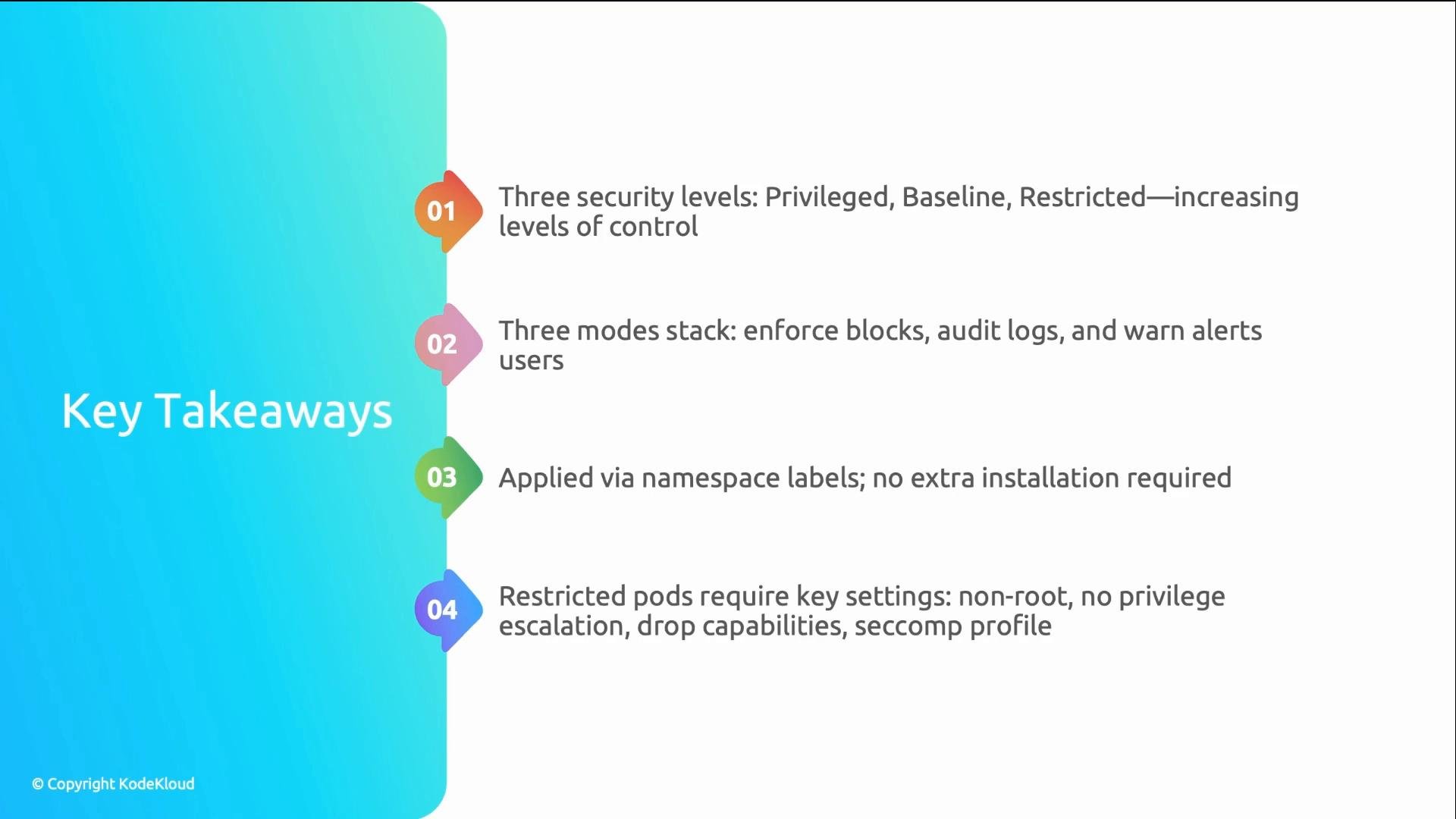
- Three PSS levels: Privileged (most permissive), Baseline (recommended default), Restricted (maximum lockdown).
- Three modes: Enforce (rejects), Audit (logs), Warn (returns admission warnings). Modes are independent and stack.
- Apply PSS with namespace labels — no additional installation required.
- For higher-granularity or organizational policies (image sources, required labels, mutations), layer Gatekeeper or Kyverno on top of PSS.